How to Create a Fully Managed Kafka Cluster using Amazon MSK?
Share
Condition for Create a Fully Managed Kafka Cluster using Amazon MSK
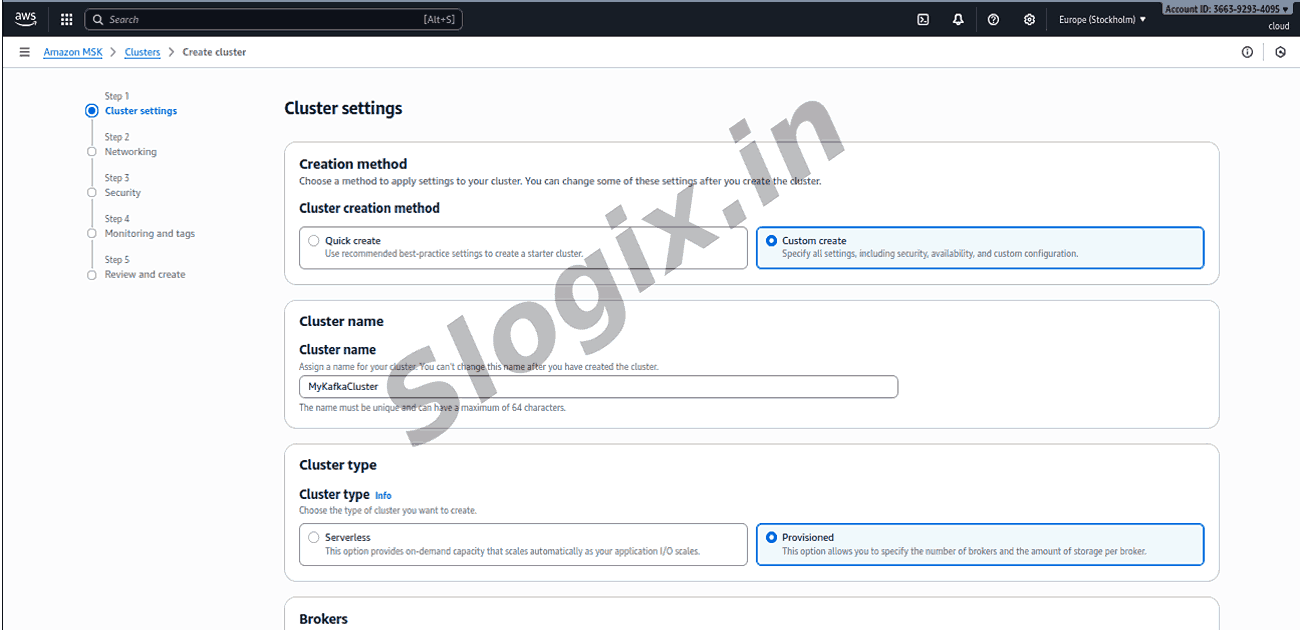
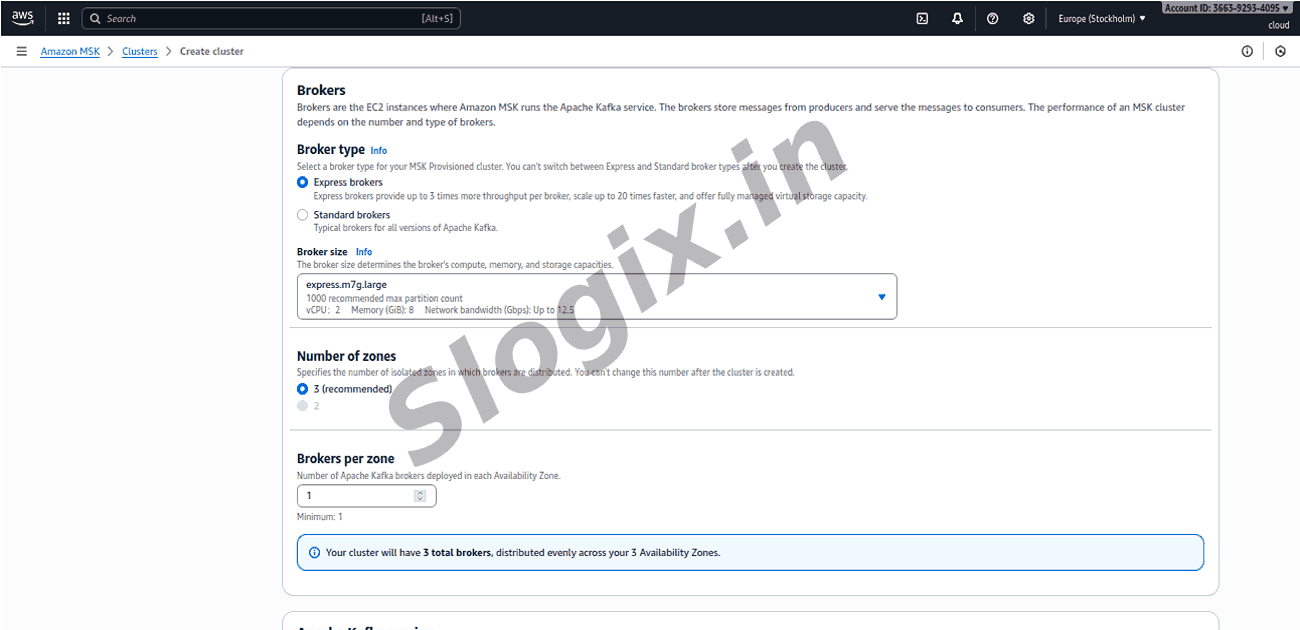
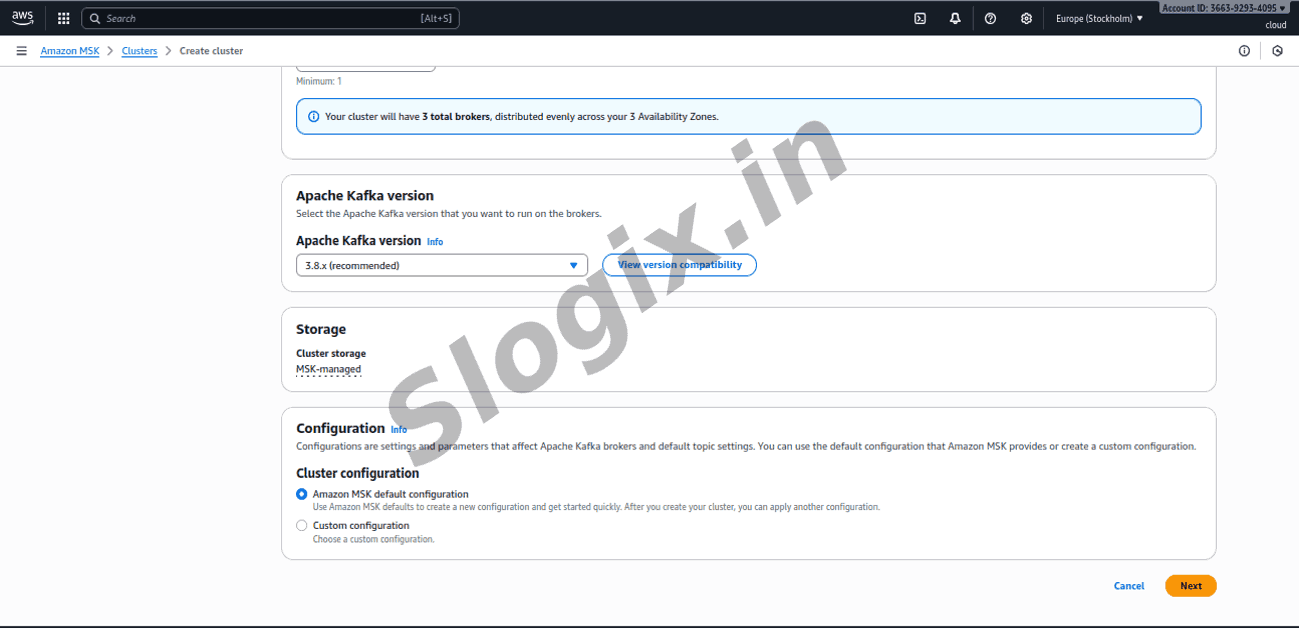
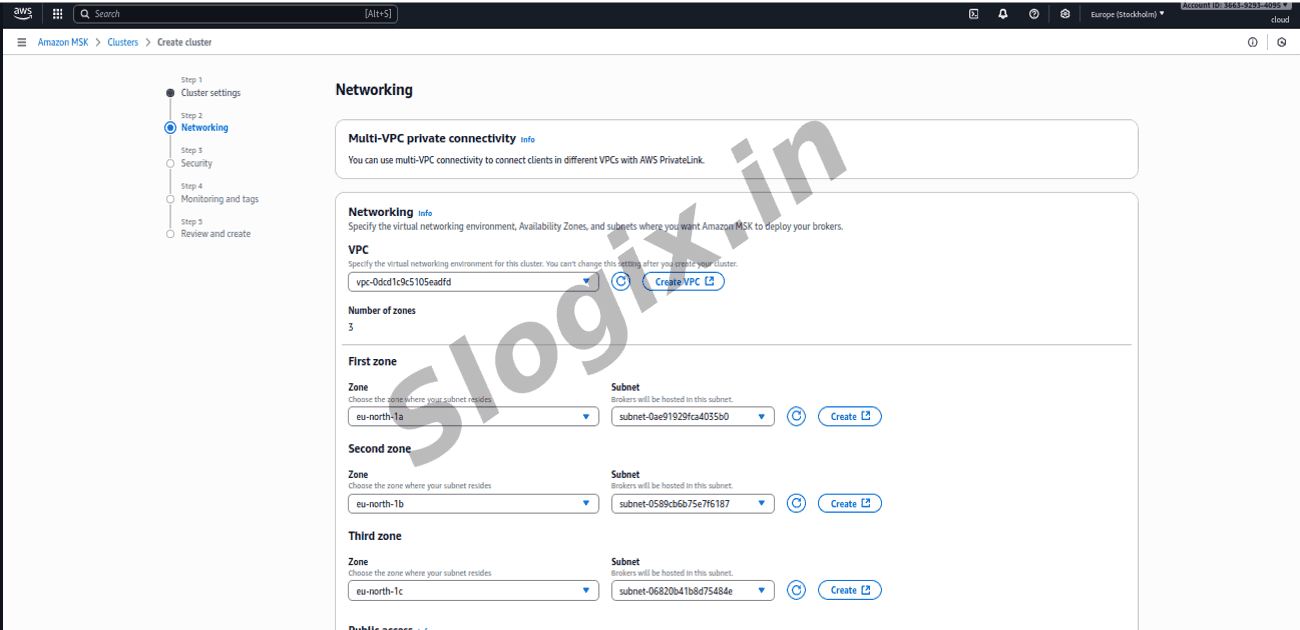
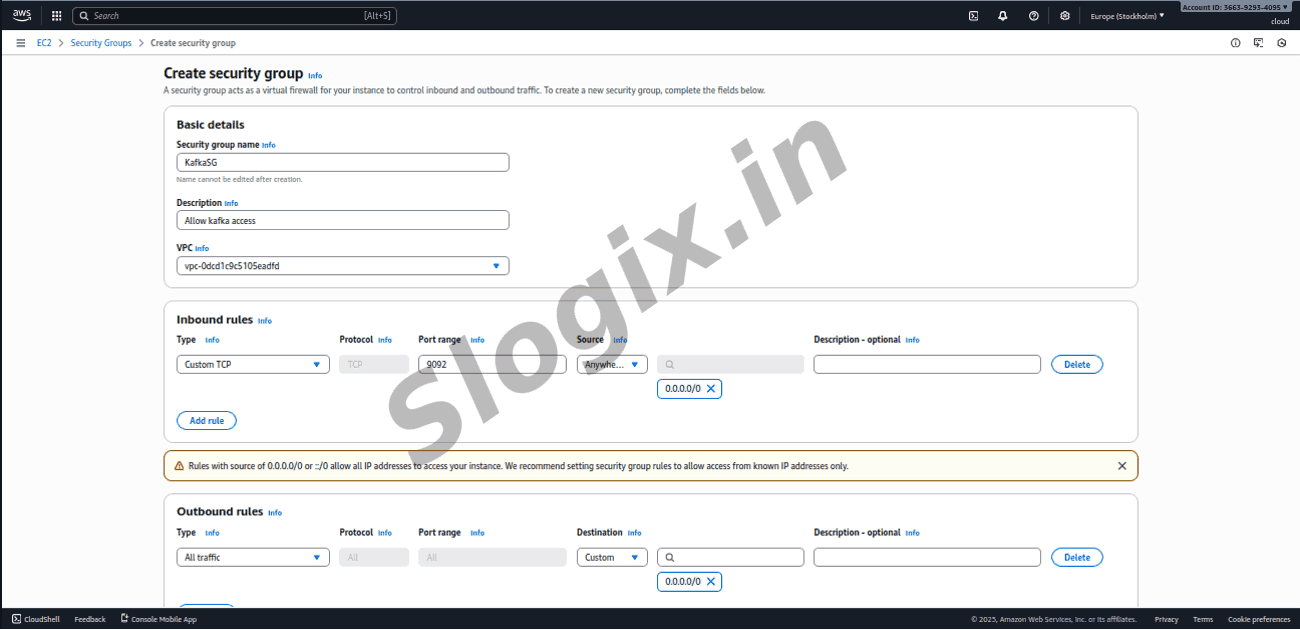
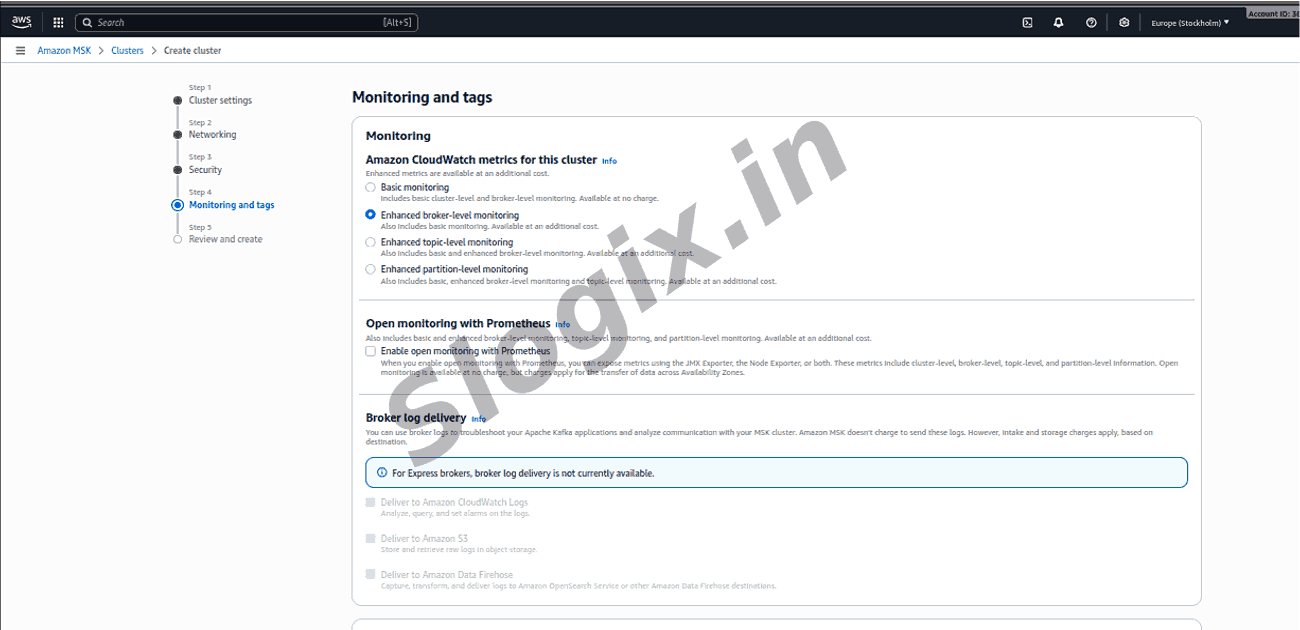
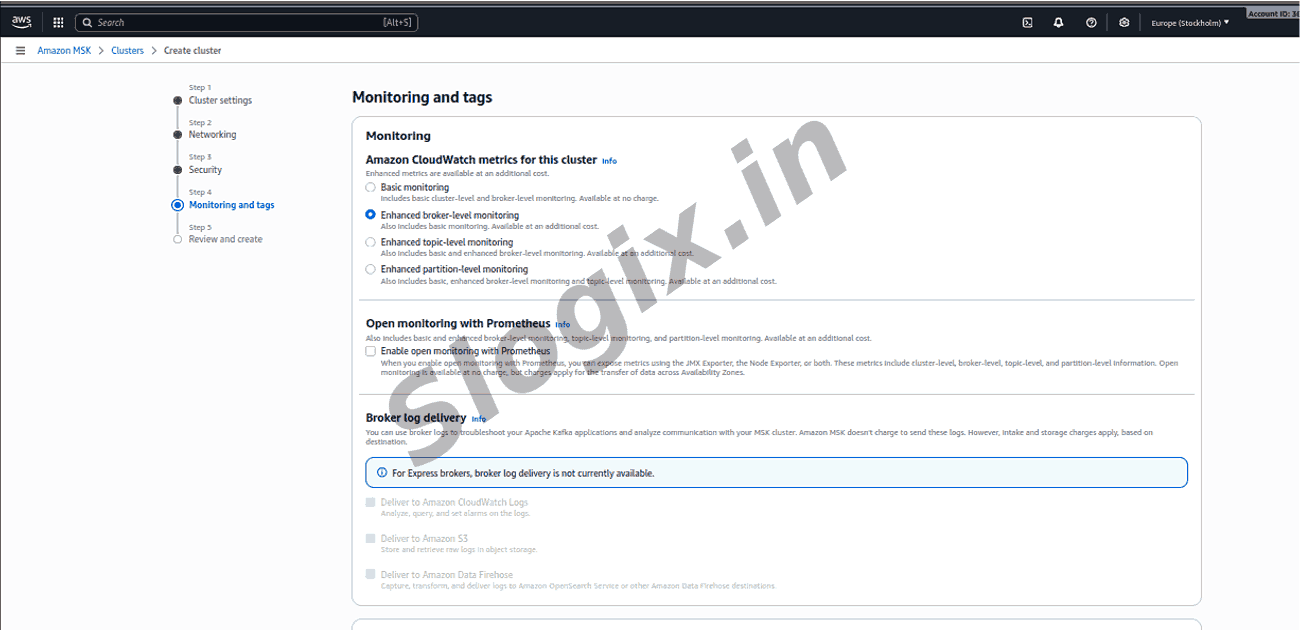
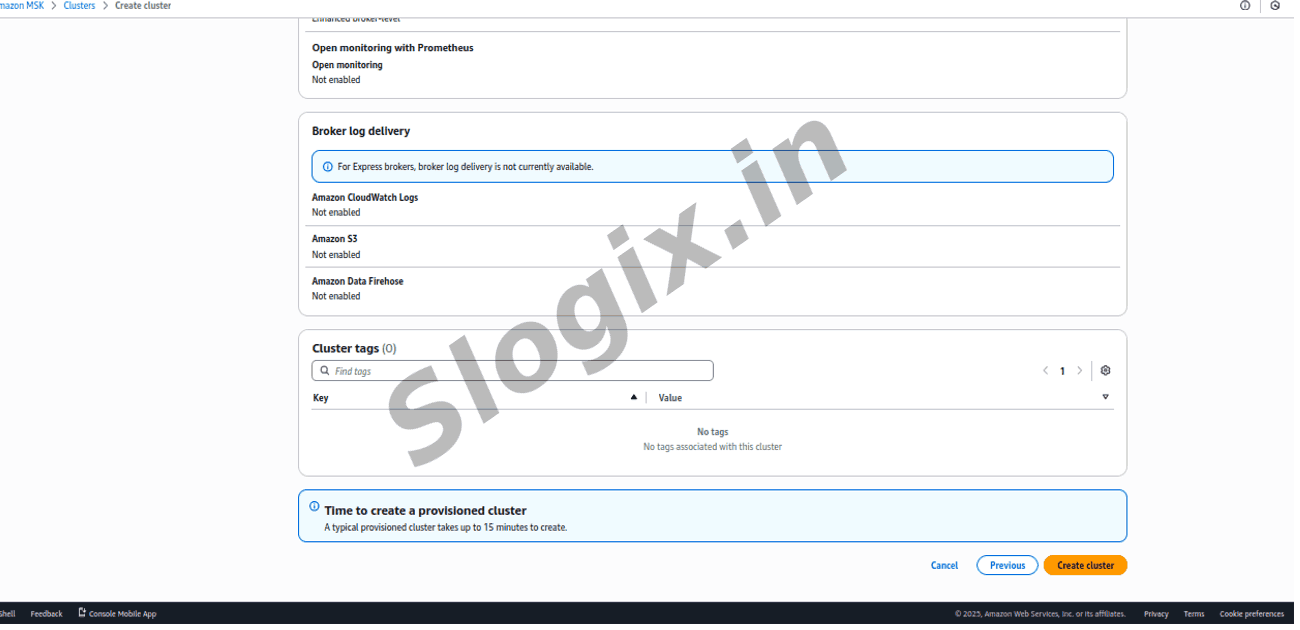
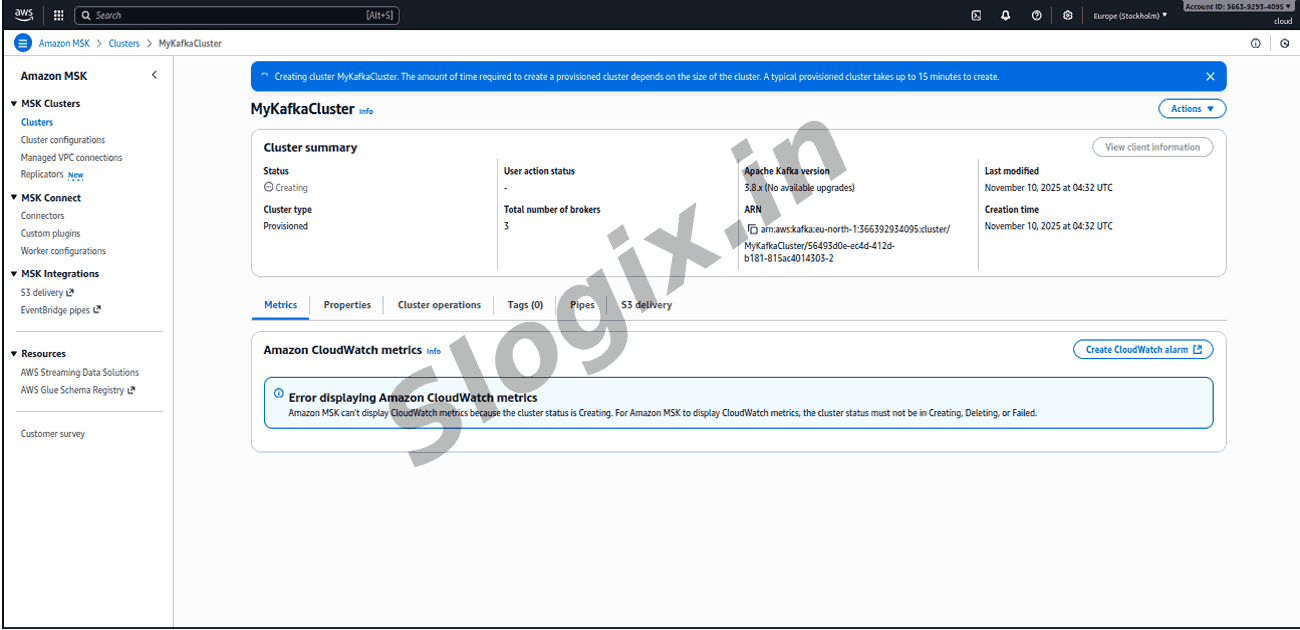
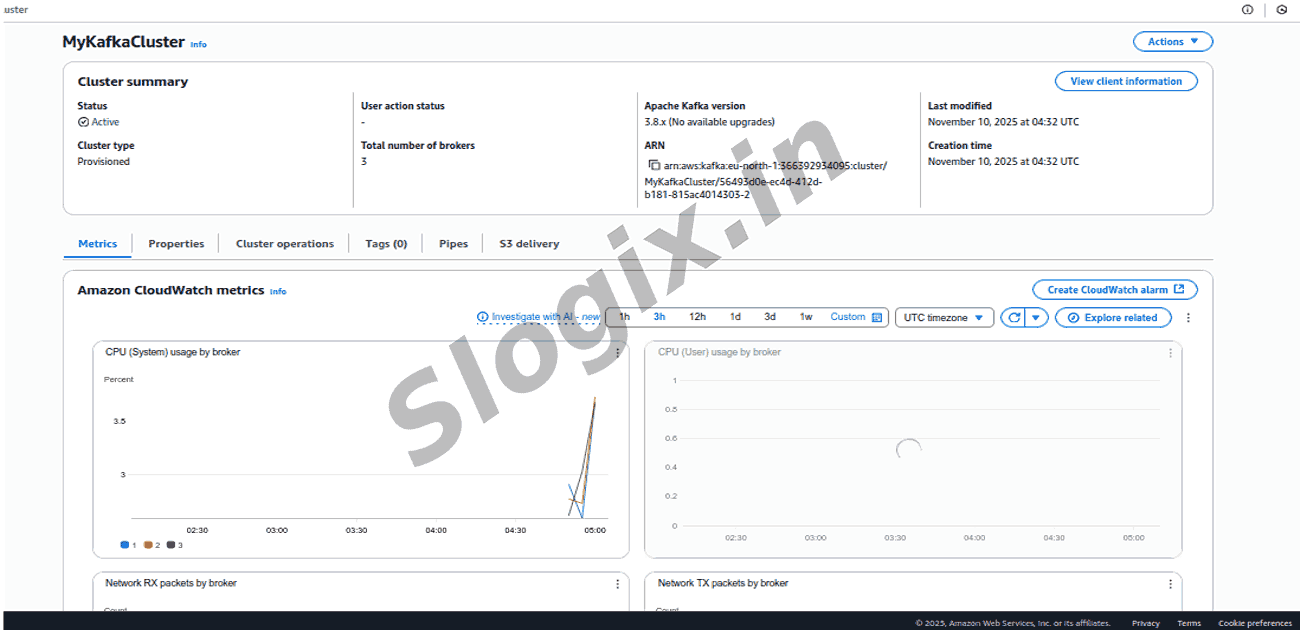
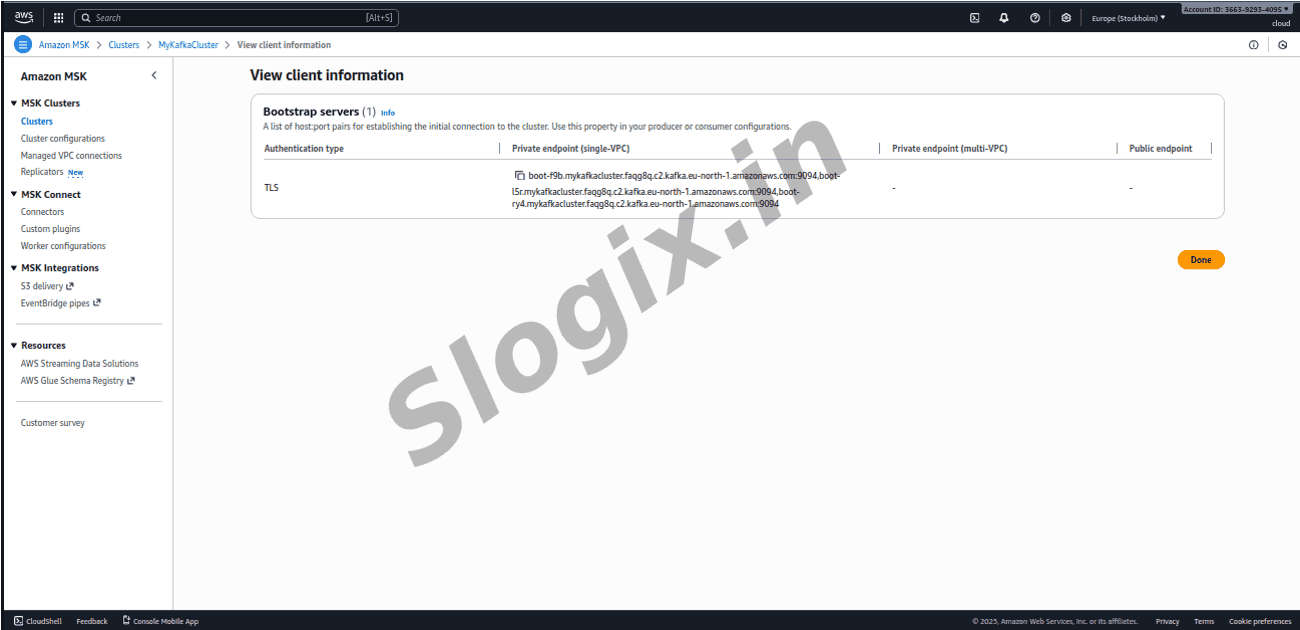
Description: This activity focuses on setting up a fully managed Apache Kafka environment using Amazon MSK. The process begins by opening the Amazon MSK console and creating a new cluster using the custom configuration option. A three-broker setup is selected to ensure high availability and fault tolerance. The cluster is placed inside an existing VPC, and three private subnets are chosen to distribute the brokers across multiple Availability Zones. A security group is configured to allow Kafka traffic on port 9092 from the EC2 instances that will act as producers or consumers. Once the setup is complete, the cluster transitions to the Active state, making the managed Kafka environment ready for message streaming operations.
Steps
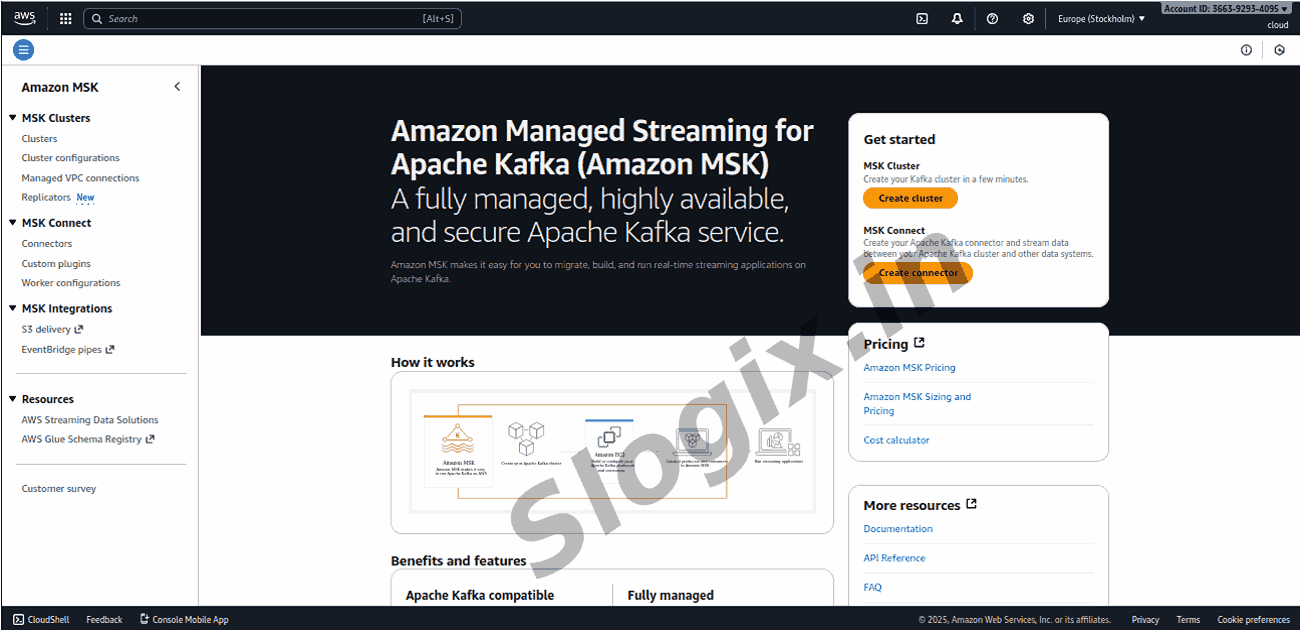
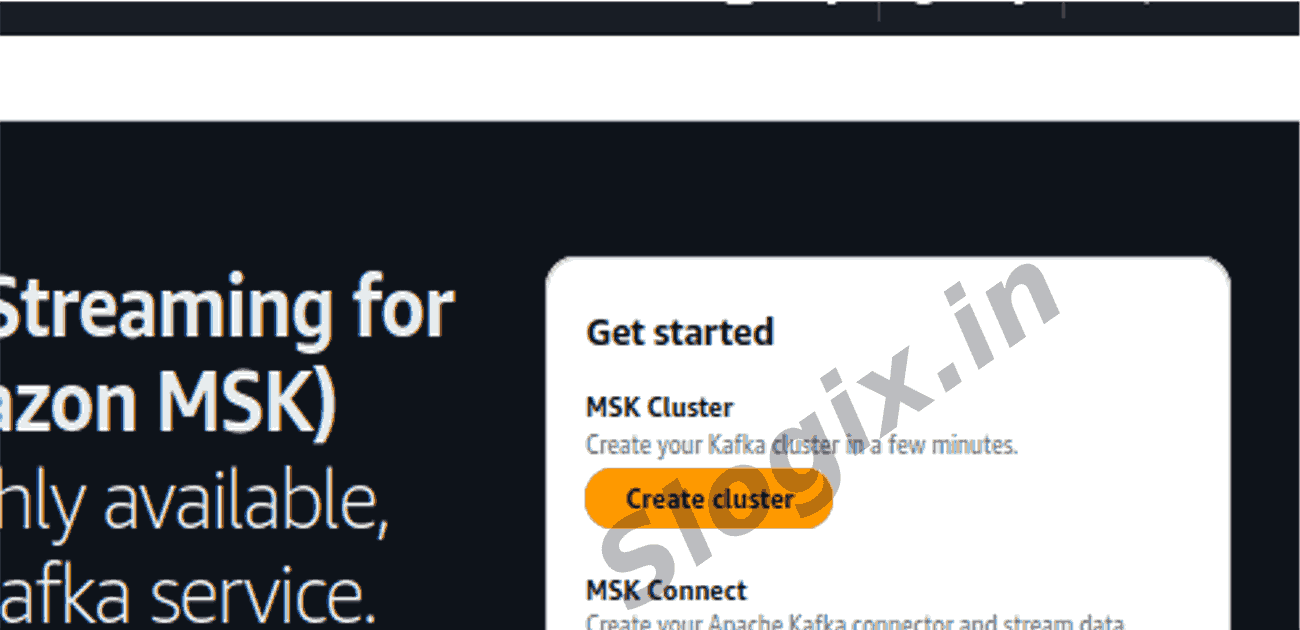
Open AWS Console → Amazon MSK → Create cluster
Choose Custom cluster
Select 3 brokers (for HA)
VPC: Choose the existing VPC
Subnets: Choose 3 private subnets
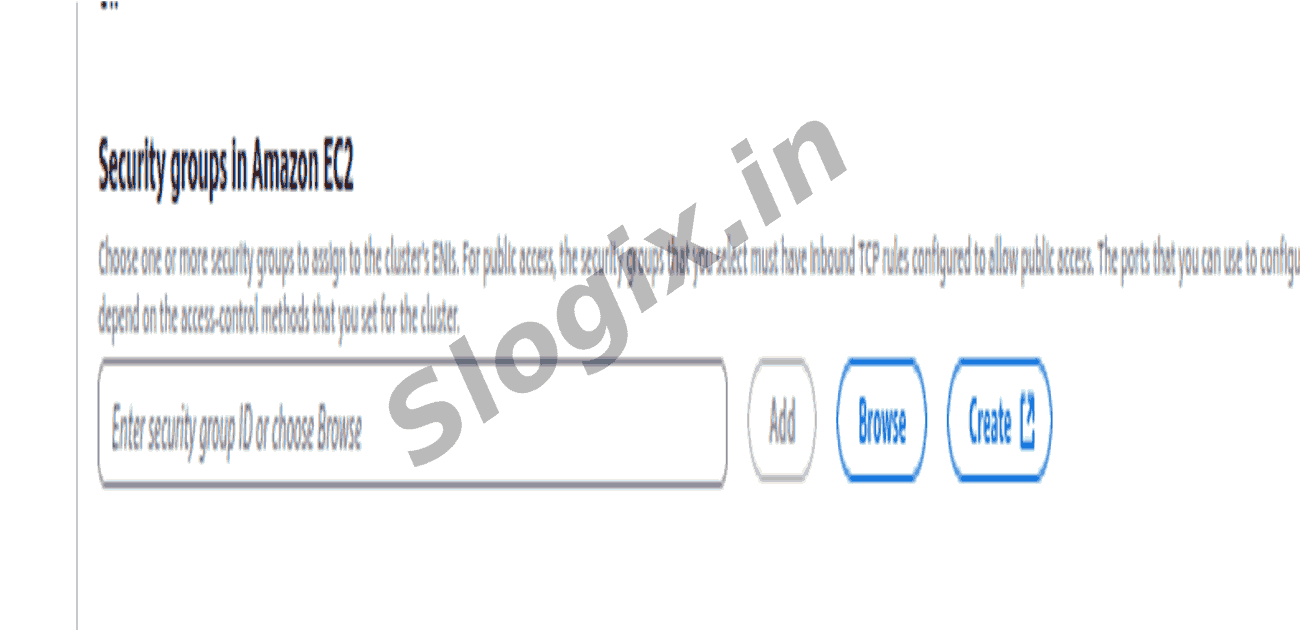
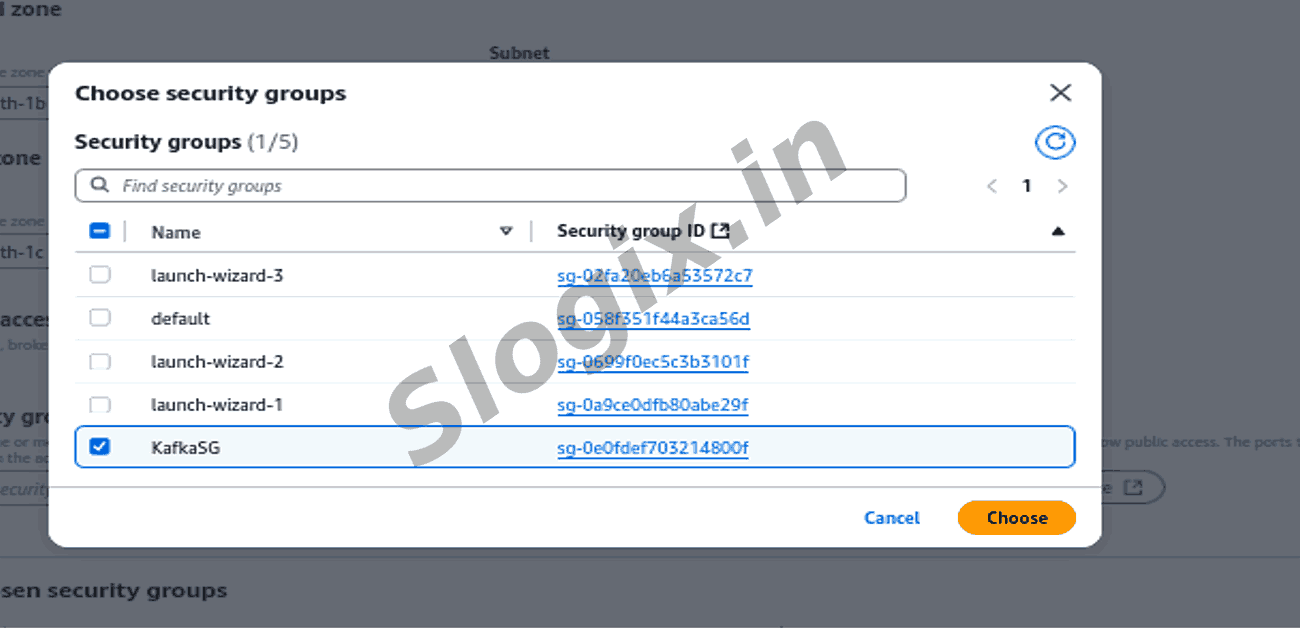
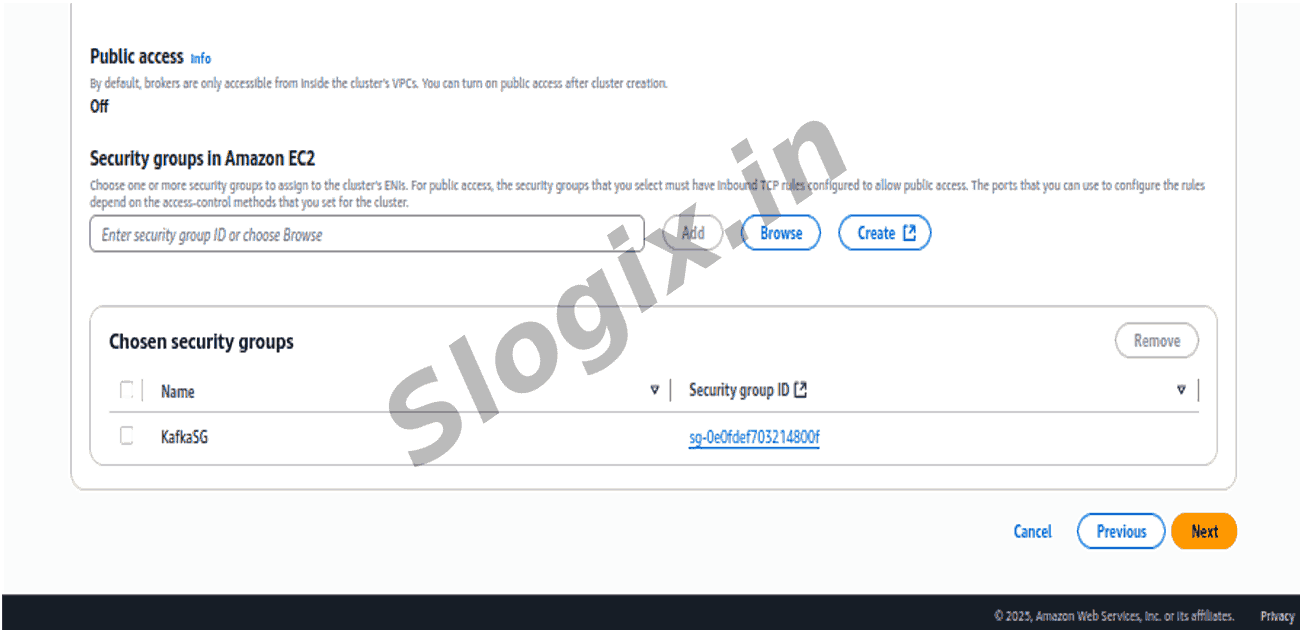
Security groups: Allow inbound 9092 port from the producer/consumer EC2s
Wait until Active
 Research Breakthrough Possible @S-Logix