List of Topics:
Location Research Breakthrough Possible @S-Logix pro@slogix.in

Office Address

Social List

How to Create and Invoke a Simple AWS Lambda Function in Python that Reads a Name Value from the Event Payload and Returns a Personalized Greeting?

 Alarm Triggers

Condition for Create and Invoke a Simple AWS Lambda Function in Python that Reads a Name Value from the Event Payload and Returns a Personalized Greeting

  • Description:
    It showcases a basic AWS Lambda function written in Python that returns a dynamic greeting message. When invoked, the function extracts the value associated with the key “name” from the incoming event payload; if the key is missing, it defaults to “World.” The function then constructs a personalized response and returns it along with an HTTP status code. This example provides a simple introduction to serverless computing on AWS and helps you understand how events, handlers, and output structures work in Lambda.

Steps

  •  Step 1: Open AWS Lambda
     Log in to the AWS Management Console.
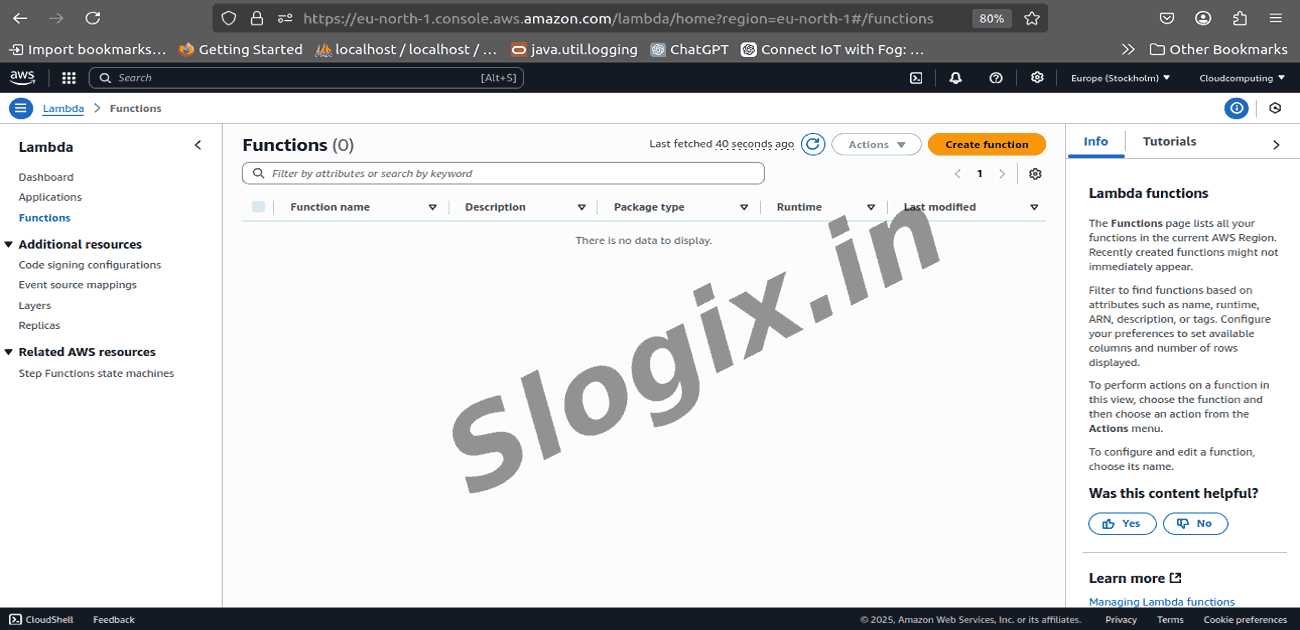
     Search for Lambda in the search bar.
     Click Create function.
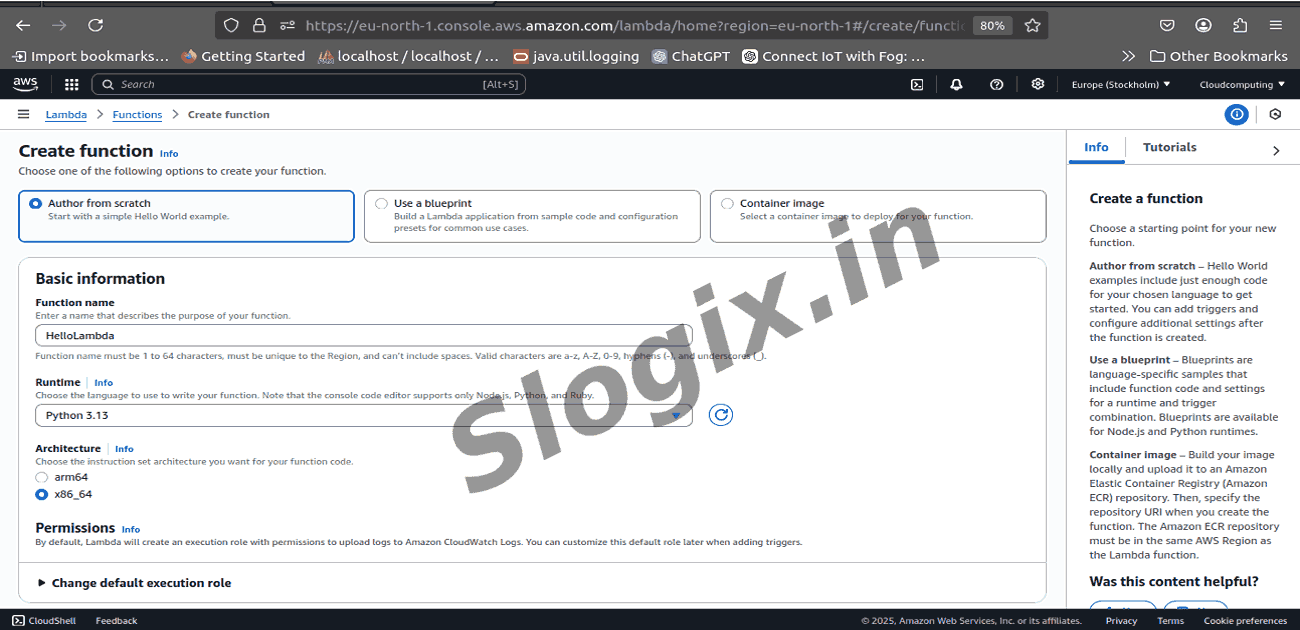
  •  Step 2: Create the Lambda Function
     Choose: Author from scratch
     Function name: hello-world-lambda
     Runtime: Python 3.10 (or any version available)
     Architecture: x86_64
     Permissions: Keep default (Lambda basic execution role)
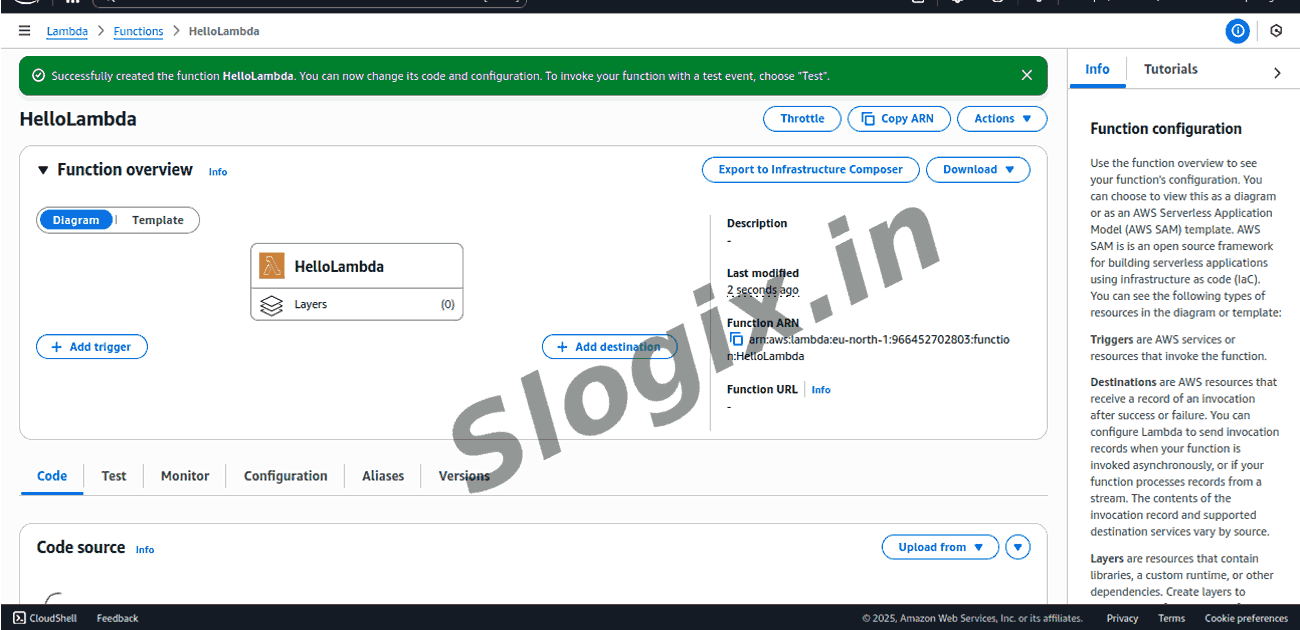
     Click Create function.
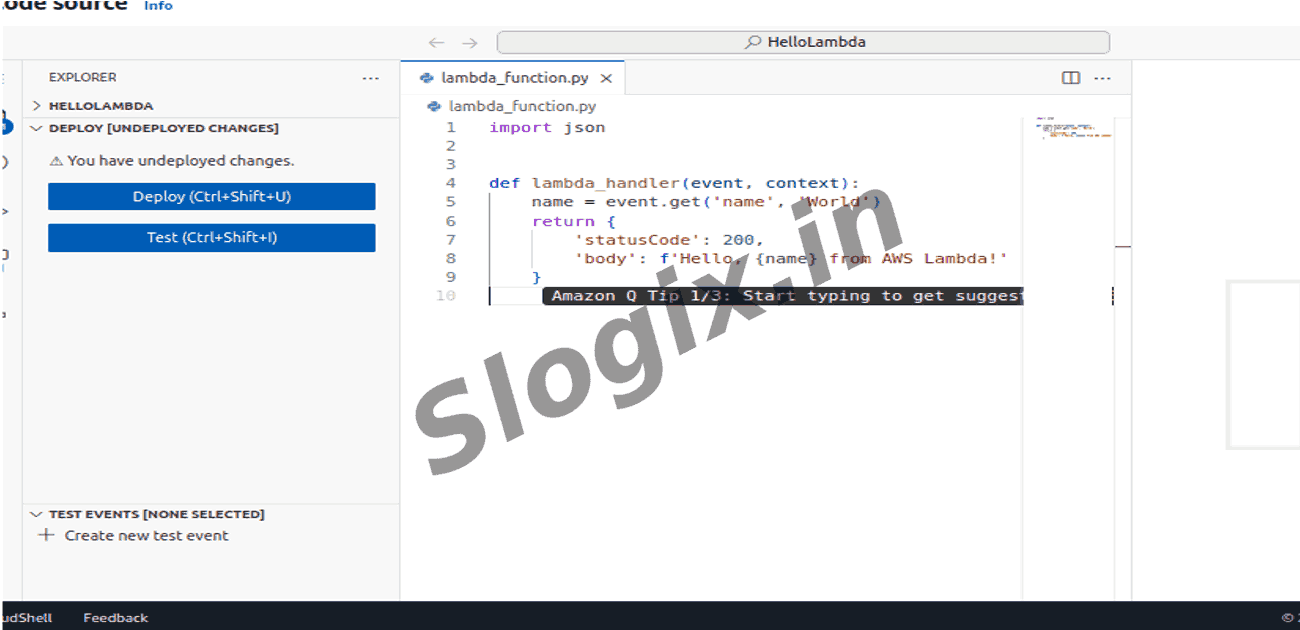
  •  Step 3: Add the Python Code
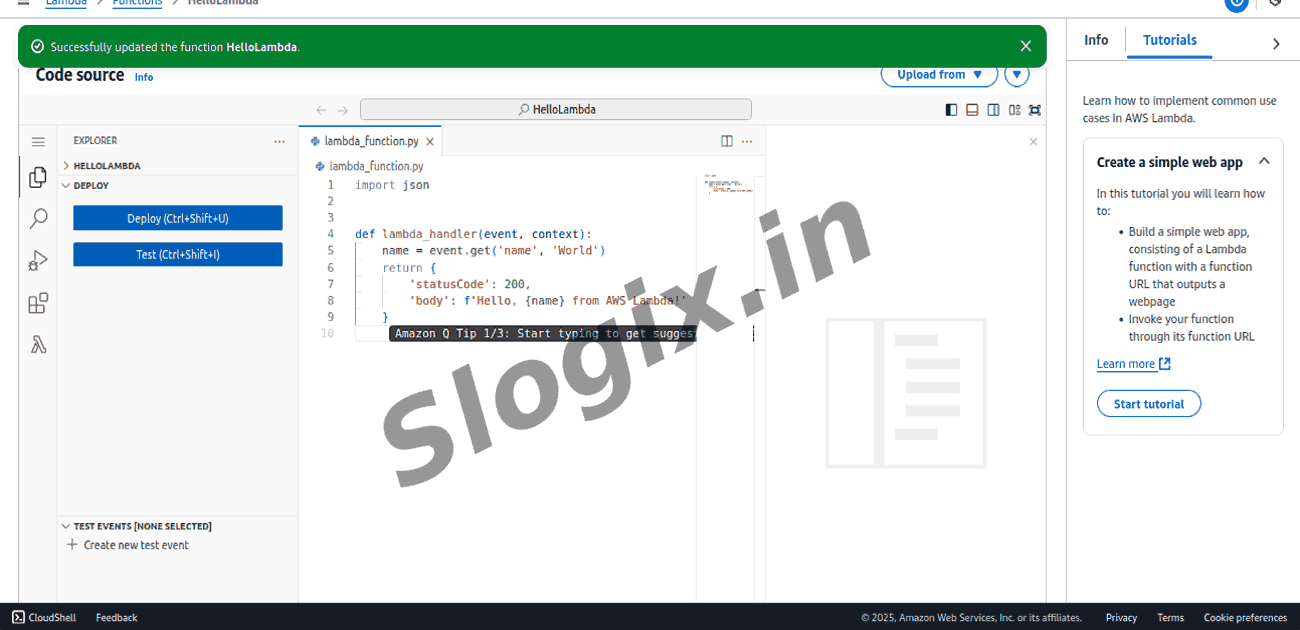
     In the code editor, delete the sample code and paste:
    import json
    
    def lambda_handler(event, context):
        name = event.get('name', 'World')
        return {
            'statusCode': 200,
            'body': f'Hello, {name} from AWS Lambda!'
        }
      
     Click Deploy
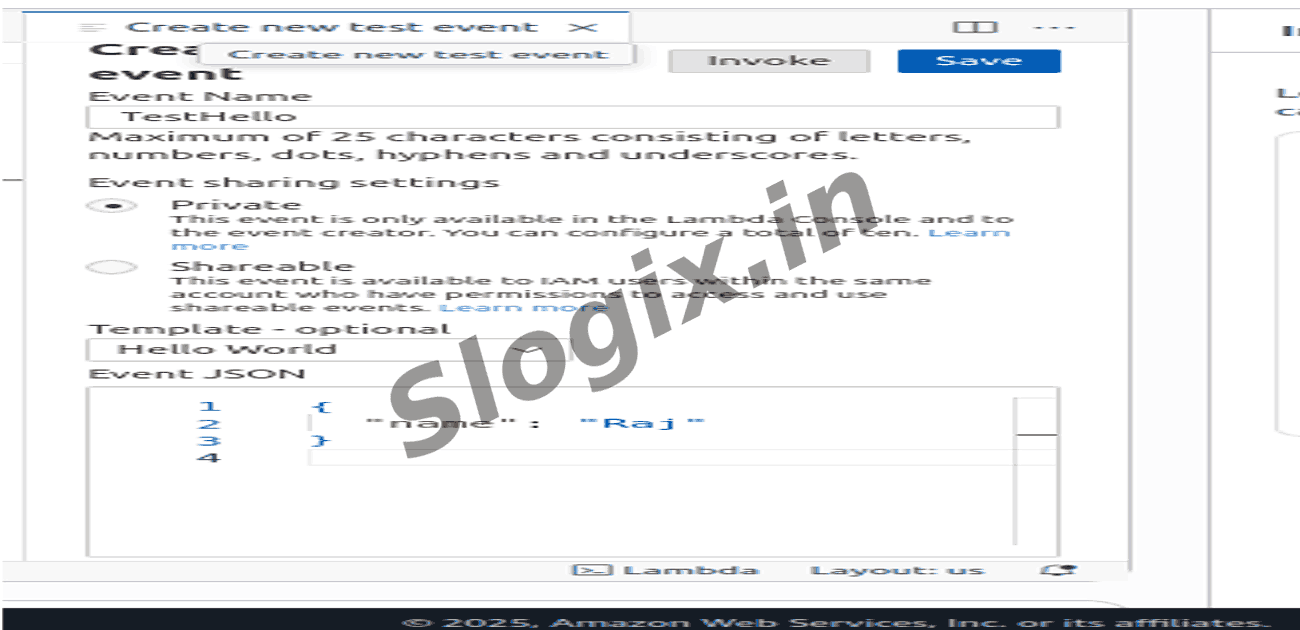
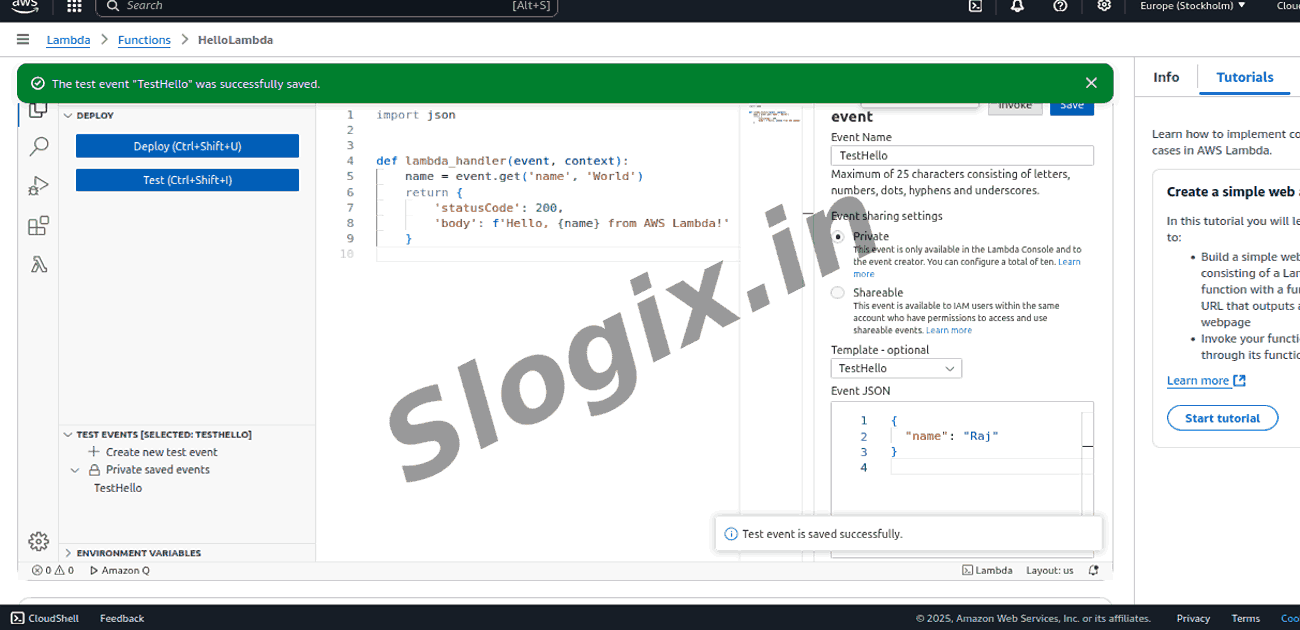
  •  Step 4: Create a Test Event
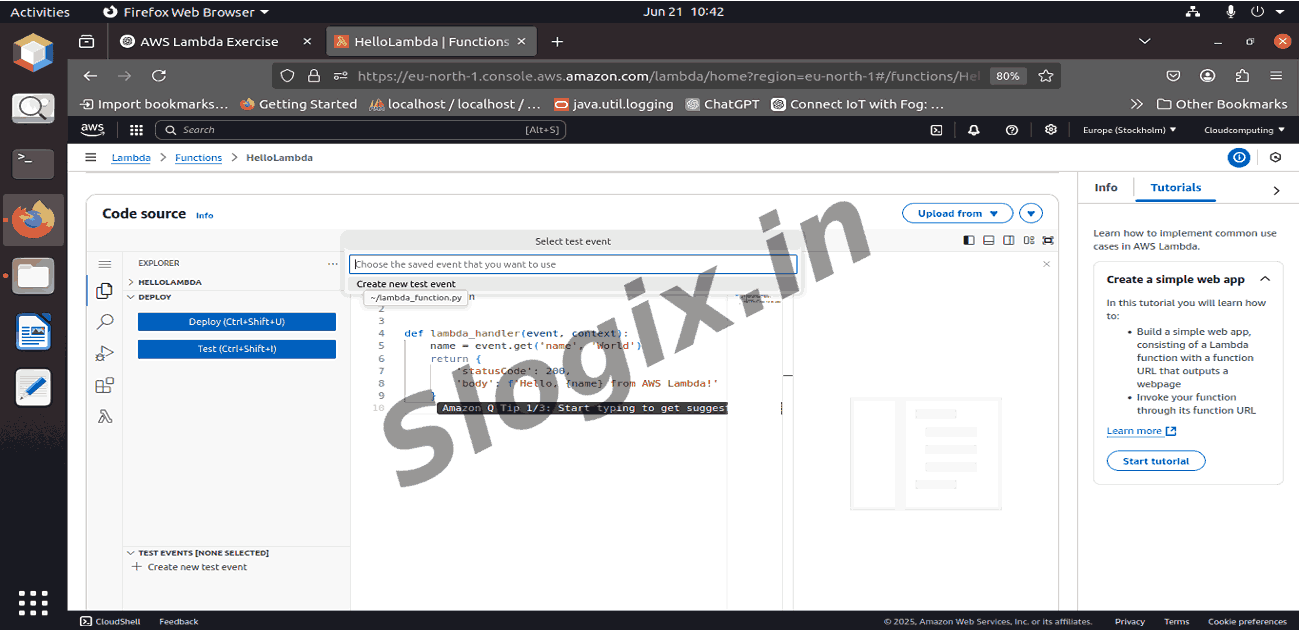
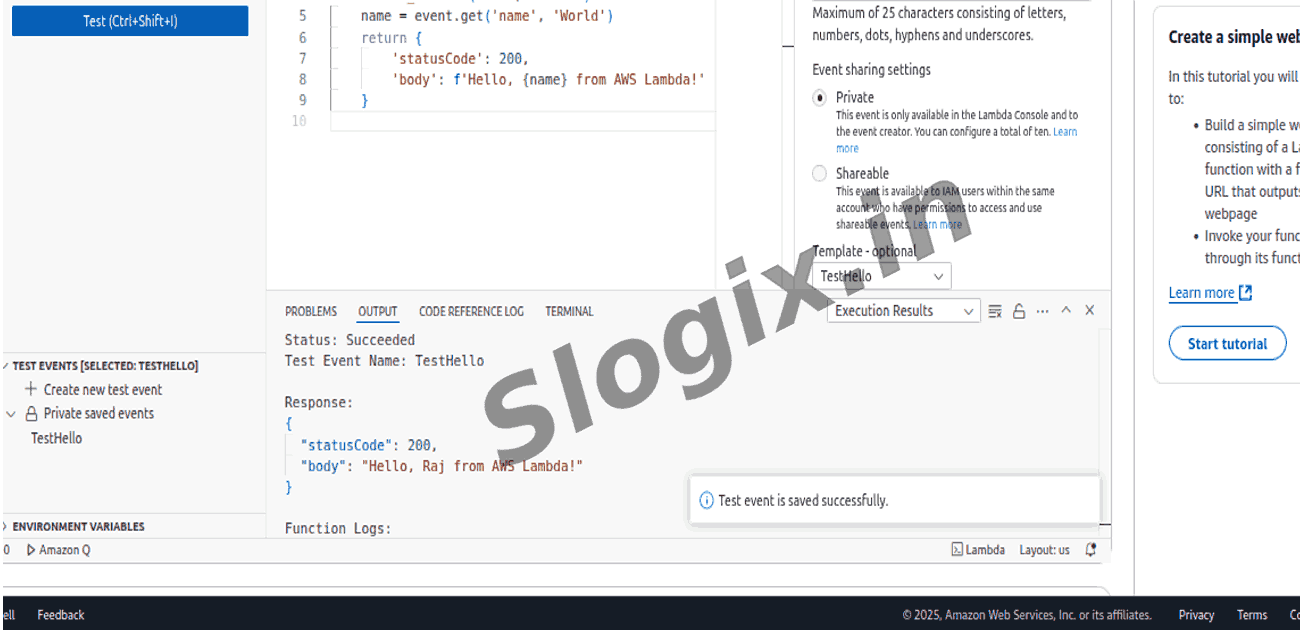
     Click Test.
     Choose Create new test event.
     Event name: Testhello
     Paste:
    {
      "name": "Raj"
    }
      
     Click Save.
  •  Step 5: Run the Test
     Click Test again.
     The output:
    {
      "statusCode": 200,
      "body": "Hello, Raj from AWS Lambda!"
    }
      
Screenshots
  • HelloWorld1
  • HelloWorld2
  • HelloWorld3
  • HelloWorld4
  • HelloWorld5
  • HelloWorld6
  • HelloWorld7
  • HelloWorld8
  • HelloWorld9
  • HelloWorld10
  • HelloWorld11
  • HelloWorld12
  • HelloWorld13