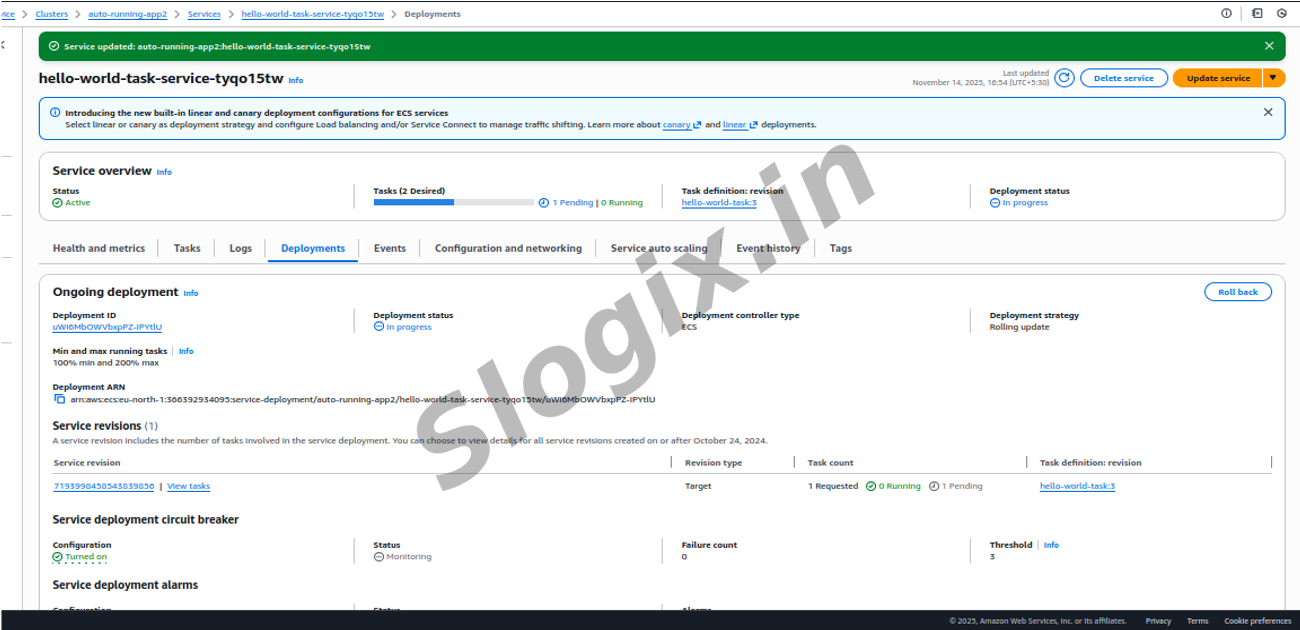
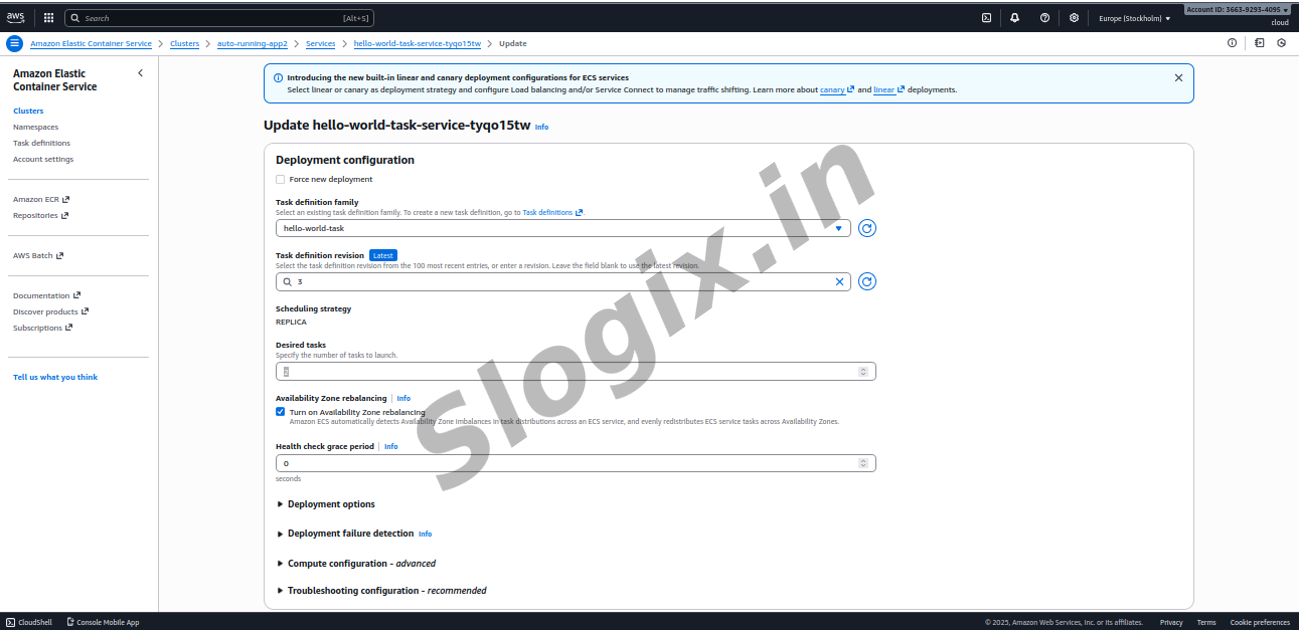
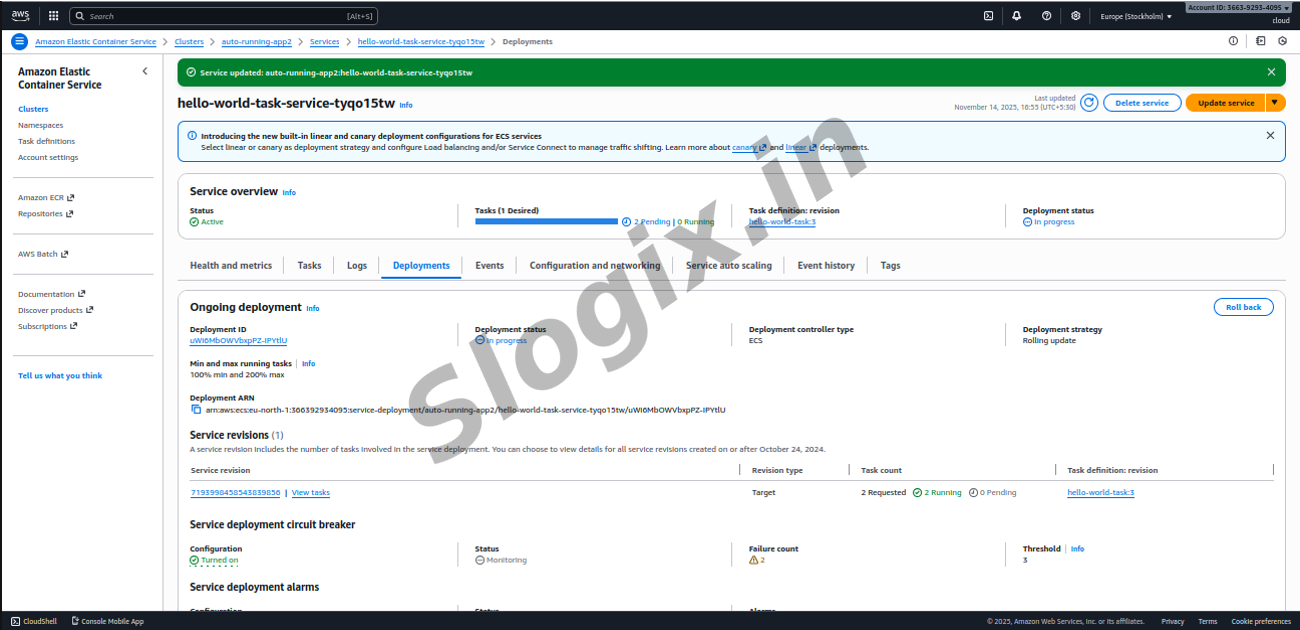
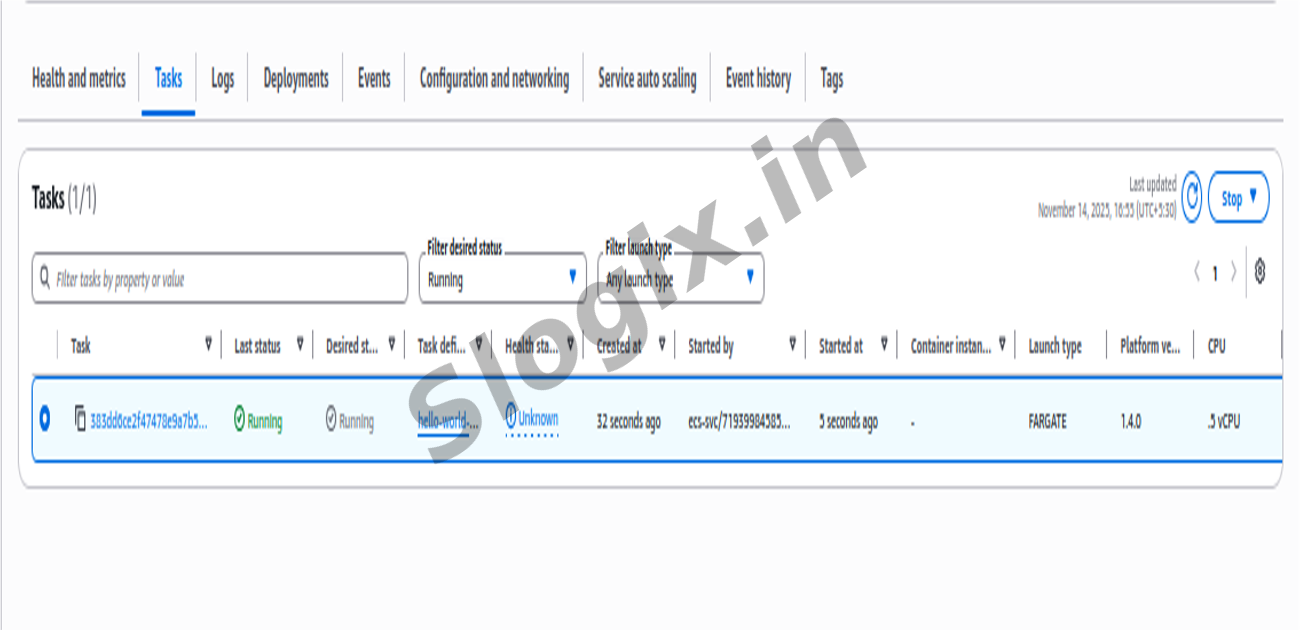
Description: To scale the ECS Service by increasing or decreasing the number of running containers. Scaling is performed directly from the ECS Service configuration, where you update the desired task count to control how many instances of your application should run simultaneously. By navigating to your cluster and selecting the service, you click Update and modify the desired count—such as increasing it from 1 to 2—to immediately launch additional tasks. ECS automatically provisions the extra containers using the same task definition, ensuring they run consistently across the cluster. You can observe the new tasks under the Tasks tab, where each represents an additional running copy of your application. If an Application Load Balancer is configured, traffic is distributed evenly across all tasks; otherwise, the tasks run independently. To scale down, you simply update the service again and reduce the desired count, prompting ECS to stop the extra tasks while keeping the target number running. This exercise demonstrates horizontal scaling and how ECS makes it easy to elastically adjust capacity.
Steps
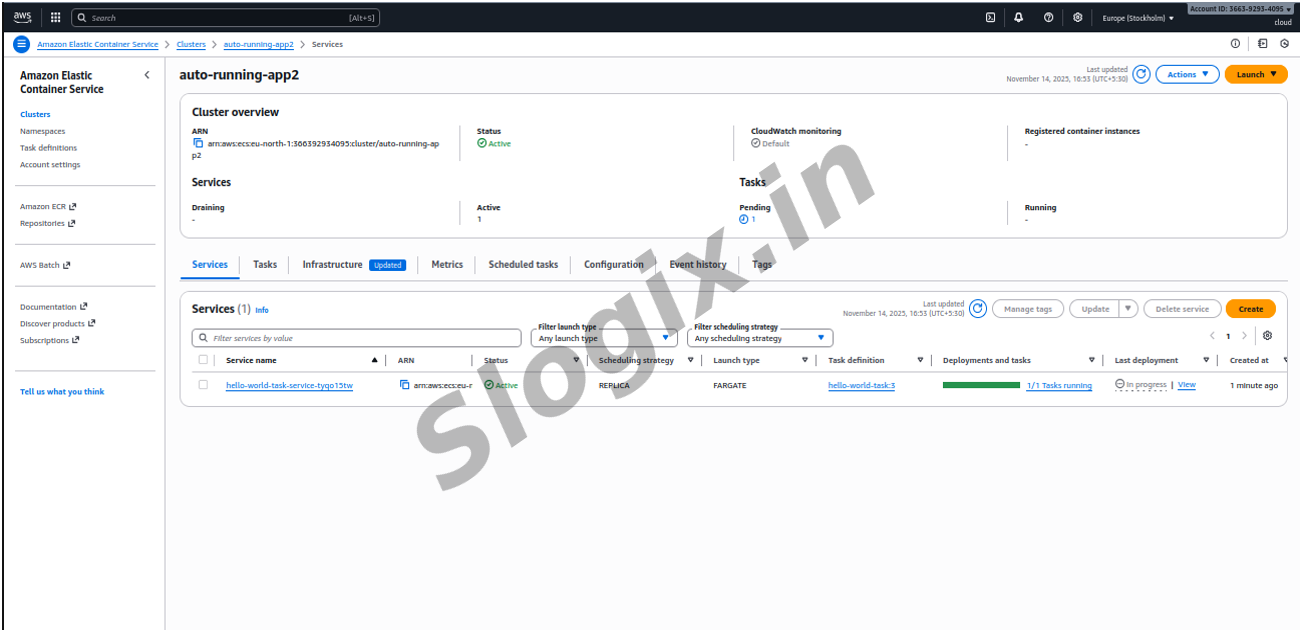
STEP 1 — Go to your ECS Service
AWS Console → ECS → Cluster → Service → Your app service
STEP 2 — Click “Update”
Top-right → Update
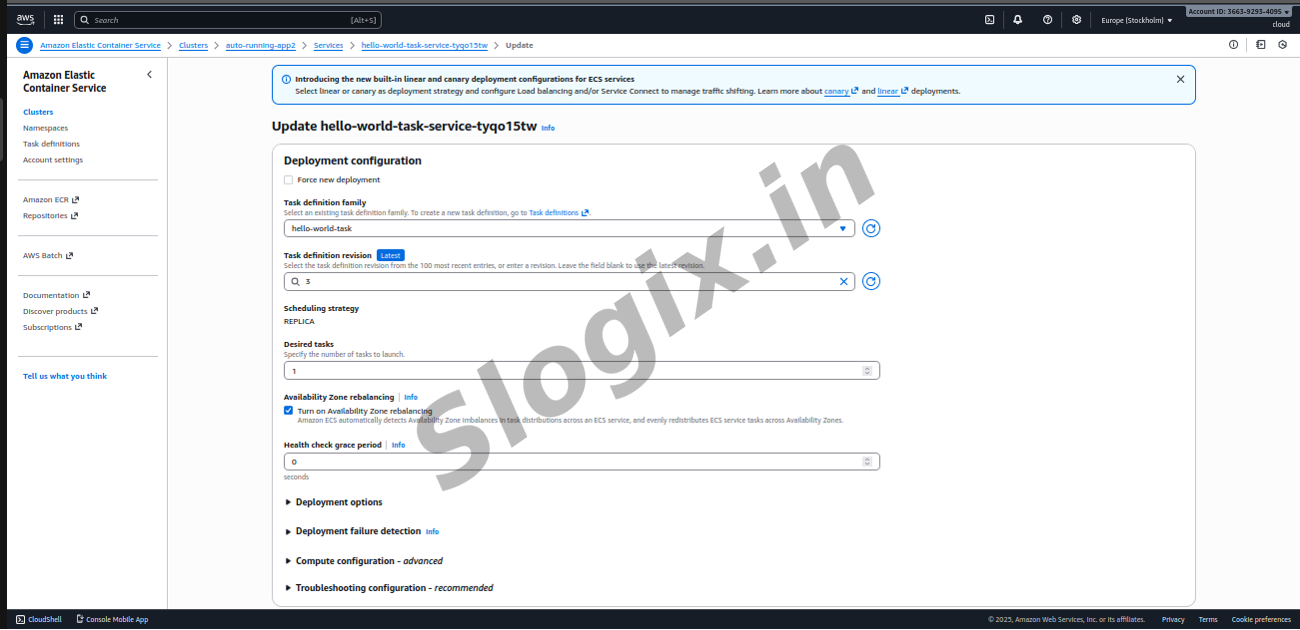
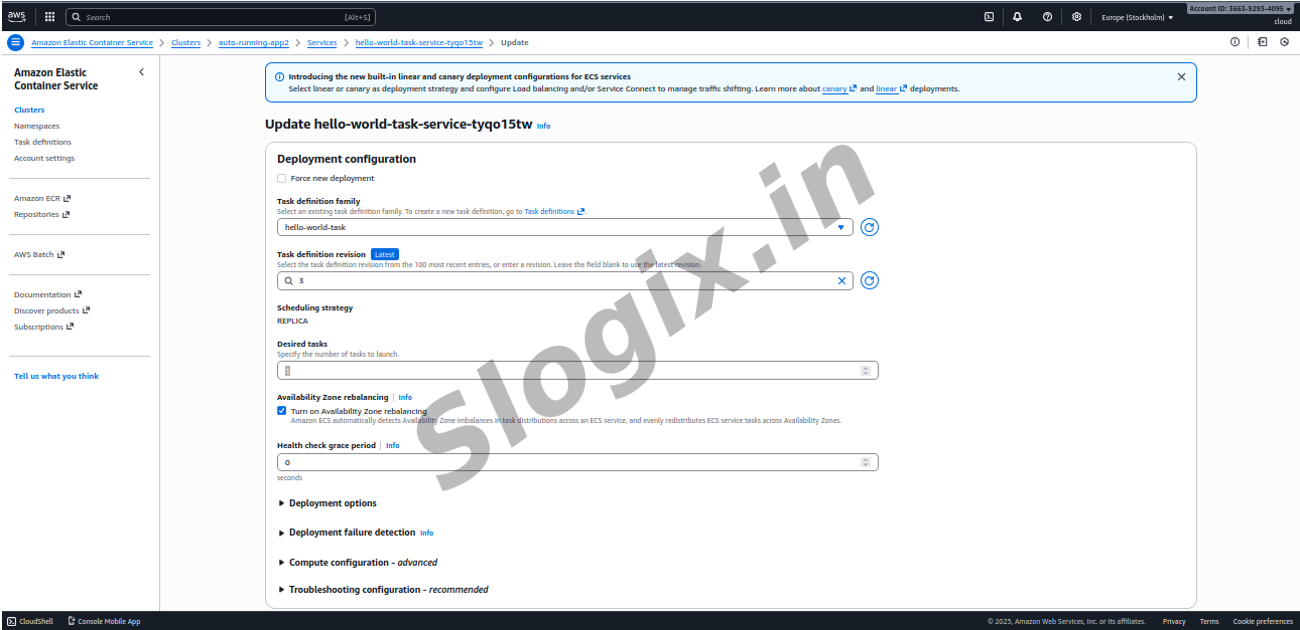
STEP 3 — Change Desired number of tasks
Change this:
Desired Count: 1 → 2
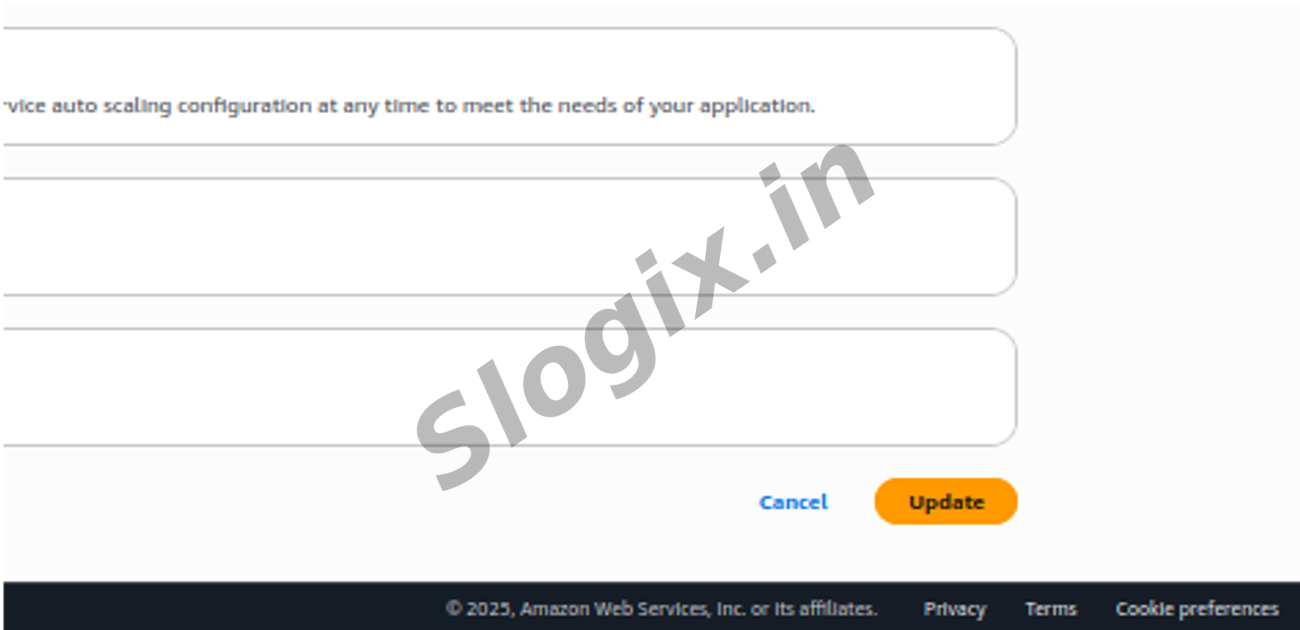
Click Next → Next → Update Service
STEP 4 — Observe your tasks
Go to:
Service → Tasks
You will now see:
✔ Two running tasks
✔ Both using the same image
✔ Both load-balanced (if ALB used)
✔ OR independently running (if no ALB used)
STEP 5 — Scale Down
Update service again:
Desired Count: 2 → 1
ECS will stop 1 task and keep only 1 running.
 Research Breakthrough Possible @S-Logix