How to Create a Container From the Alpine Linux Image and Explore Basic Linux Shell Commands Inside Docker?
Share
Condition for Create a Container From the Alpine Linux Image and Explore Basic Linux Shell Commands Inside Docker
Description: This task helps you run a lightweight Linux (Alpine) container and practice essential commands like listing files, creating files, identifying the OS, and exiting the container. Alpine is popular for being small, fast, and commonly used in modern Docker applications.
Steps
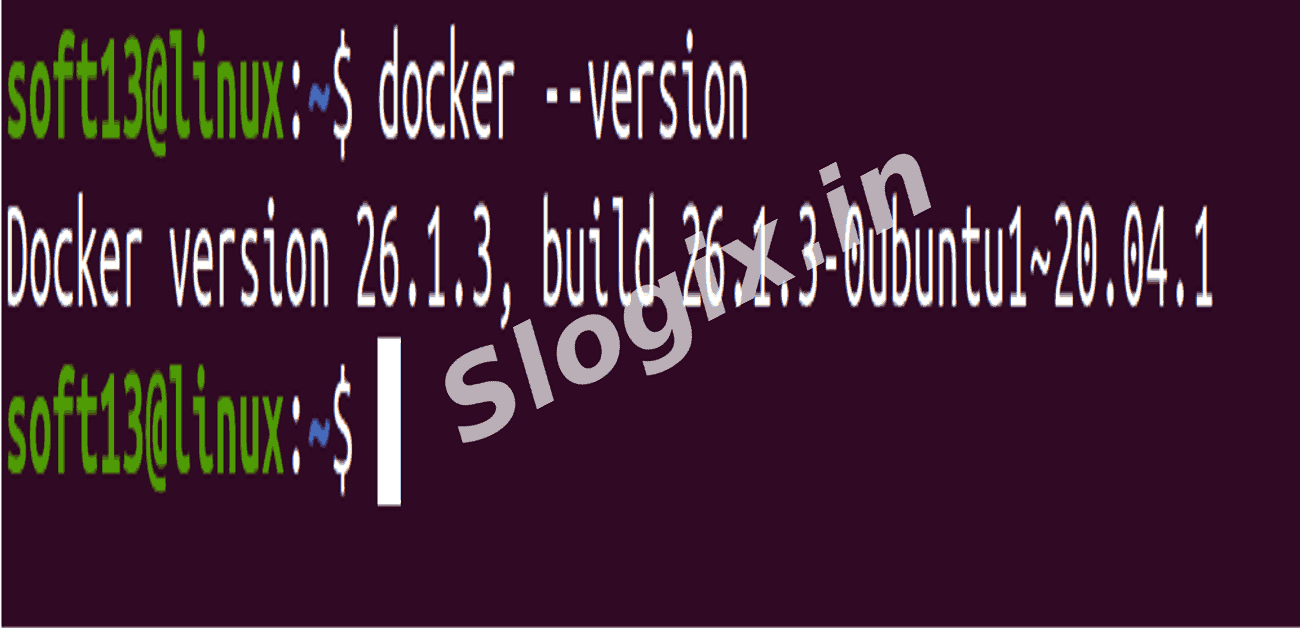
Step 1 — Verify Docker Installation
Description: Check whether Docker is installed and working on your system.
Command:
docker --version
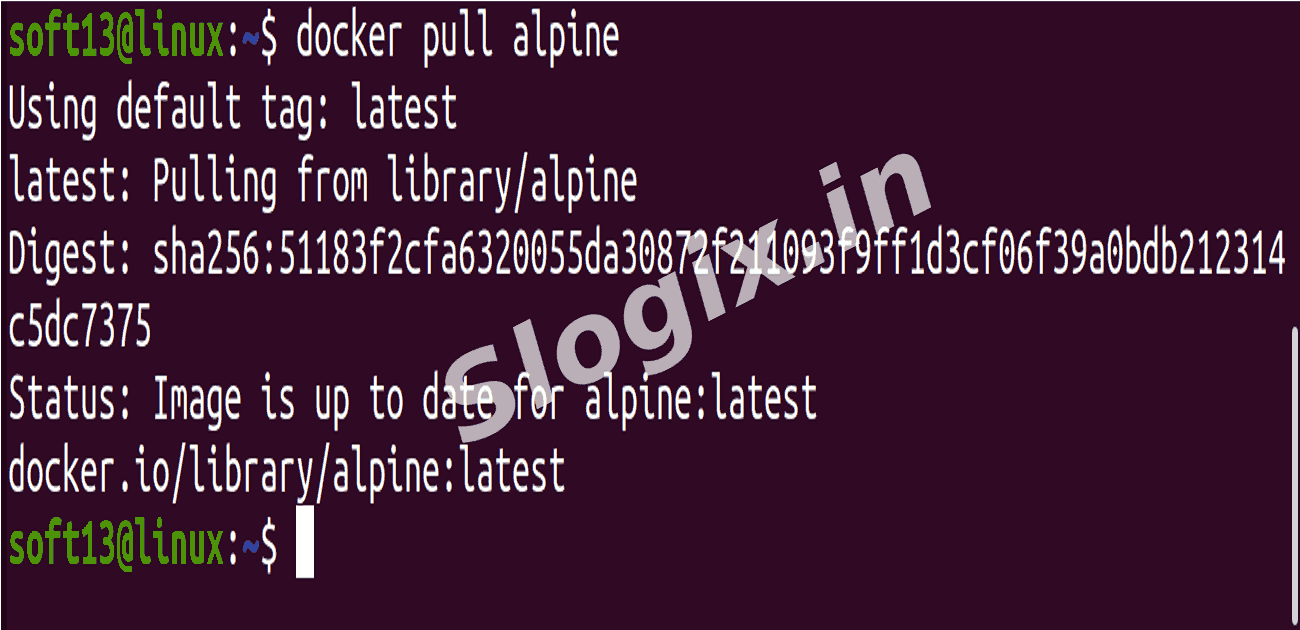
Step 2 — Download Alpine Linux Image
Description: Pull the latest Alpine image from Docker Hub.
Command:
docker pull alpine
Step 3 — Run Alpine Container in Interactive Shell
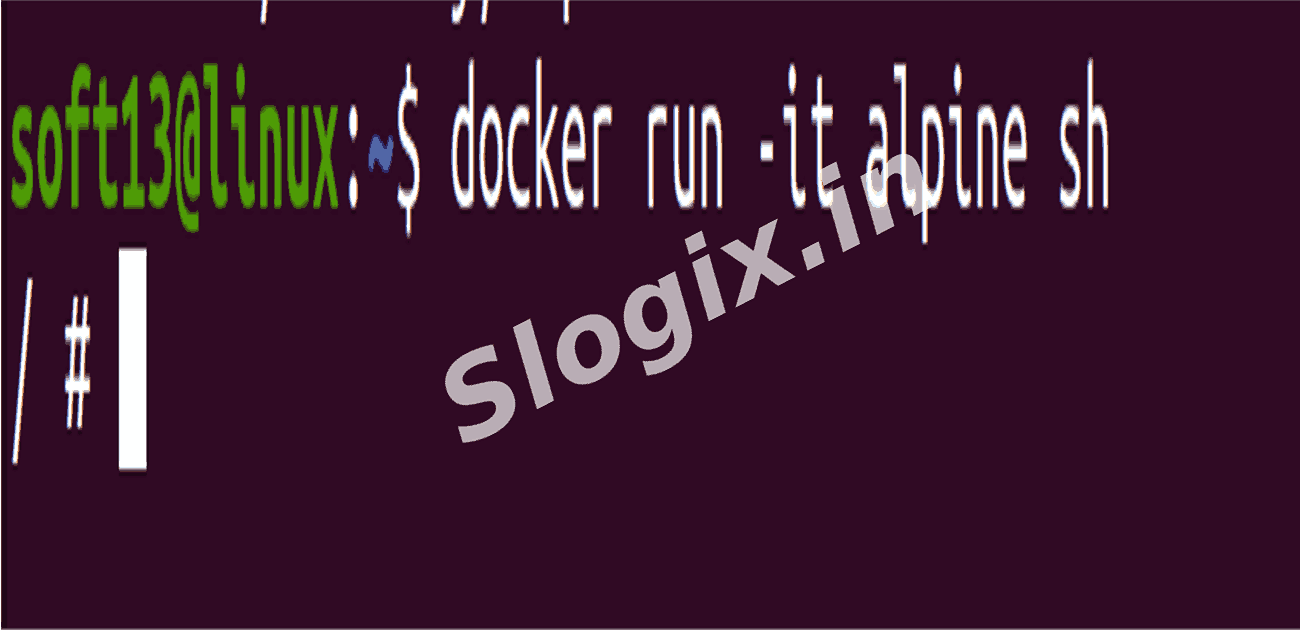
Description: Start an Alpine container and get inside its shell.
Command:
docker run -it alpine sh
-it → interactive terminal access
sh → execute shell within container
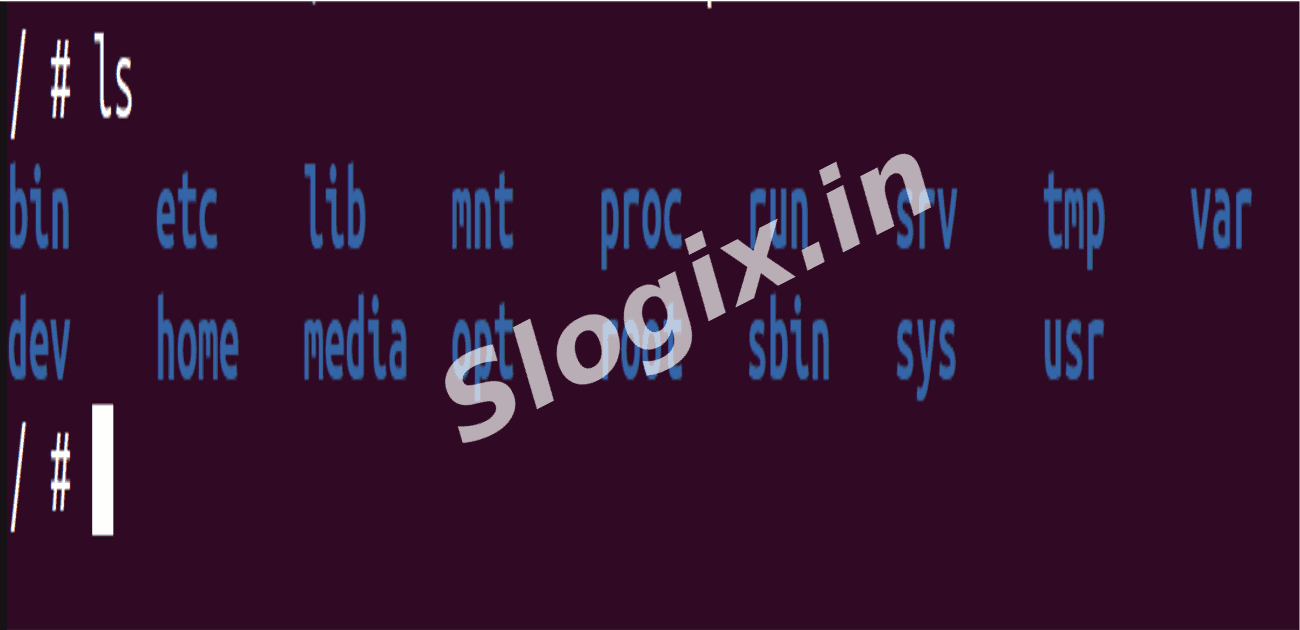
You should now see:
/ #
This means you are inside the container.
Step 4 — Execute Basic Linux Commands
Description: Practice common shell commands inside the container.
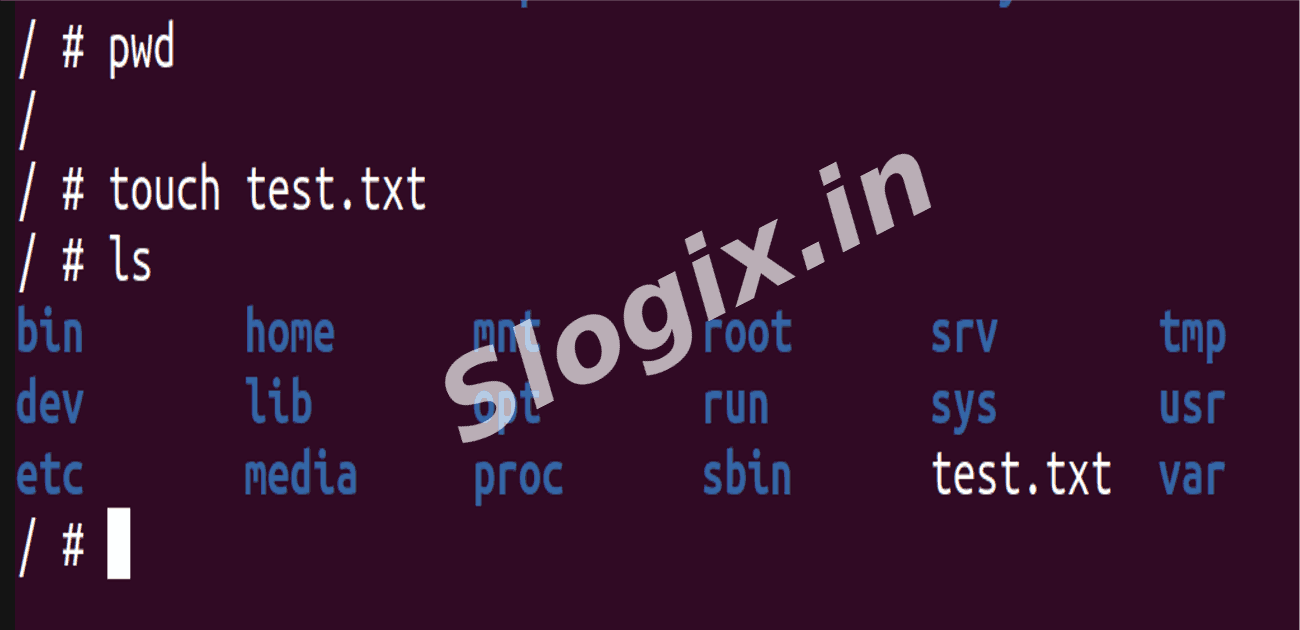
Commands:
ls
pwd
touch test.txt
ls
You will now see:
test.txt
Step 5 — Check Operating System Information
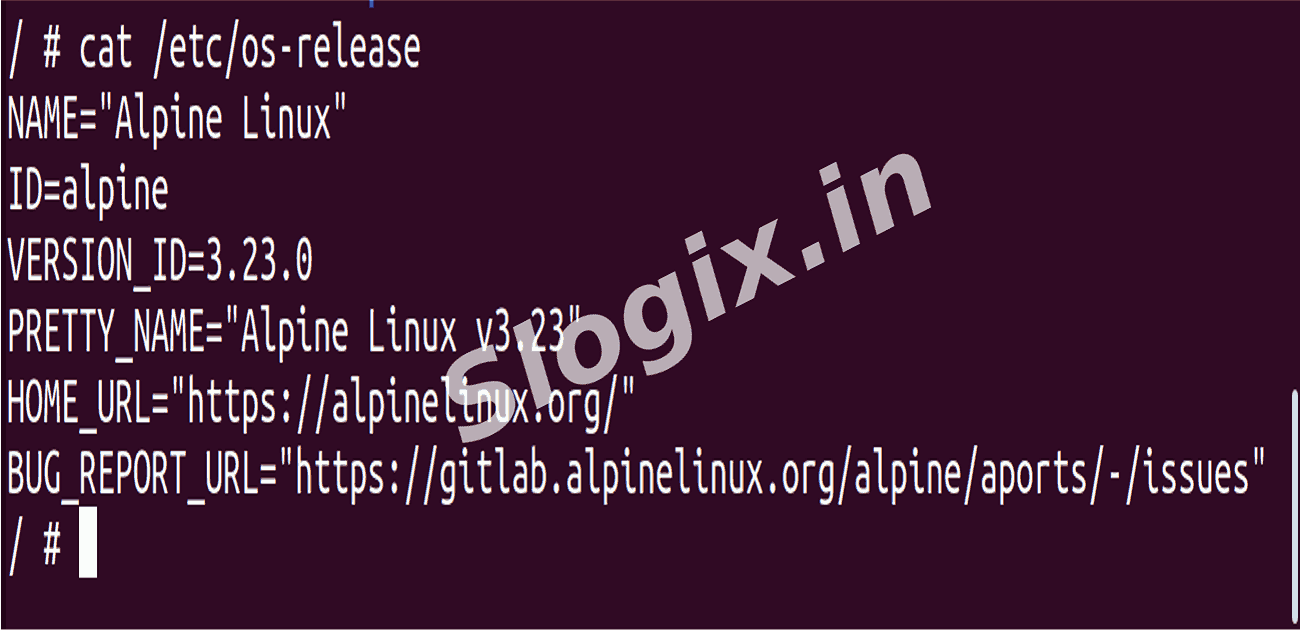
Description: Confirm the container OS distribution is Alpine Linux.
Command:
cat /etc/os-release
Step 6 — Exit the Container
Description: Leave the shell and return to your host machine.
Command:
exit
Step 7 — Verify Container Status
Description: Check if the container still exists in Docker.
Command:
 Research Breakthrough Possible @S-Logix