List of Topics:
Location Research Breakthrough Possible @S-Logix pro@slogix.in

Office Address

Social List

How to Deploy a Simple Java Application Inside Docker and Execute it as a Containerized Service?

Docker

Condition for Deploy a Simple Java Application Inside Docker and Execute it as a Containerized Service

  • Description:
    Create a Java application file (Hello.java)
     Write a Dockerfile that builds and runs the Java program
     Build the Docker image
     Run the Java program using Docker
     This demonstrates how Java applications are packaged and executed inside Docker containers.

Steps

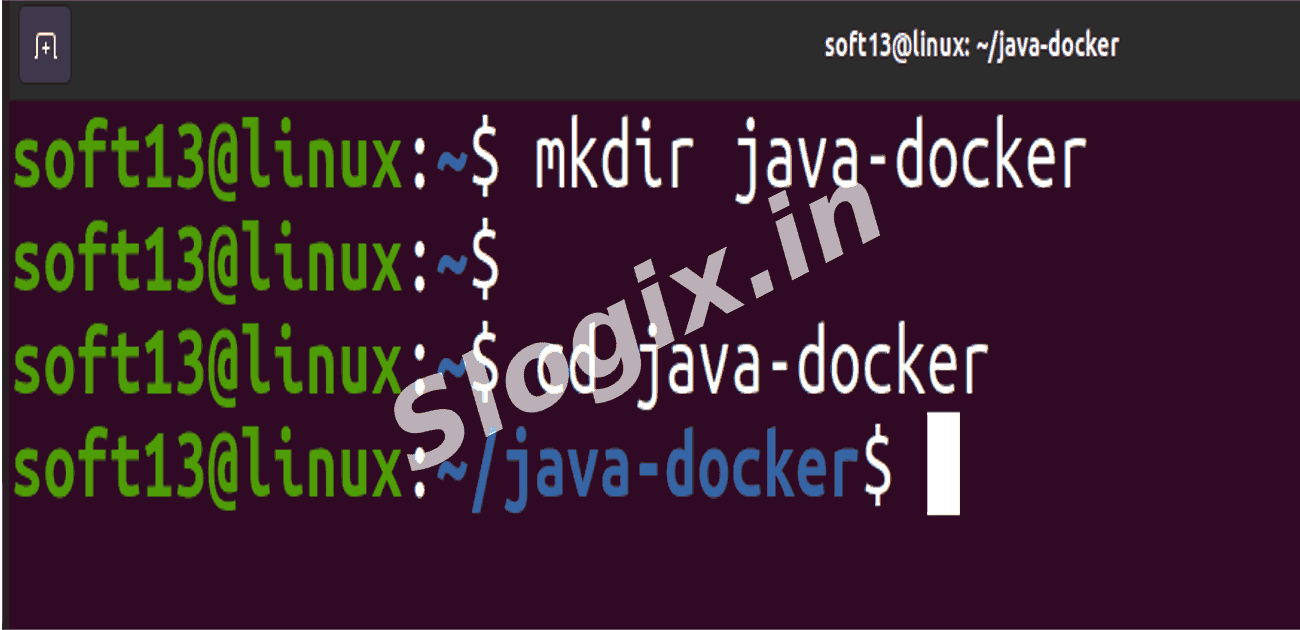
  •  Step 1 — Create Project Folder
    mkdir java-docker
    cd java-docker
                
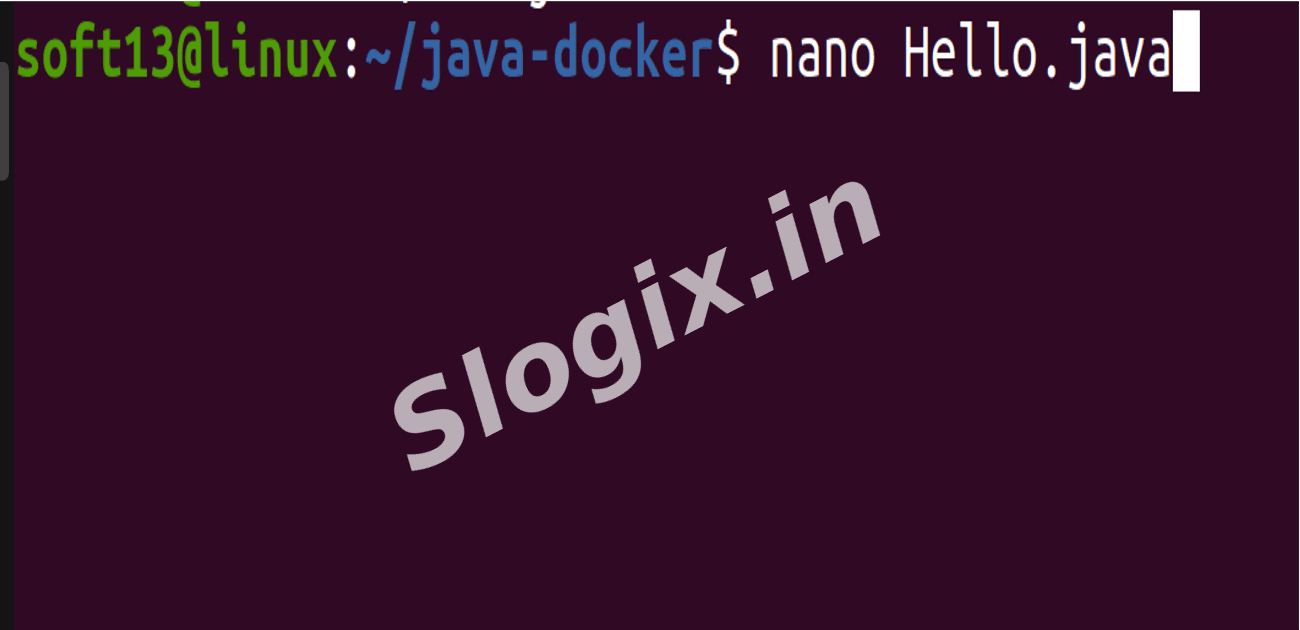
  •  Step 2 — Create Java Application File
     Create Hello.java

     Command:
    nano Hello.java
                
     Paste:
    public class Hello {
        public static void main(String[] args) {
            System.out.println("Java App Running in Docker");
        }
    }
                
     Save and exit.
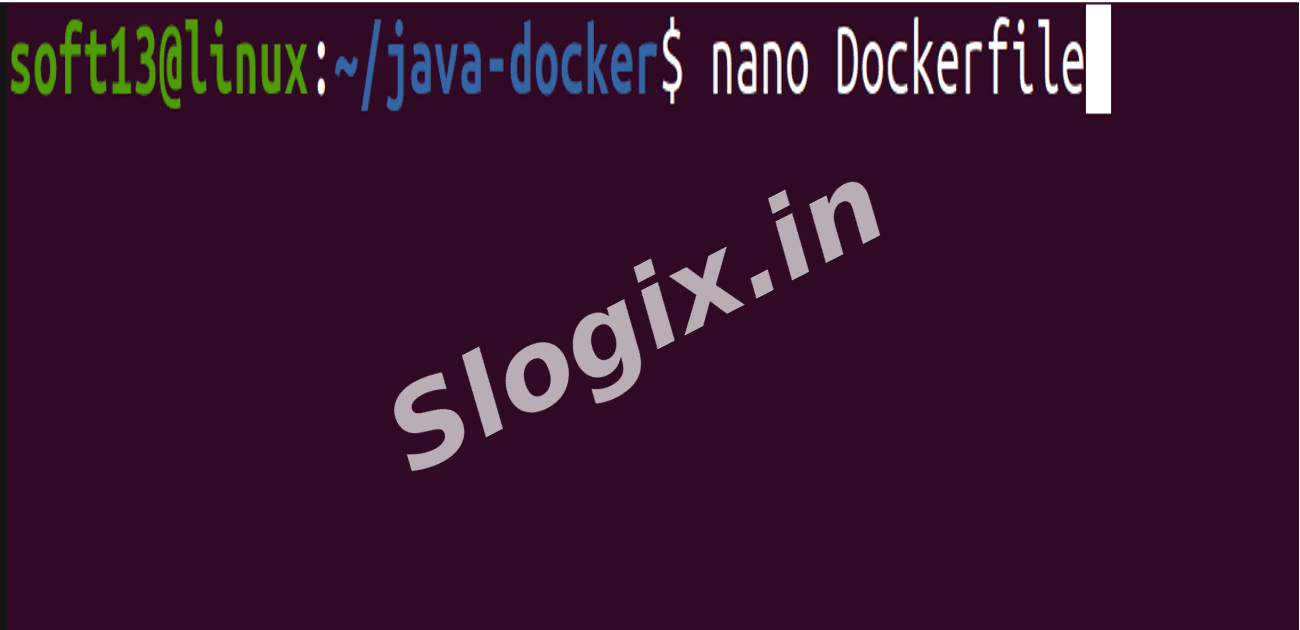
  •  Step 3 — Create Dockerfile
     Command:
    nano Dockerfile
                
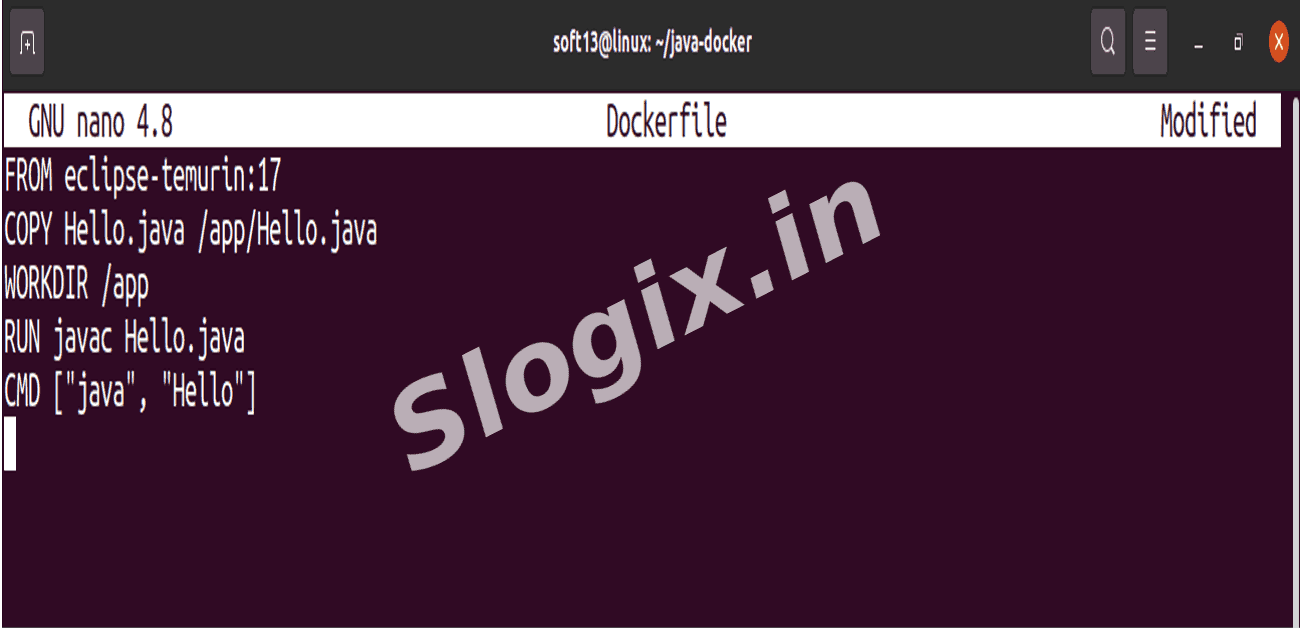
     Paste:
    FROM eclipse-temurin:17
    COPY Hello.java /app/Hello.java
    WORKDIR /app
    RUN javac Hello.java
    CMD ["java", "Hello"]
                
     Save and exit.
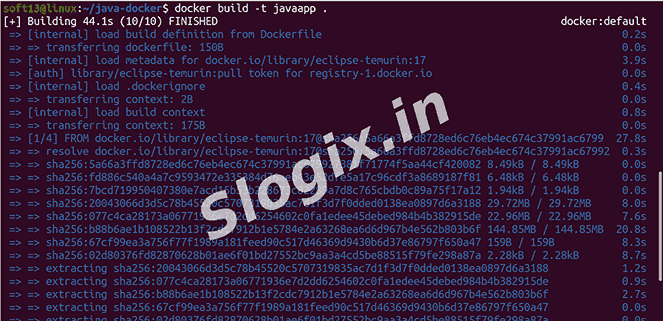
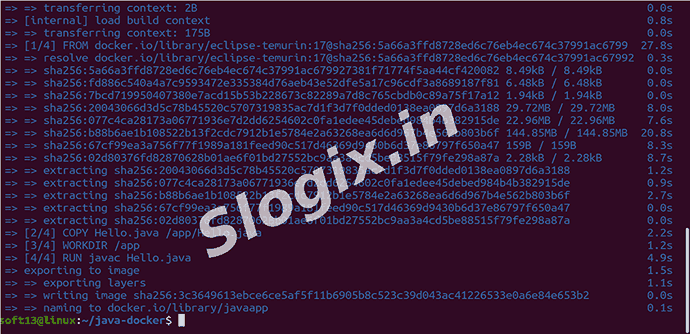
  •  Step 4 — Build the Docker Image
    docker build -t javaapp .
                
  •  Step 5 — Run the Docker Container
    docker run javaapp
                
     Output:
    Java App Running in Docker
                
Screenshots
  • 426
  • 427
  • 428
  • 429
  • 430
  • 431
  • 432
  • 433