List of Topics:
Location Research Breakthrough Possible @S-Logix pro@slogix.in

Office Address

Social List

How to Inspect a Docker Container to View its Metadata Such As IP Address, Mounts, Environment Variables, and Other Configuration Details?

Docker

Condition for Inspect a Docker Container to View its Metadata Such As IP Address, Mounts, Environment Variables, and Other Configuration Details

  • Description:
    This task demonstrate how to inspect Docker containers to retrieve detailed information about their configuration and runtime state. Using docker inspect, you can view data like container ID, network settings, volumes, environment variables, ports, and more. This is useful for debugging, network configuration, or checking container setups.

Steps

  •  Step 1 — List Containers
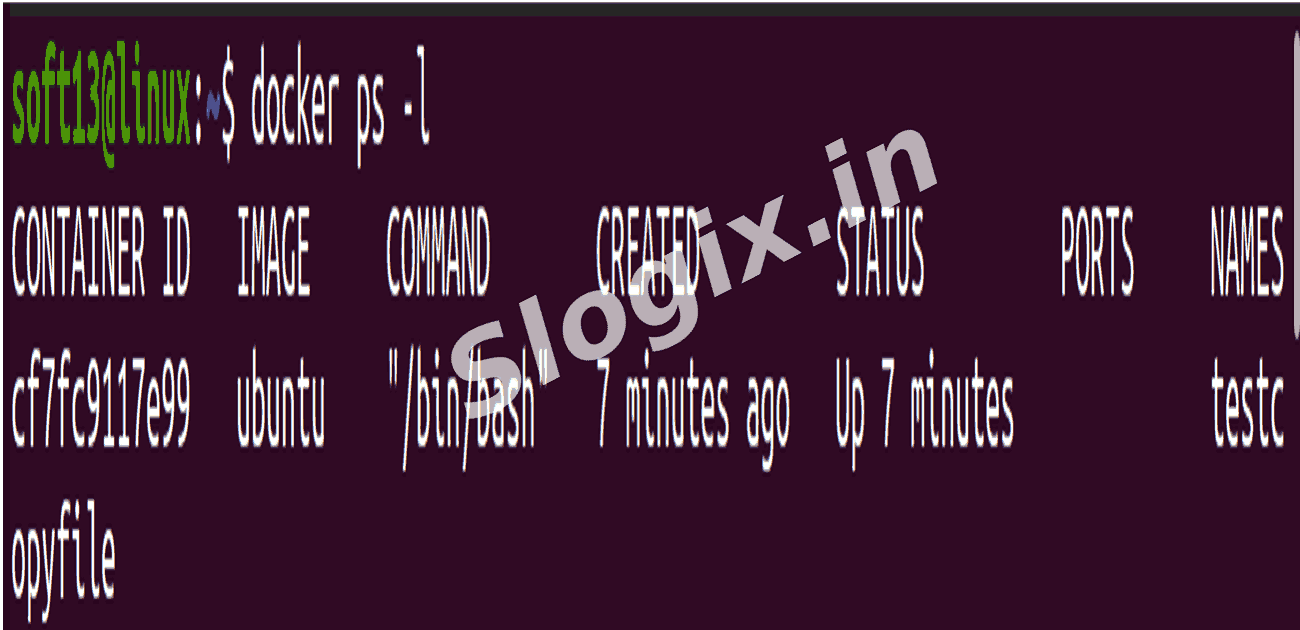
     Description: Identify the container you want to inspect. You can list all running containers or the last container created.
     Commands:
    docker ps
    docker ps -l
     docker ps → lists all running containers.
     docker ps -l → shows the last created container (running or stopped).
  •  Step 2 — Inspect a Container
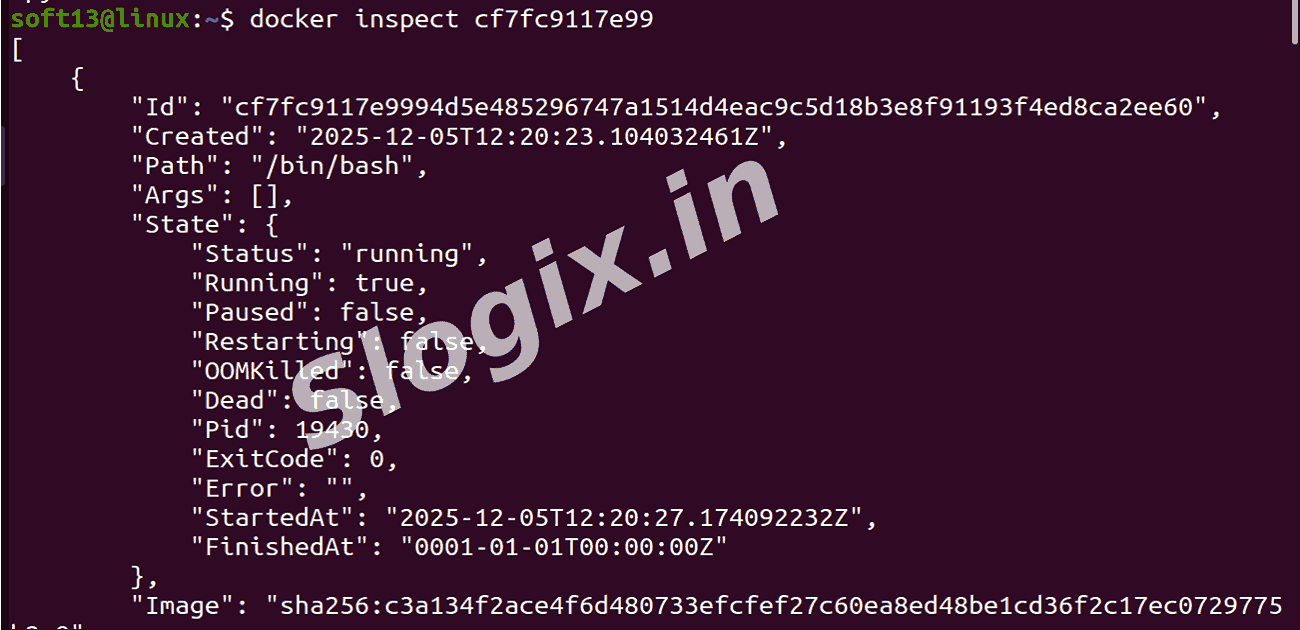
     Description: Retrieve detailed JSON-formatted metadata of a container using its CONTAINER ID or name.
     Commands:
    docker inspect <container_id_or_name>
     Example:
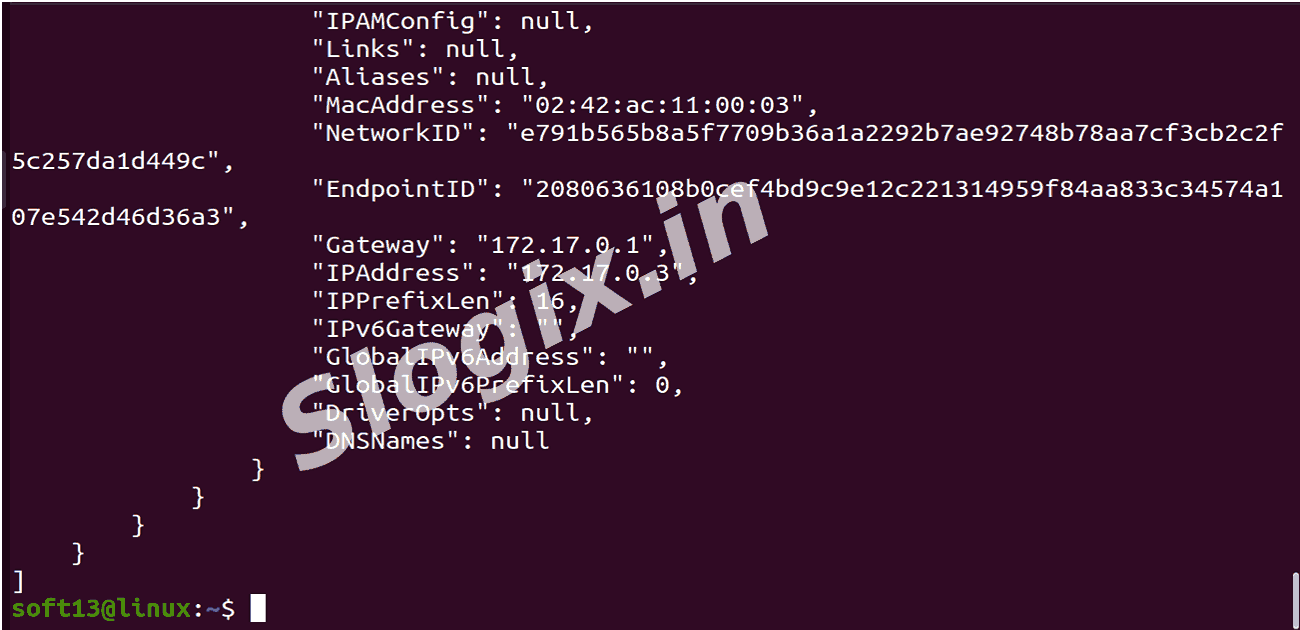
    docker inspect cf7fc9117e99
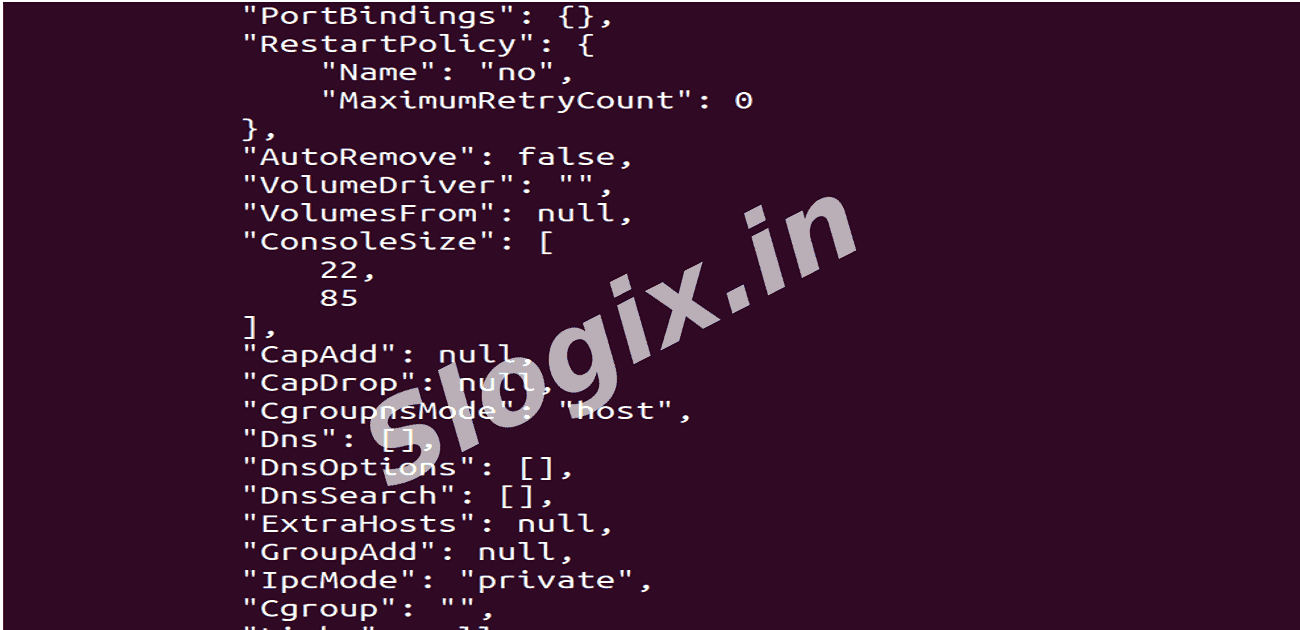
  •  Step 3 — Understand the Output
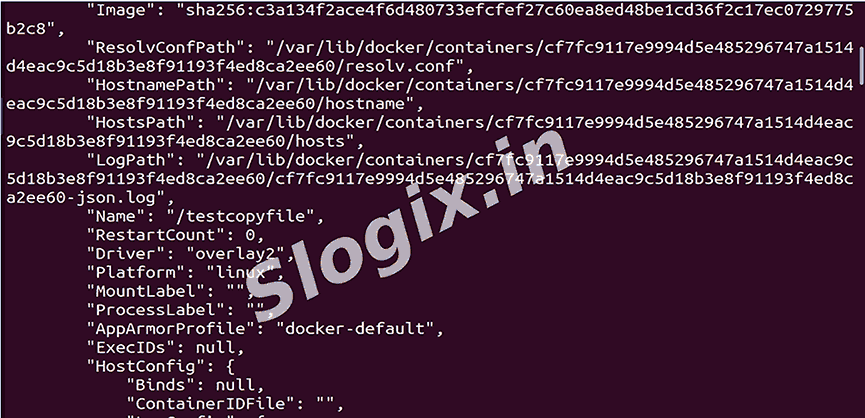
     Description: Review the JSON output, which contains:
     Id → container unique ID
     Name → container name
     Image → Docker image used
     State → running/stopped, start time
     NetworkSettings → IP address, ports, network mode
     Mounts → volumes mounted inside the container
     Config → environment variables, command, working directory
  •  This process helps you analyze and debug containers, check networking, verify mounts, and understand the environment in which your Docker container is running.
Screenshots
  • 339
  • 340
  • 341
  • 342
  • 343
  • 344