-
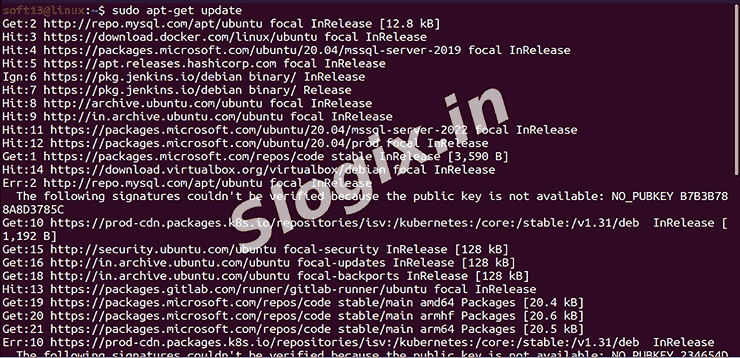
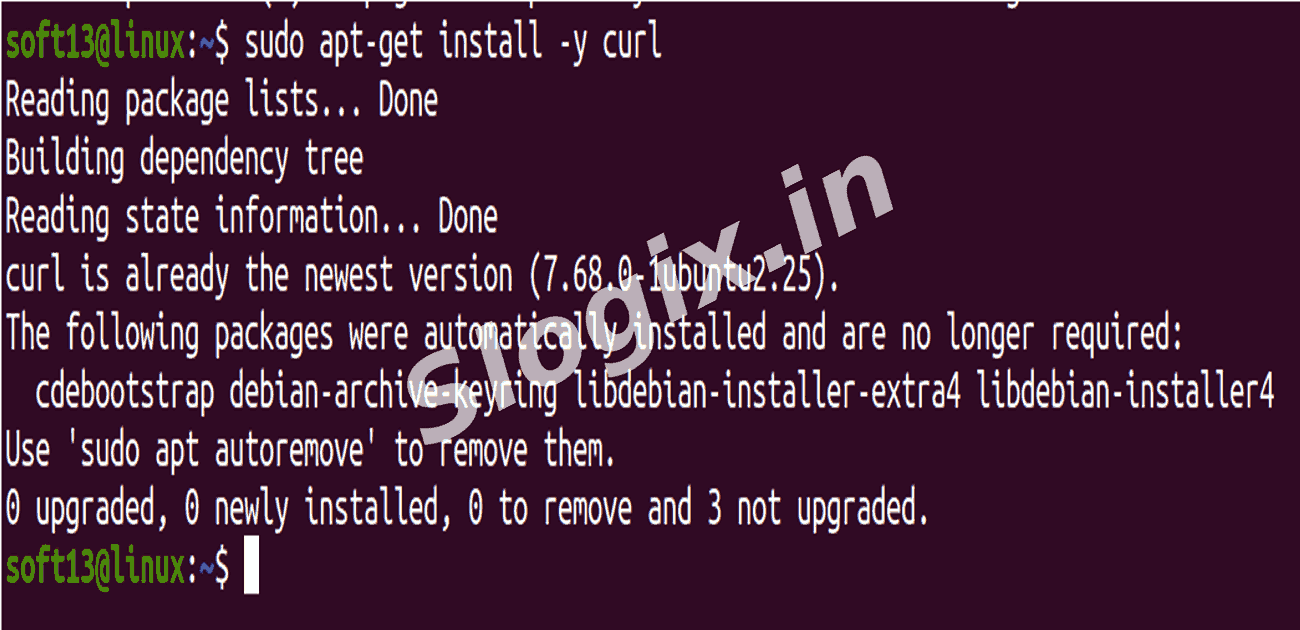
STEP 1 — Update package list and install curl
sudo apt-get update
sudo apt-get install -y curl
-
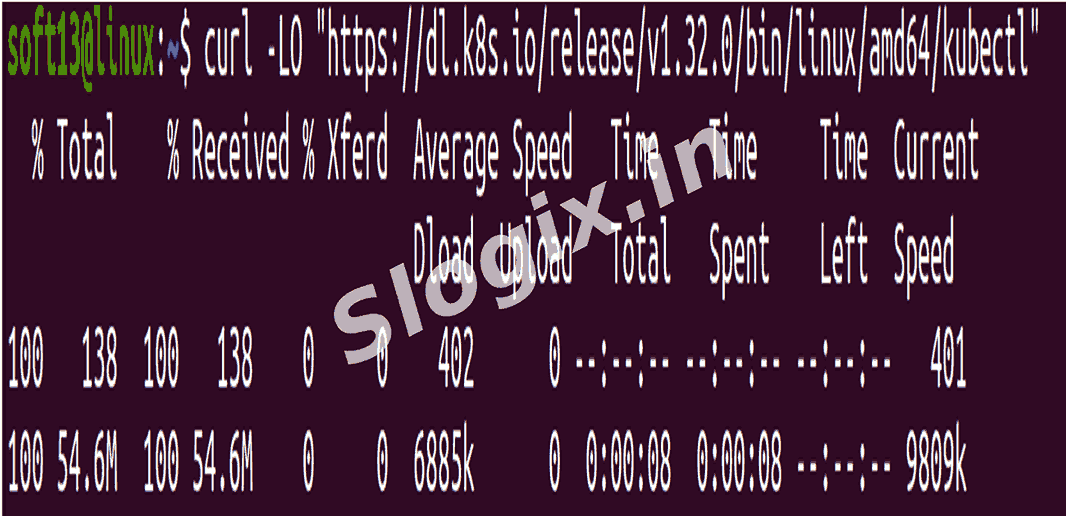
STEP 2 — Download kubectl (manual binary — example uses v1.32.0)
curl -LO "https://dl.k8s.io/release/v1.32.0/bin/linux/amd64/kubectl"
# fallback with wget if curl fails:
# wget https://dl.k8s.io/release/v1.32.0/bin/linux/amd64/kubectl
-
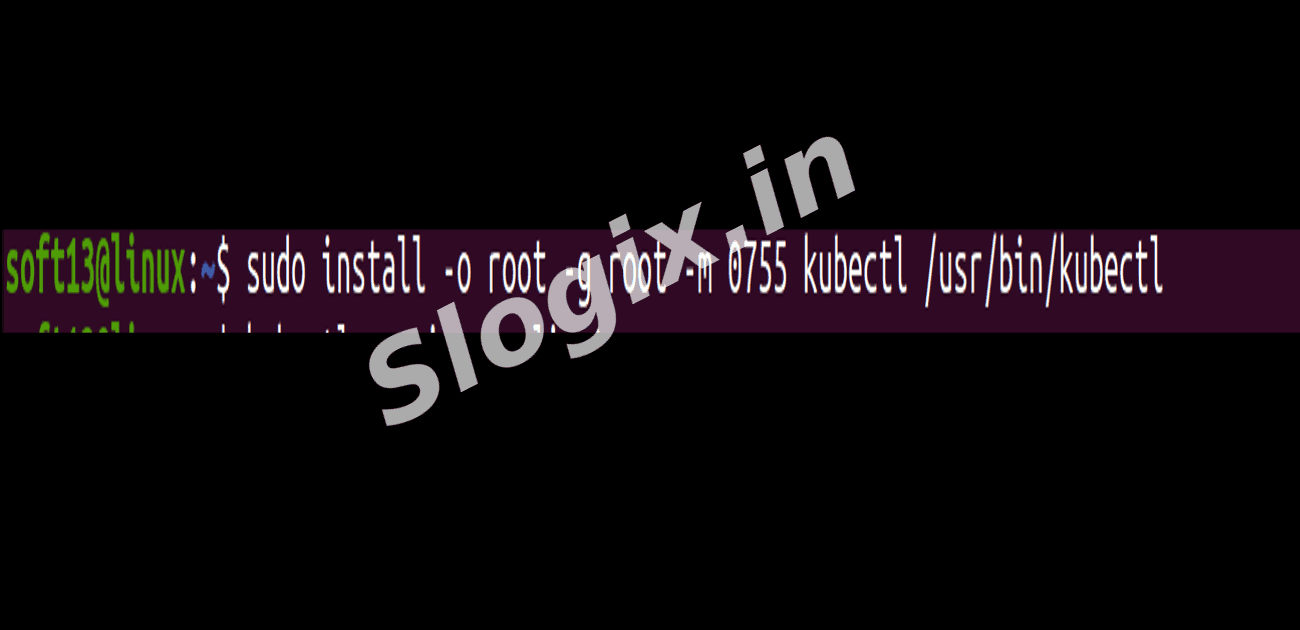
STEP 3 — Install kubectl
sudo install -o root -g root -m 0755 kubectl /usr/local/bin/kubectl
# Verify the binary is executable and in your PATH
which kubectl
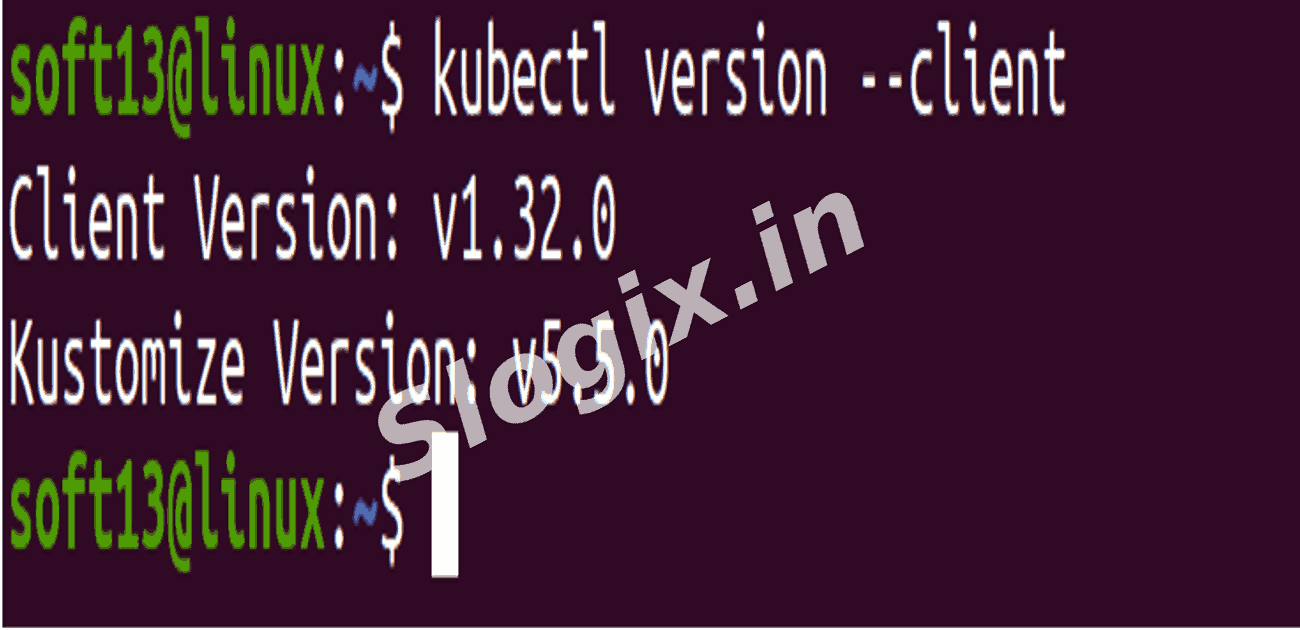
kubectl version --client
# Expected: Client Version: v1.32.0
-
STEP 4 — Download and install Minikube
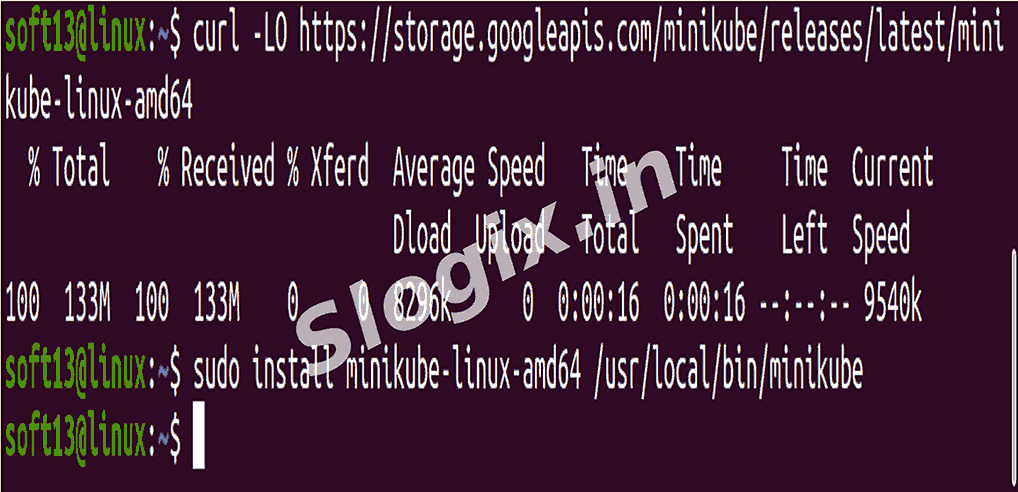
curl -LO https://storage.googleapis.com/minikube/releases/latest/minikube-linux-amd64
sudo install minikube-linux-amd64 /usr/local/bin/minikube
# Check installed version
minikube version
-
STEP 5 — Start Minikube using the Docker driver
# If Docker is running, this is usually the fastest driver
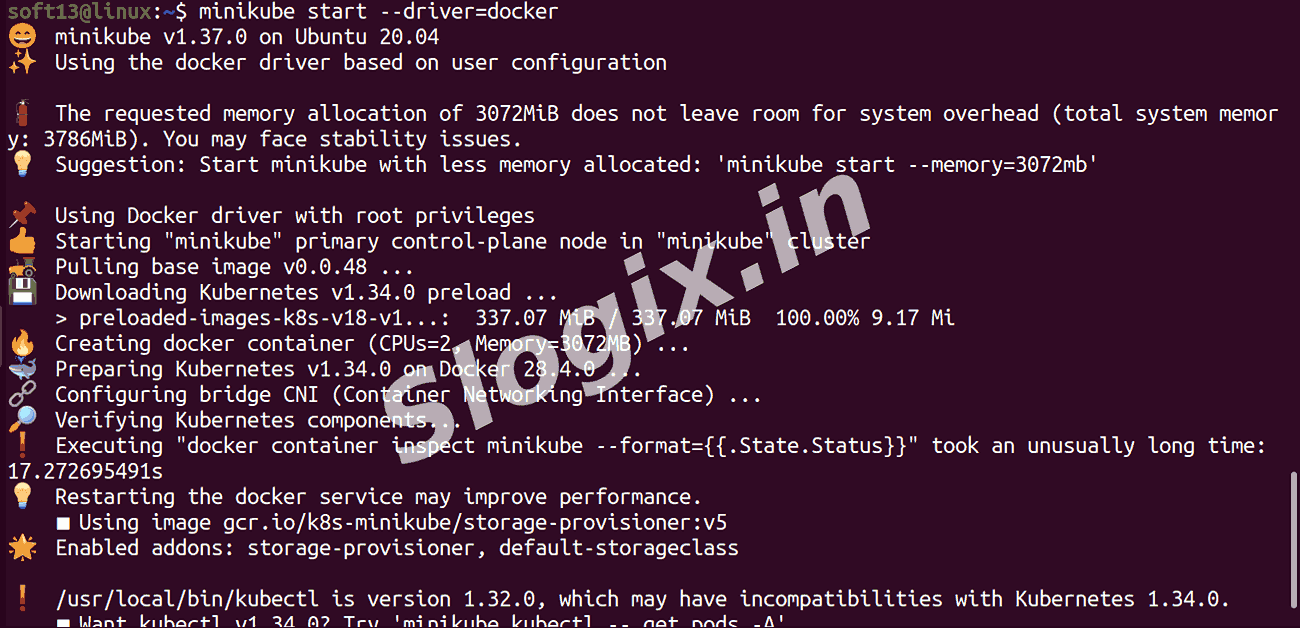
minikube start --driver=docker
If you prefer a different driver (virtualbox, kvm2), replace --driver=docker accordingly.
If you get permission or network errors, re-run with verbose output:
minikube start --driver=docker --v=7
-
STEP 6 — Check Minikube/Kubernetes status
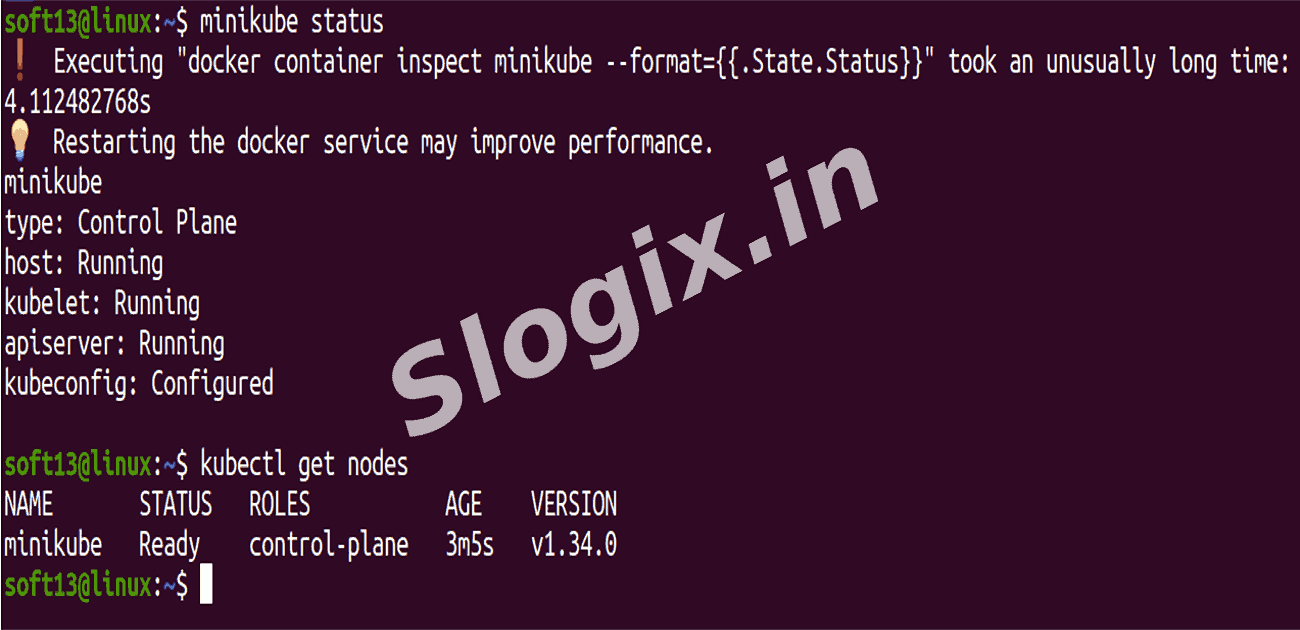
minikube status
kubectl cluster-info
kubectl config current-context   # should show 'minikube'
-
STEP 7 — Verify cluster resources
kubectl get nodes
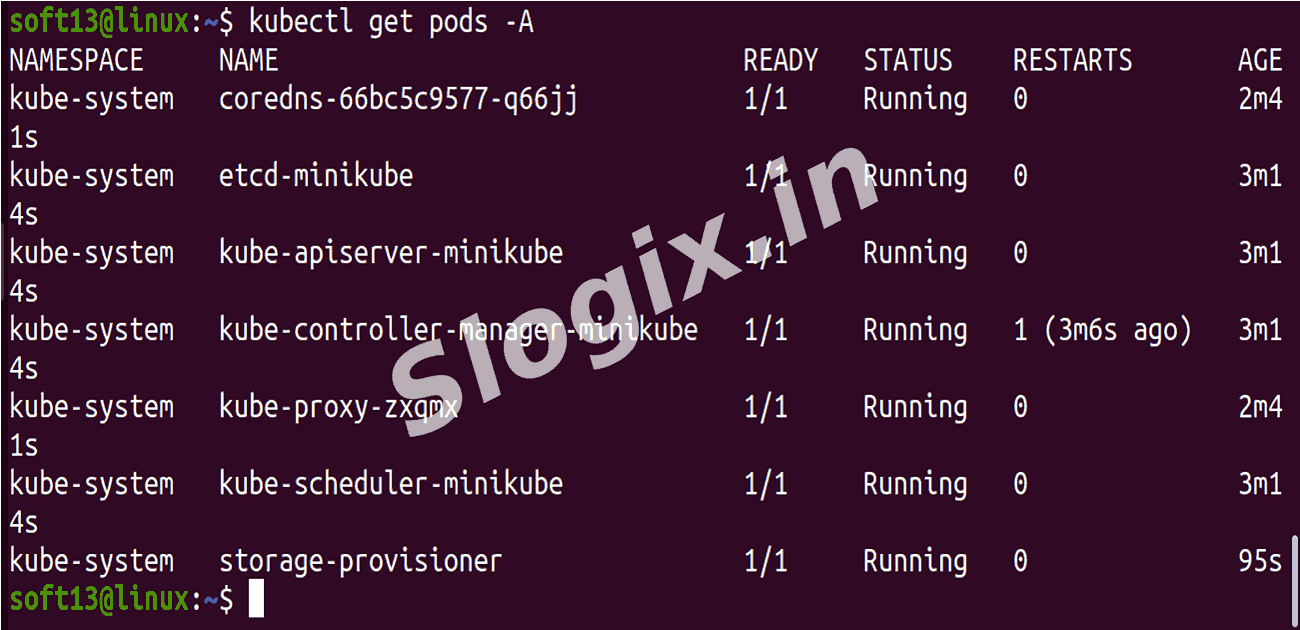
kubectl get pods -A
# Example expected:
# kubectl get nodes
# NAME       STATUS   ROLES    AGE     VERSION
# minikube   Ready    master   1m     v1.32.0
 Research Breakthrough Possible @S-Logix