List of Topics:
Location Research Breakthrough Possible @S-Logix pro@slogix.in

Office Address

Social List

How to Use Terraform Locally to Create, Compile, and Run a Simple Java Program?

Terraform

Condition for Use Terraform Locally to Create, Compile, and Run a Simple Java Program

  • Description:
    This task helps you to automate a Java workflow with Terraform. Terraform will create a project folder, write a Hello.java source file, compile it with javac, and run it with java — all via Terraform resources and provisioners. It’s a good demonstration of using local-exec, null_resource, and local_file for local automation and scripting.
  •  Prerequisites:
     Terraform installed and available in your PATH.
     Java JDK (javac and java) installed and available in your PATH.
     JSON-based settings for containers
     A Unix-like shell (commands shown for Linux/macOS; Windows PowerShell would require small changes).

STEPS

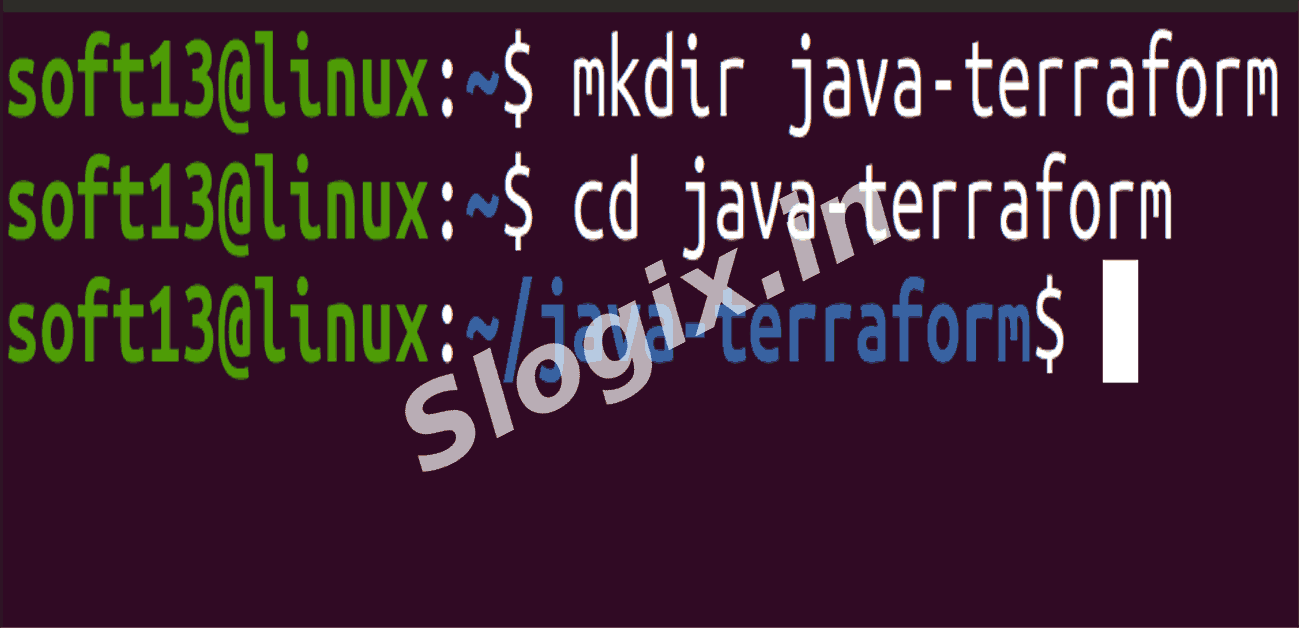
  •  Step 1 — Create project directory
     Create directory and navigate into it:
    mkdir java-terraform
    cd java-terraform
        
  •  Step 2 — Create main.tf
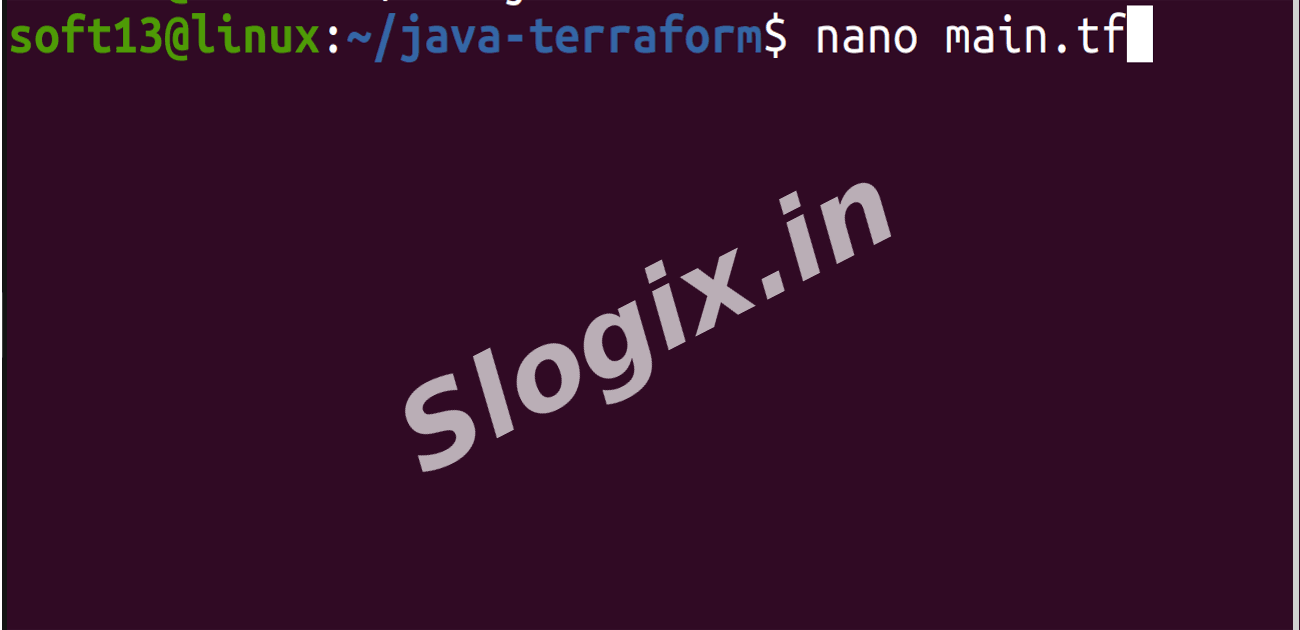
     Create the Terraform file:
    nano main.tf
        
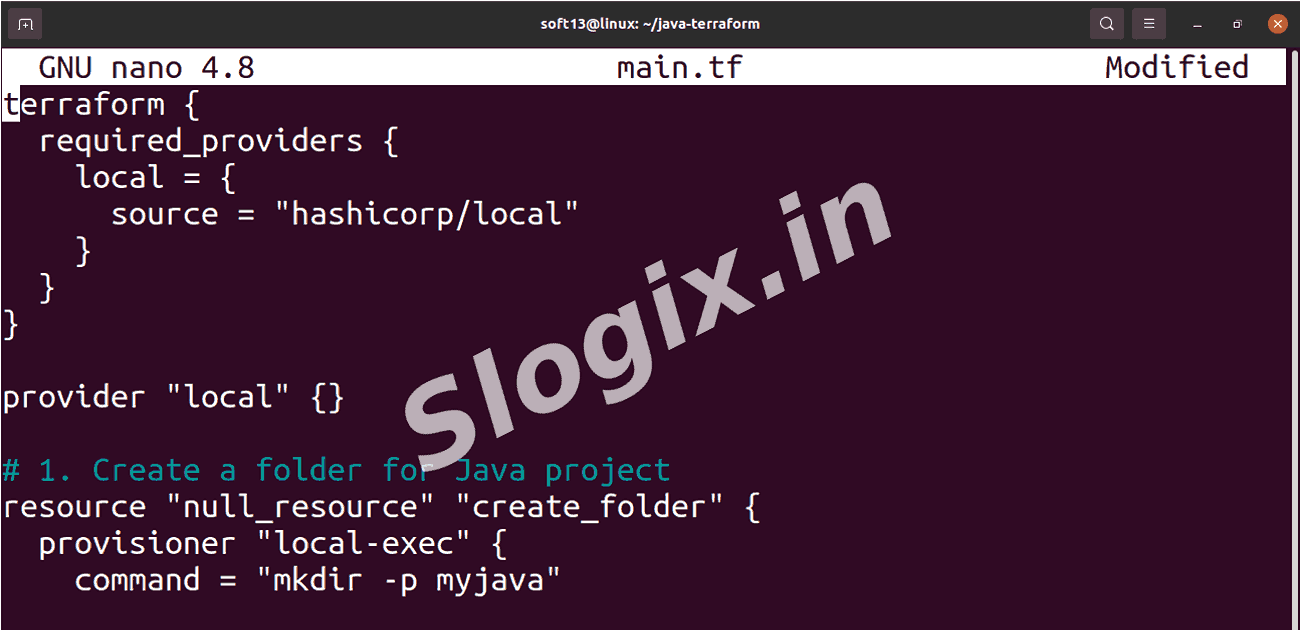
     Paste the following content:
    terraform {
      required_providers {
        local = {
          source = "hashicorp/local"
        }
      }
    }
    
    provider "local" {}
    
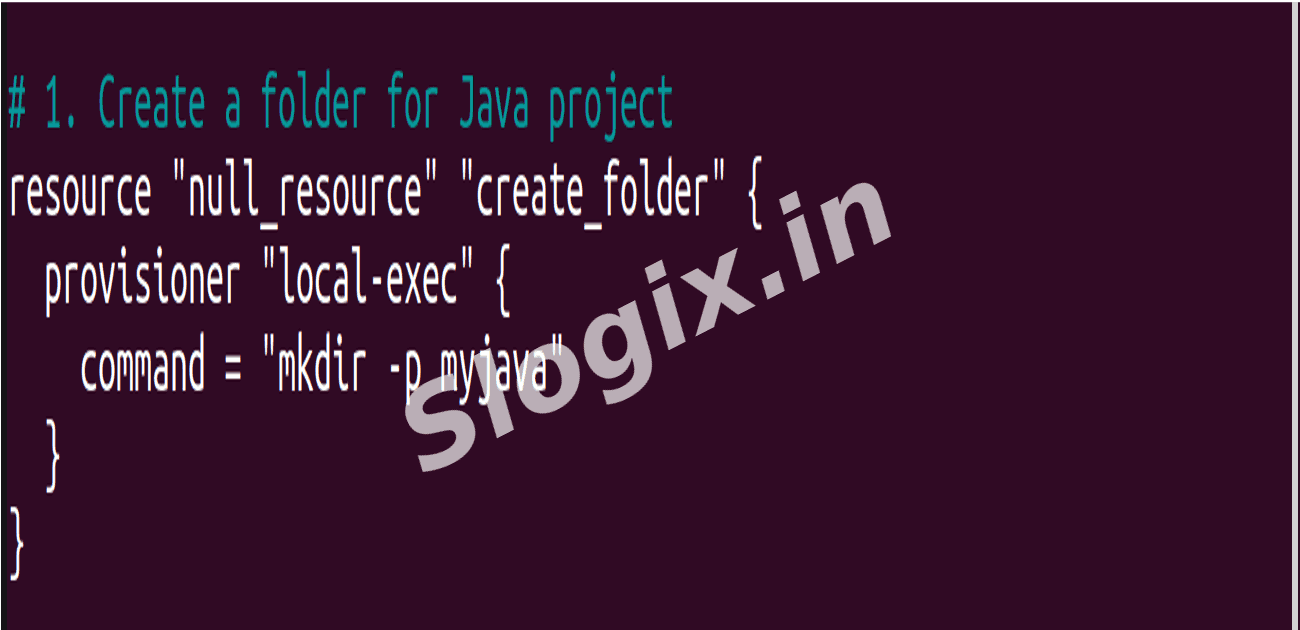
    # 1. Create a folder for Java project
    resource "null_resource" "create_folder" {
      provisioner "local-exec" {
        command = "mkdir -p myjava"
      }
    }
    
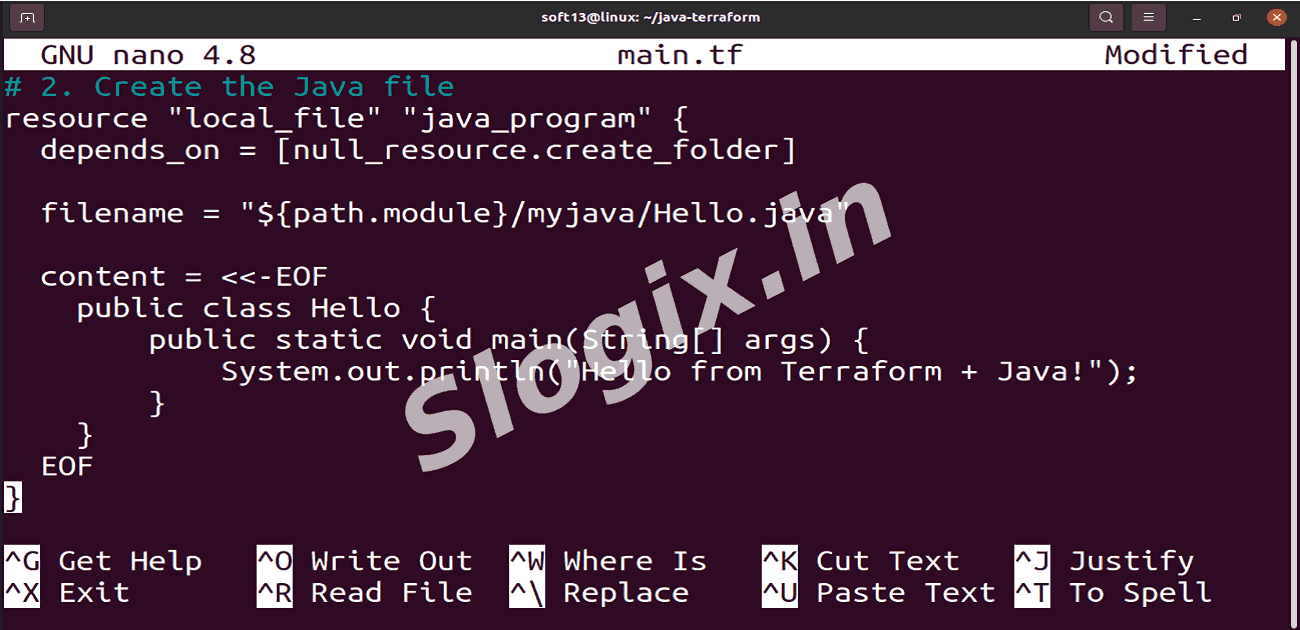
    # 2. Create the Java file
    resource "local_file" "java_program" {
      depends_on = [null_resource.create_folder]
    
      filename = "${path.module}/myjava/Hello.java"
    
      content = <<-EOF
        public class Hello {
            public static void main(String[] args) {
                System.out.println("Hello from Terraform + Java!");
            }
        }
      EOF
    }
    
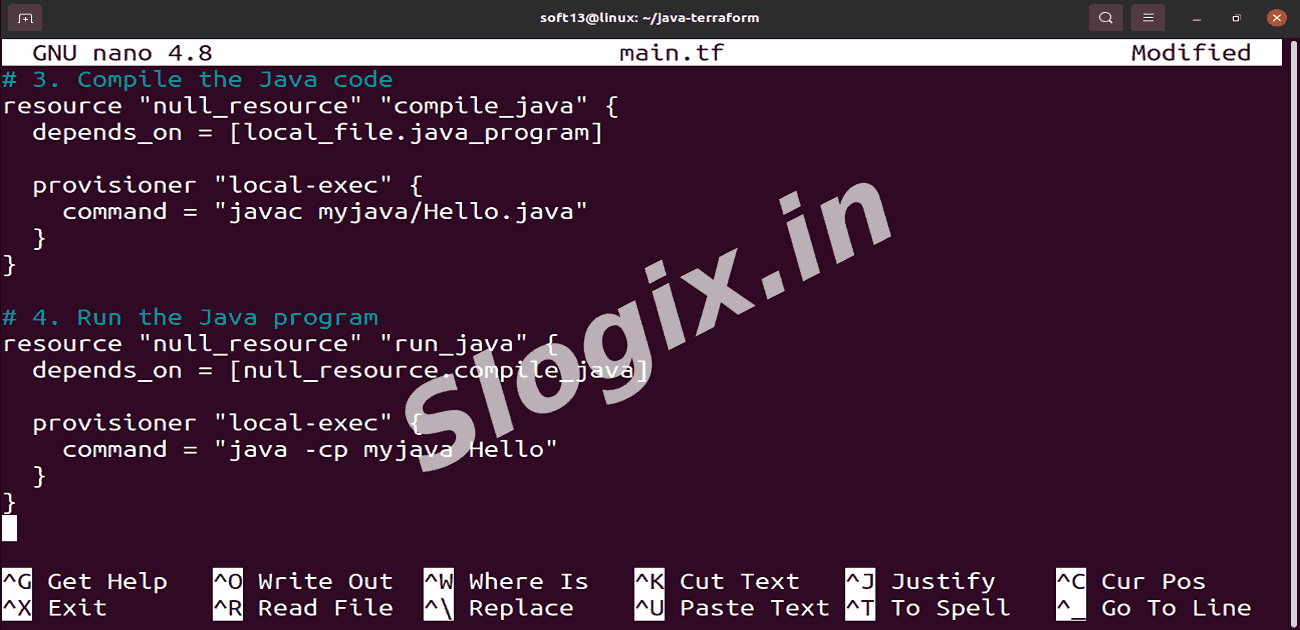
    # 3. Compile the Java code
    resource "null_resource" "compile_java" {
      depends_on = [local_file.java_program]
    
      provisioner "local-exec" {
        command = "javac myjava/Hello.java"
      }
    }
    
    # 4. Run the Java program
    resource "null_resource" "run_java" {
      depends_on = [null_resource.compile_java]
    
      provisioner "local-exec" {
        command = "java -cp myjava Hello"
      }
    }
        
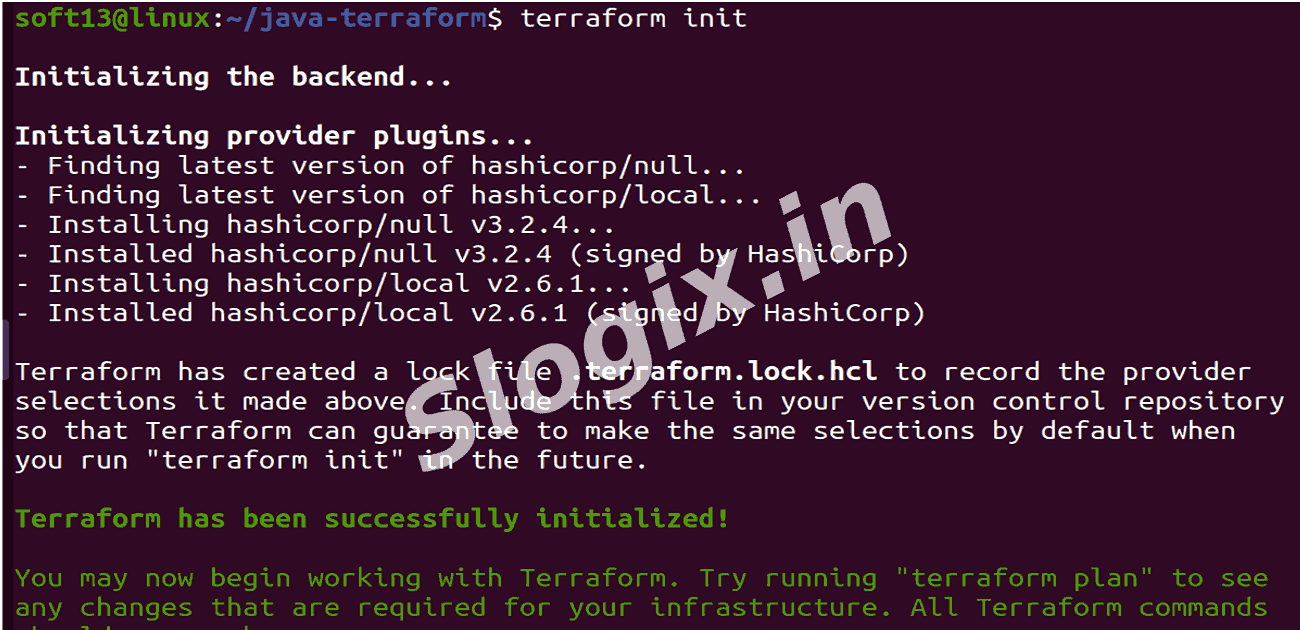
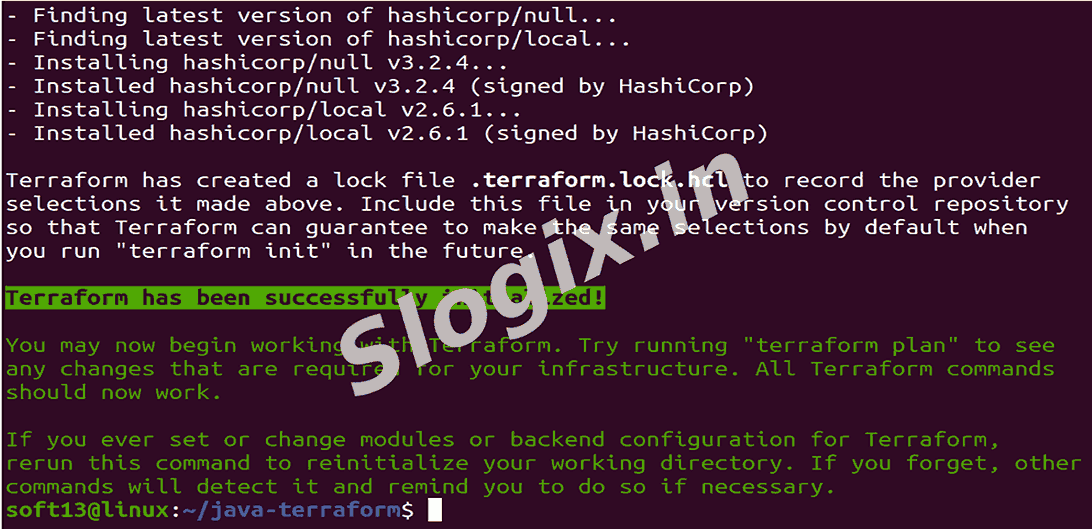
  •  Step 3 — Initialize Terraform
     Initialize Terraform:
    terraform init
        
     This downloads any provider plugin (local provider) and prepares the working directory.
  •  Step 4 — Validate configuration
     Validate Terraform files:
    terraform validate
        
     Ensures your HCL is syntactically valid.
  •  Step 5 — Apply the configuration
     Apply Terraform:
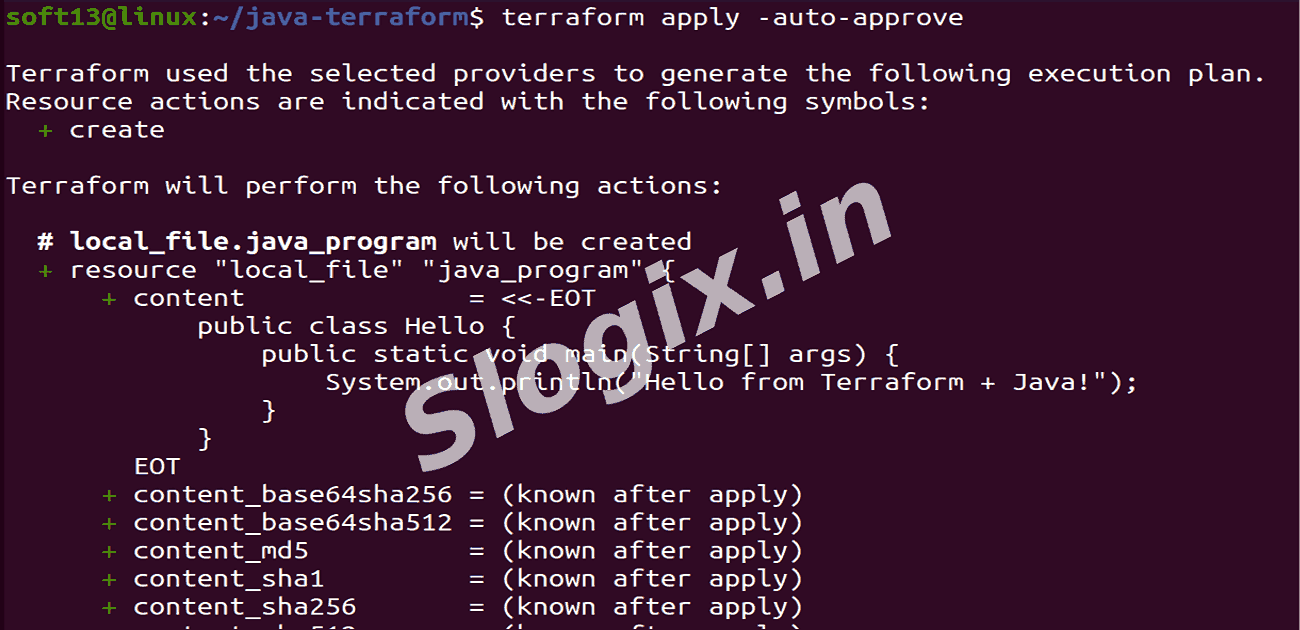
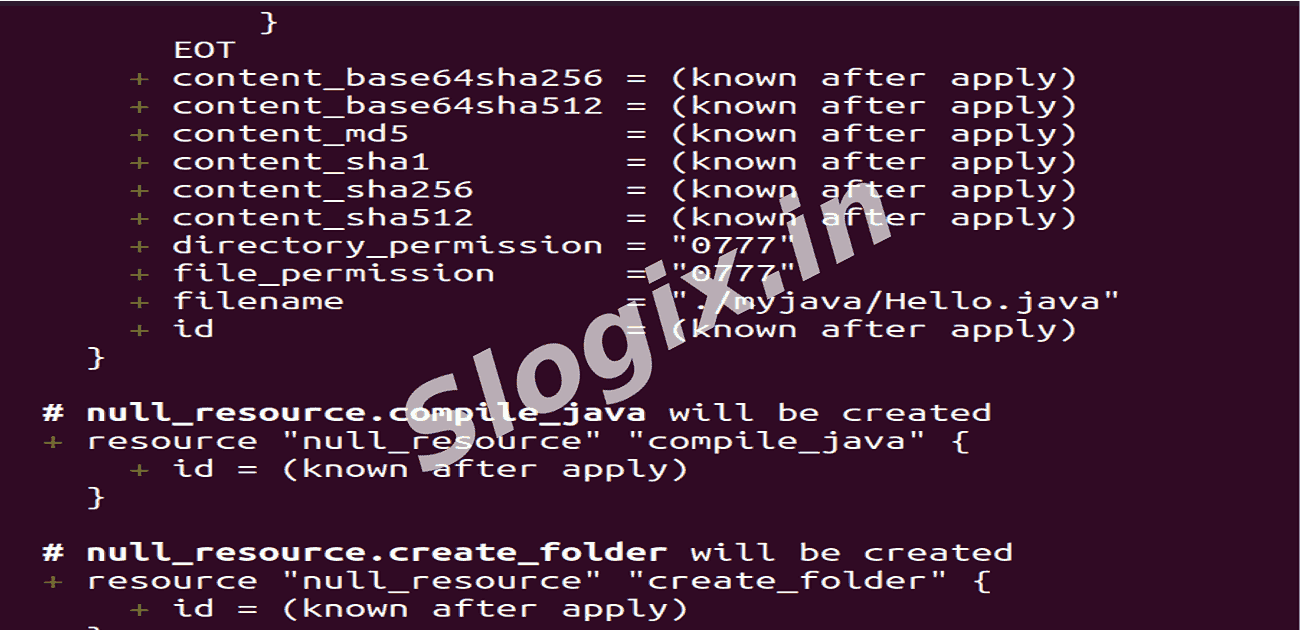
    terraform apply -auto-approve
        
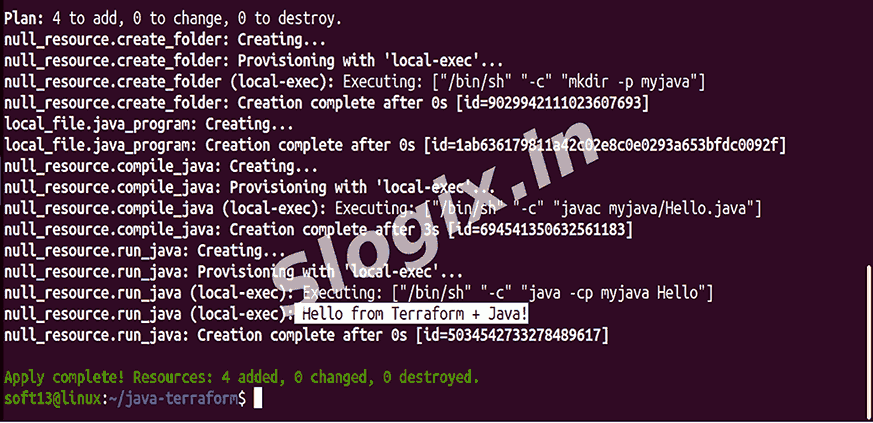
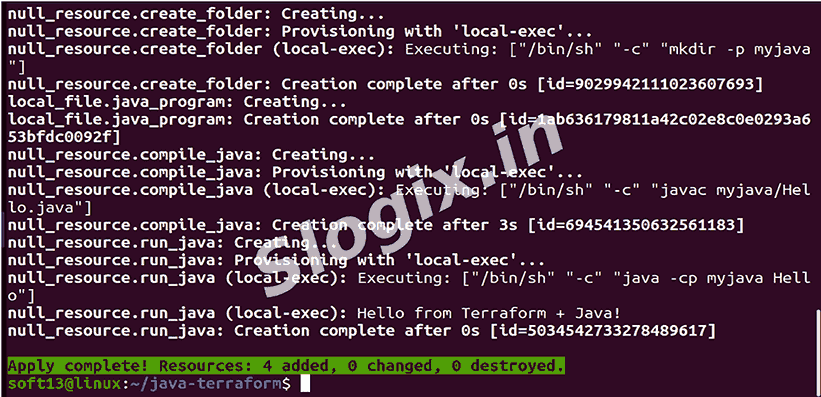
     Terraform will:
     create myjava/ folder,
     write myjava/Hello.java,
     run javac myjava/Hello.java to create Hello.class,
     run java -cp myjava Hello and print the program output to your terminal.

     Expected terminal output (part of apply’s provisioning output):
    null_resource.run_java (local-exec): Hello from Terraform + Java!
    Apply complete! Resources: 4 added, 0 changed, 0 destroyed.
        
Screenshots
  • 552
  • 553
  • 554
  • 555
  • 556
  • 557
  • 558
  • 559
  • 560
  • 561
  • 562
  • 563