-
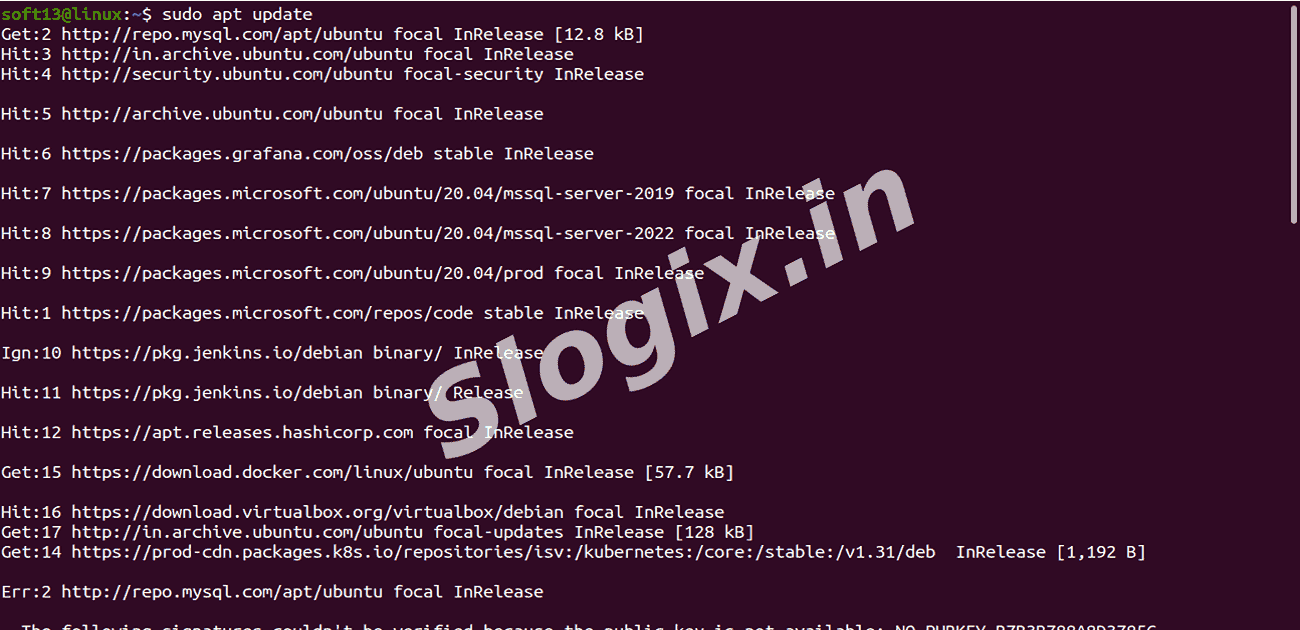
Step 1 — Update System Packages
Update system:
sudo apt update
Updates the package index to make sure you can install the latest versions of software.
-
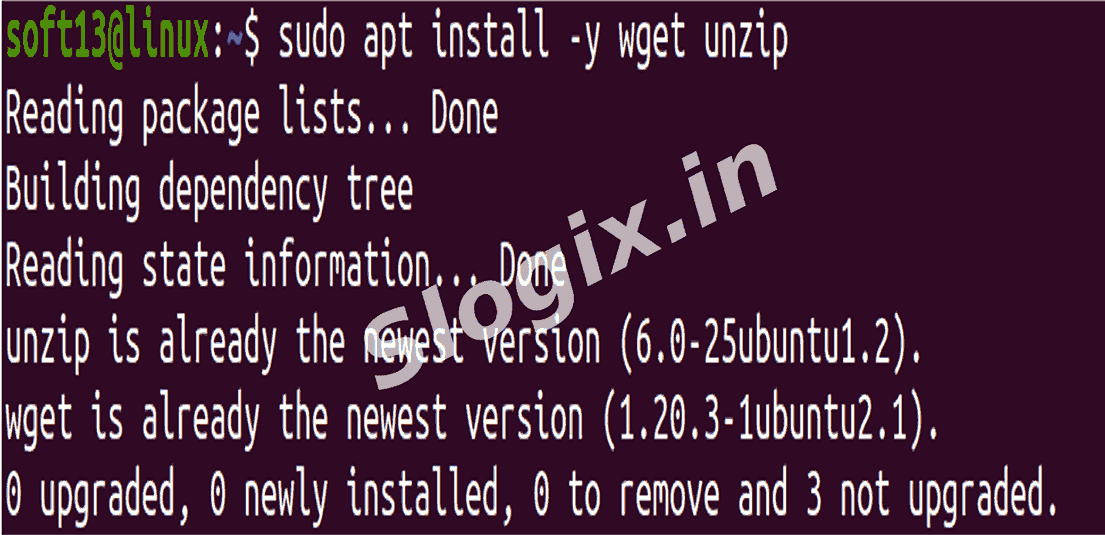
Step 2 — Install Required Tools
Install required tools:
sudo apt install -y wget unzip
Installs wget to download files and unzip to extract compressed files.
-
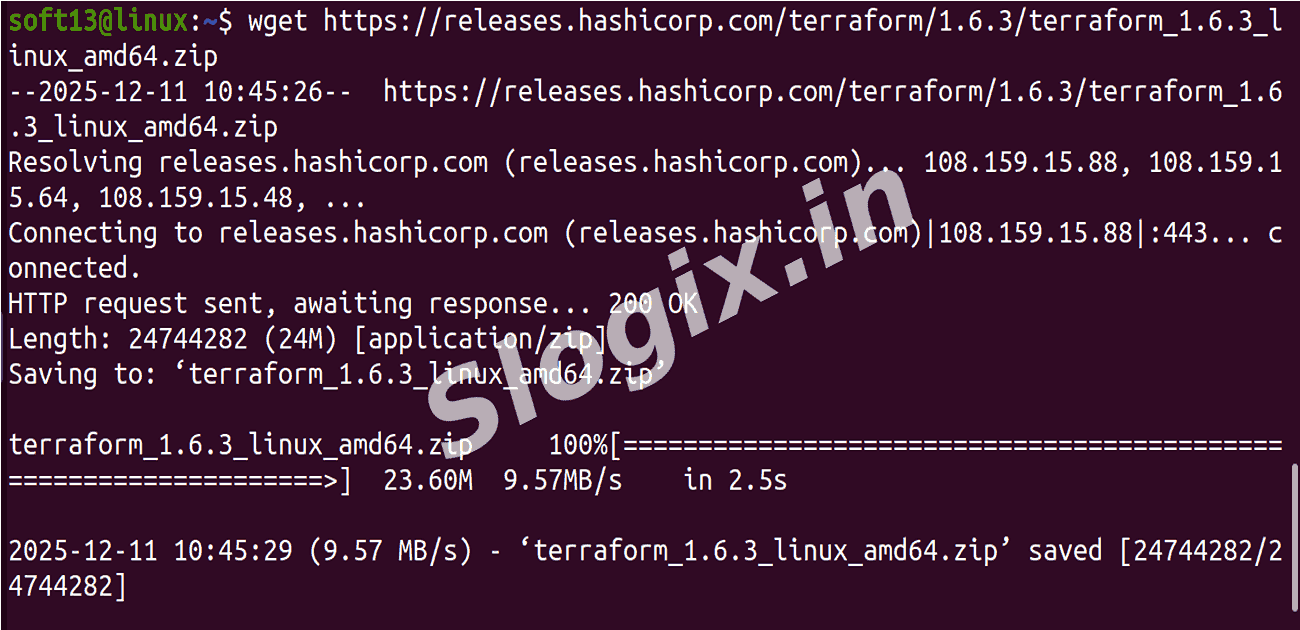
Step 3 — Download Terraform
Download Terraform binary:
wget https://releases.hashicorp.com/terraform/1.6.3/terraform_1.6.3_linux_amd64.zip
Downloads the Terraform binary zip file from the official HashiCorp release page.
-
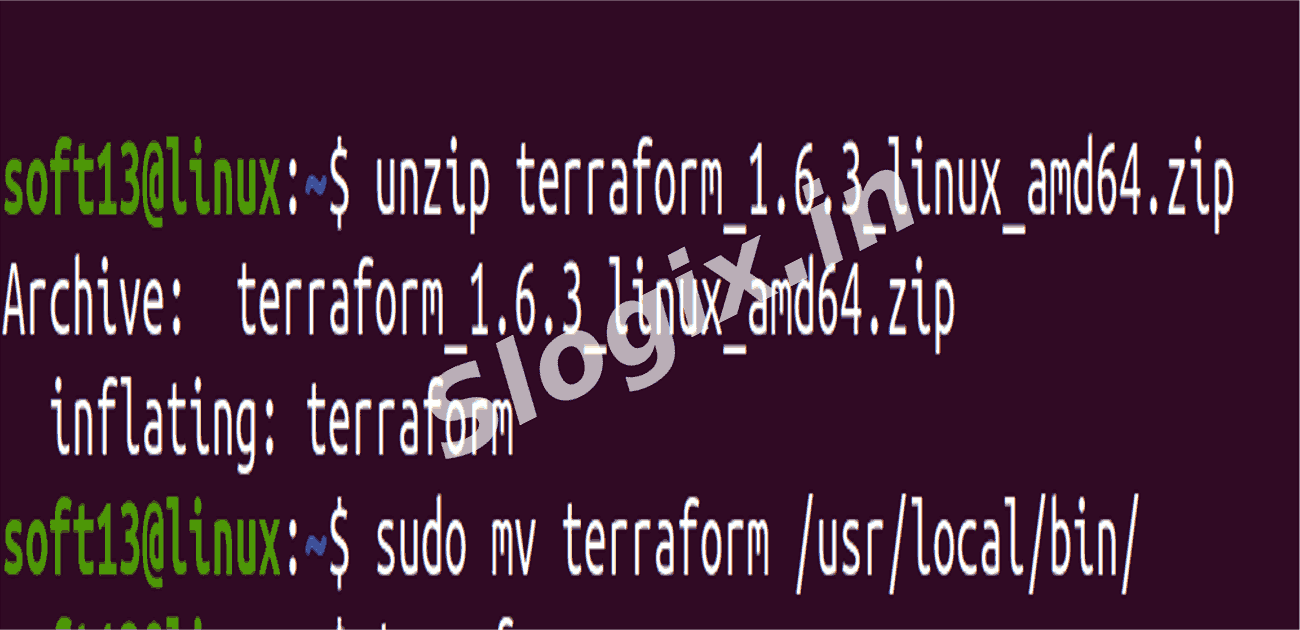
Step 4 — Extract the Terraform Binary
Extract the downloaded file:
unzip terraform_1.6.3_linux_amd64.zip
Unzips the downloaded file to get the terraform executable.
-
Step 5 — Move Terraform to a System PATH
Move Terraform binary:
sudo mv terraform /usr/local/bin/
Moves the binary to /usr/local/bin/ so you can run terraform from anywhere in the terminal.
-
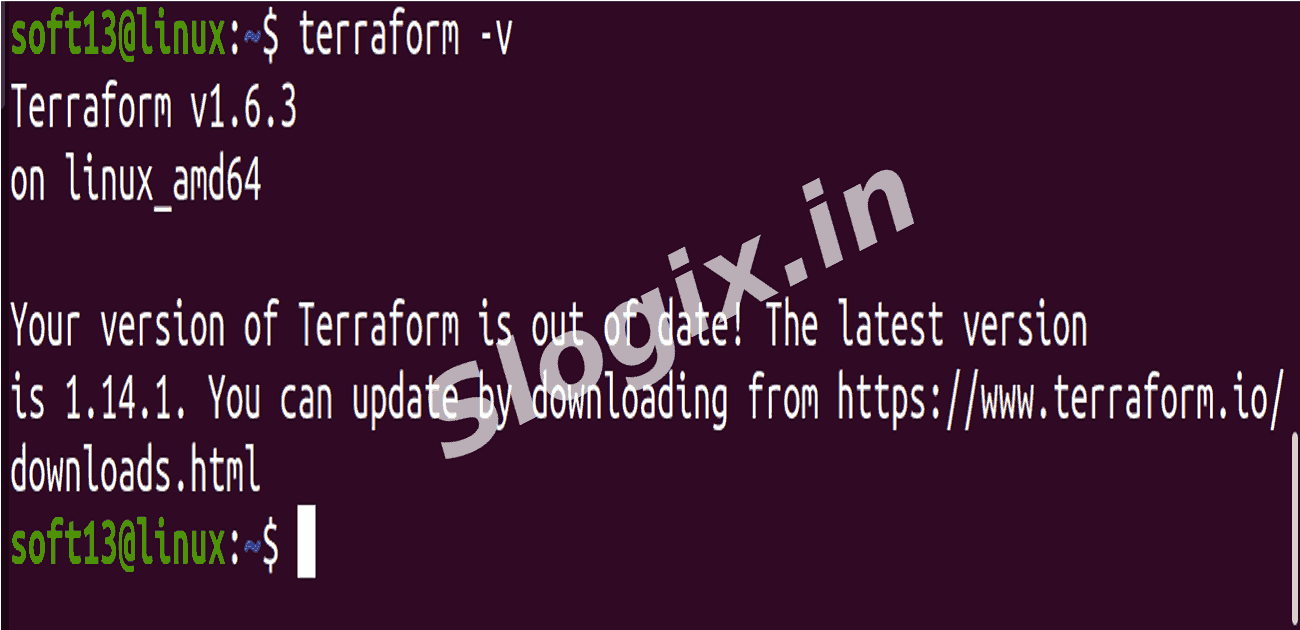
Step 6 — Verify Installation
Verify Terraform installation:
terraform -v
terraform version
Checks that Terraform is installed correctly and displays the installed version.
 Research Breakthrough Possible @S-Logix