List of Topics:
Location Research Breakthrough Possible @S-Logix pro@slogix.in

Office Address

Social List

How to Execute an End-to-End MapReduce Program on a Single-Node Hadoop Setup using an AWS EC2 Instance, Starting from Instance Creation to Running the WordCount Job and Retrieving the Output?

 Alarm Triggers

Condition for Create an Amazon EMR Cluster with Spark and Hive using the AWS Management Console

  • Description:
    It demonstrates the complete process of running a MapReduce program on a single-node Hadoop setup using an AWS EC2 instance. It begins with launching a free-tier EC2 server and configuring essential ports for SSH, HDFS, and YARN access. After connecting to the instance, Java is installed as a prerequisite for Hadoop. Hadoop is then downloaded, extracted, and environment variables are configured before setting up the pseudo-distributed mode by updating core-site.xml and hdfs-site.xml. The HDFS namenode is formatted and required SSH configurations are created to enable Hadoop services to start properly. Once the Hadoop daemons are running, input data is created and uploaded to HDFS. The built-in WordCount MapReduce job is executed to process the data, and the results are retrieved from the output directory. Optional web interfaces such as HDFS NameNode UI and YARN ResourceManager UI provide visual access to cluster status, completing a full end-to-end MapReduce workflow on EC2.

Steps

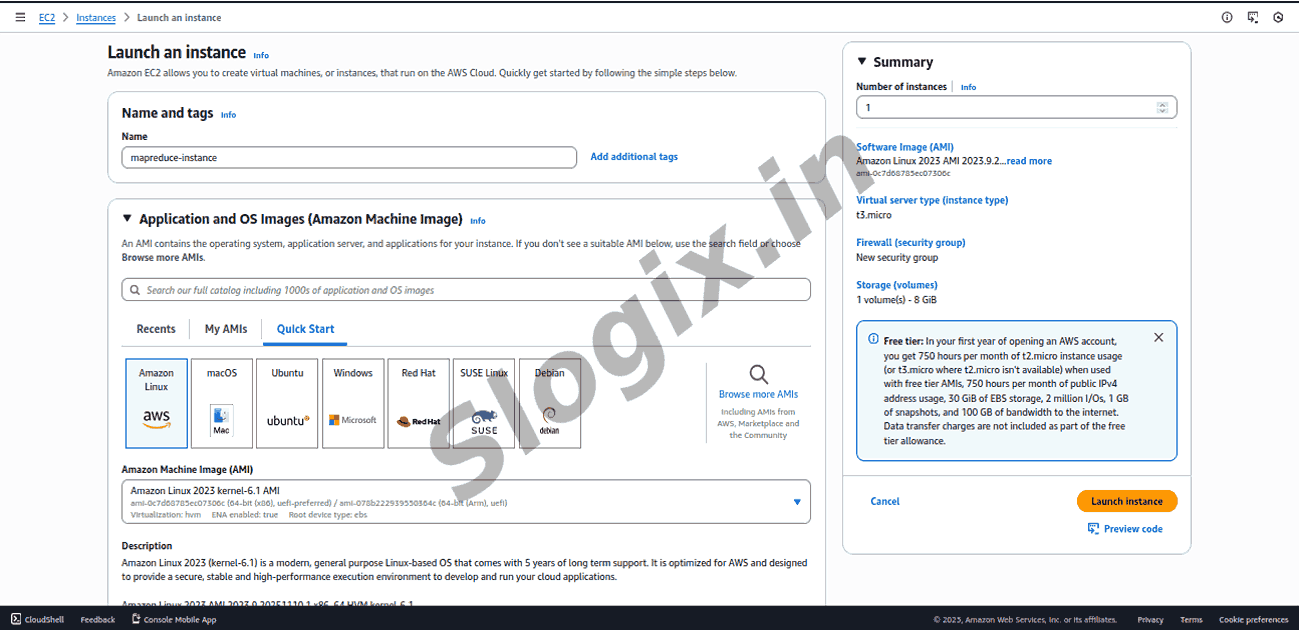
  •  Step 1: Launch EC2 (Free Tier)
     Instance: t2.micro
     OS: Amazon Linux 2023 or Amazon Linux 2
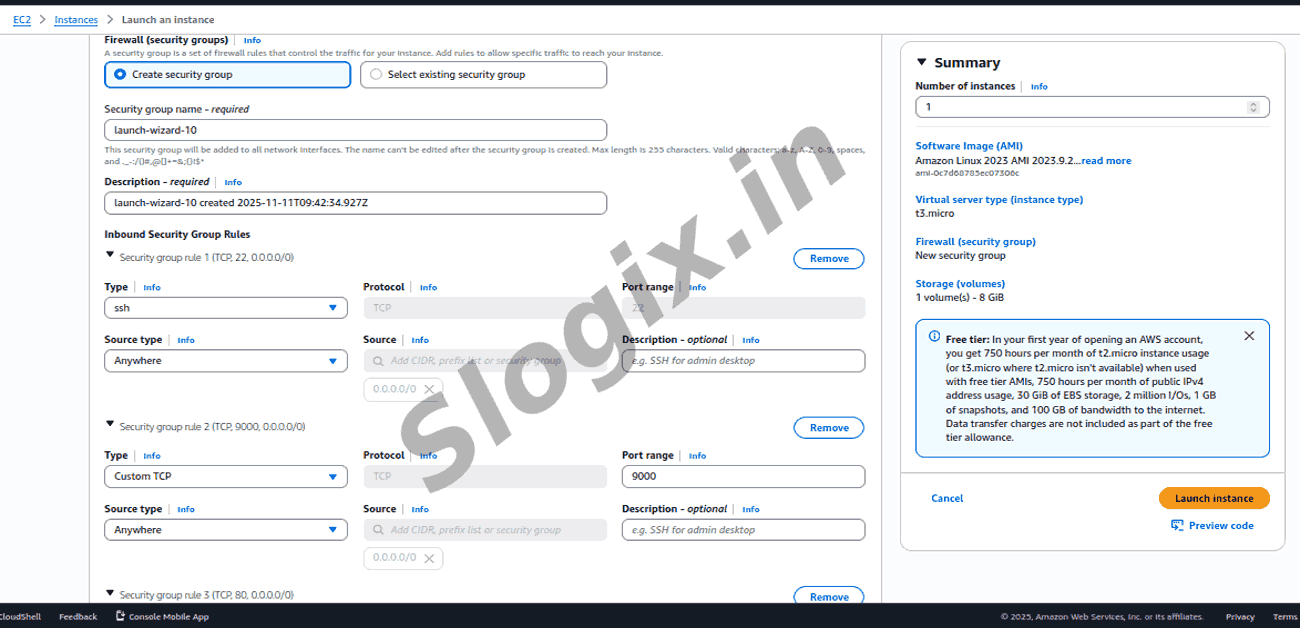
     Security Group: open ports
    Port Purpose
    22 SSH
    9000 HDFS
    8088 YARN UI (optional)
  •  Step 2: SSH into the server
     ssh -i your-key.pem ec2-user@YOUR_PUBLIC_IP
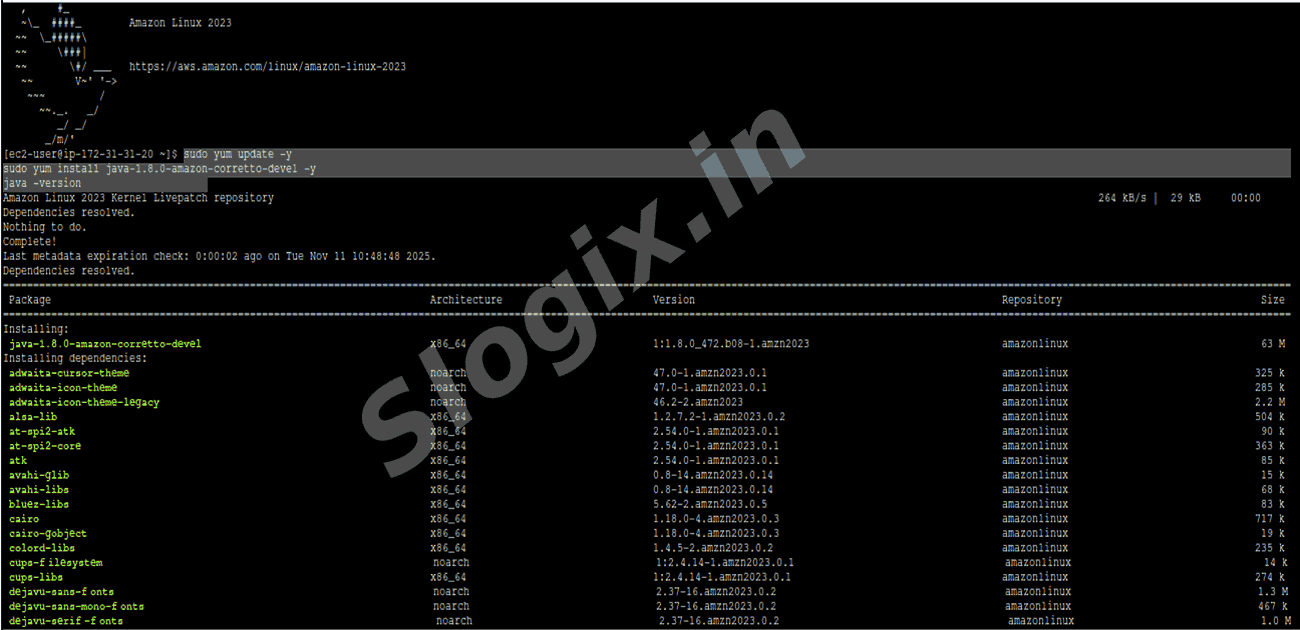
  •  Step 3: Install Java
     sudo yum update -y
     sudo yum install java-1.8.0-amazon-corretto-devel -y
     java -version
  •  Step 4: Download & Install Hadoop
     cd /home/ec2-user
     wget https://downloads.apache.org/hadoop/common/hadoop-3.3.6/hadoop-3.3.6.tar.gz
     tar -xzf hadoop-3.3.6.tar.gz
     mv hadoop-3.3.6 hadoop
  •  Step 5: Set Environment Variables
     echo "export JAVA_HOME=/usr/lib/jvm/java-1.8.0-amazon-corretto.x86_64" >> ~/.bashrc
     echo "export HADOOP_HOME=/home/ec2-user/hadoop" >> ~/.bashrc
     echo "export PATH=\$PATH:\$HADOOP_HOME/bin:\$HADOOP_HOME/sbin" >> ~/.bashrc
     source ~/.bashrc
  •  Step 6: Configure Hadoop (Pseudo-distributed mode)
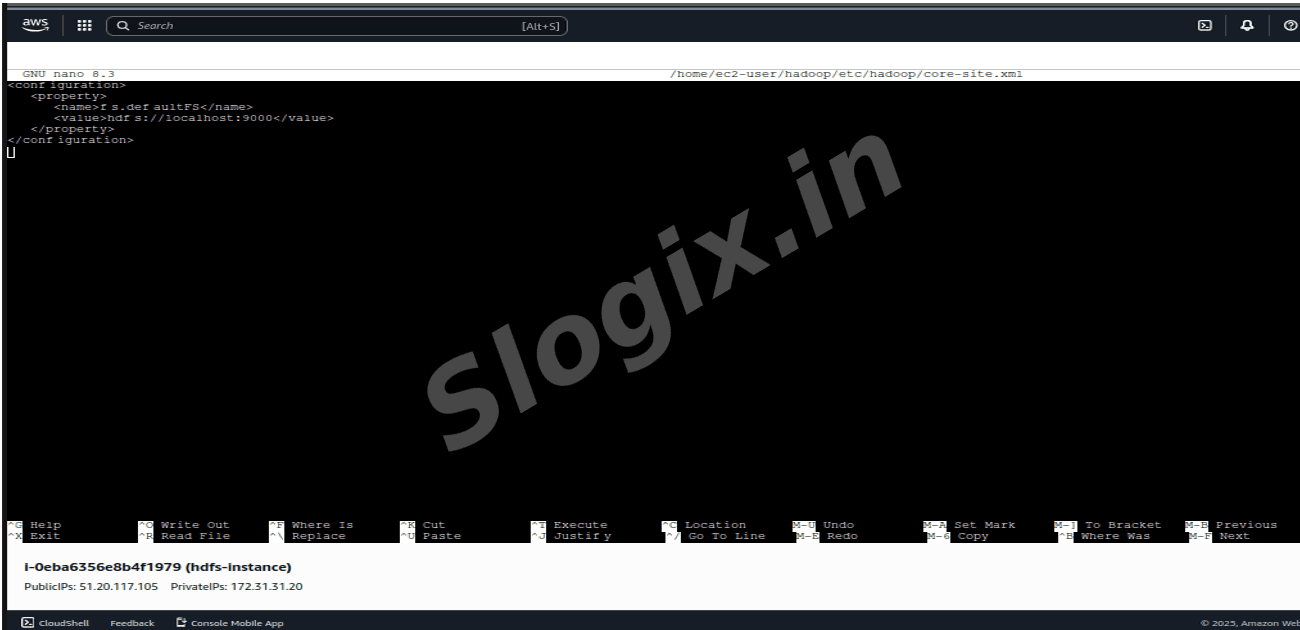
     Edit core-site.xml
     nano $HADOOP_HOME/etc/hadoop/core-site.xml
     Paste:
     xml
     <configuration>
      <property>
       <name>fs.defaultFS</name>
       <value>hdfs://localhost:9000</value>
      </property>
     </configuration>
     Edit hdfs-site.xml
     nano $HADOOP_HOME/etc/hadoop/hdfs-site.xml
     Paste:
     xml
     <configuration>
      <property>
       <name>dfs.replication</name>
       <value>1</value>
      </property>
     </configuration>
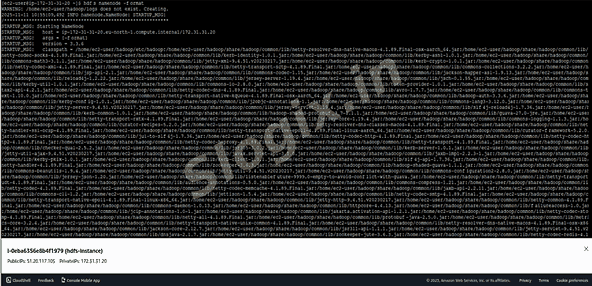
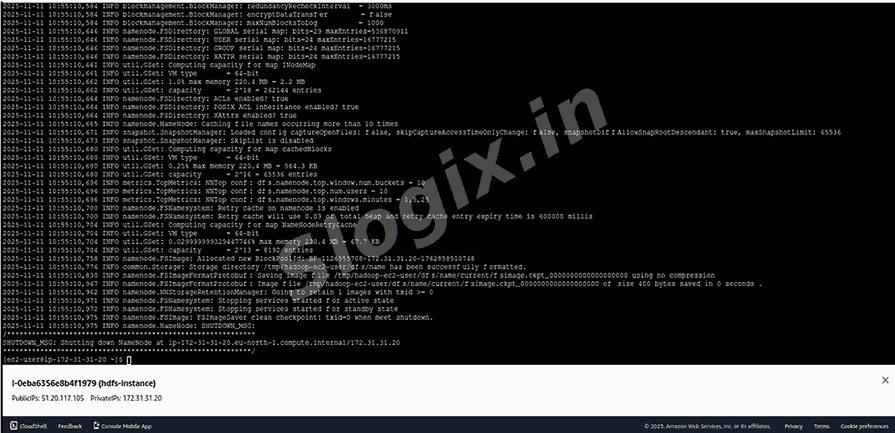
     Format HDFS
     hdfs namenode -format
     Issue:
     start-dfs.sh
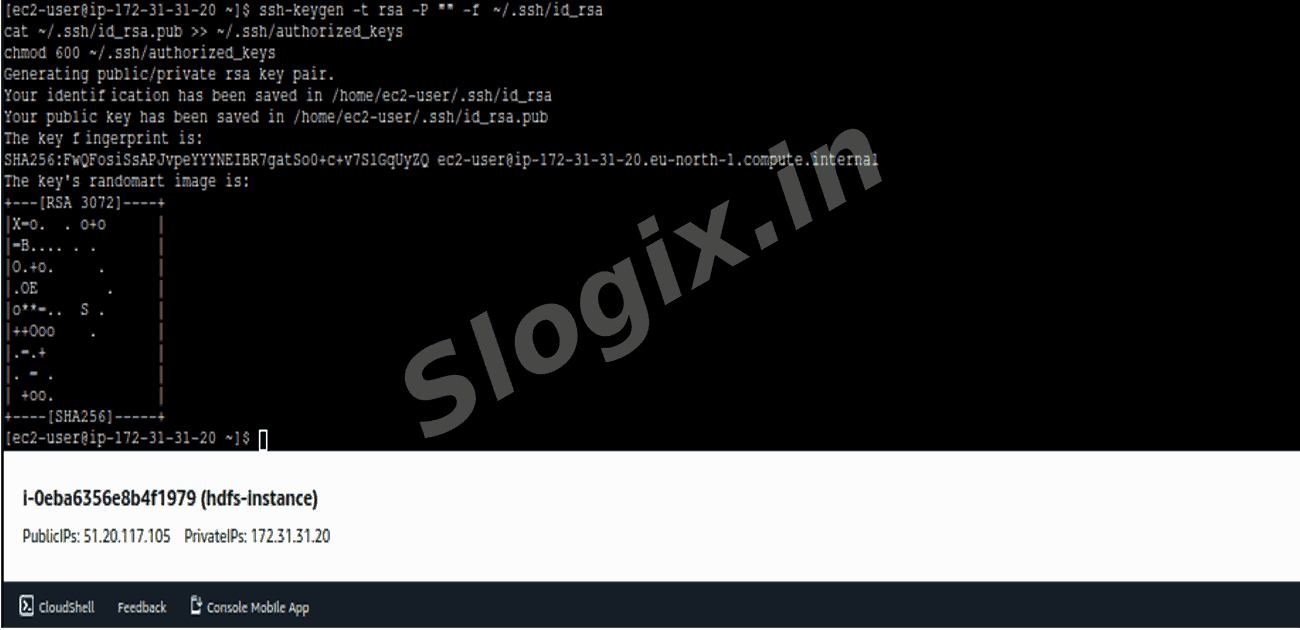
     Issue Fix:
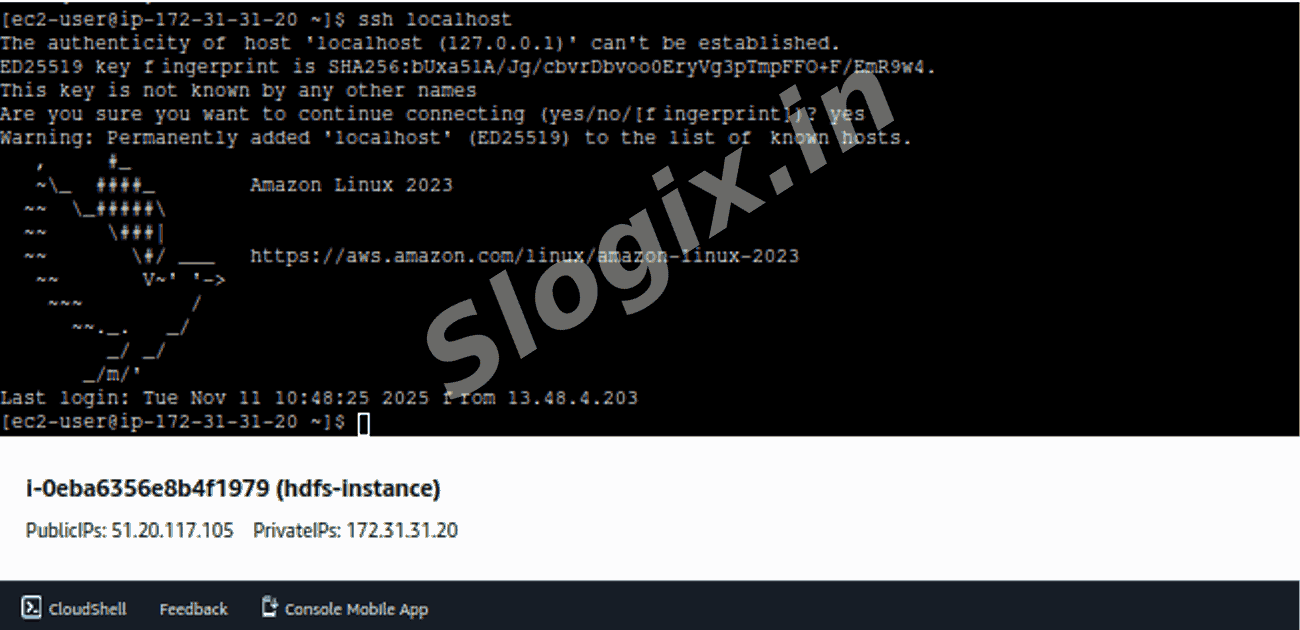
     ssh-keygen -t rsa -P "" -f ~/.ssh/id_rsa
     cat ~/.ssh/id_rsa.pub >> ~/.ssh/authorized_keys
     chmod 600 ~/.ssh/authorized_keys
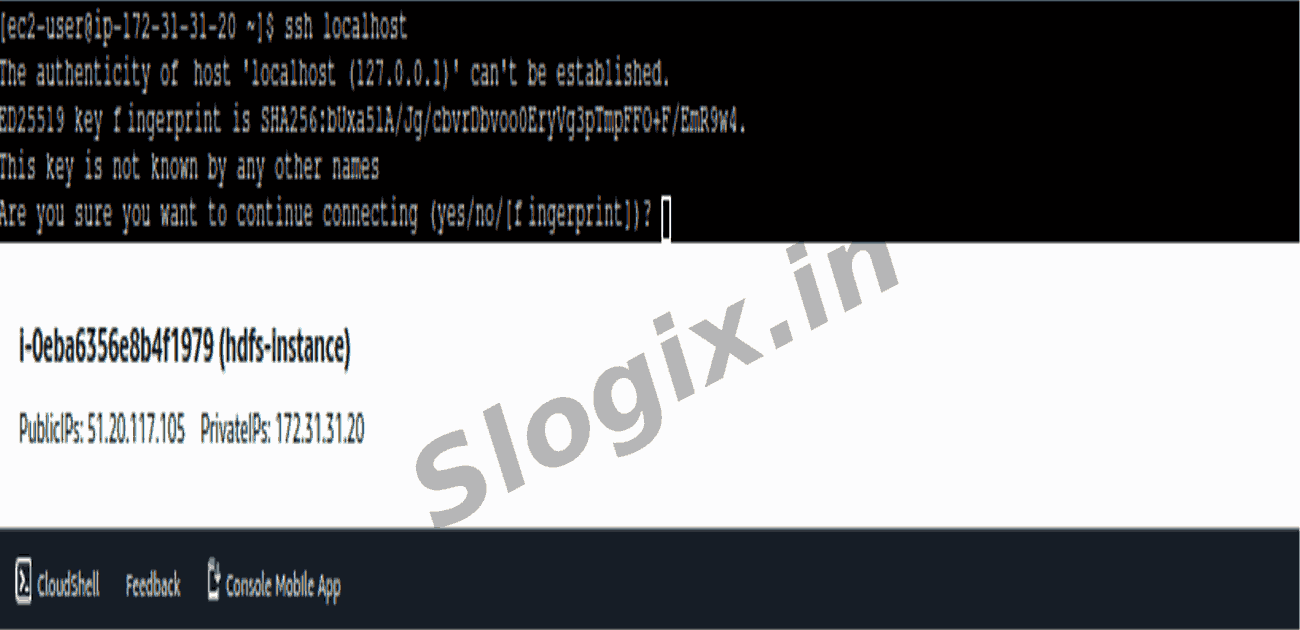
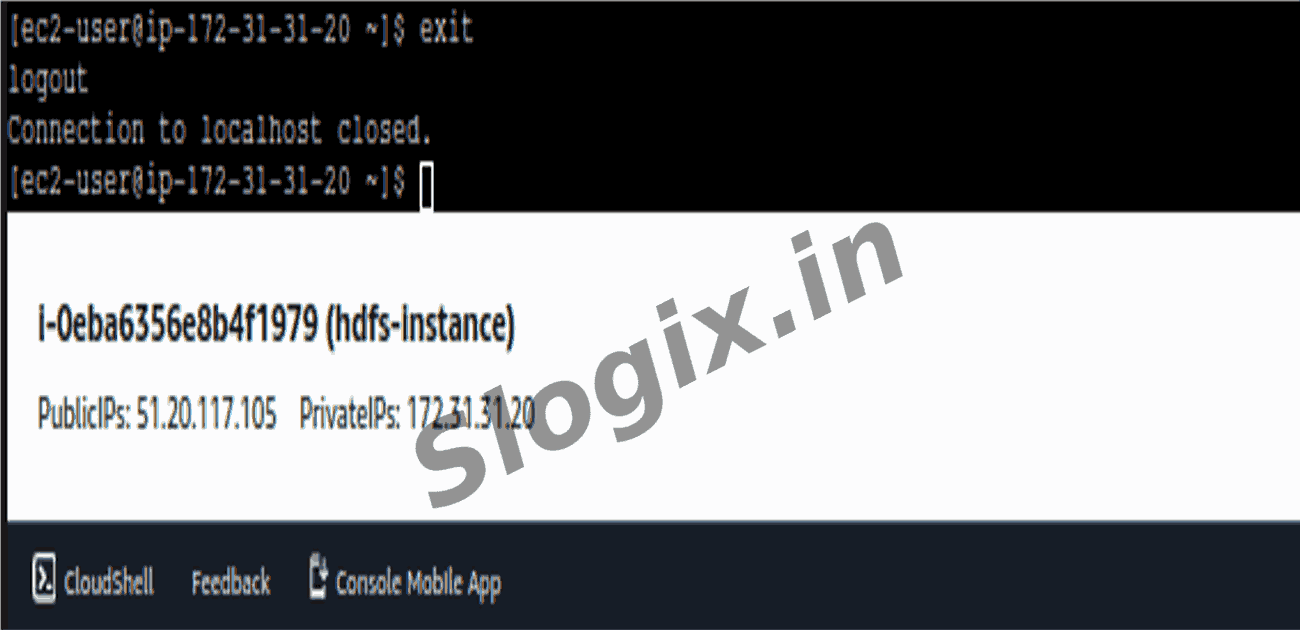
     ssh localhost
     exit
     Re run: start-dfs.sh
     jps
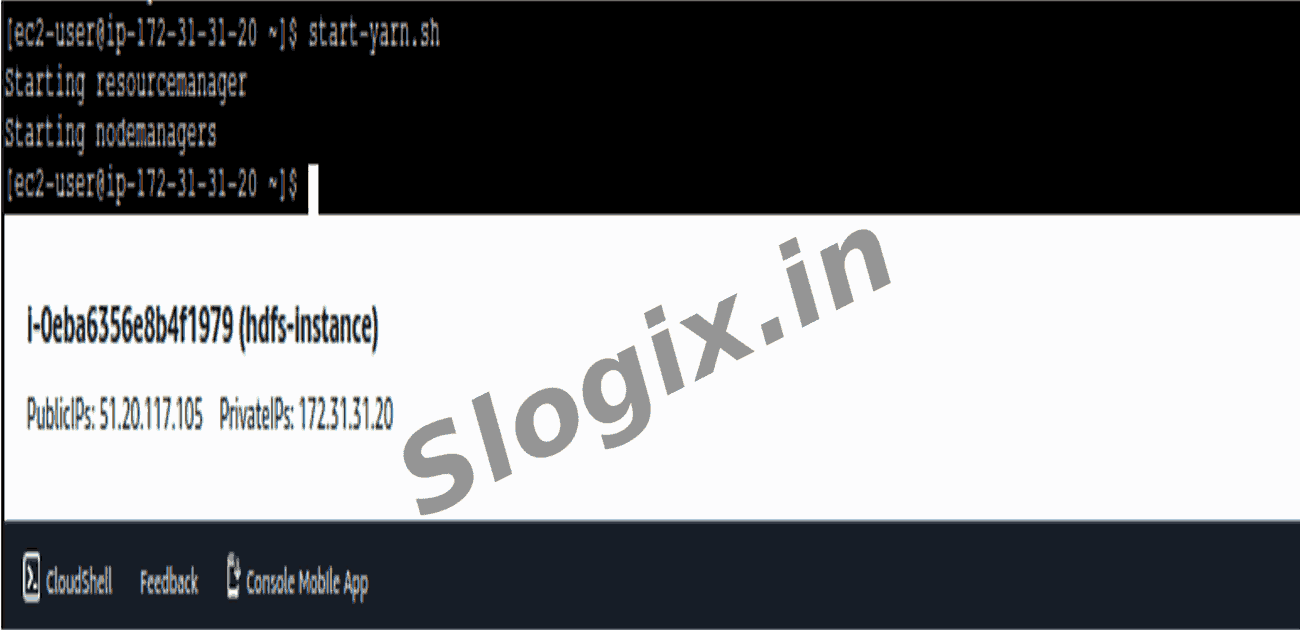
  •  Step 7: Start Hadoop Services
     start-dfs.sh
     start-yarn.sh
     jps
     You should see:
     NameNode
     DataNode
     ResourceManager
     NodeManager
  •  Step 8: Create Input File
     echo -e "hello world\nhello hadoop\nhello mapreduce" > input.txt
  •  Step 9: Copy file to HDFS
     hdfs dfs -mkdir /input
     hdfs dfs -put input.txt /input
     hdfs dfs -ls /input
  •  Step 10: Run WordCount MapReduce Job
     hadoop jar $HADOOP_HOME/share/hadoop/mapreduce/hadoop-mapreduce-examples-3.3.6.jar \
     wordcount /input /output
  •  Step 11: View Output
     hdfs dfs -ls /output
     hdfs dfs -cat /output/part-r-00000
     Output will be:
     hadoop   1
     hello    3
     mapreduce 1
     world    1
     Optional UIs you can open in browser:
    UI Link
    HDFS http://<EC2_PUBLIC_IP>:9870
    YARN http://<EC2_PUBLIC_IP>:8088
Screenshots
  • 217
  • 218
  • 219
  • 220
  • 221
  • 222
  • 223
  • 224
  • 225
  • 226
  • 227
  • 228
  • 229
  • 230
  • 231
  • 232
  • 233
  • 234
  • 235
  • 236
  • 237