List of Topics:
Location Research Breakthrough Possible @S-Logix pro@slogix.in

Office Address

Social List

How to Expose a Python-based AWS Lambda Function as a REST API using API Gateway?

 Alarm Triggers

Condition for Expose a Python-based AWS Lambda Function as a REST API using API Gateway

  • Description:
    It demonstrates how to expose a Lambda function as a REST API endpoint using Amazon API Gateway. The Lambda function contains a simple Python handler that returns a static message and HTTP status code. After the Lambda is created, API Gateway is configured to trigger the function via an HTTP request. Once deployed, users can access the endpoint publicly over the internet. This workflow illustrates how serverless compute and API Gateway work together to provide fully managed, scalable backend services without requiring servers.

Steps

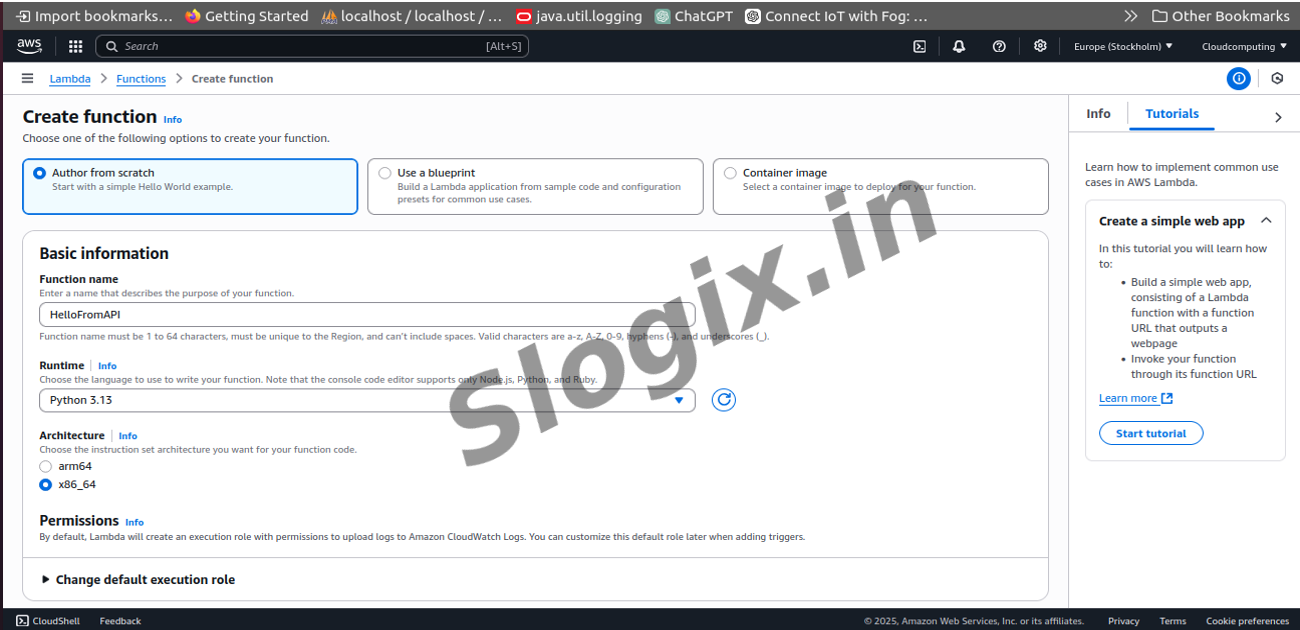
  •  Step 1: Create the Lambda Function
     Open AWS Console → Lambda.
     Click Create function.
     Select Author from scratch.
     Enter:
     Function name: lambda-api-demo
     Runtime: Python 3.10 (or any available)
     Architecture: x86_64
     Leave permissions as default.
     Click Create function.
  •  Step 2: Add the Python Code
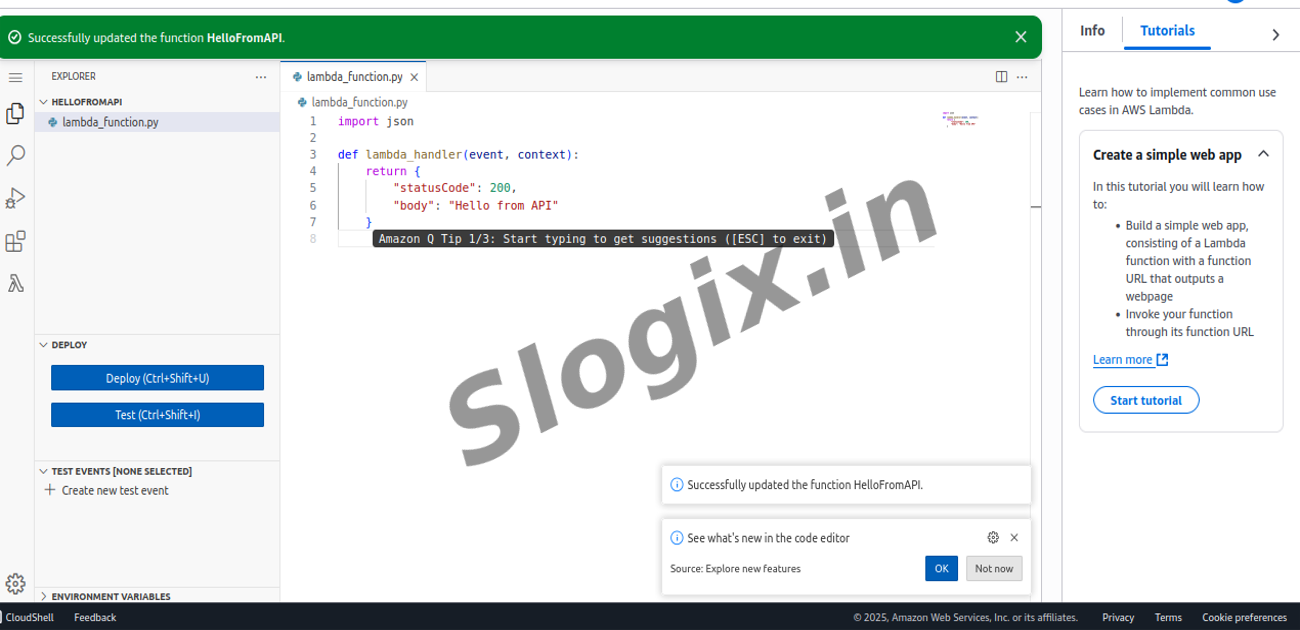
     In the Lambda code editor, replace the default code with:
    def lambda_handler(event, context):
       return {
           "statusCode": 200,
           "body": "Hello from API"
       }
      
     Click Deploy.
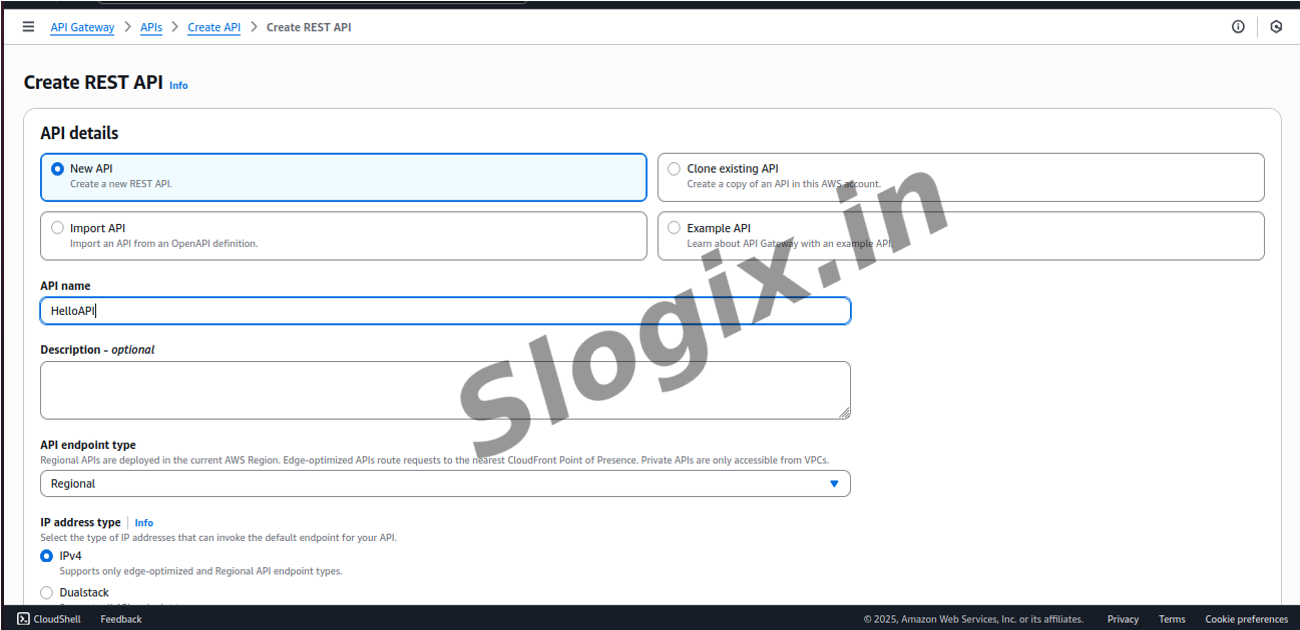
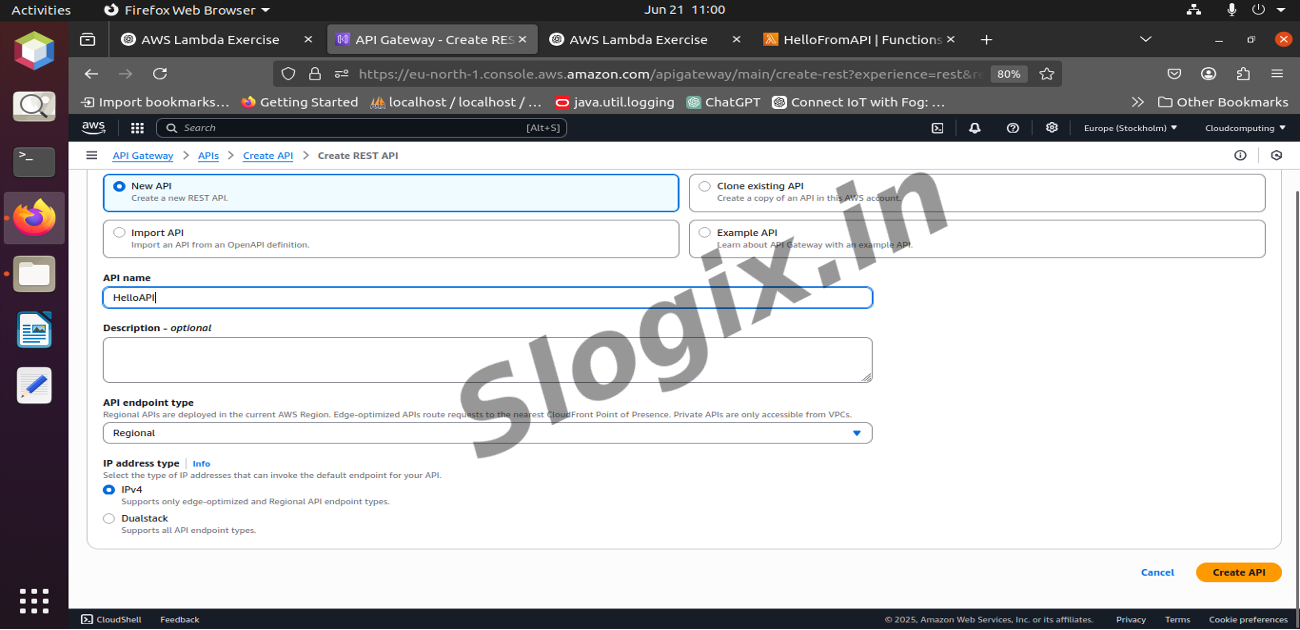
  •  Step 3: Create a REST API (API Gateway)
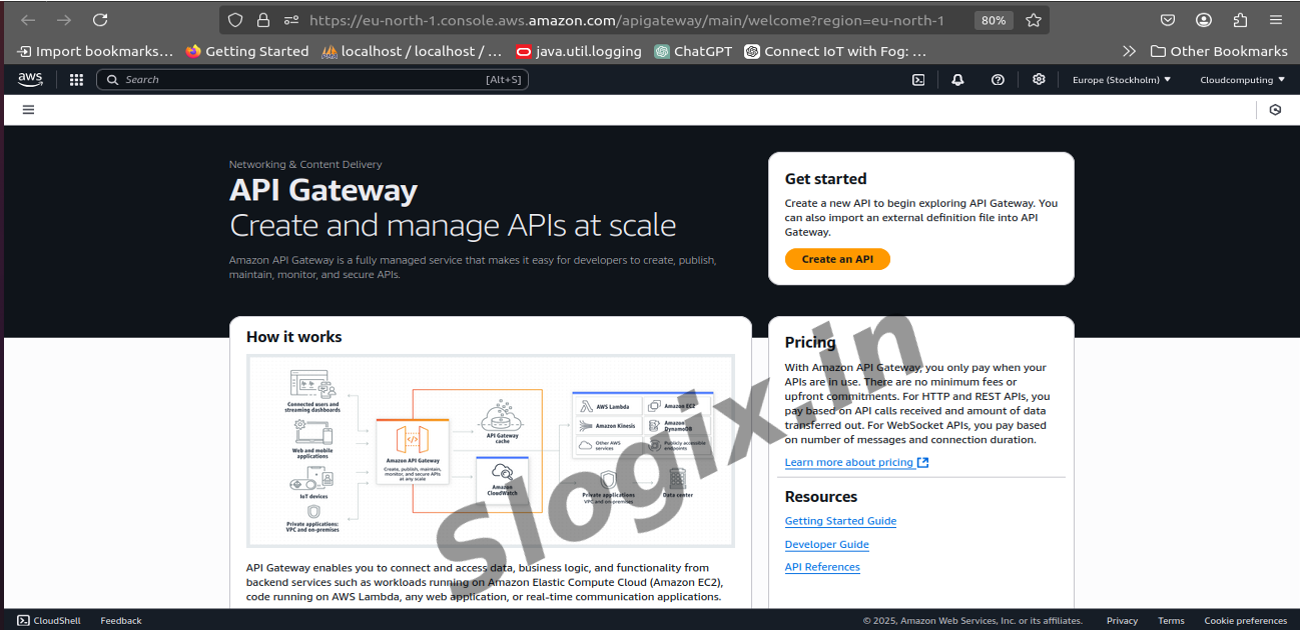
     Open AWS Console → API Gateway.
     Click Create API.
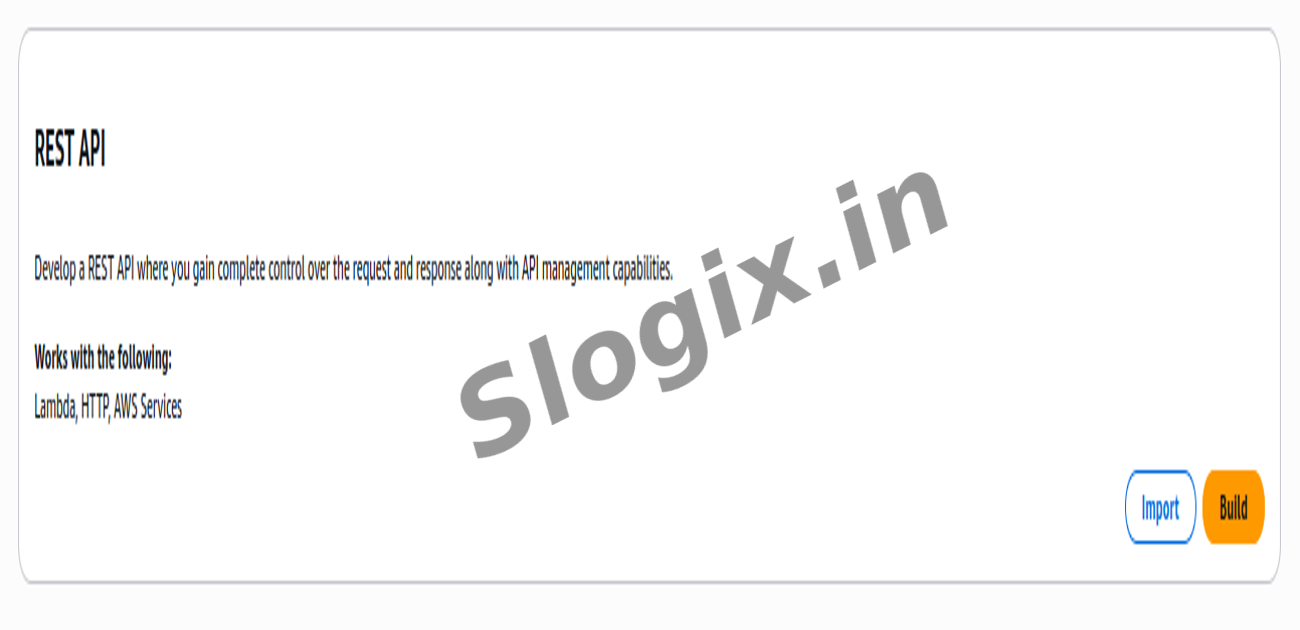
     Choose REST API → Build.
     Under "Create new API":
     Select New API
     Name: lambda-api-service
     Click Create API.
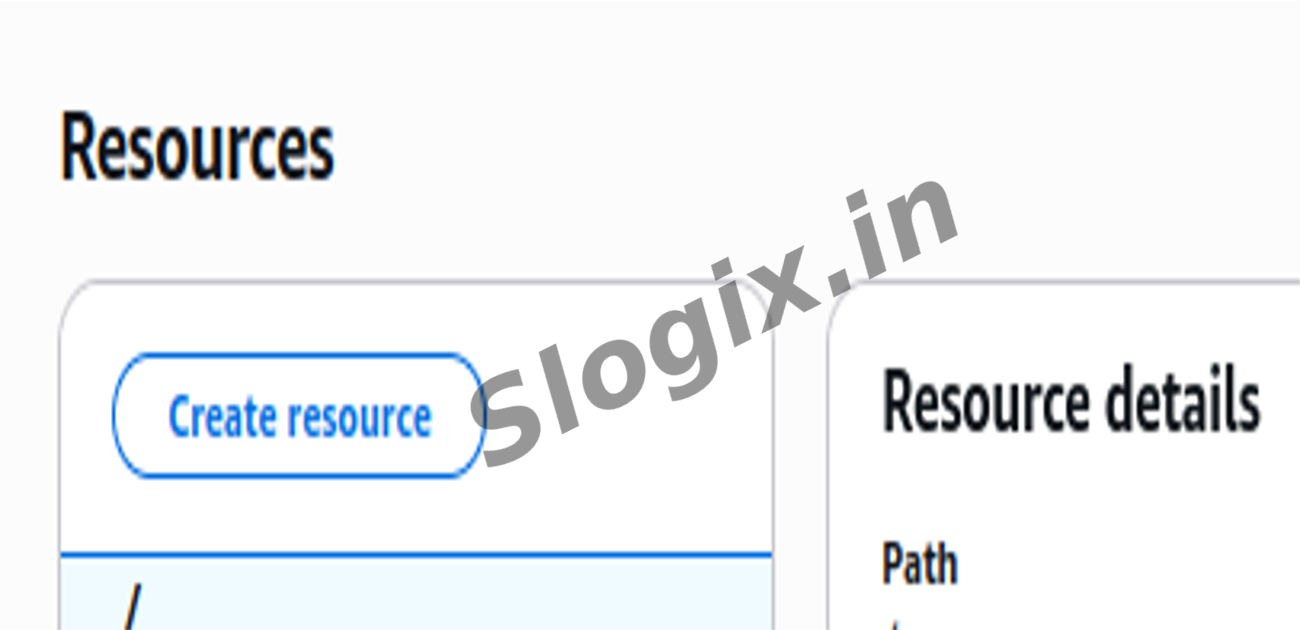
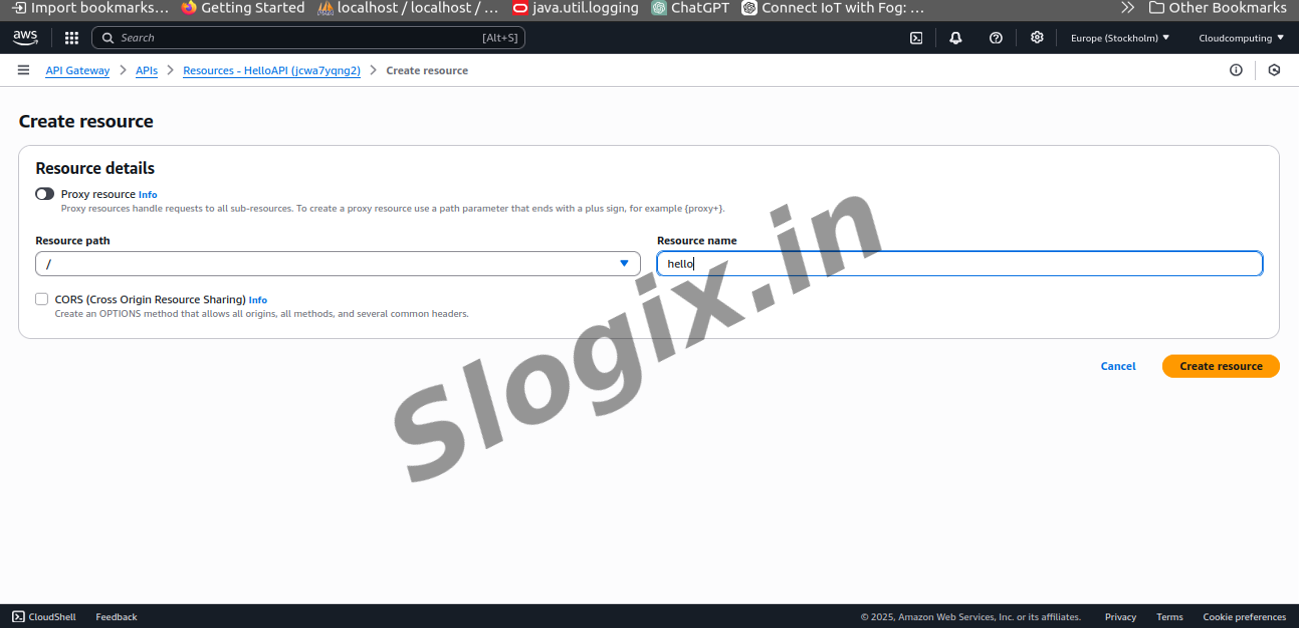
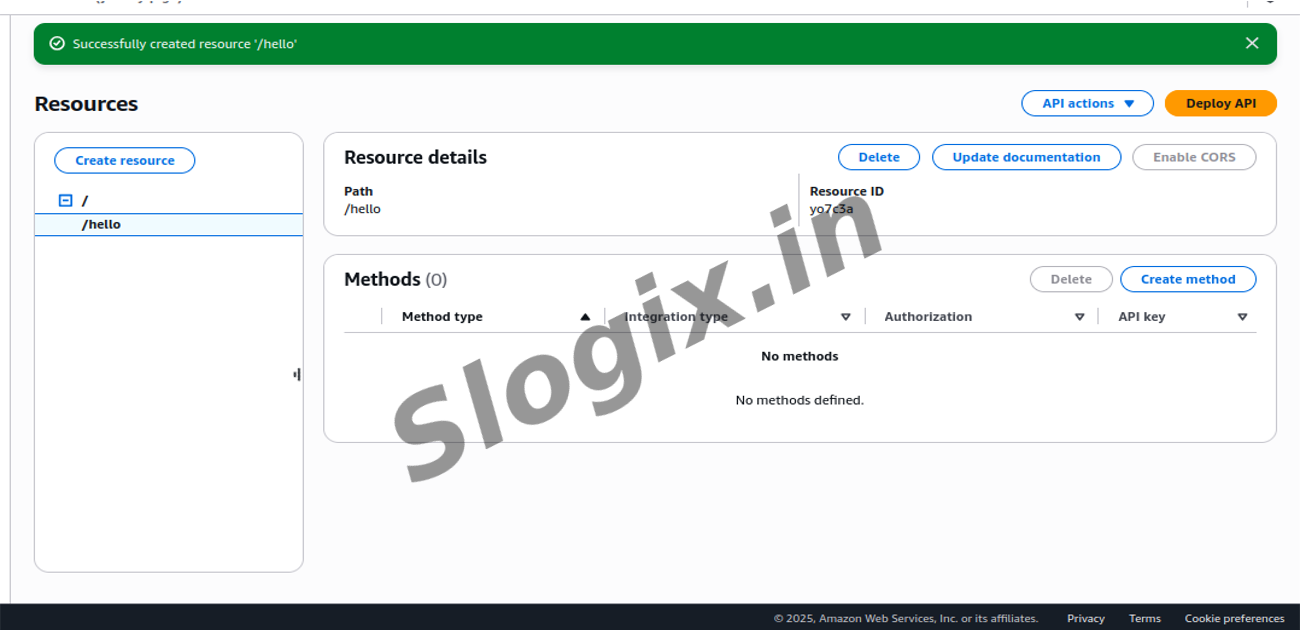
  •  Step 4: Create a Resource
     In the left panel, click Actions → Create Resource.
     Resource name: hello
     Resource path: /hello
     Click Create Resource.
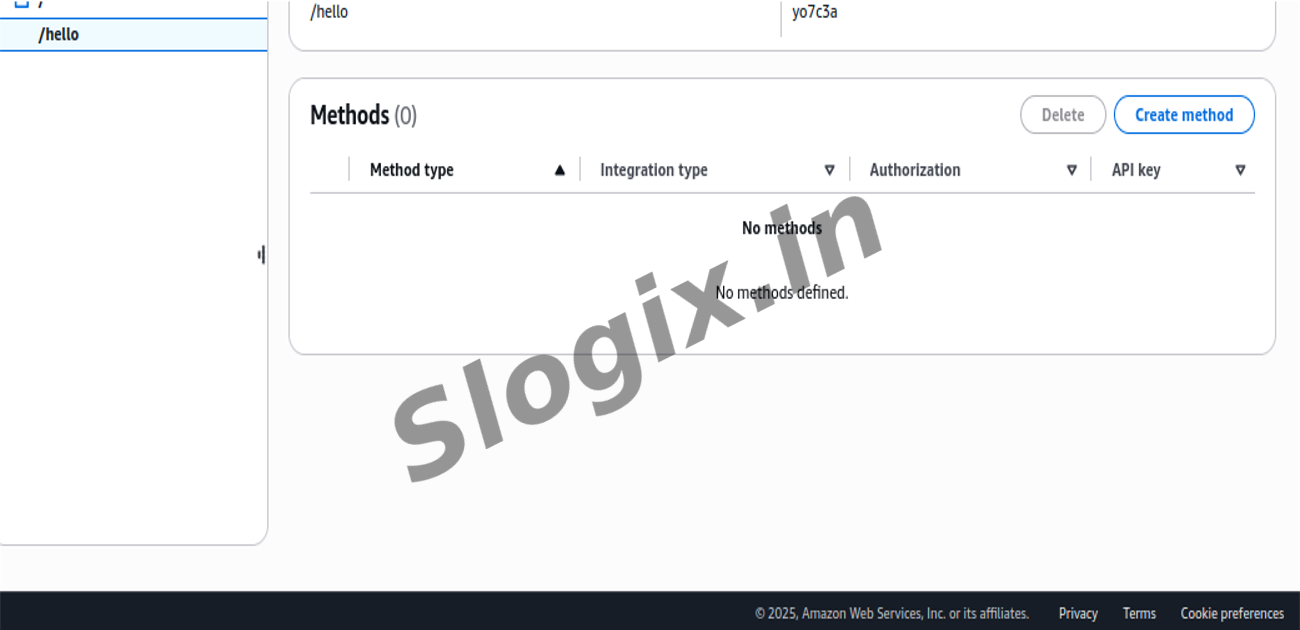
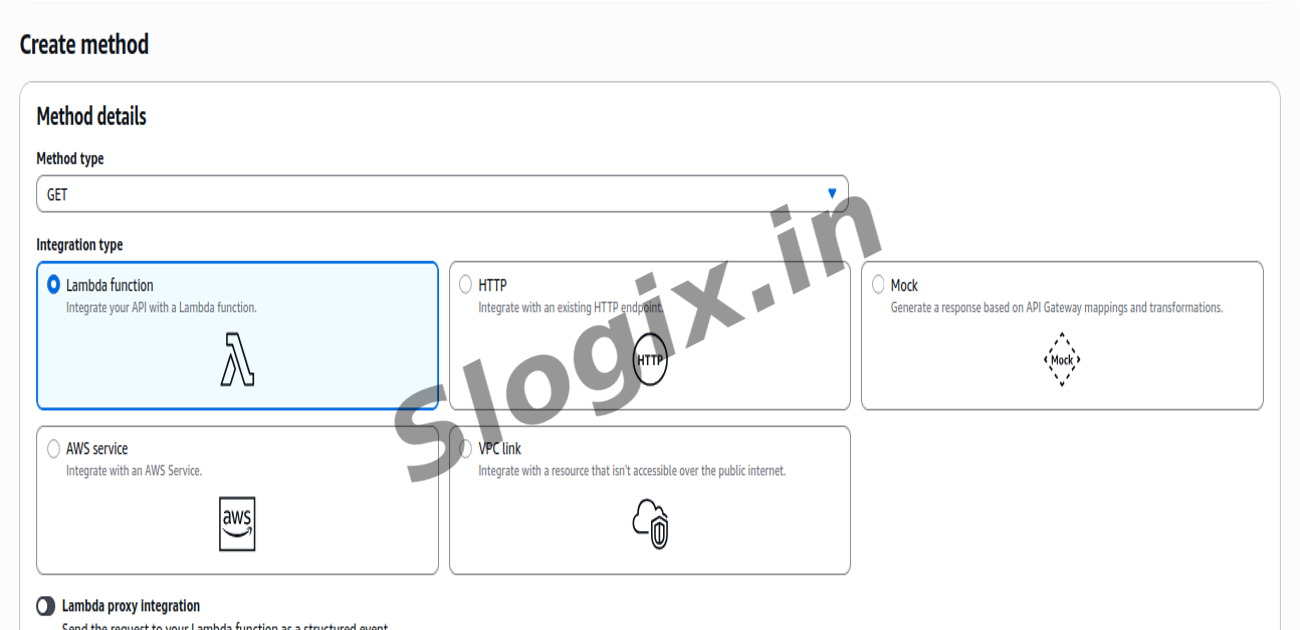
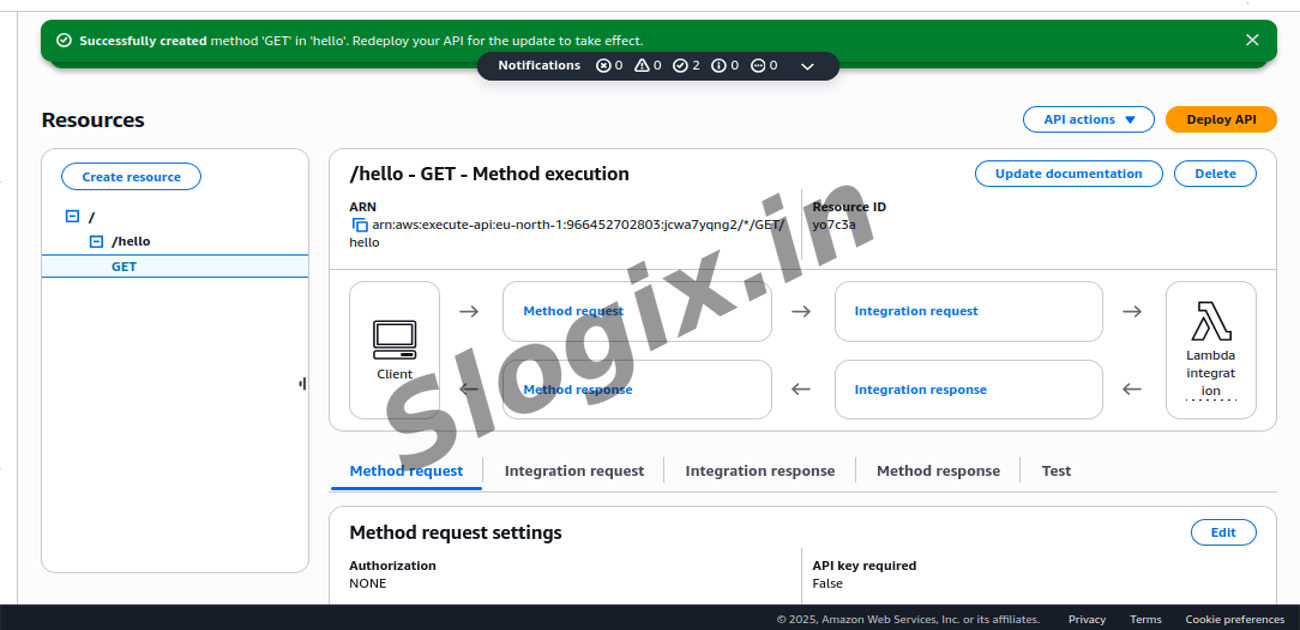
  •  Step 5: Create a GET Method
     Select the /hello resource.
     Click Actions → Create Method.
     Choose GET → ✓.
     Set:
     Integration type: Lambda Function
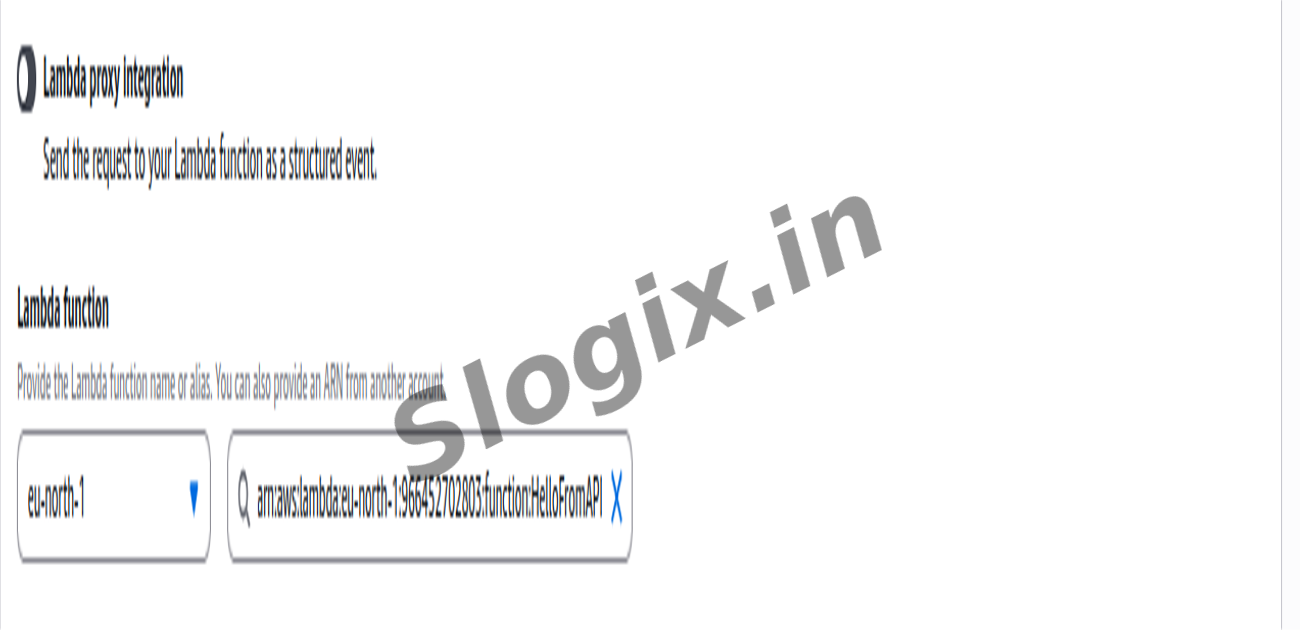
     Use Lambda Proxy Integration: Enabled
     Region: choose your region
     Lambda Function: lambda-api-demo
     Click Save.
     When prompted for permission, click OK (API Gateway will add invoke permissions).
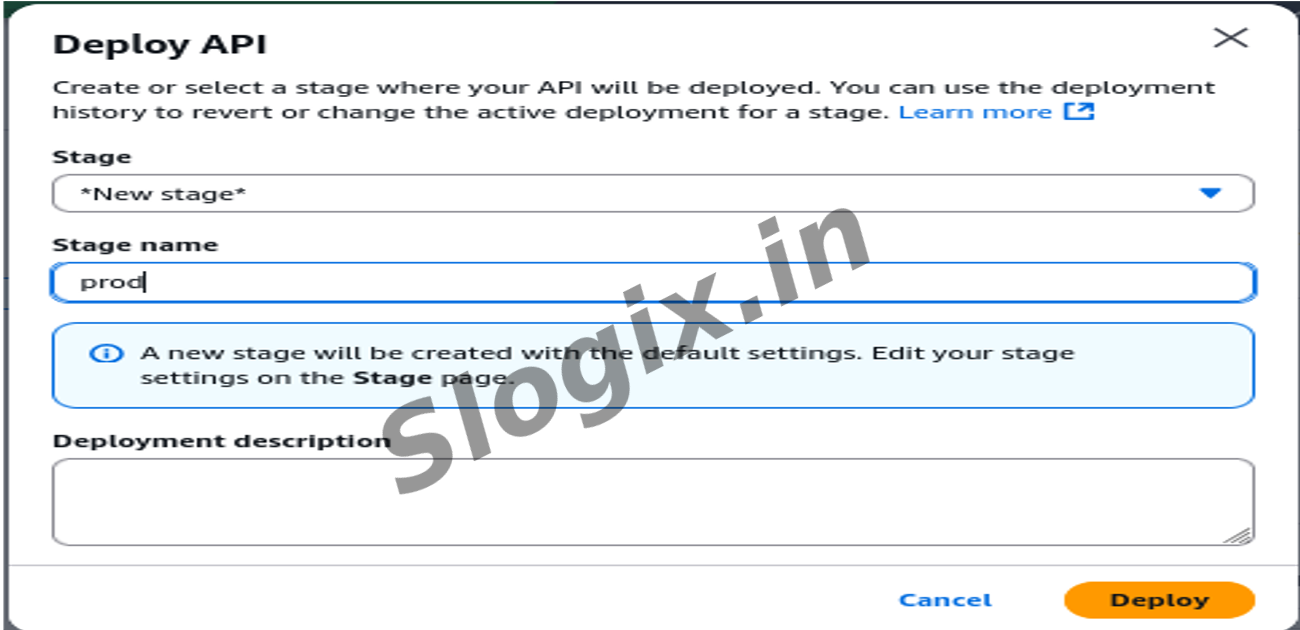
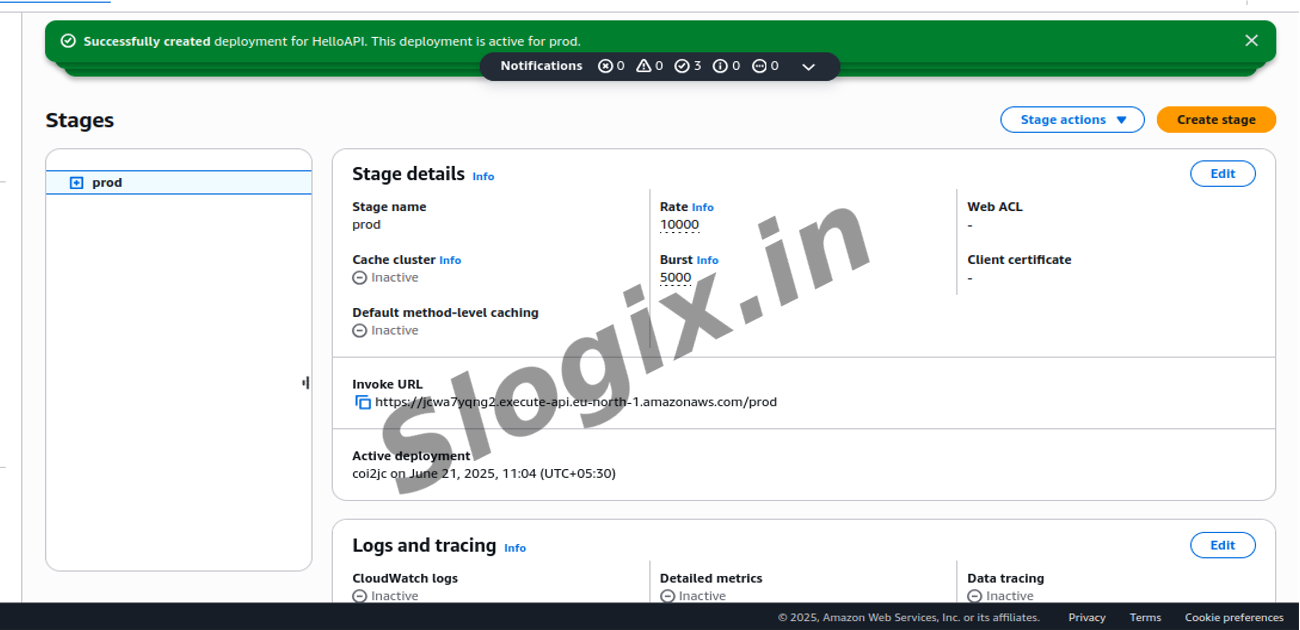
  •  Step 6: Deploy the API
     Click Actions → Deploy API.
     Deployment stage:
     Choose New Stage
     Stage name: prod
     Click Deploy.
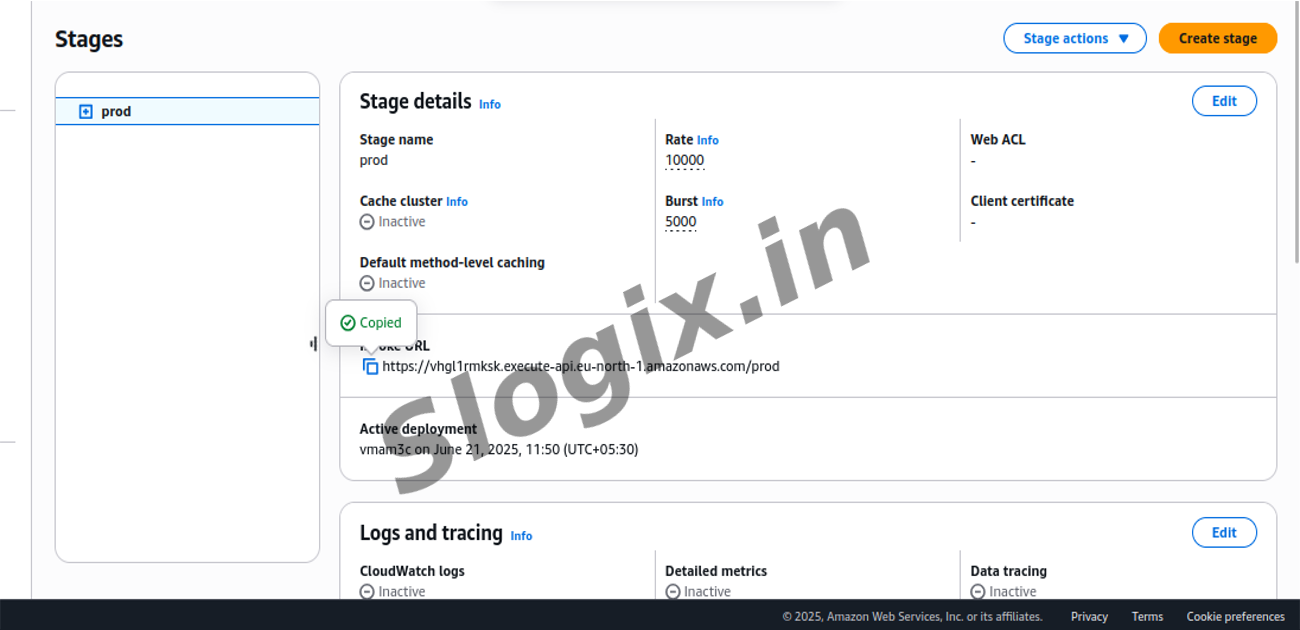
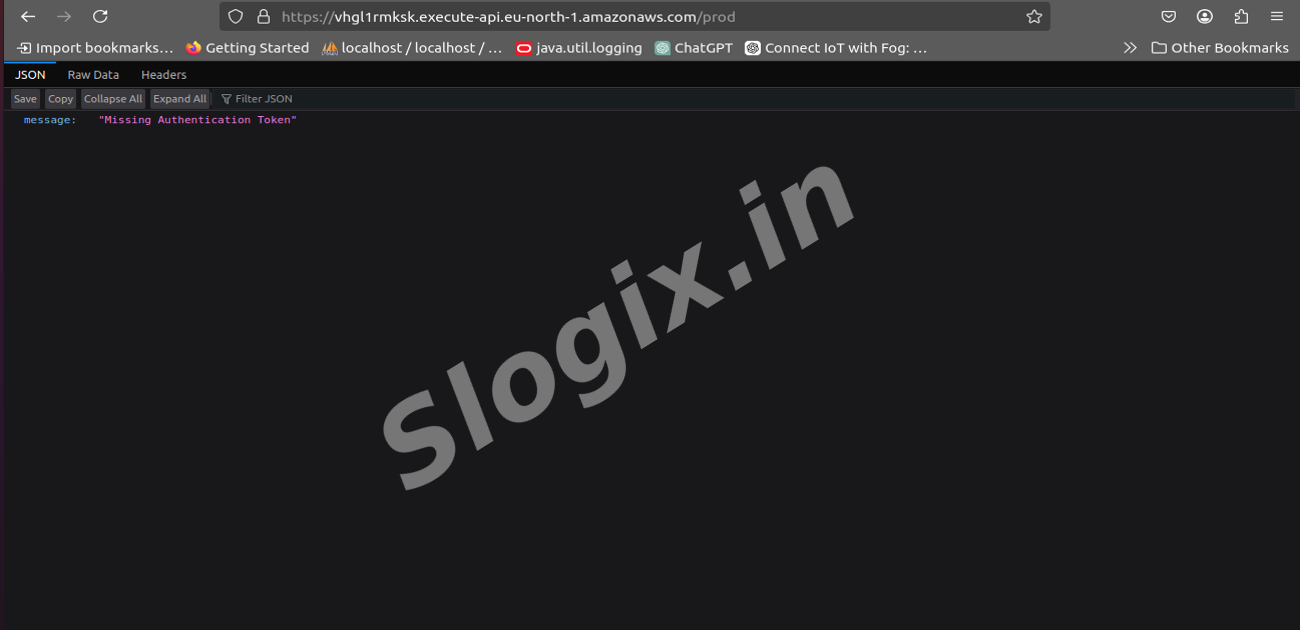
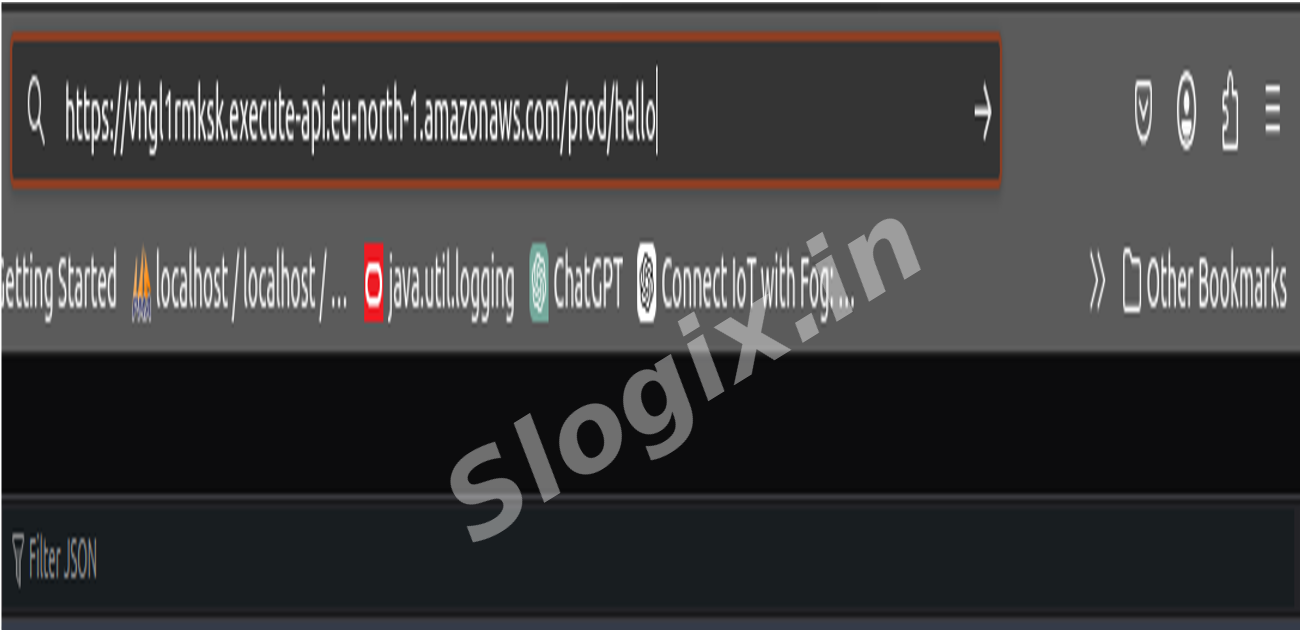
  •  Step 7: Test the Endpoint
     After deployment, you will get an Invoke URL, for example:
     https://abcd1234.execute-api.ap-south-1.amazonaws.com/prod/hello
     Open it in your browser.
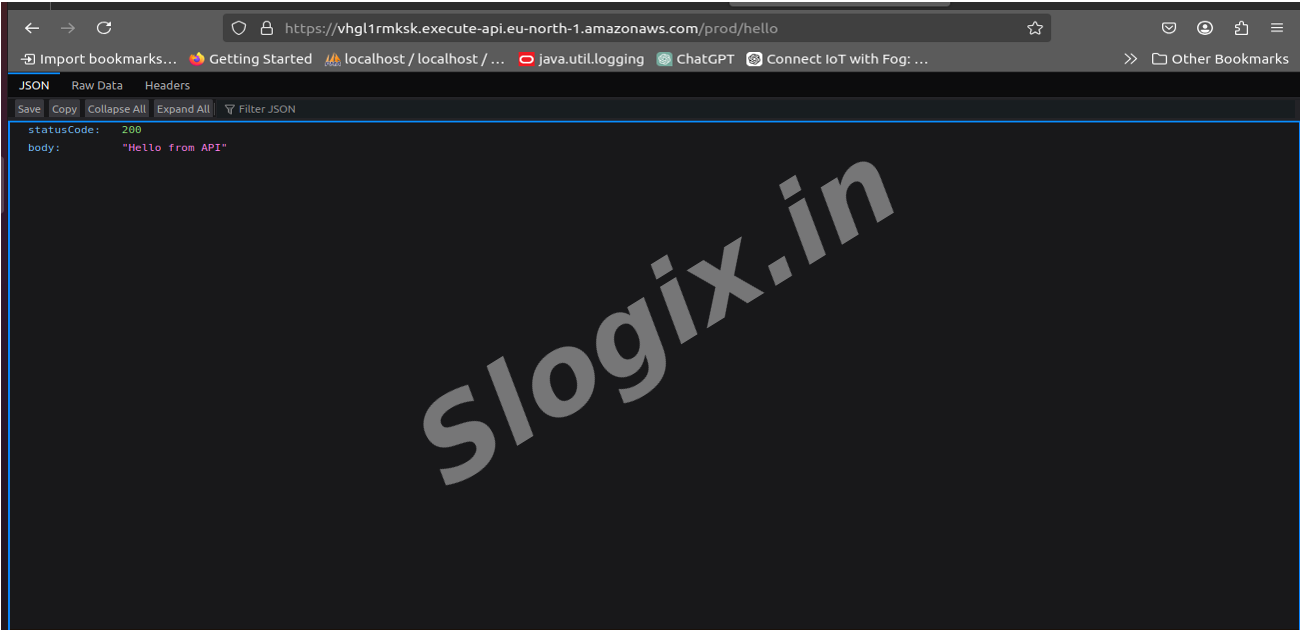
     Output: Hello from API
Screenshots
  • LambdaAPI1
  • LambdaAPI2
  • LambdaAPI3
  • LambdaAPI4
  • LambdaAPI5
  • LambdaAPI6
  • LambdaAPI7
  • LambdaAPI8
  • LambdaAPI9
  • LambdaAPI10
  • LambdaAPI11
  • LambdaAPI12
  • LambdaAPI13
  • LambdaAPI14
  • LambdaAPI15
  • LambdaAPI16
  • LambdaAPI17
  • LambdaAPI18
  • LambdaAPI19
  • LambdaAPI20
  • LambdaAPI21