List of Topics:
Location Research Breakthrough Possible @S-Logix pro@slogix.in

Office Address

Social List

How to Build a Custom Docker Image that Runs a Python Application?

Docker

Condition for Build a Custom Docker Image that Runs a Python Application

  • Description:
    This task demonstrates how to create a Python script, write a Dockerfile, build a Docker image, and run it as a container that prints output from inside Docker.

Steps

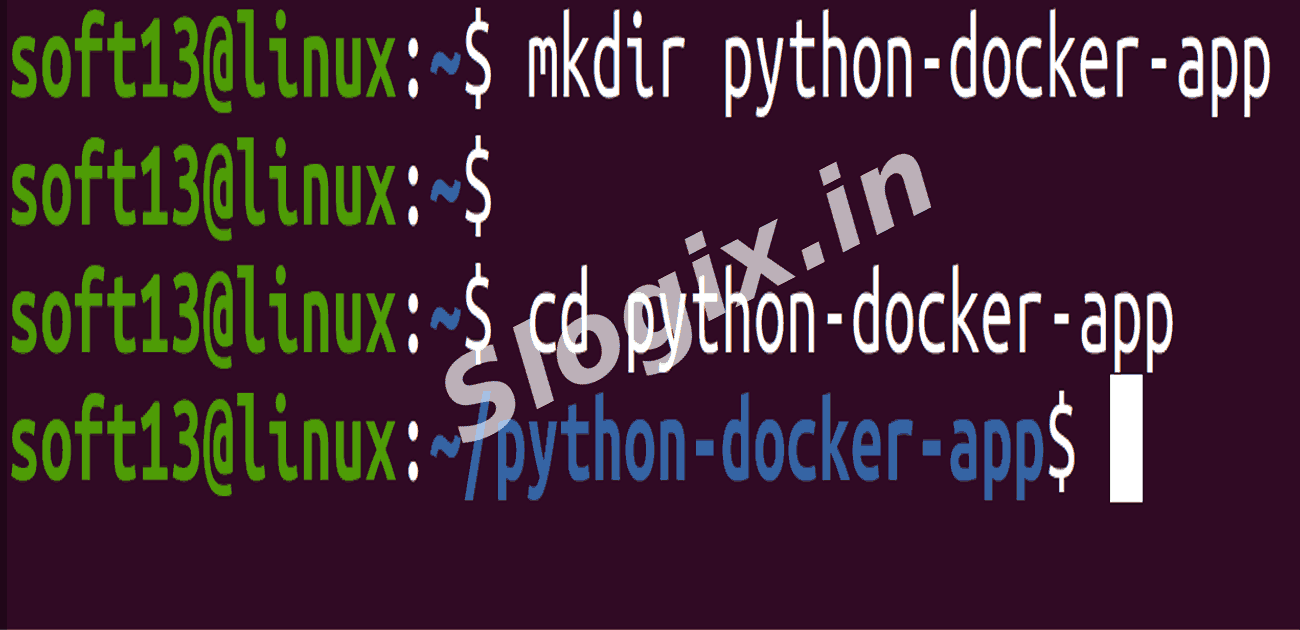
  •  Step 1: Create a Project Folder
     Description: Create a new folder to store your Python code and Dockerfile.
     Command:
    mkdir python-docker-app
    cd python-docker-app
                
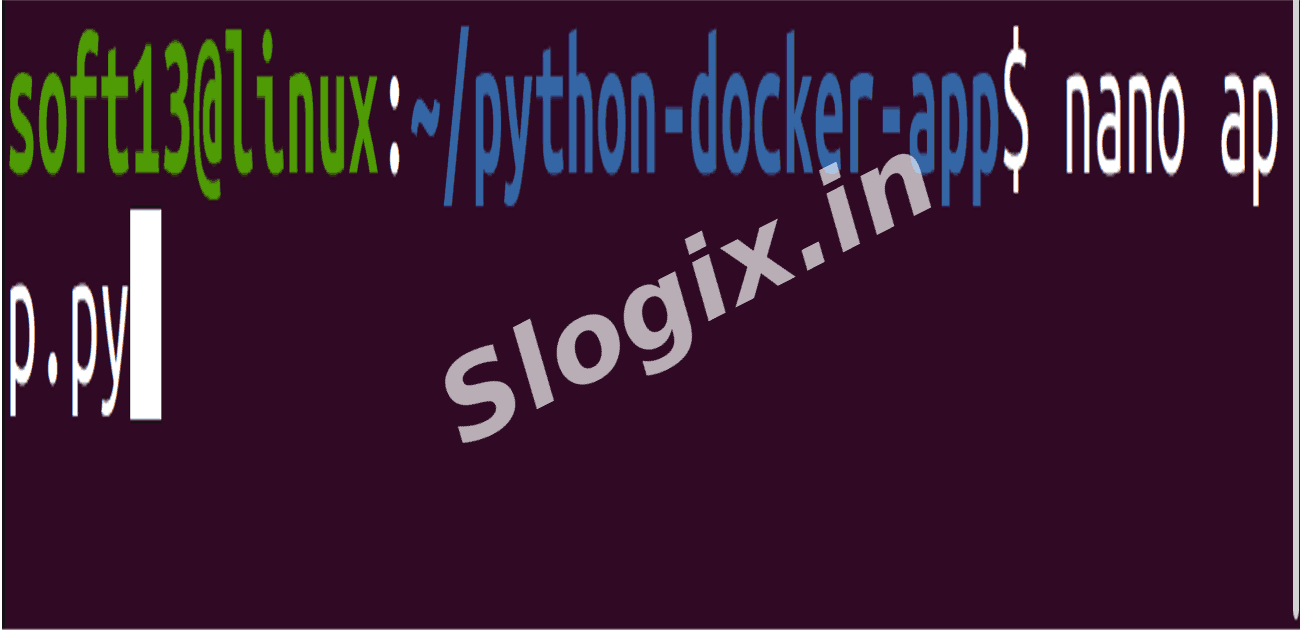
  •  Step 2: Create a Python Application
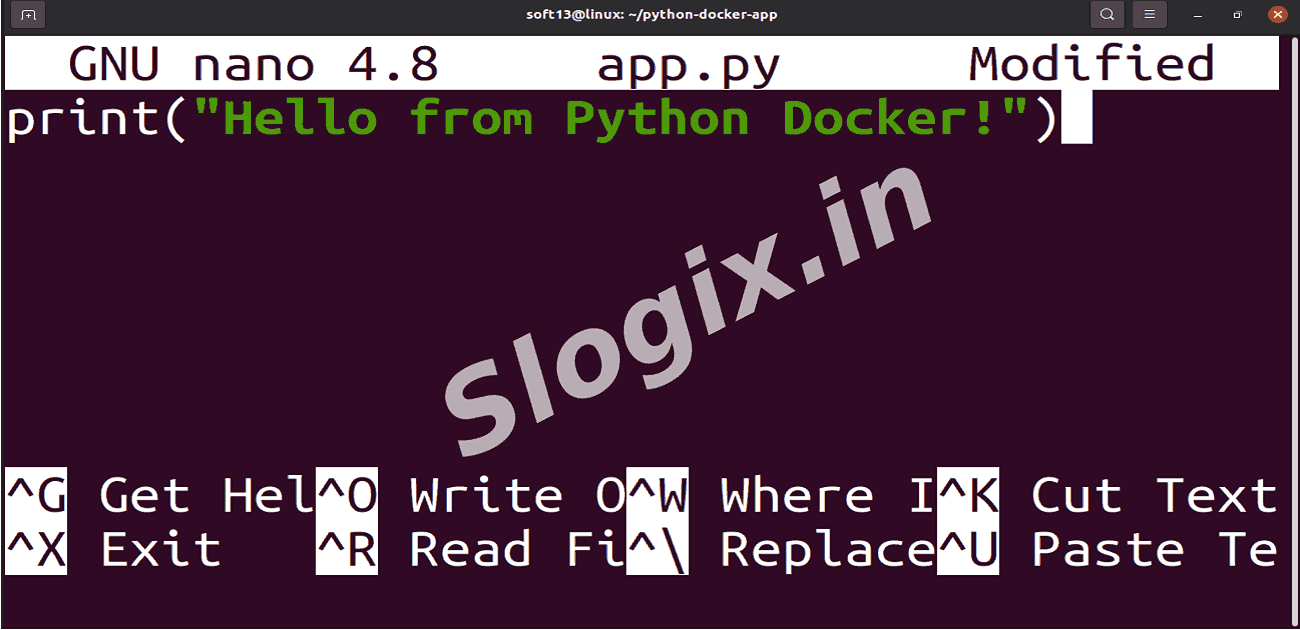
     Description: Write a simple Python script that prints a message.
     Action / Command:
    nano app.py
                
     Paste the following:
    print("Hello from Python Docker!")
                
     Save → CTRL + X → Y → Enter
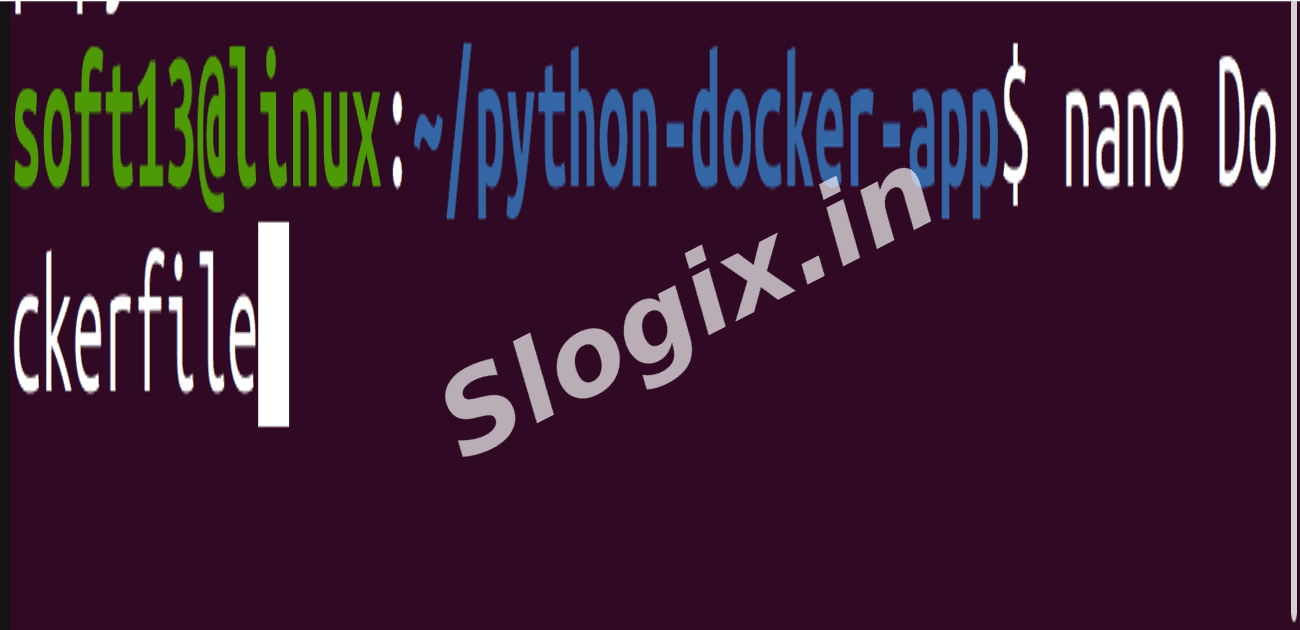
  •  Step 3: Create a Dockerfile
     Description: Define instructions for building a Docker image that runs the Python script.
     Action / Command:
    nano Dockerfile
                
     Paste the following:
    FROM python:3
    COPY app.py /
    CMD ["python", "/app.py"]
                
     Save and exit (CTRL + X → Y → Enter)

    Dockerfile Line Meaning
    FROM python:3 Use Python base image
    COPY app.py / Copy your app into container
    CMD ["python", "/app.py"] Run the app when container starts
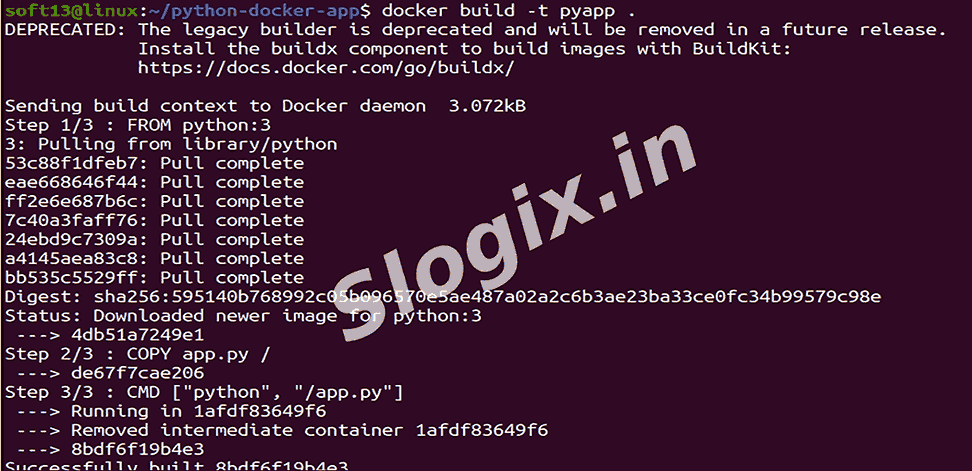
  •  Step 4: Build the Docker Image
     Description: Build a Docker image and give it a name.
     Command:
    docker build -t pyapp .
                
     -t pyapp → Names the image pyapp
     . → Builds using the current directory
  •  Step 5: Run the Docker Container
     Description: Execute your Python app through Docker container.
     Command:
    docker run pyapp
                
     Expected Output:
    Hello from Python Docker!
                
Screenshots
  • 368
  • 369
  • 370
  • 371
  • 372
  • 373
  • 374