-
STEP 1 — Create the Project
mkdir my-node-app
cd my-node-app
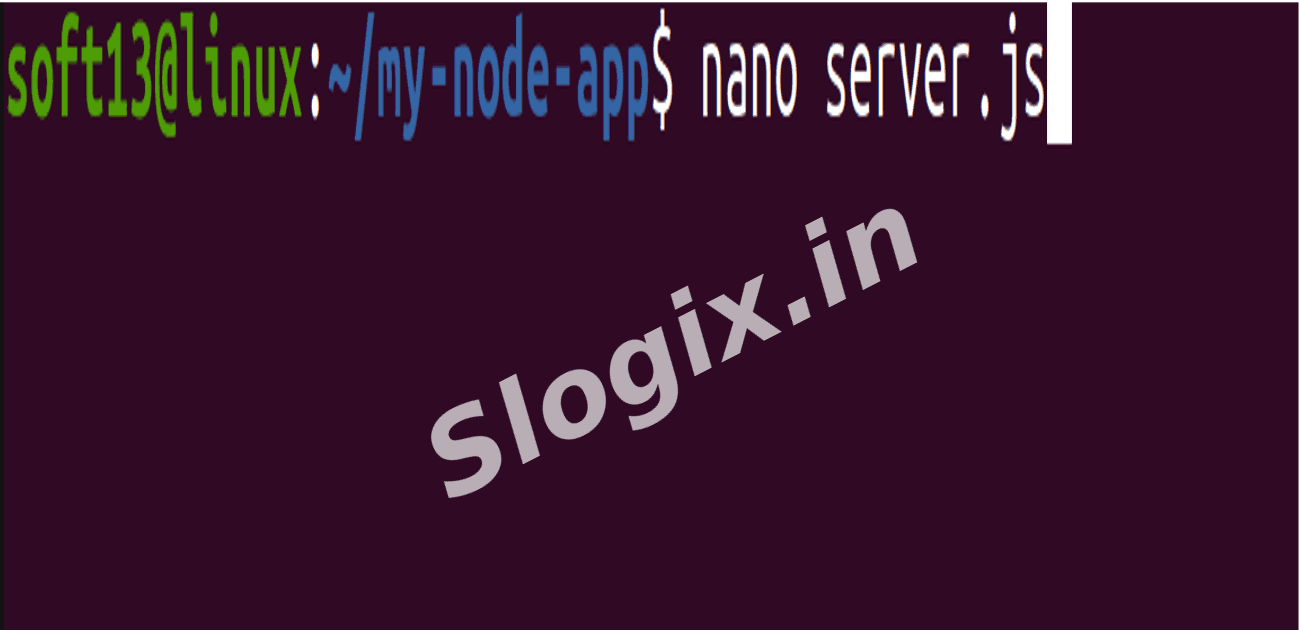
Create server.js:
nano server.js
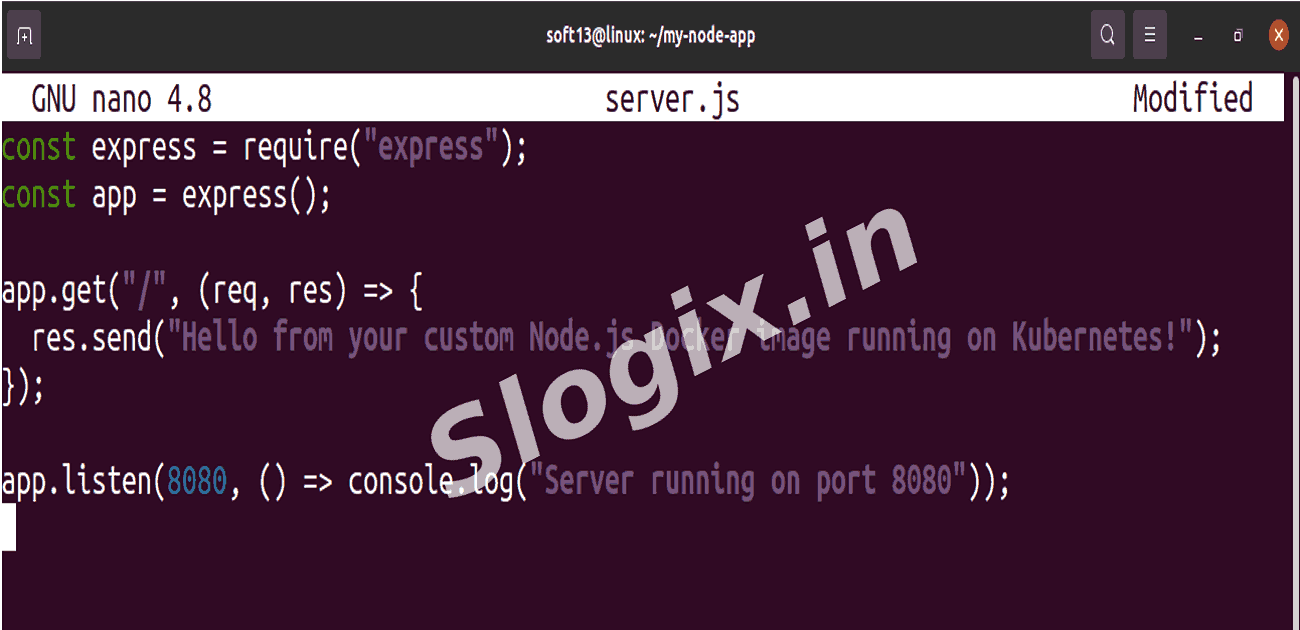
const express = require("express");
const app = express();

app.get("/", (req, res) => {
  res.send("Hello from your custom Node.js Docker image running on Kubernetes!");
});

app.listen(8080, () => console.log("Server running on port 8080"));
Create package.json:
nano package.json
{
  "name": "my-node-app",
  "version": "1.0.0",
  "main": "server.js",
  "dependencies": {
    "express": "^4.18.2"
  }
}
-
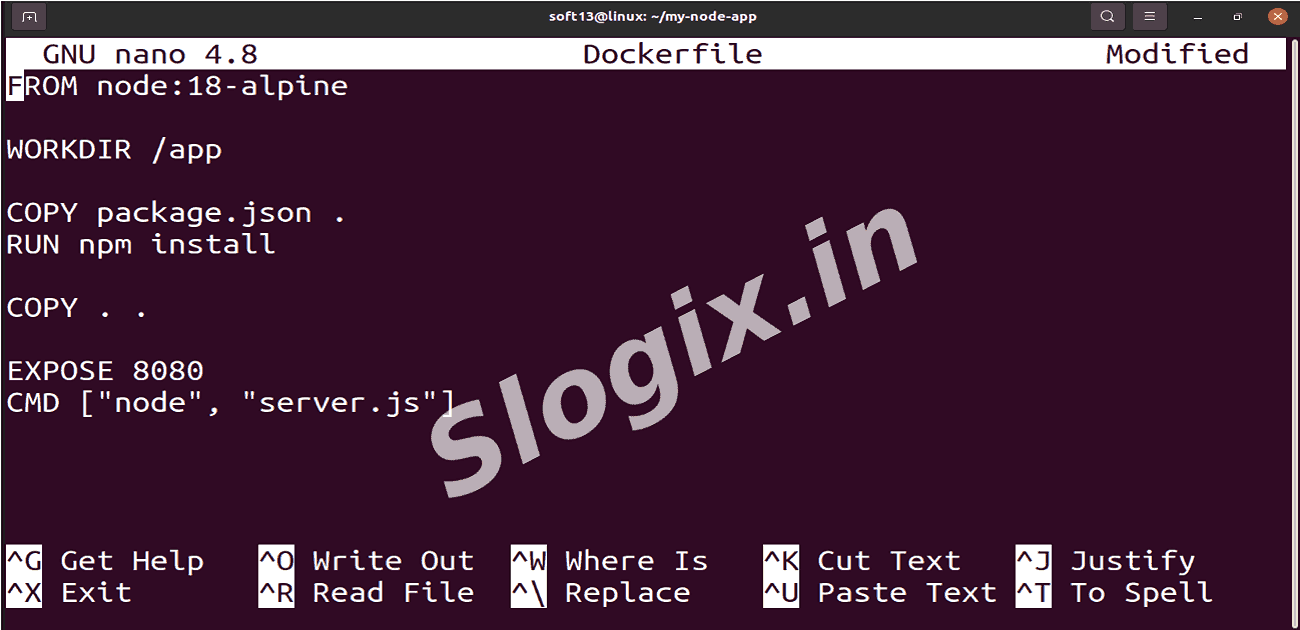
STEP 2 — Create Dockerfile
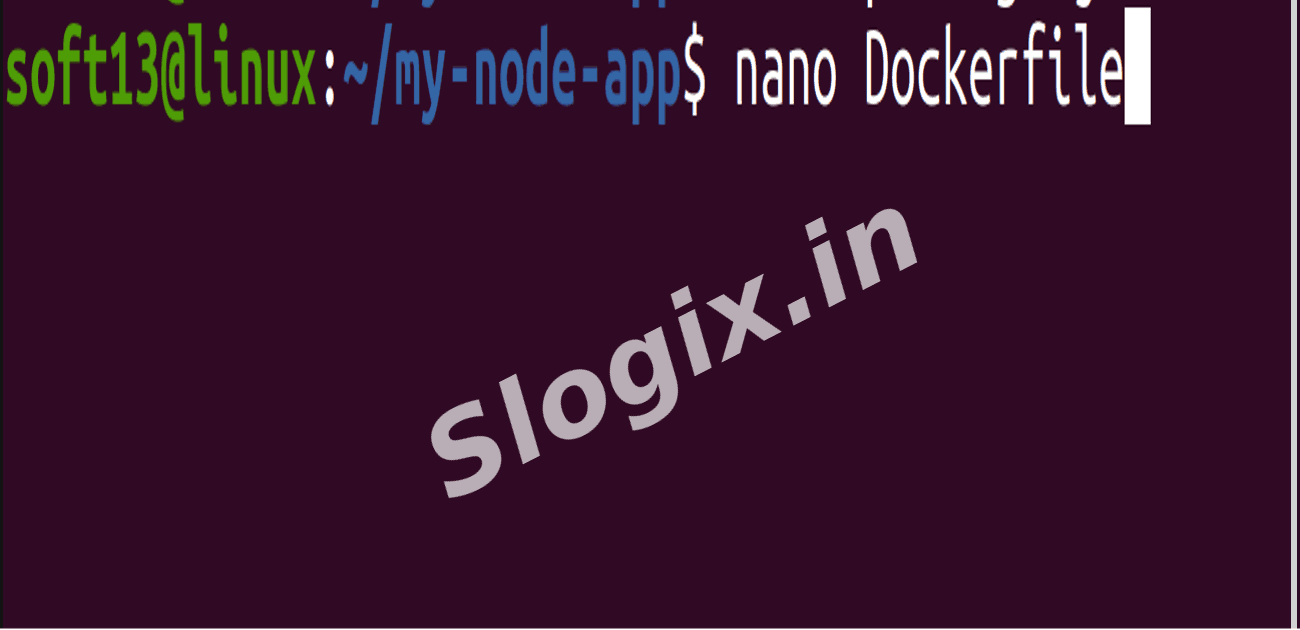
nano Dockerfile
FROM node:18-alpine

WORKDIR /app

COPY package.json .
RUN npm install

COPY . .

EXPOSE 8080
CMD ["node", "server.js"]
-
STEP 3 — Build & Push Docker Image
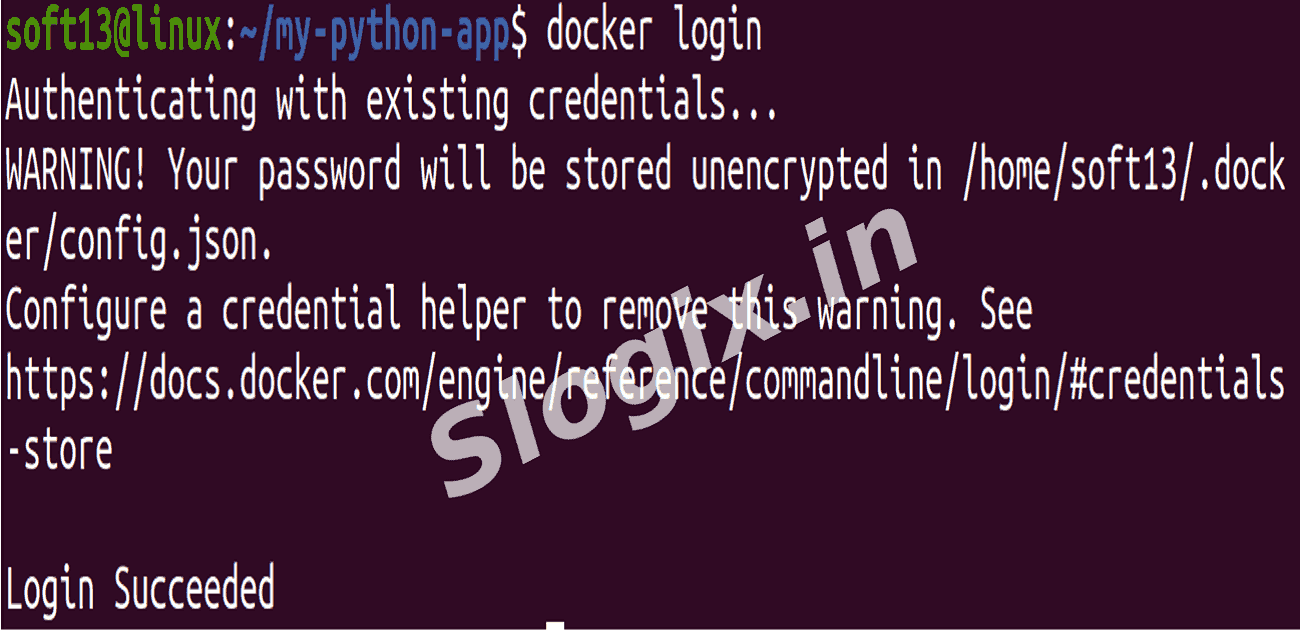
docker build -t mycybersecurity/my-node-app:v1 .
docker push mycybersecurity/my-node-app:v1
-
STEP 4 — Deploy to Kubernetes
Create deployment file deployment.yaml:
nano deployment.yaml
apiVersion: apps/v1
kind: Deployment
metadata:
  name: custom-app-deployment
spec:
  replicas: 2
  selector:
    matchLabels:
      app: custom-app
  template:
    metadata:
      labels:
        app: custom-app
    spec:
      containers:
      - name: custom-app
        image: mycybersecurity/my-node-app:v1
        ports:
        - containerPort: 8080
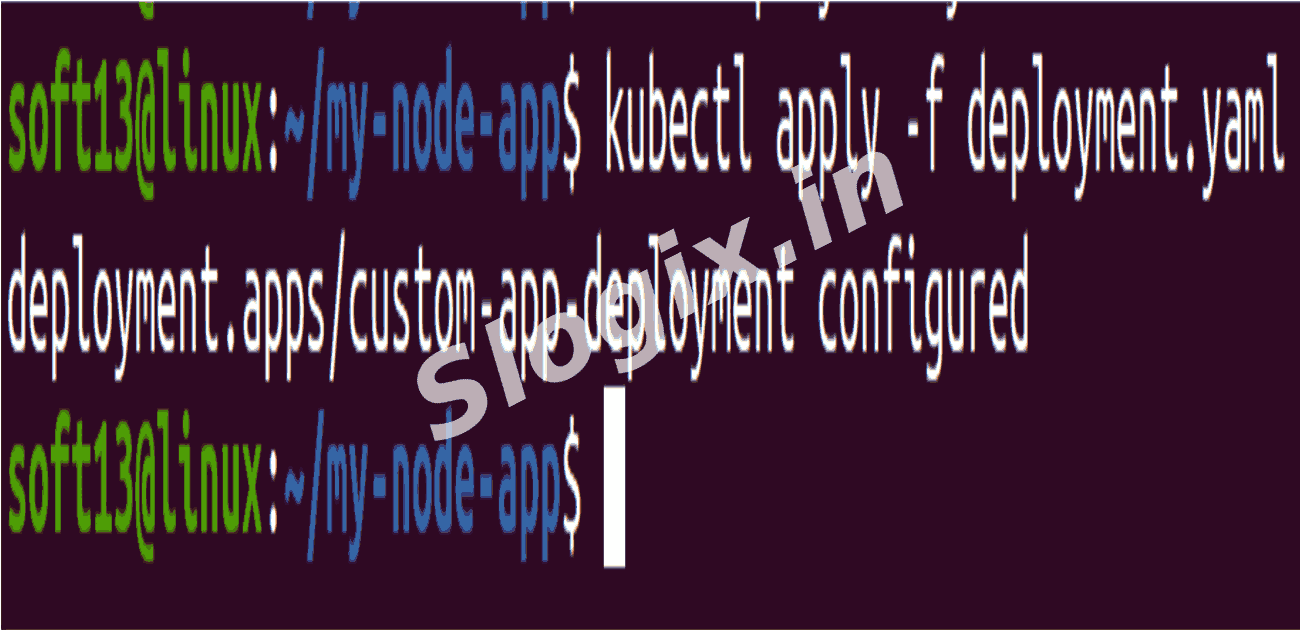
Apply:
kubectl apply -f deployment.yaml
kubectl get pods
-
STEP 5 — Expose Using NodePort
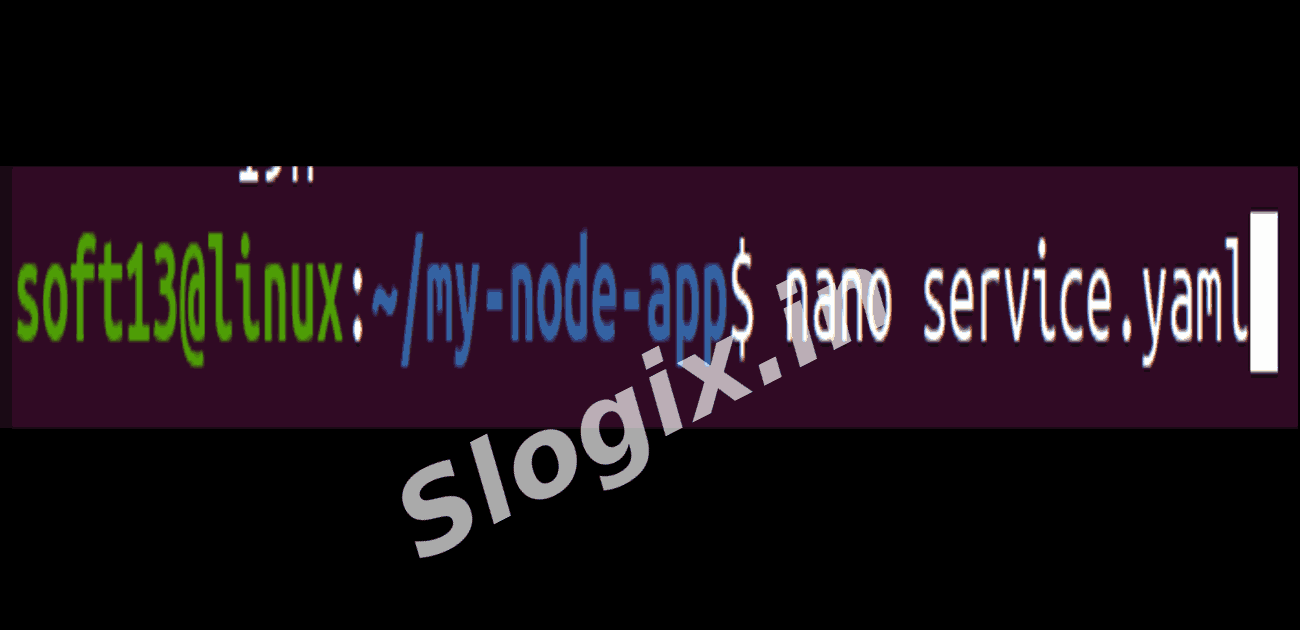
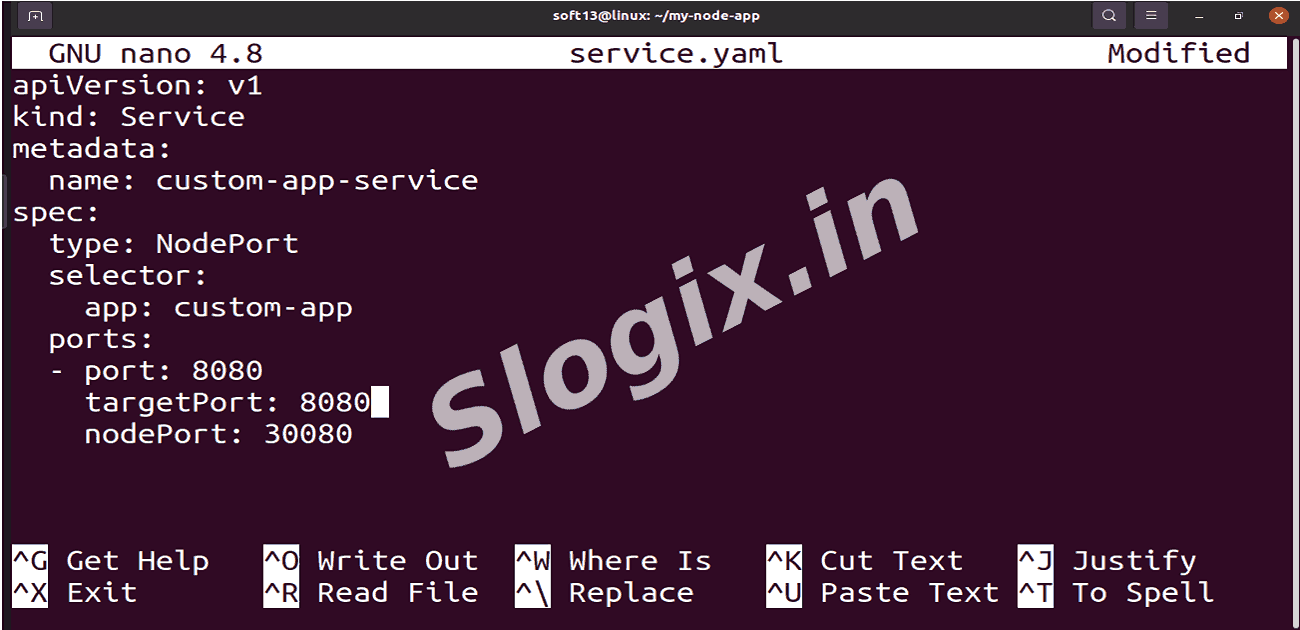
Create service file service.yaml:
nano service.yaml
apiVersion: v1
kind: Service
metadata:
  name: custom-app-service
spec:
  type: NodePort
  selector:
    app: custom-app
  ports:
  - port: 8080
    targetPort: 8080
    nodePort: 30080   # you can choose any (30000–32767)
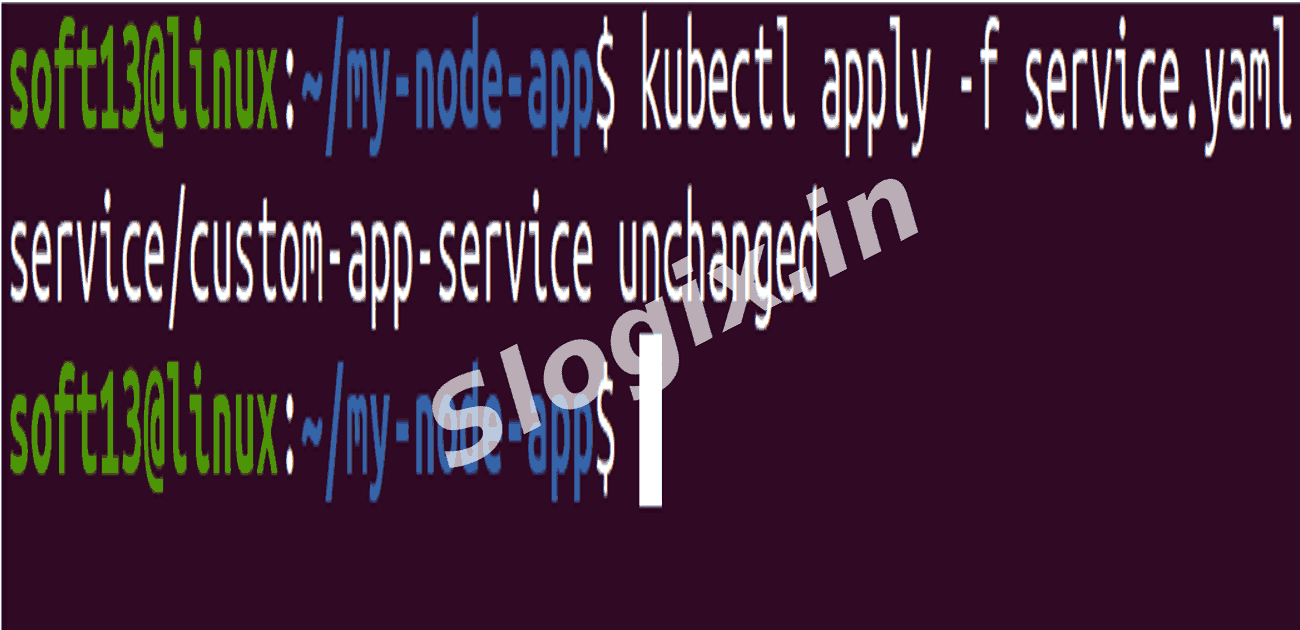
Apply:
kubectl apply -f service.yaml
kubectl get svc
-
STEP 6 — Test the App
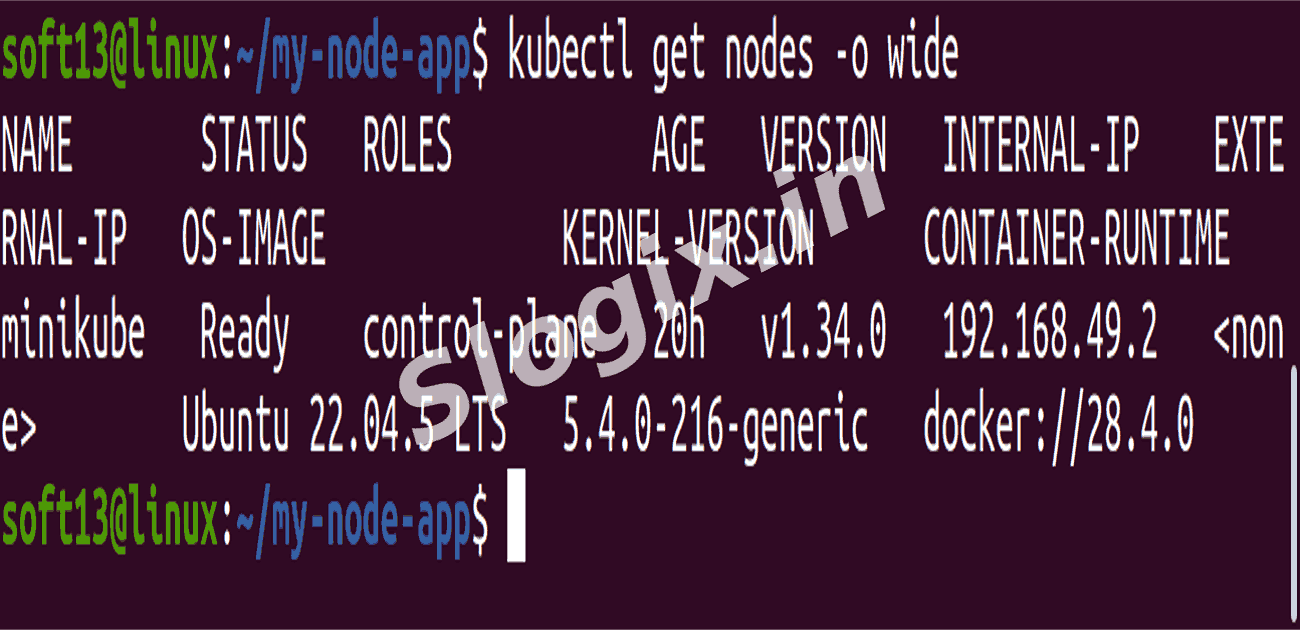
Find your node IP:
kubectl get nodes -o wide
Example:
192.168.49.2
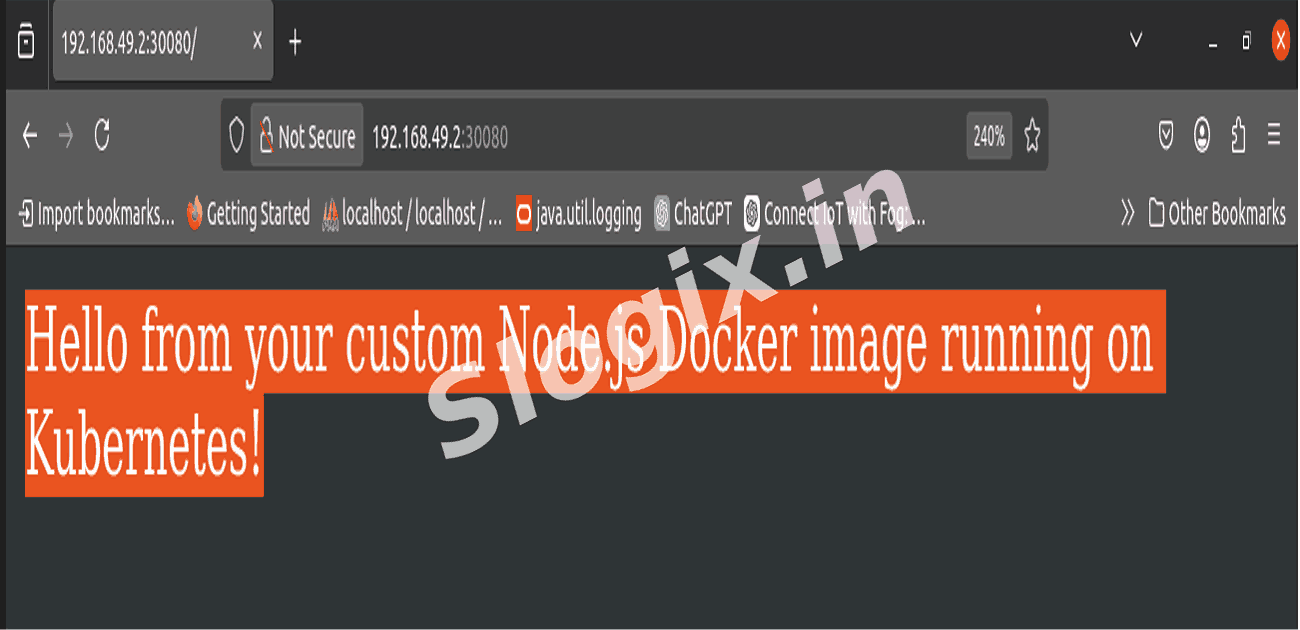
Test:
curl http://192.168.49.2:30080
Expected output:
Hello from your custom Node.js Docker image running on Kubernetes!
 Research Breakthrough Possible @S-Logix