List of Topics:
Location Research Breakthrough Possible @S-Logix pro@slogix.in

Office Address

Social List

How to Deploy an Http Apache Web Server on a Local Kubernetes Custer (Minikube)?

Kubernetes

Condition for Deploy an Http Apache Web Server on a Local Kubernetes Custer (Minikube)

  • Description:
    An Apache HTTP Server is deployed on Kubernetes using a Deployment named apache-deploy with 2 replicas, ensuring high availability and automatic management of pods. A ClusterIP service named apache-service is created to expose the Apache pods internally within the cluster on port 80, allowing other pods to communicate with the server.Verification is done by creating a temporary debug pod with curl to test the service internally using curl http://apache-service. For external access, port-forwarding is used (kubectl port-forward service/apache-service 8088:80), mapping the local port 8088 to the service port, allowing the Apache default page to be viewed in a web browser at http://localhost:8088. This setup demonstrates internal service communication, pod management, and temporary external access using port-forwarding.
  •  Requirements
     Deployment name: apache-deploy
     Image: httpd:latest
     Replicas: 2
     Service name: apache-service
     Service type: ClusterIP
     Port: 80 → targetPort: 80
     Verify using kubectl exec and curl inside the cluster

Steps

  •  STEP 1 — Create Deployment
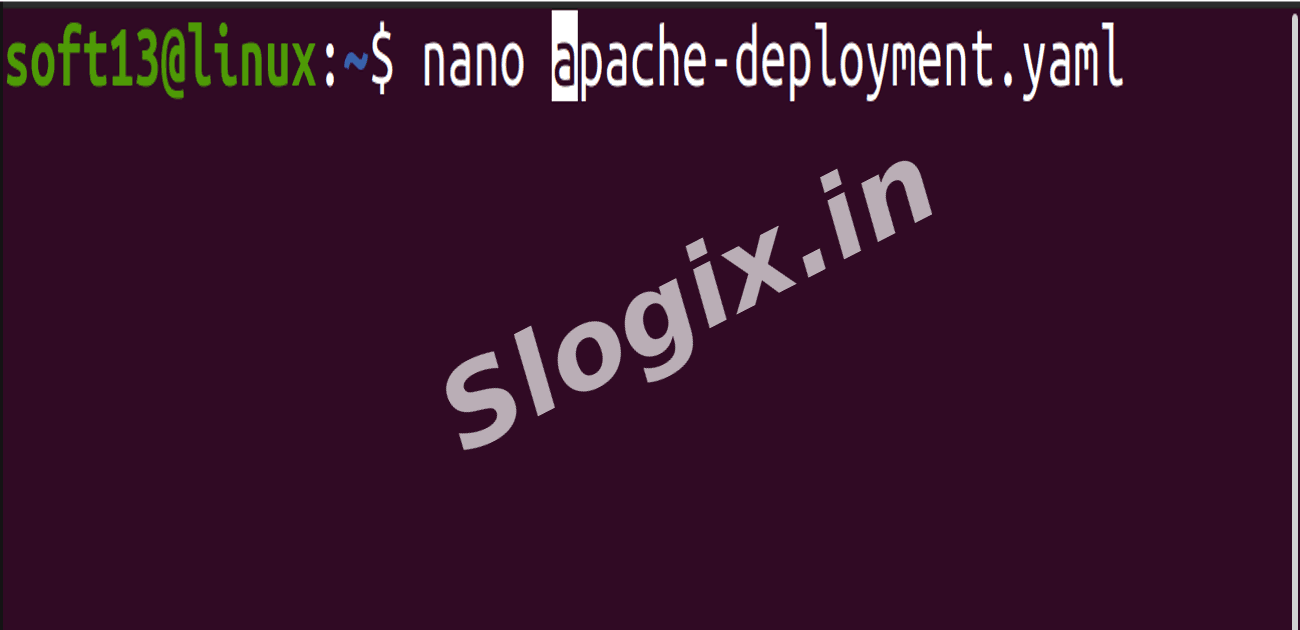
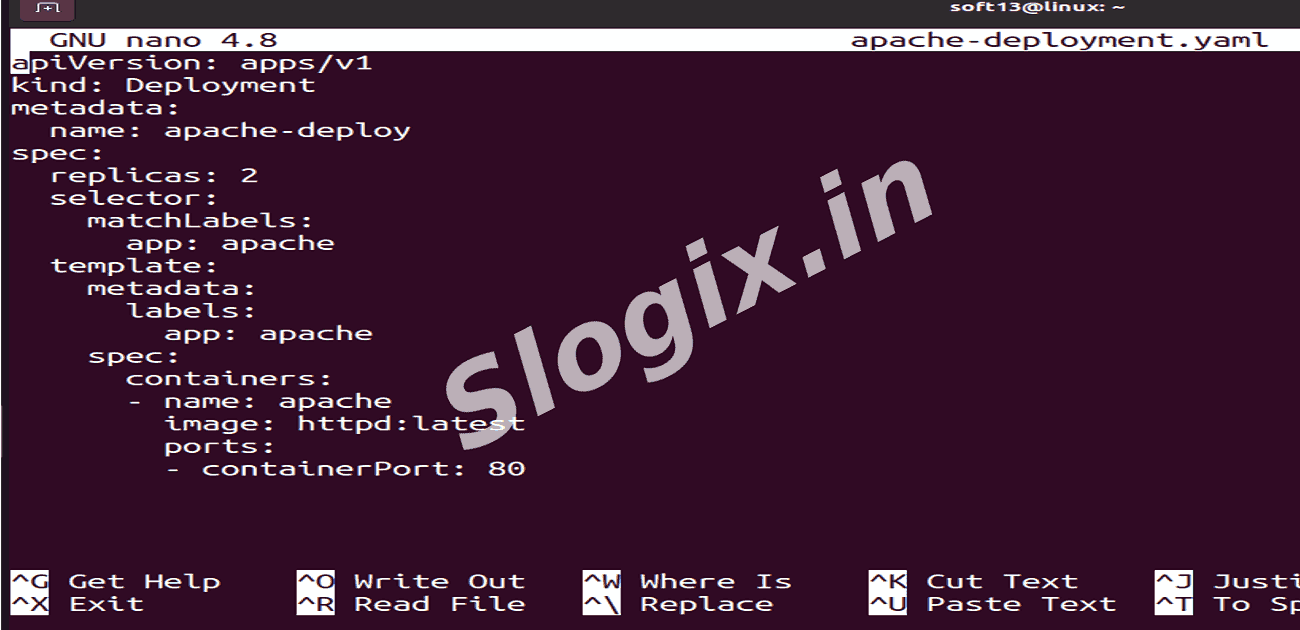
     Create a file apache-deployment.yaml:
    apiVersion: apps/v1
    kind: Deployment
    metadata:
      name: apache-deploy
    spec:
      replicas: 2
      selector:
        matchLabels:
          app: apache
      template:
        metadata:
          labels:
            app: apache
        spec:
          containers:
          - name: apache
            image: httpd:latest
            ports:
            - containerPort: 80
                
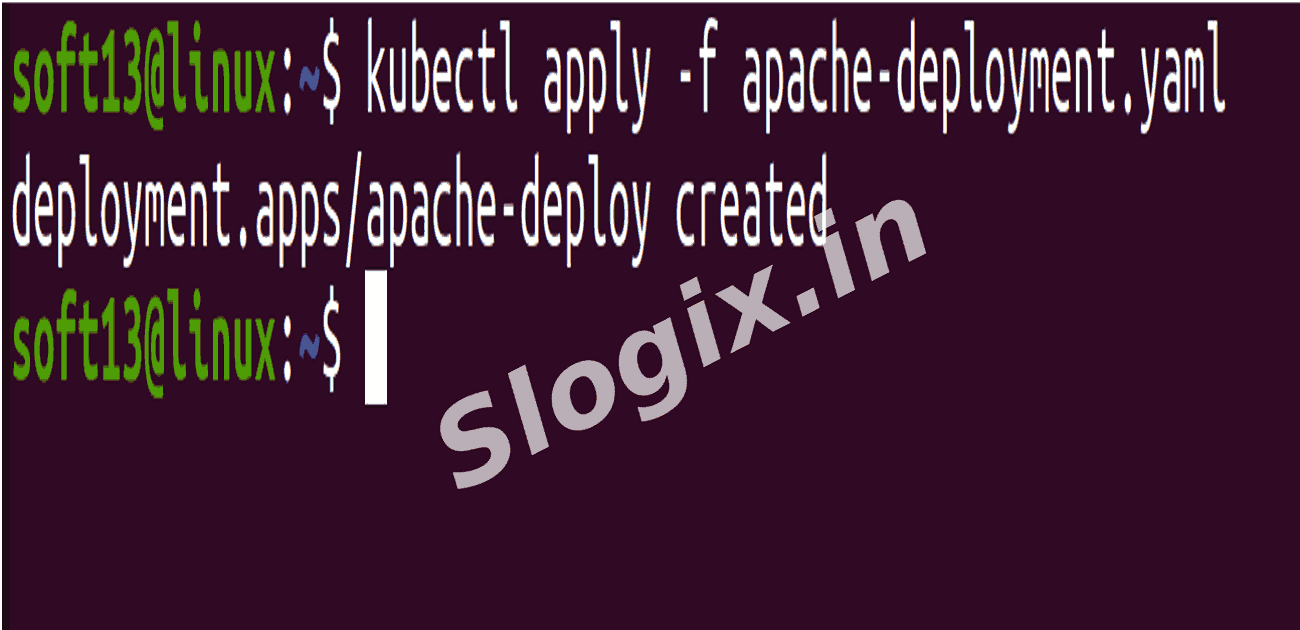
     Apply the deployment:
    kubectl apply -f apache-deployment.yaml
                
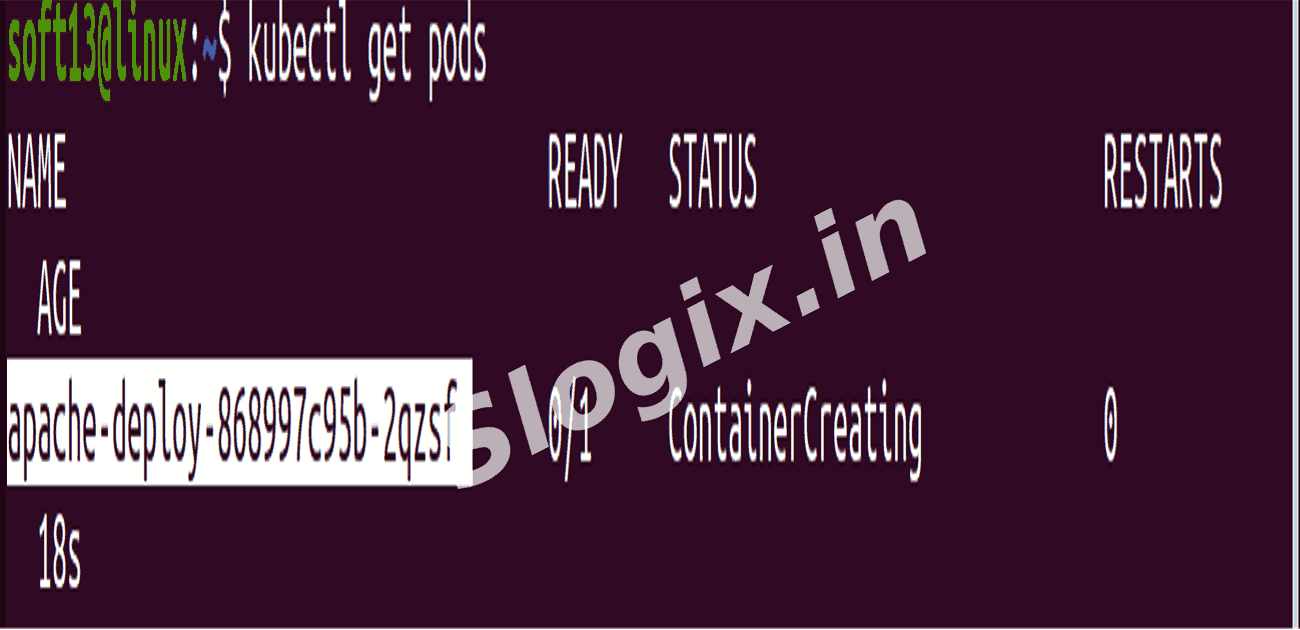
     Check pods:
    kubectl get pods
                
     You should see 2 running Apache pods.
  •  STEP 2 — Create ClusterIP Service
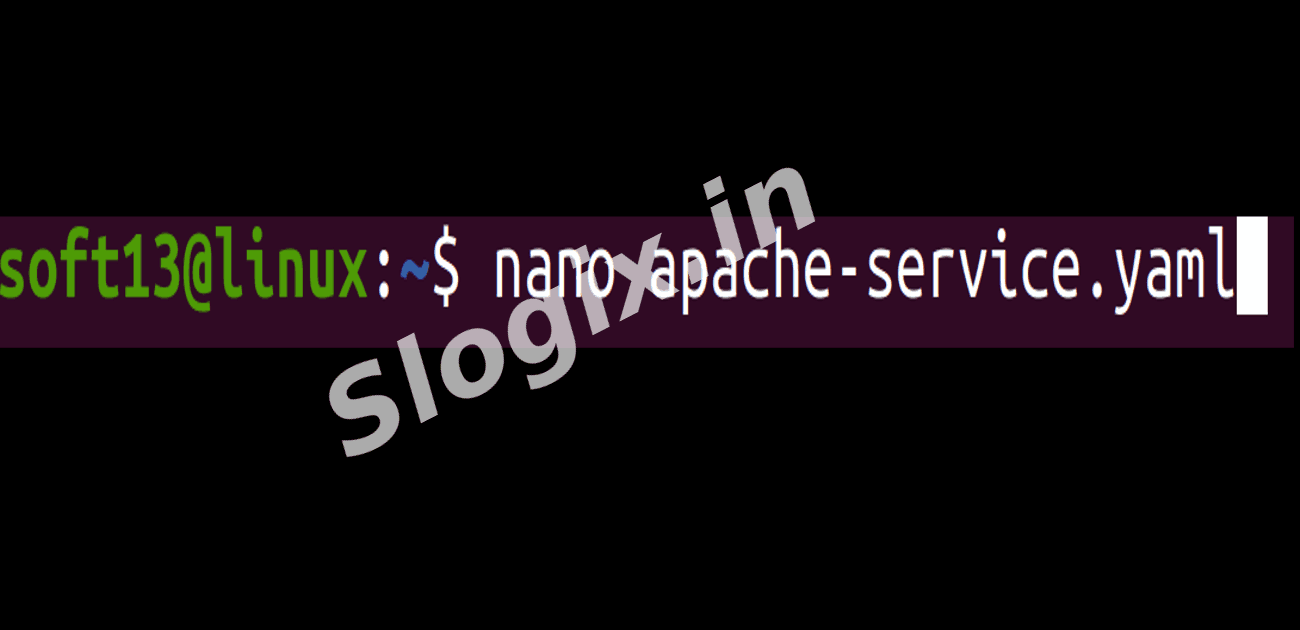
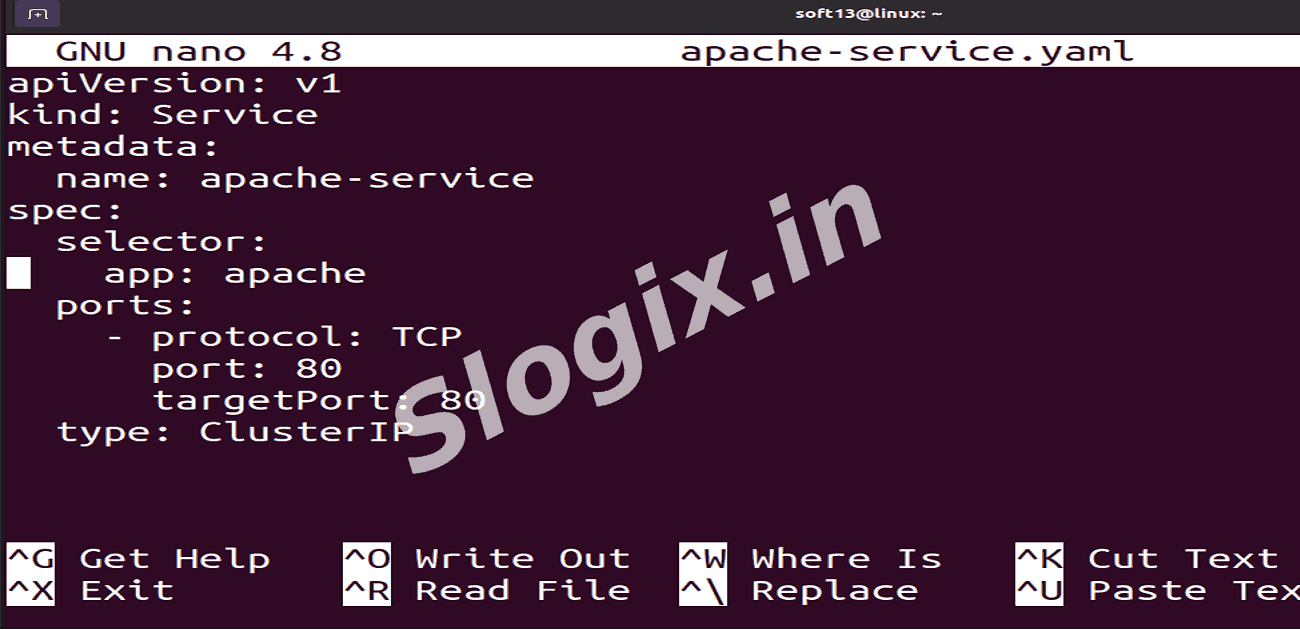
     Create a file apache-service.yaml:
    apiVersion: v1
    kind: Service
    metadata:
      name: apache-service
    spec:
      selector:
        app: apache
      ports:
        - protocol: TCP
          port: 80
          targetPort: 80
      type: ClusterIP
                
     Apply the service:
    kubectl apply -f apache-service.yaml
                
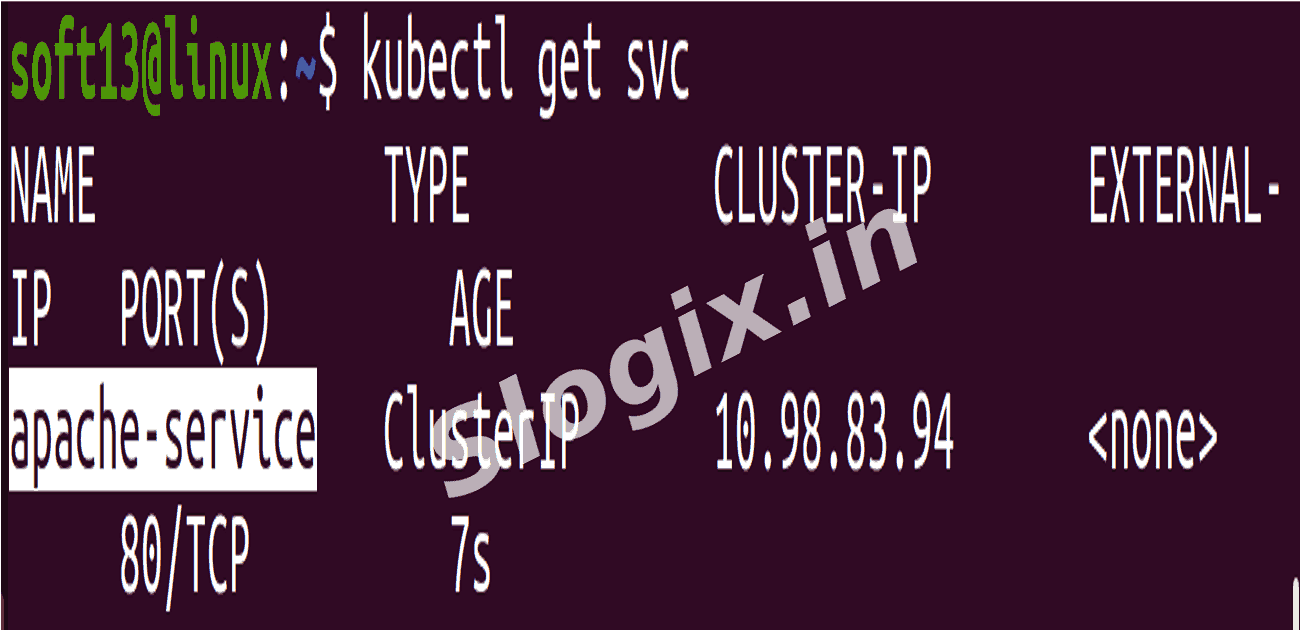
     Check the service:
    kubectl get svc
                
     You should see apache-service with a ClusterIP.
  •  STEP 3 — Verify Inside the Cluster
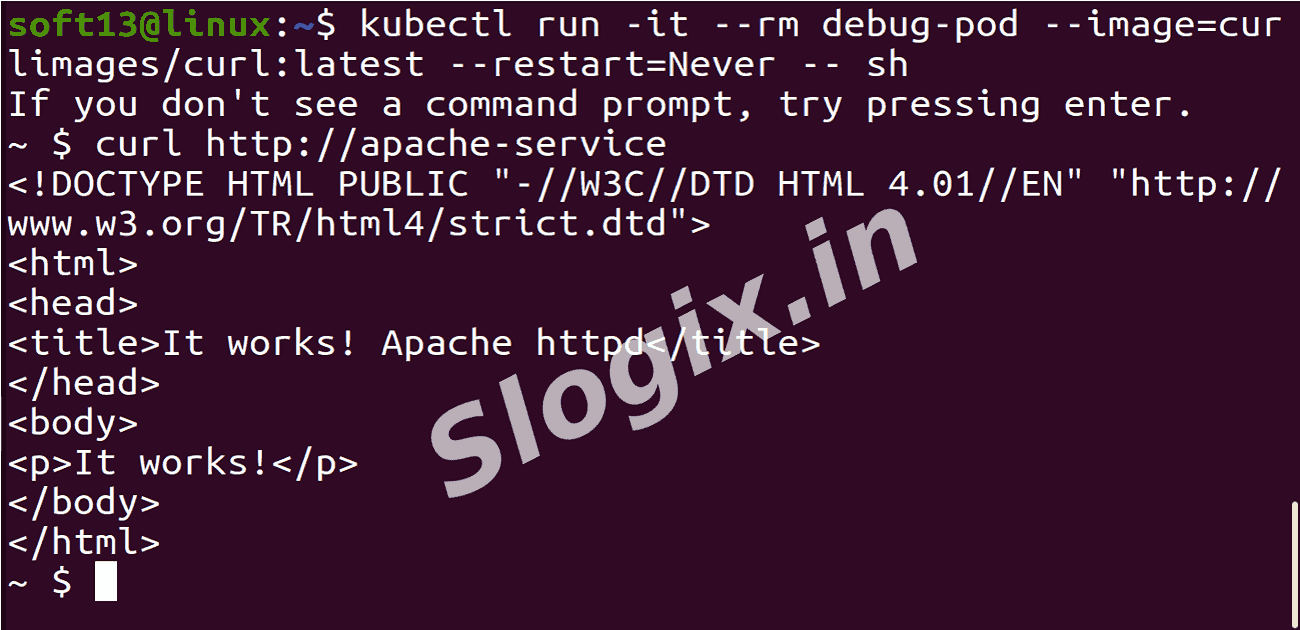
     Enter any pod (you can use one of the Apache pods or create a temporary pod):
    kubectl run -it --rm debug-pod --image=curlimages/curl:latest --restart=Never -- sh
                
     Inside the pod, test the service using curl:
    curl http://apache-service
                
     You should see the default Apache HTTP Server page HTML.

     Exit the debug pod:
    exit
                
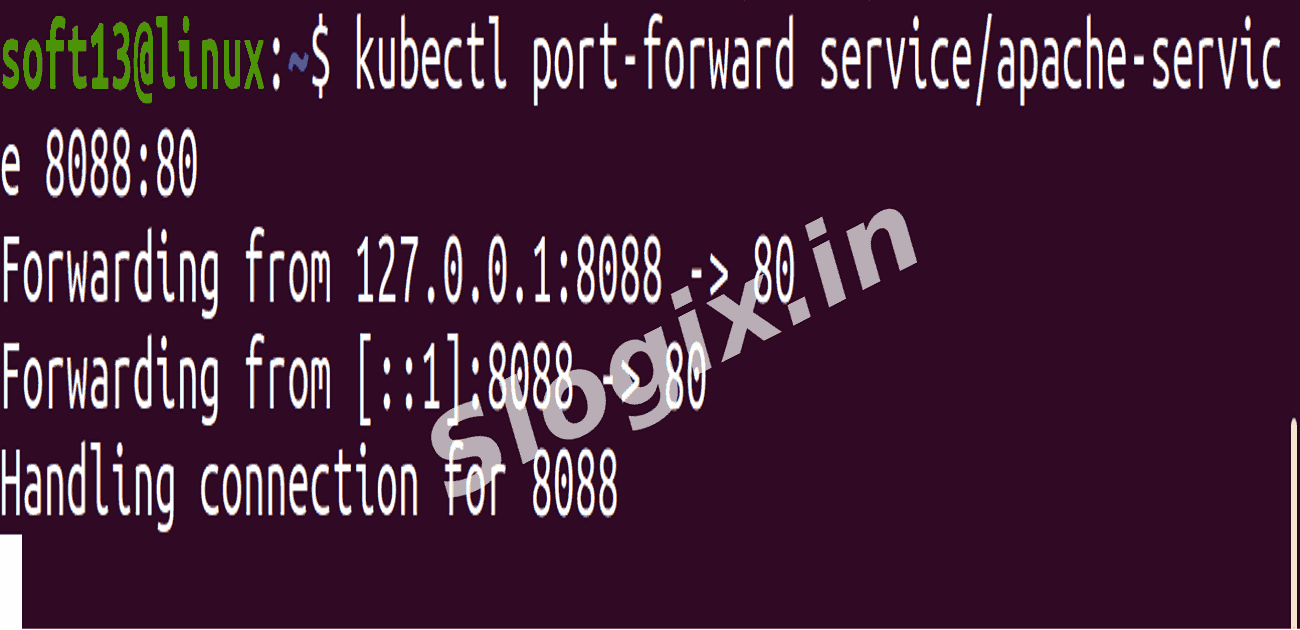
  •  STEP 4 — Test Using Port-Forwarding (Quickest for local testing)
    kubectl port-forward service/apache-service 8088:80
                
     This maps local port 8088 → service port 88.

     Now open a browser and go to:
    http://localhost:8088
                
     You should see the Apache HTTP Server default page.
Screenshots
  • 488
  • 489
  • 490
  • 491
  • 492
  • 493
  • 494
  • 495
  • 496
  • 497
  • 498
  • 499
  • 500
  • 501
  • 502