-
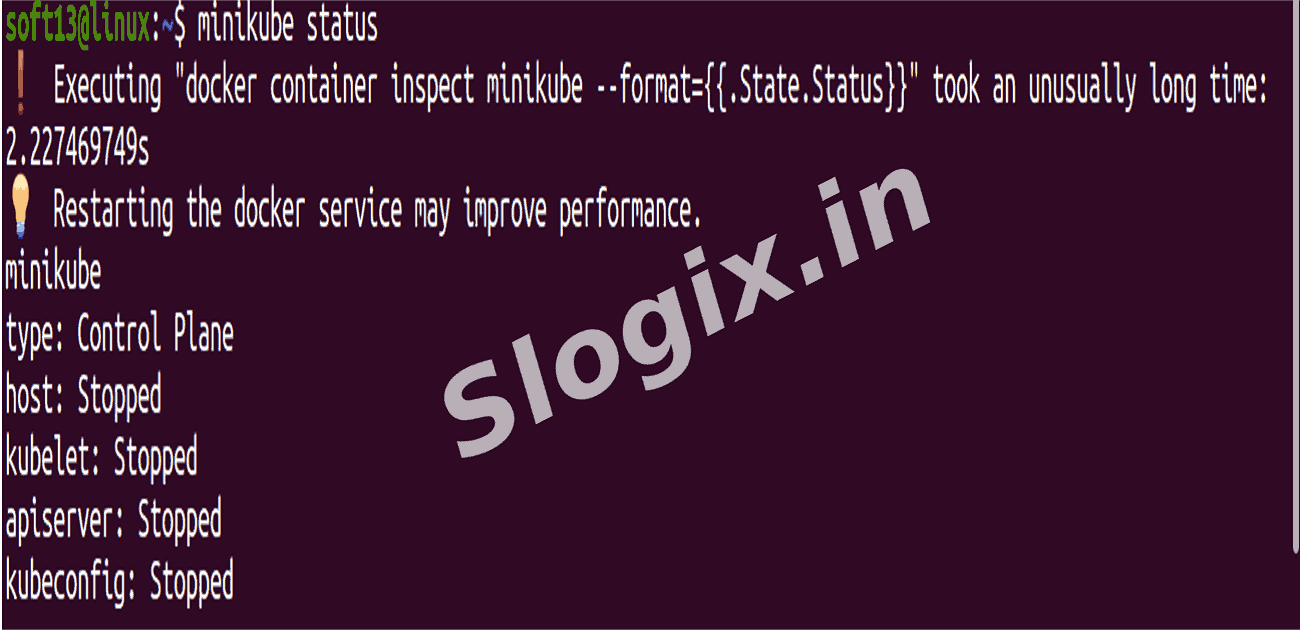
STEP 1 — Confirm cluster state (Minikube)
minikube status
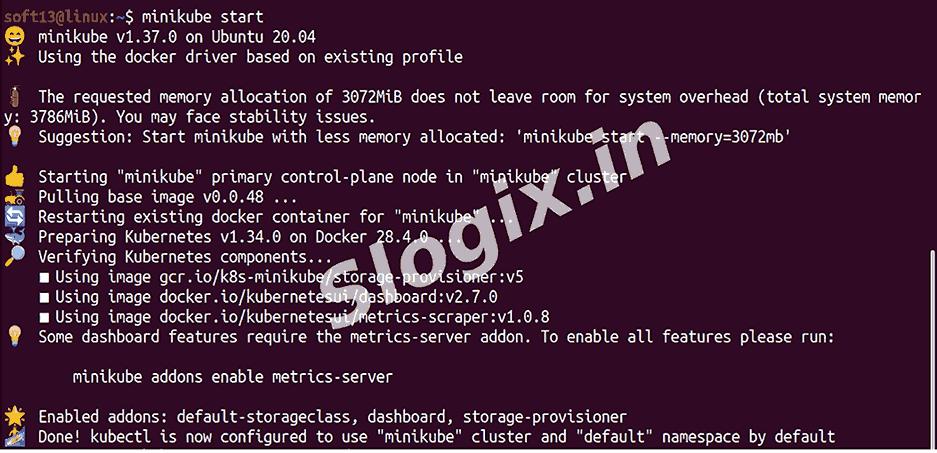
If status shows Stopped / Not Running:
minikube start
(Wait until it reports minikube: Running and host: Running.)
-
STEP 2 — (Optional) Quick sanity: kubectl connectivity
kubectl version --short
kubectl cluster-info
If these fail with connection errors (e.g. connect: no route to host or failed to download openapi), ensure Minikube is running and your kubeconfig points to Minikube:
minikube start
kubectl config use-context minikube
-
STEP 3 — Create / confirm the YAML files
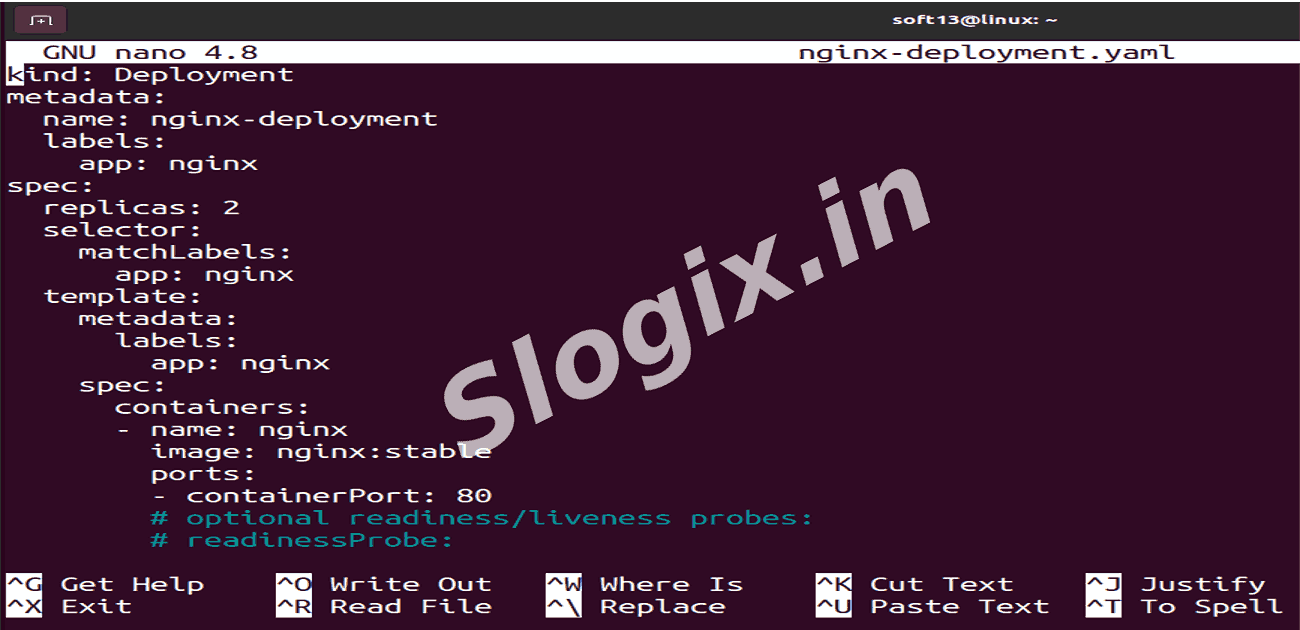
Create Deployment file:
nano nginx-deployment.yaml
apiVersion: apps/v1
kind: Deployment
metadata:
  name: nginx-deployment
  labels:
    app: nginx
spec:
  replicas: 2
  selector:
    matchLabels:
      app: nginx
  template:
    metadata:
      labels:
        app: nginx
    spec:
      containers:
      - name: nginx
        image: nginx:stable
        ports:
        - containerPort: 80
Create Service file:
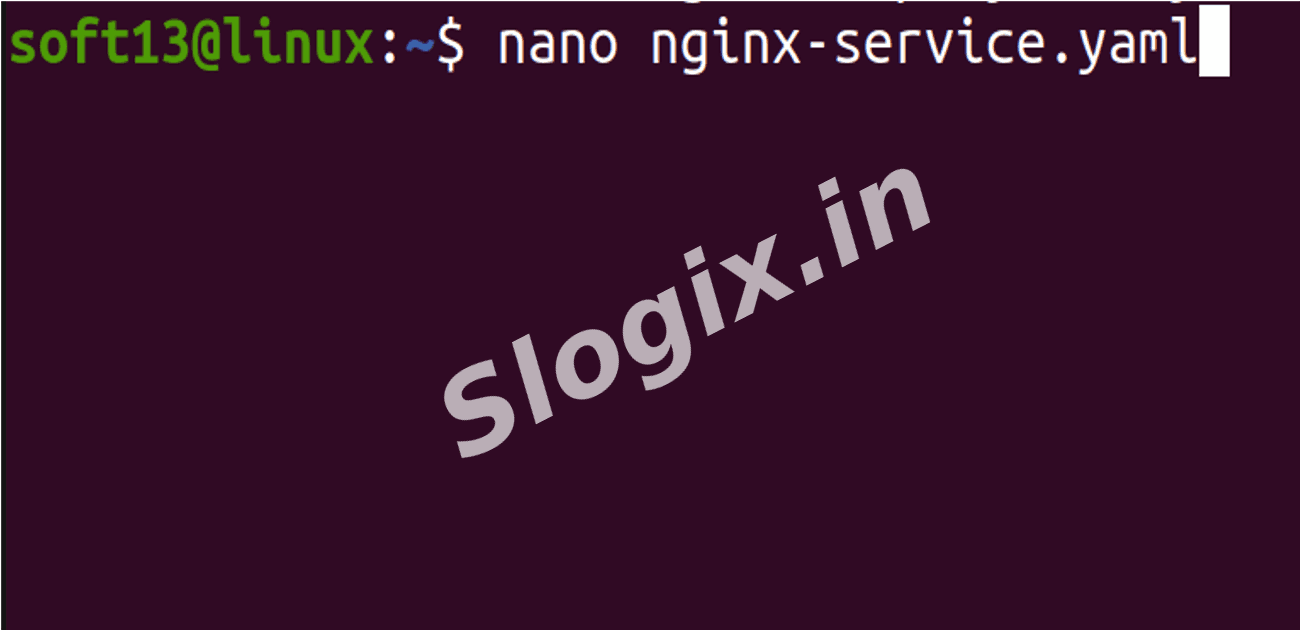
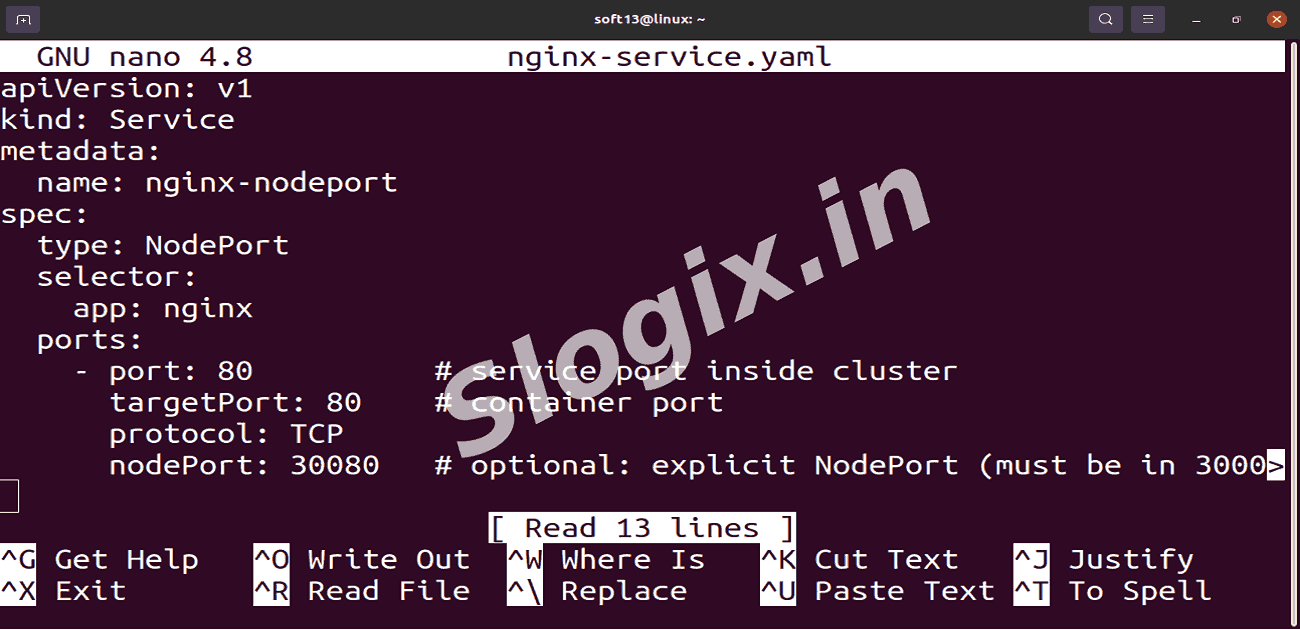
nano nginx-service.yaml
apiVersion: v1
kind: Service
metadata:
  name: nginx-nodeport
spec:
  type: NodePort
  selector:
    app: nginx
  ports:
    - port: 80
      targetPort: 80
      protocol: TCP
      nodePort: 30080
-
STEP 4 — Apply the manifests
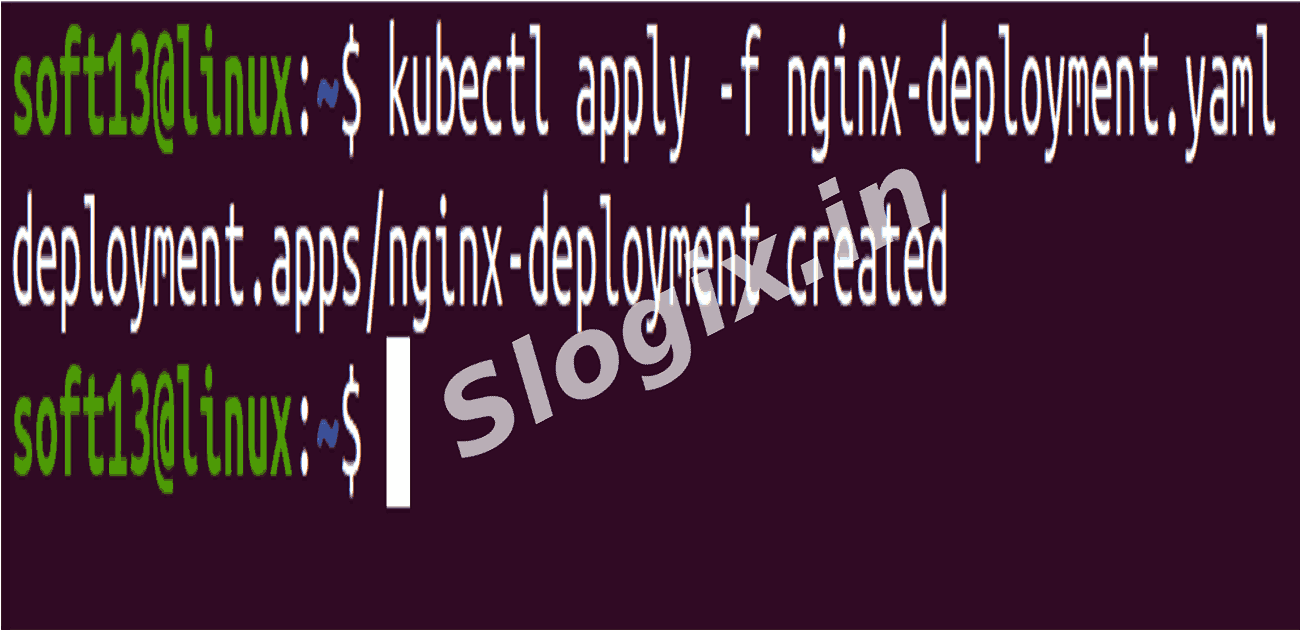
kubectl apply -f nginx-deployment.yaml
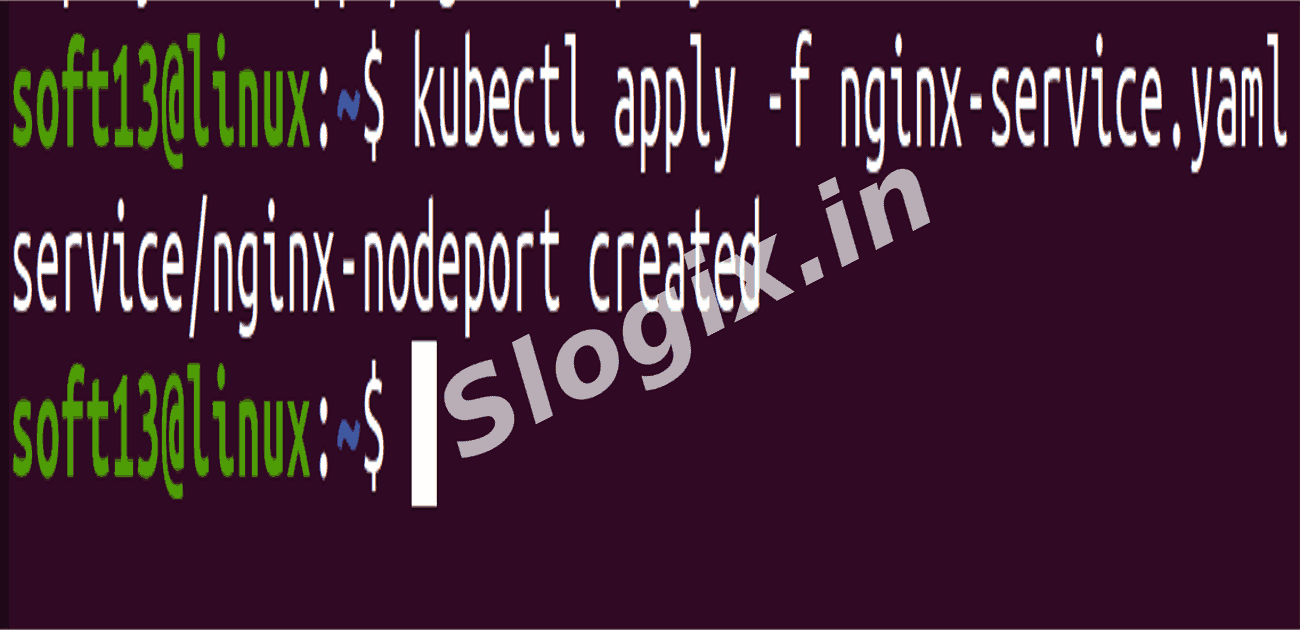
kubectl apply -f nginx-service.yaml
If validation fails due to API connectivity, you can (carefully) bypass client-side validation:
kubectl apply -f nginx-deployment.yaml --validate=false
But prefer fixing the API connectivity first.
-
STEP 5 — Verify Deployment and Pods
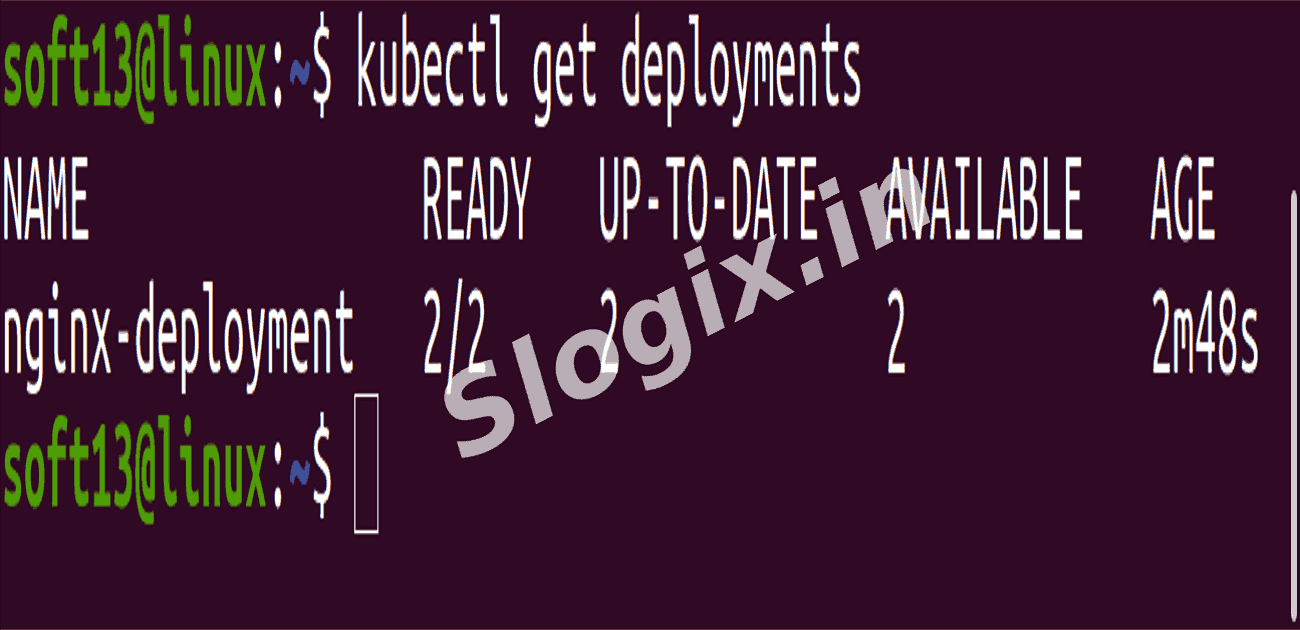
kubectl get deployments
# should show: nginx-deployment   2/2   <...>

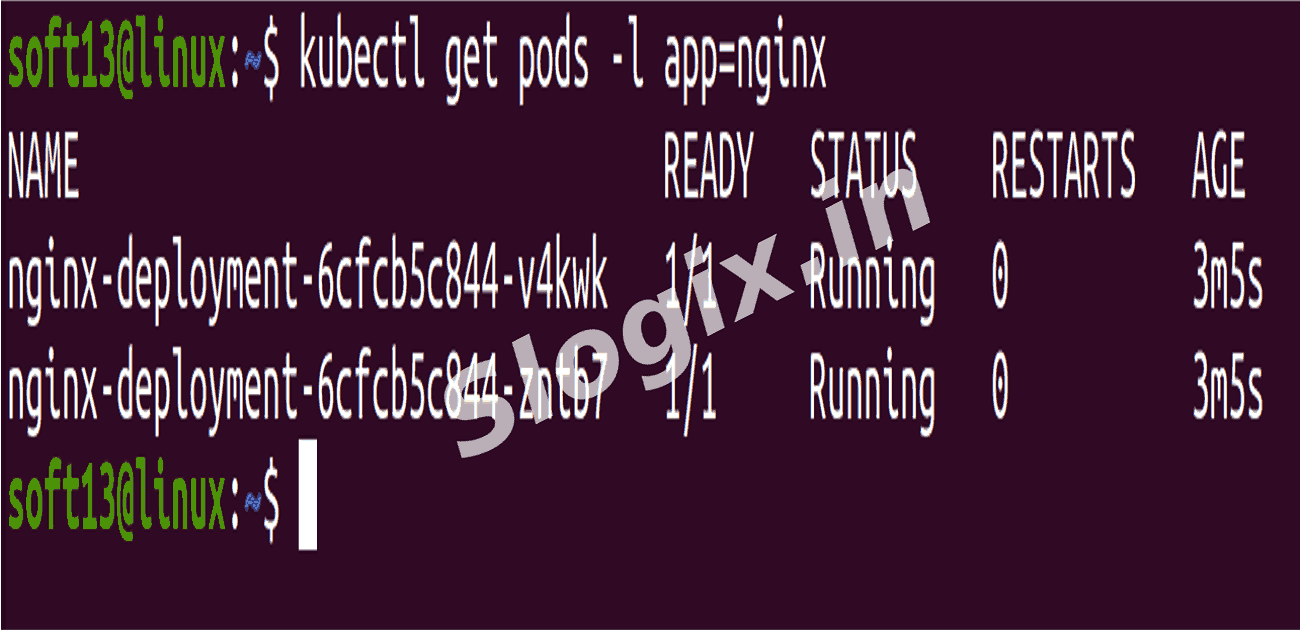
kubectl get pods -l app=nginx
# should show 2 pods in STATUS: Running

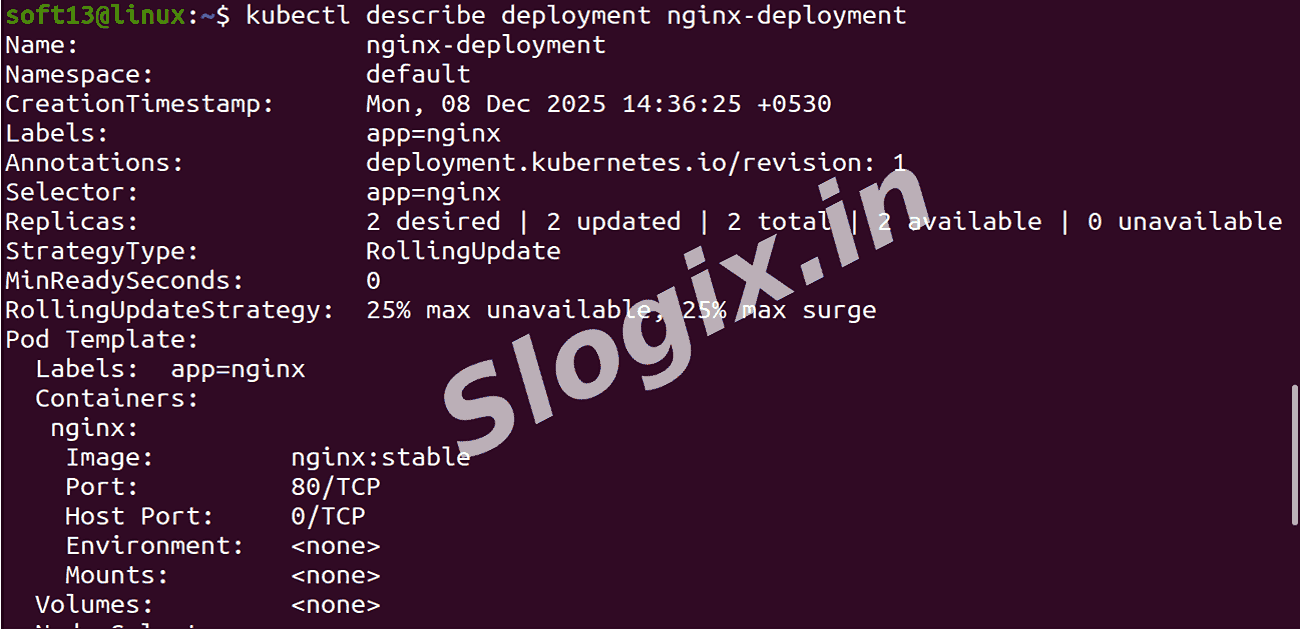
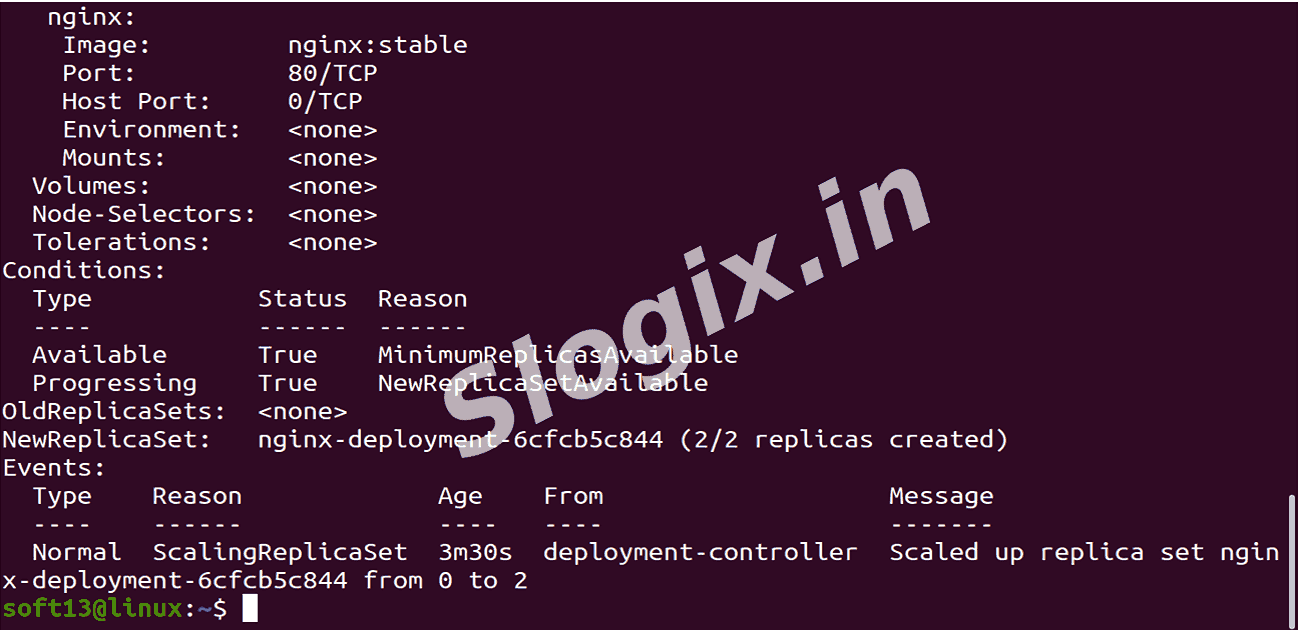
kubectl describe deployment nginx-deployment
# view rollout details, events, and conditions
-
STEP 6 — Verify Service and NodePort
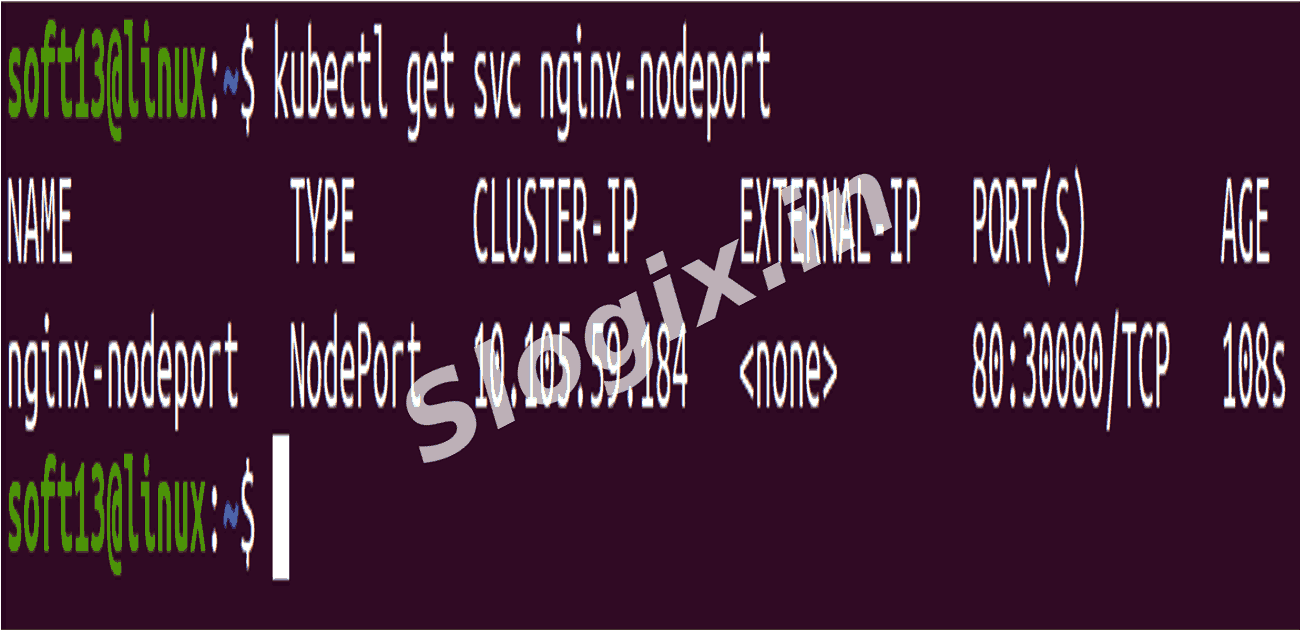
kubectl get svc nginx-nodeport
# Example output line: nginx-nodeport  NodePort   10.96.x.x      80:30080/TCP

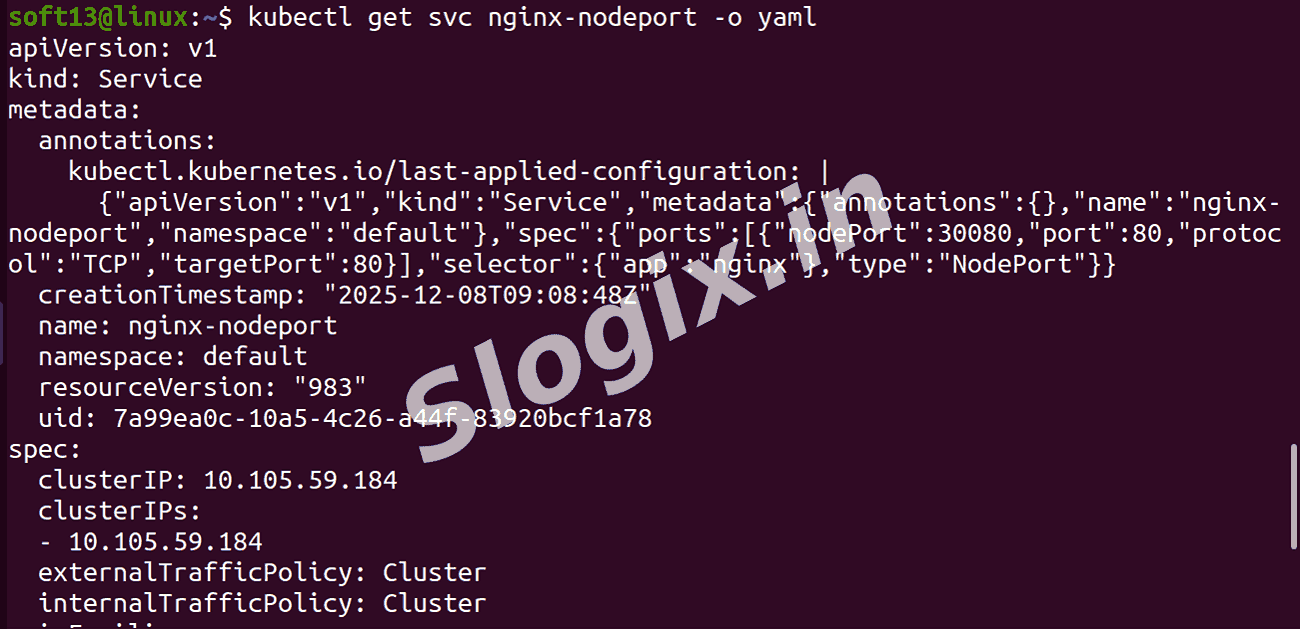
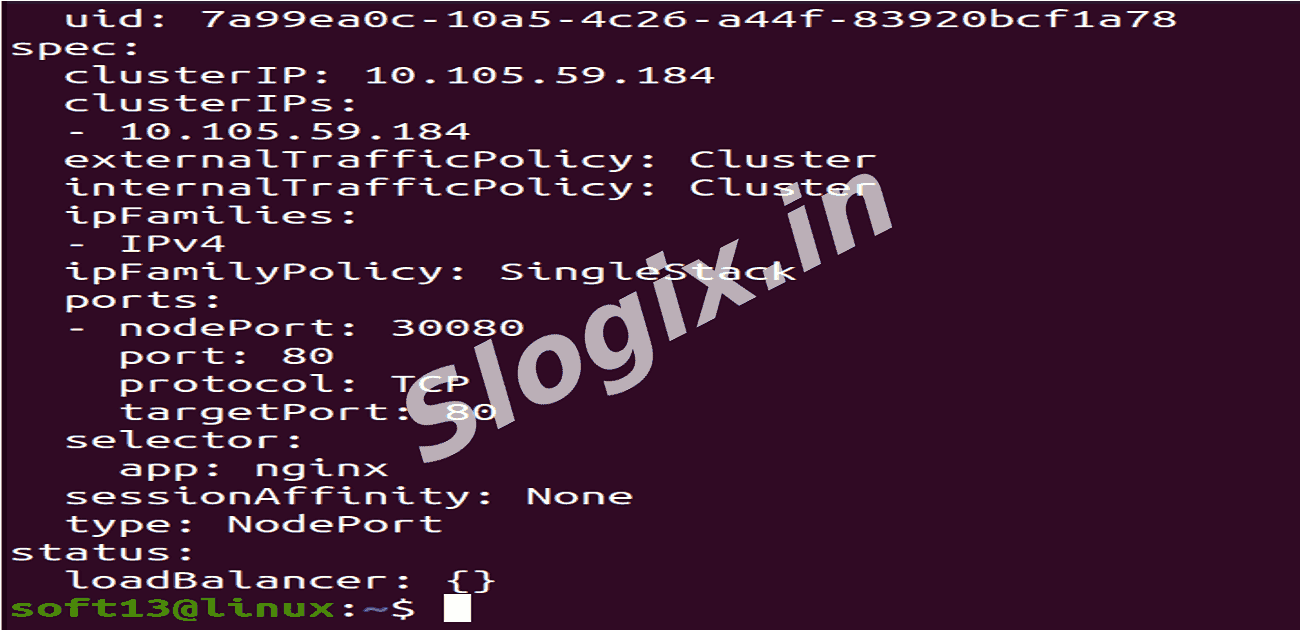
kubectl get svc nginx-nodeport -o yaml
# to confirm nodePort: 30080 and selectors
-
STEP 7 — Get Node IP and test access
If using Minikube:
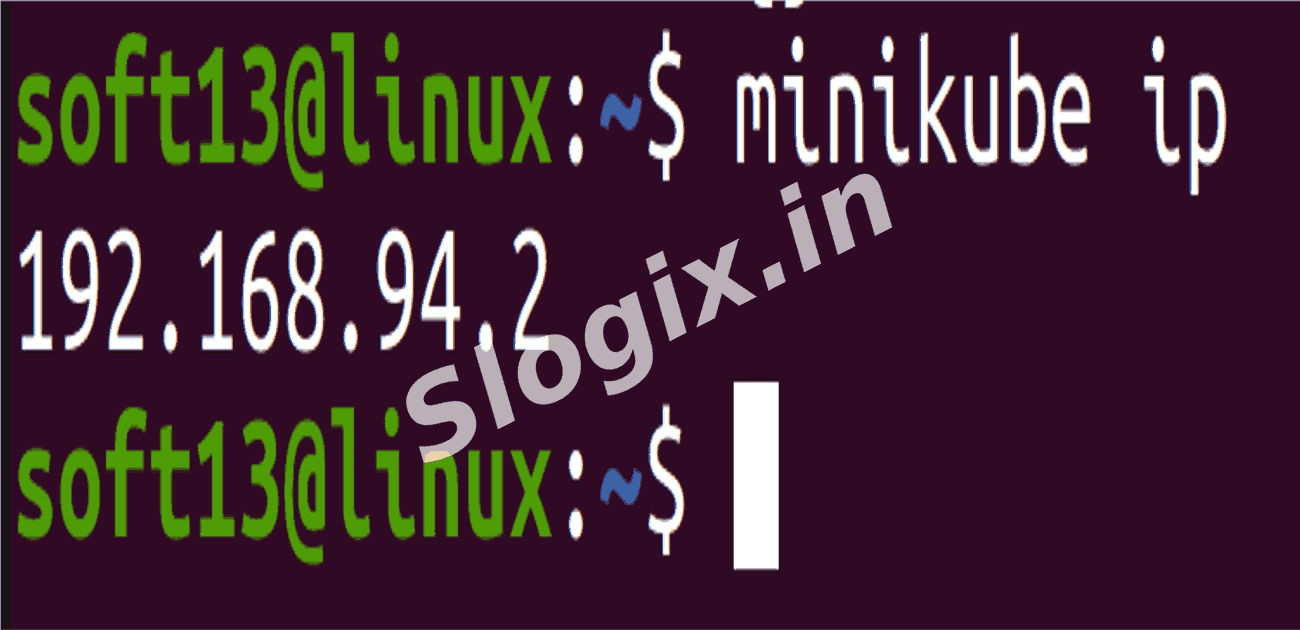
minikube ip
# e.g. 192.168.94.2
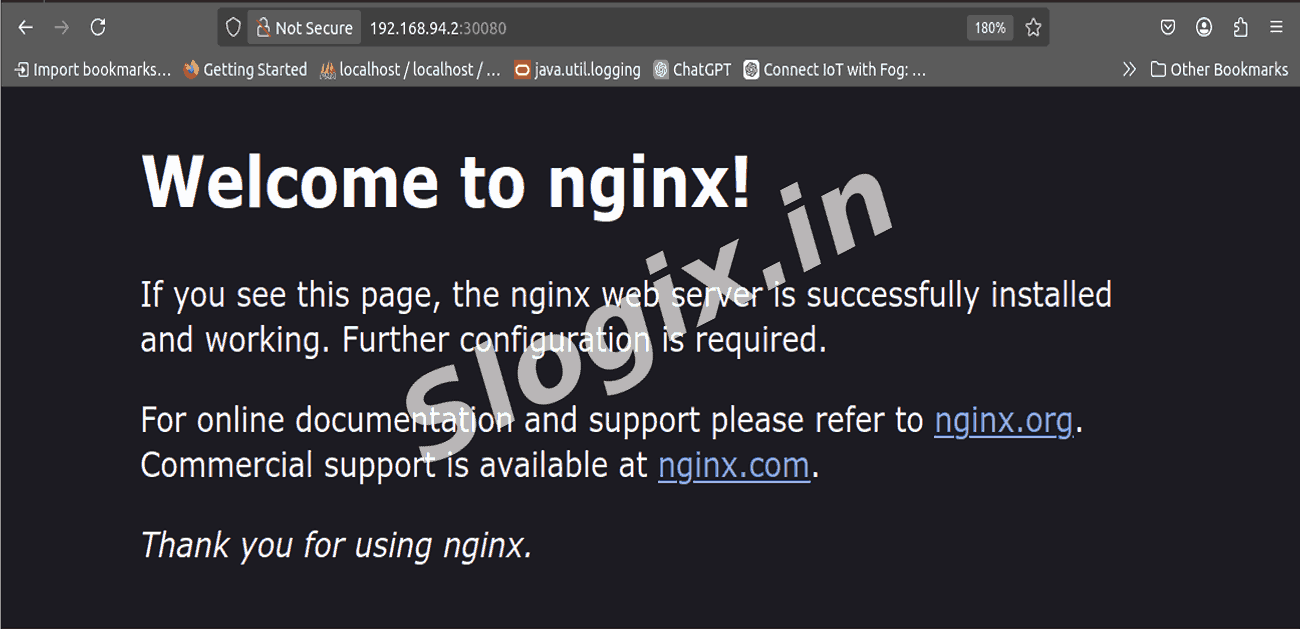
Open in browser:
http://<MINIKUBE_IP>:30080
# Example: http://192.168.94.2:30080
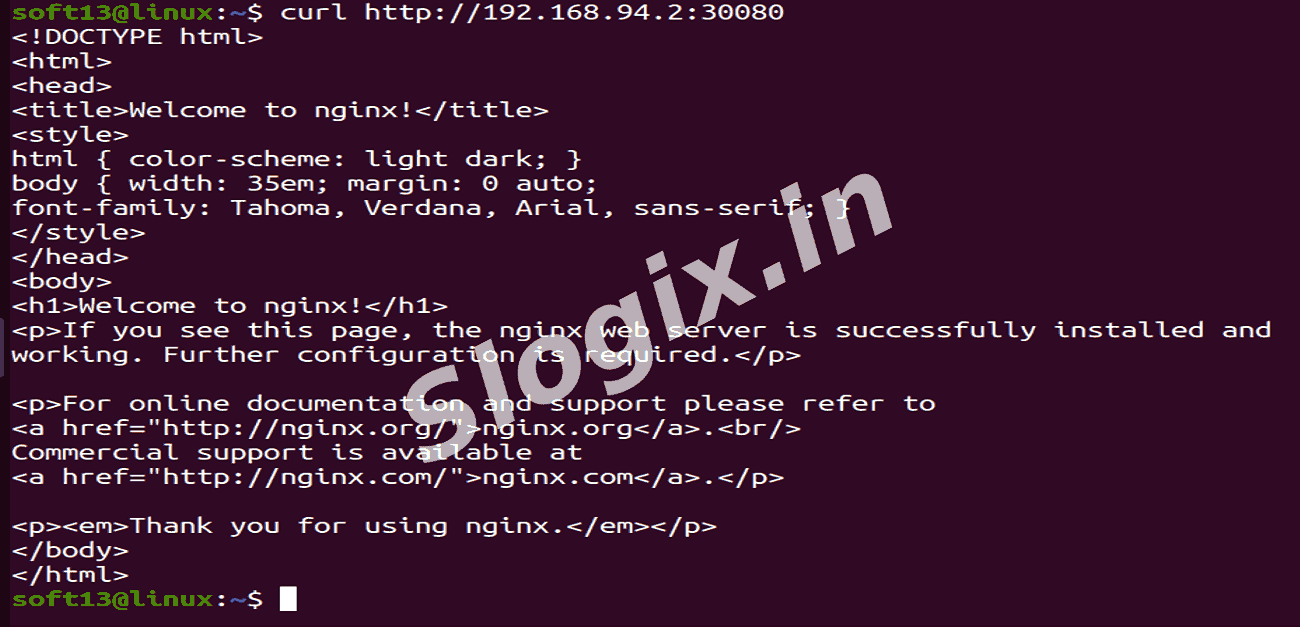
Or test with curl:
curl -I http://$(minikube ip):30080
 Research Breakthrough Possible @S-Logix