How to Create a Jenkins Freestyle Job that Prints System Information (OS Details, Kernel Version, and Distribution Info)?
Share
Condition for Create the First Freestyle Job in Jenkins
Description: This task helps you to create a Jenkins Freestyle job named system-info that runs shell commands to display details of the operating system and Linux distribution. This helps DevOps engineers understand the environment where Jenkins is running, which is useful for troubleshooting, deployments, and automation scripts.
Steps to Create a Jenkins Job for System Info
Step 1 — Open Jenkins Home Page
Open your browser and go to:
http://localhost:8080 (or your Jenkins server URL).
Step 2 — Create a New Job
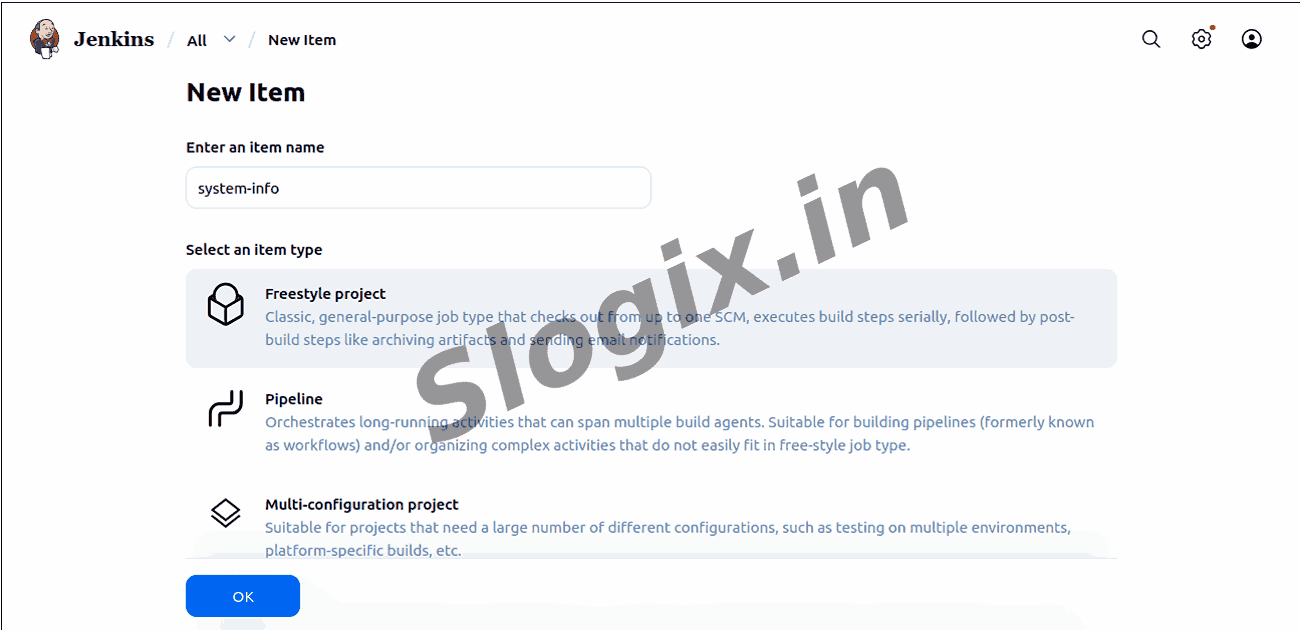
On the left side menu click New Item.
Step 3 — Enter Job Name
Type the job name:
system-info.
Step 4 — Select Job Type
Choose Freestyle Project and click OK.
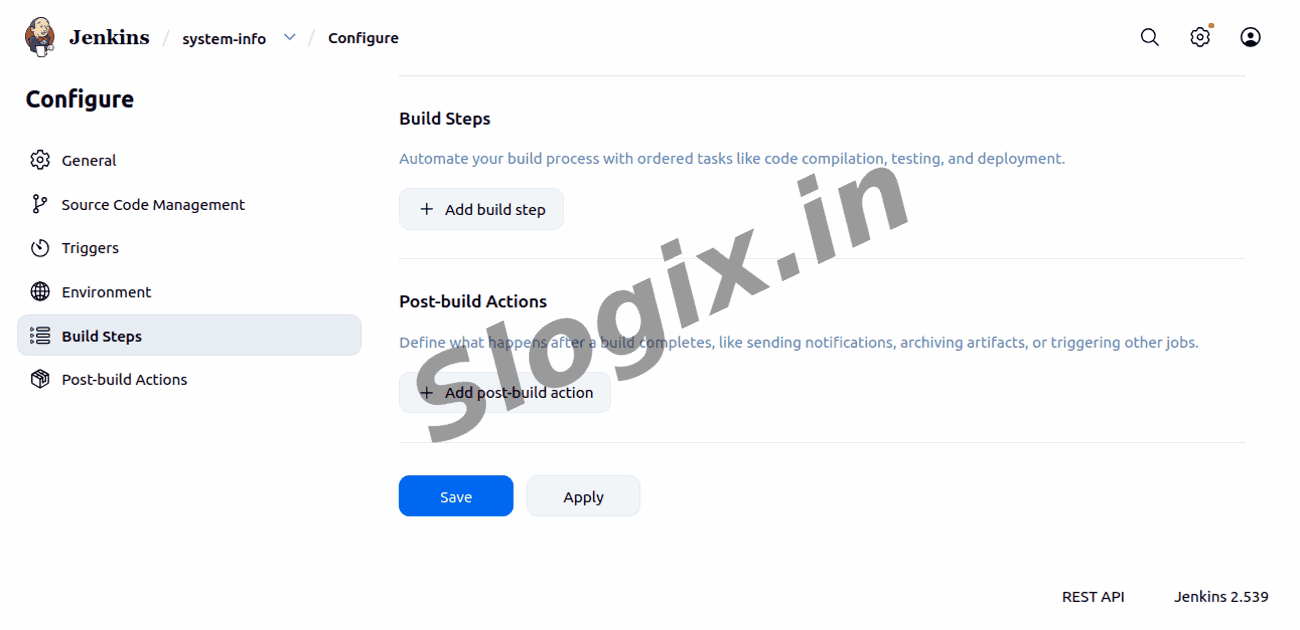
Step 5 — Add a Build Step
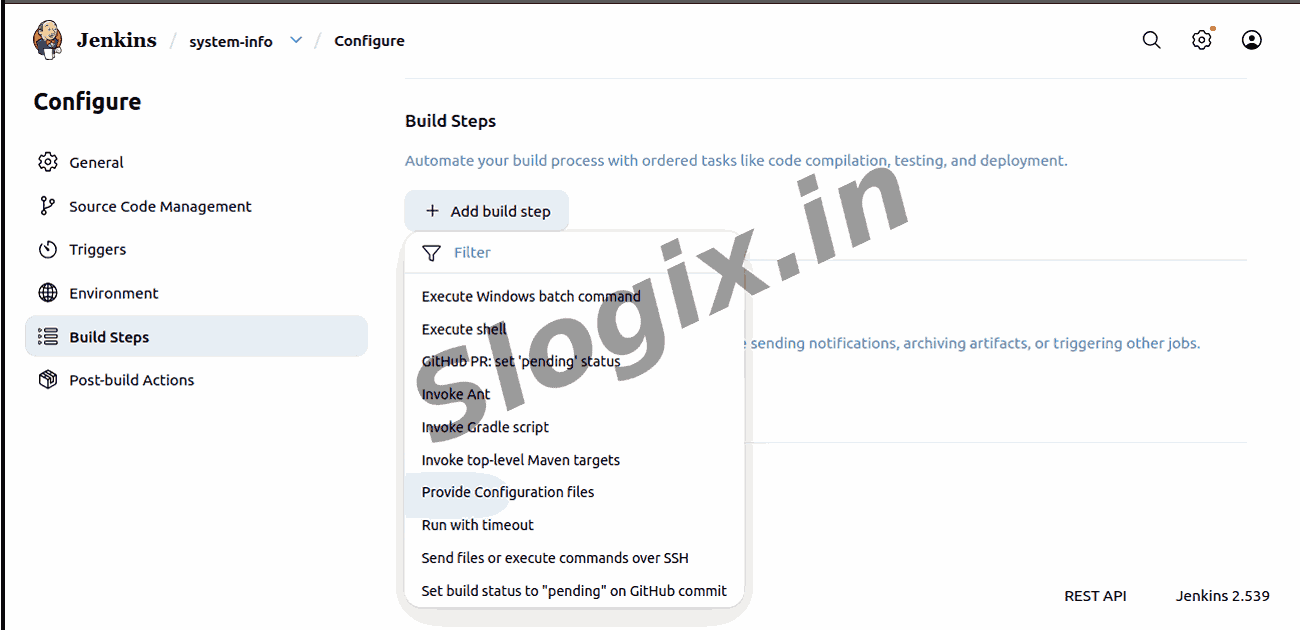
Scroll down to the Build section and click Add build step.
Step 6 — Select Execute Shell
From the dropdown choose Execute shell to execute Linux commands.
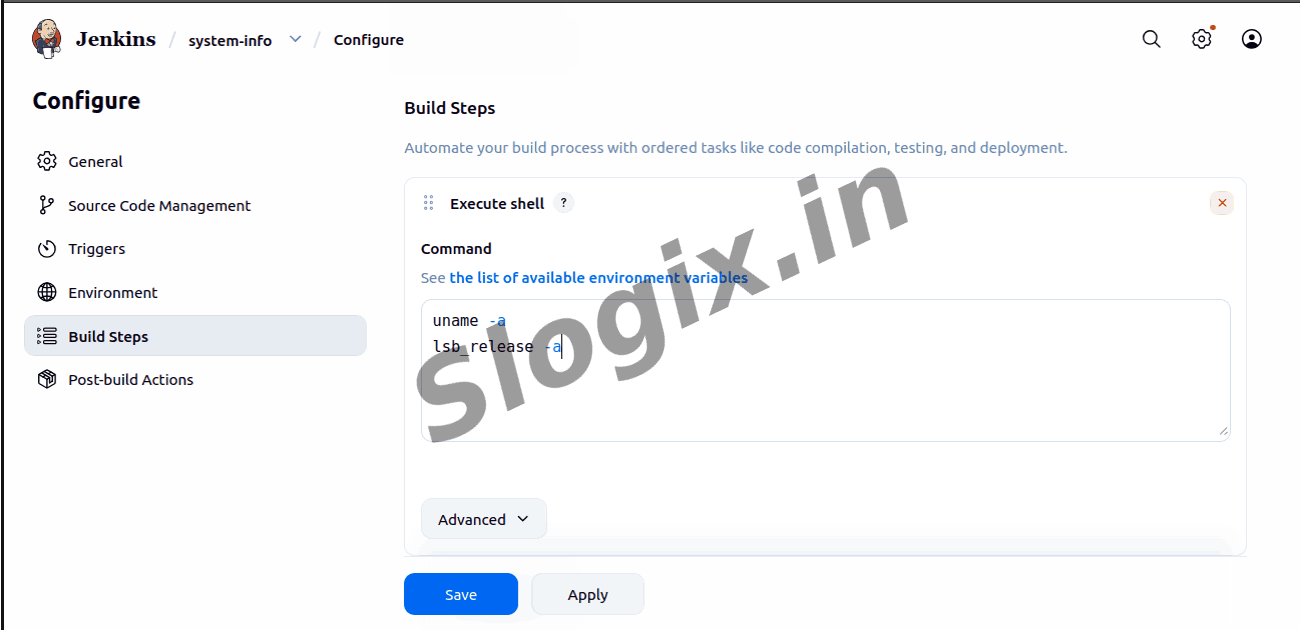
Step 7 — Enter System Commands
In the command box type:
uname -a
lsb_release -a
Step 8 — Save the Job
Scroll down and click Save.
Step 9 — Run the Job
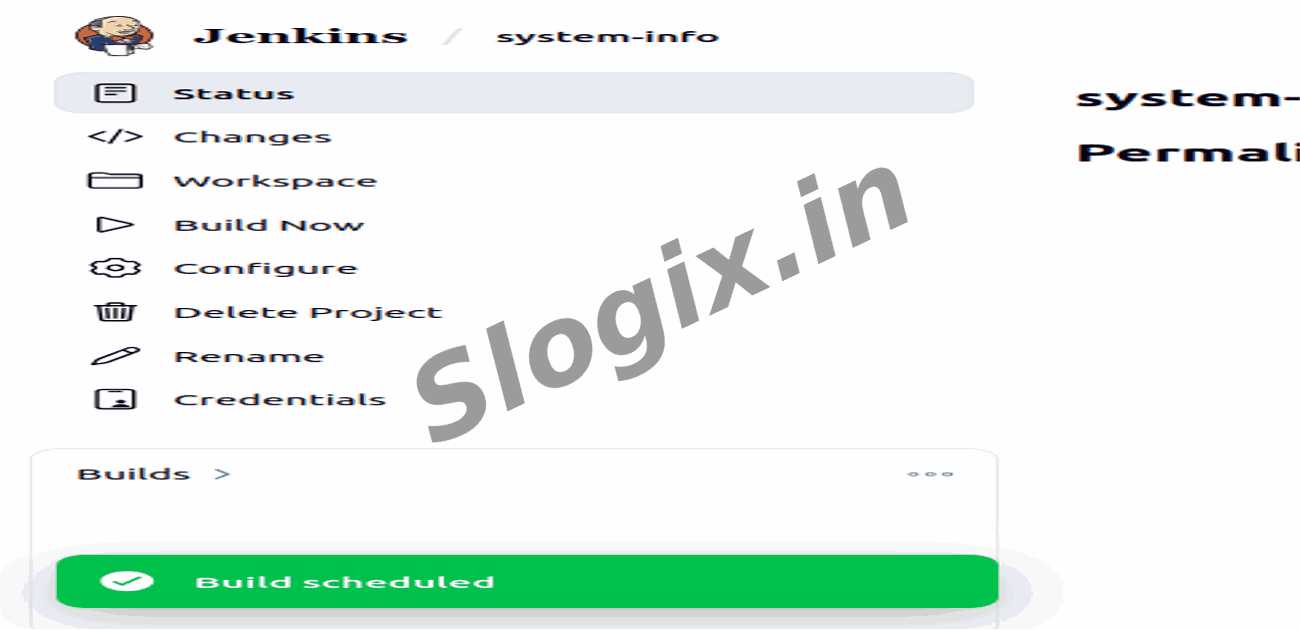
Click Build Now to execute the job.
Step 10 — View Build Output
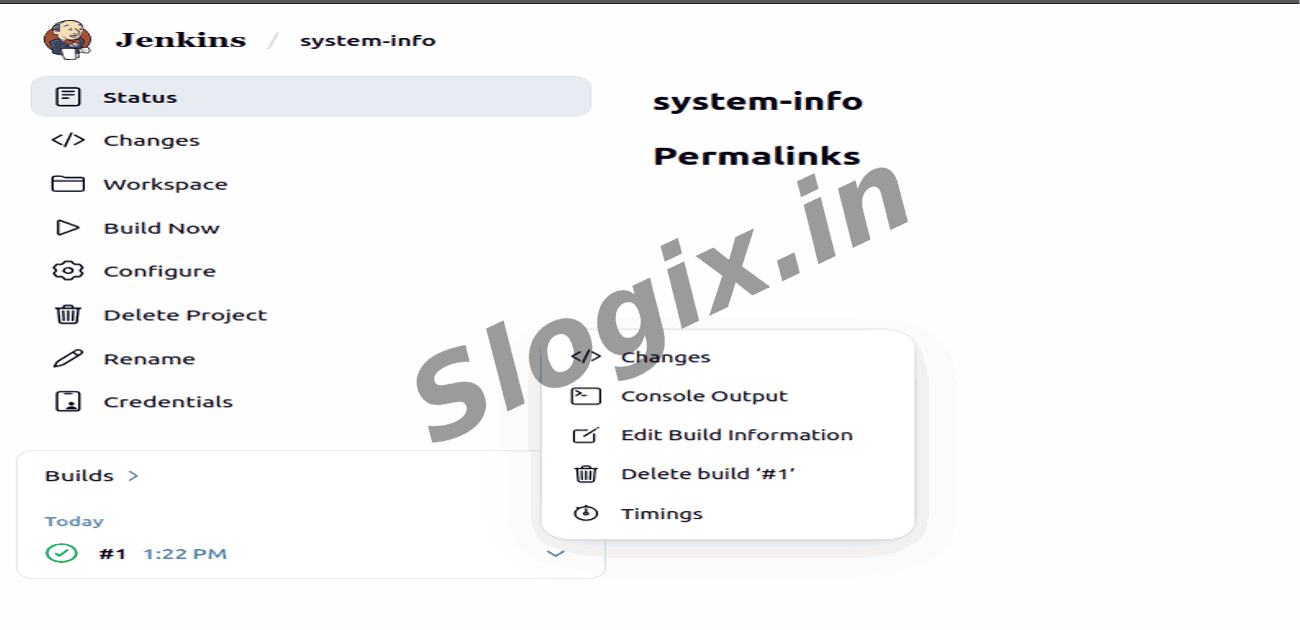
Open the latest build under Build History and click Console Output.
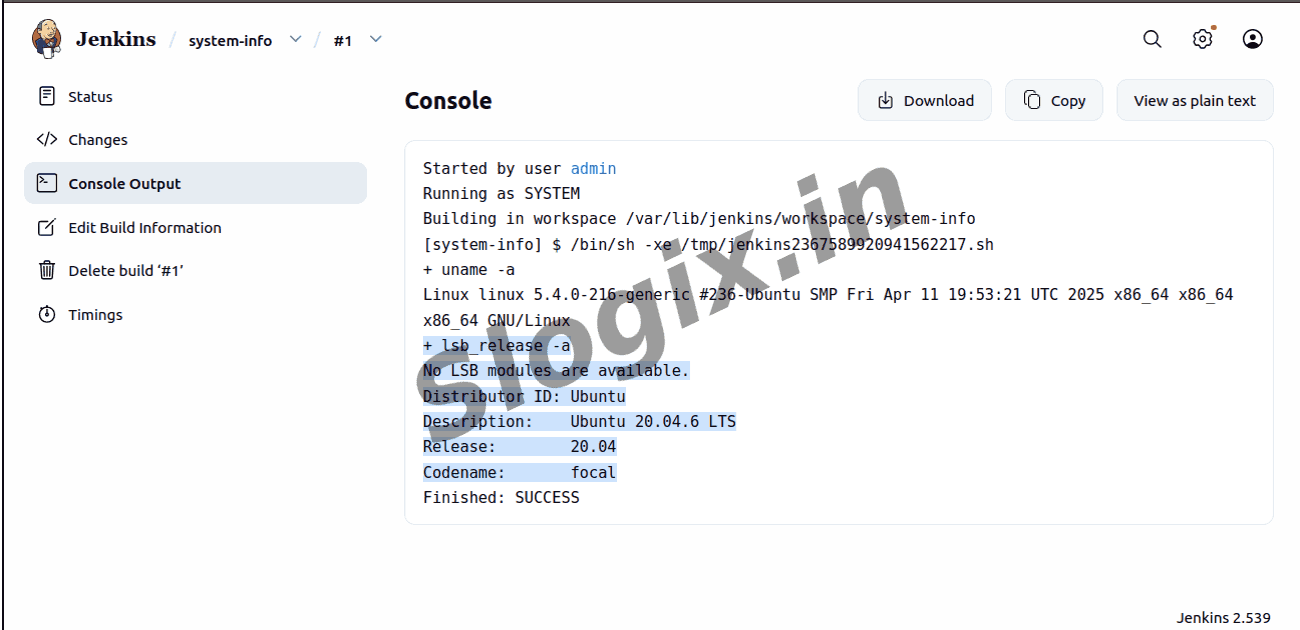
Step 11 — Verify System Information
You will see details like kernel version, distribution (Ubuntu/CentOS), and architecture printed.
 Research Breakthrough Possible @S-Logix