List of Topics:
Location Research Breakthrough Possible @S-Logix pro@slogix.in

Office Address

Social List

How to Create a Jenkins Job that Compresses Files into a ZIP Archive and Stores it as an Artifact?

Jenkins

Condition for Create a Jenkins Job that Compresses Files into a ZIP Archive and Stores it as an Artifact

  • Description:
    This task demonstrates how Jenkins can automatically create files, compress them into a ZIP file, and store the ZIP output as a downloadable build artifact.

Steps

  •  Step 1 — Open Jenkins Dashboard
     Open your browser and go to:
     http://localhost:8080
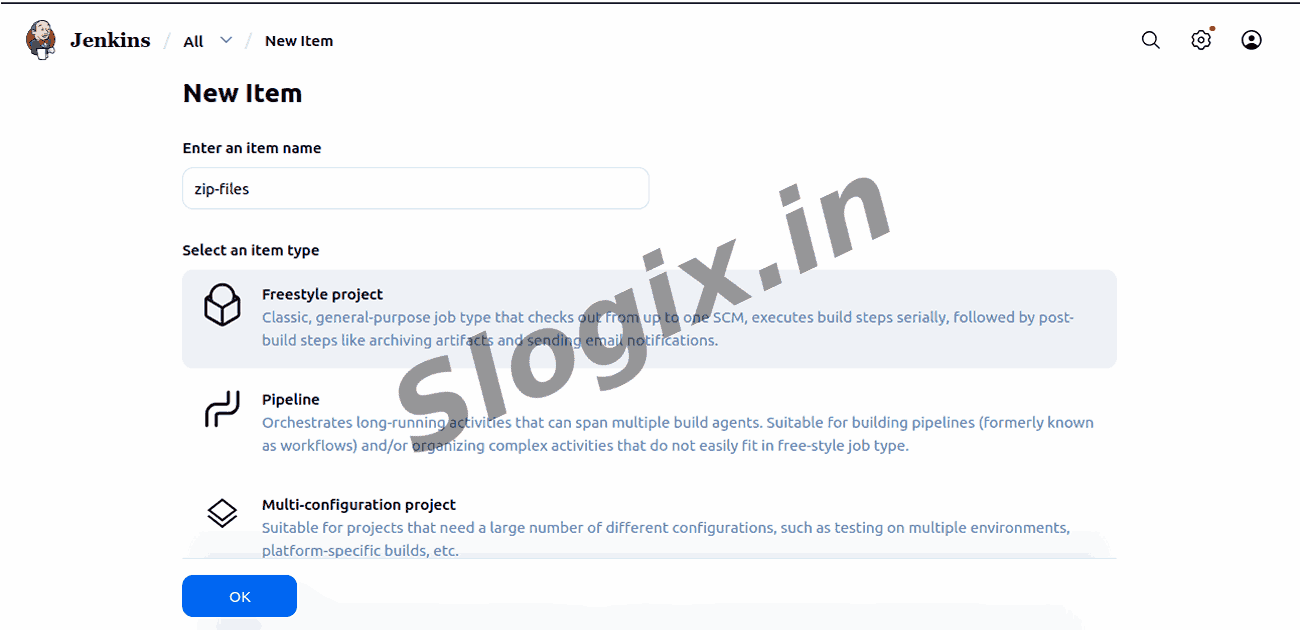
  •  Step 2 — Create a New Freestyle Job
     Click New Item
     Type job name: zip-files
     Select Freestyle project → Click OK
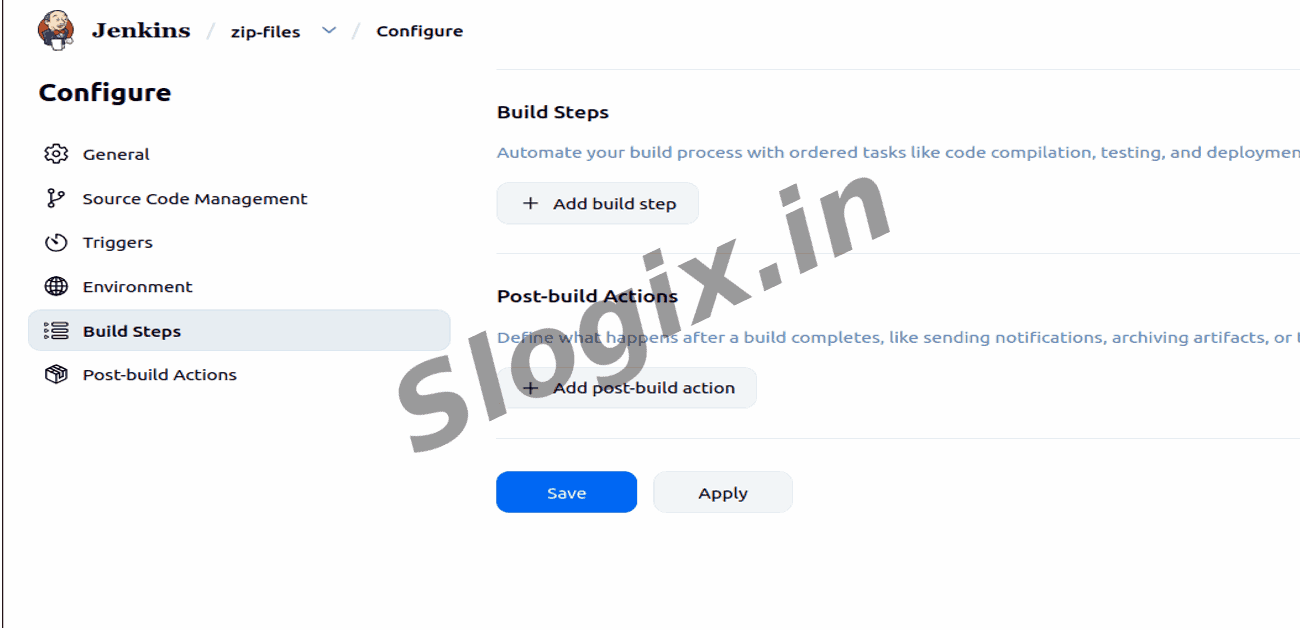
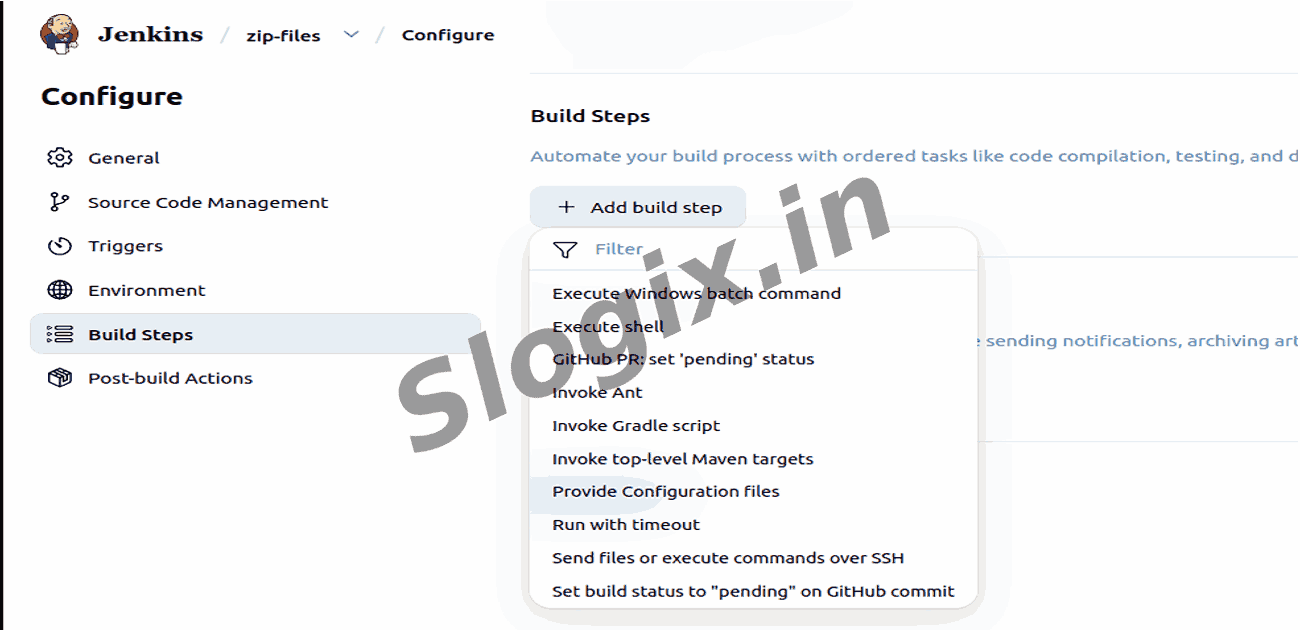
  •  Step 3 — Add a Build Step to Run Shell Commands
     Scroll to Build
     Click Add build step → Select Execute Shell
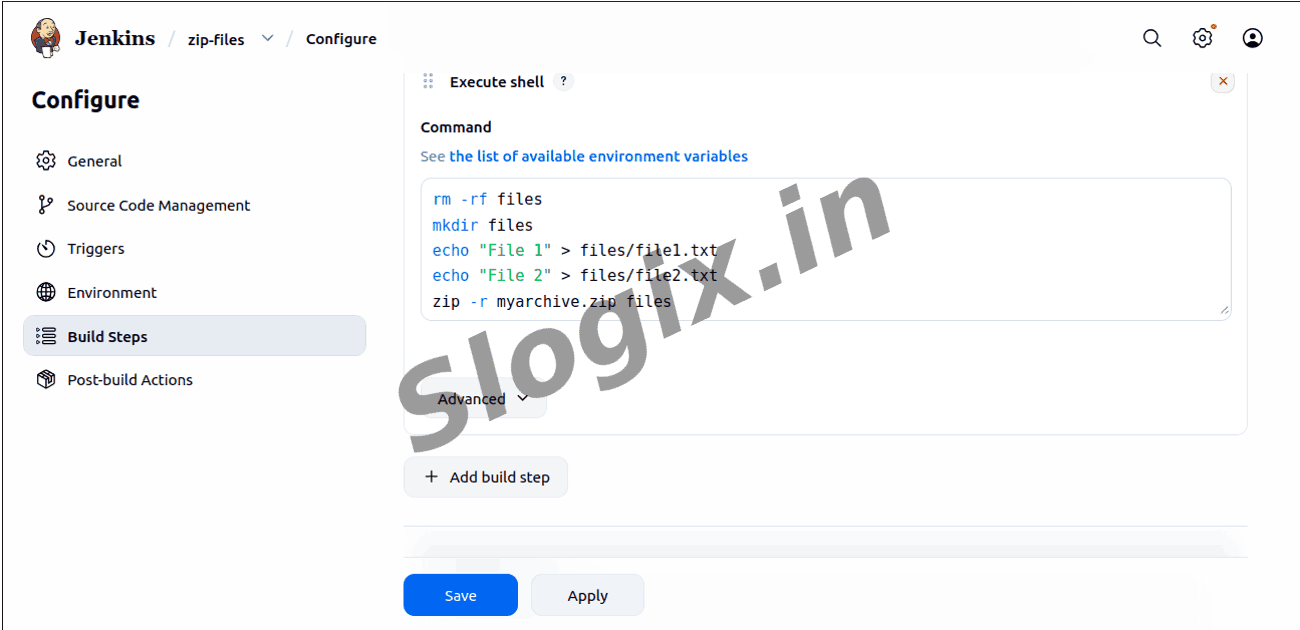
  •  Step 4 — Enter Script to Create and Compress Files
     Paste the following:
    rm -rf files
    mkdir files
    
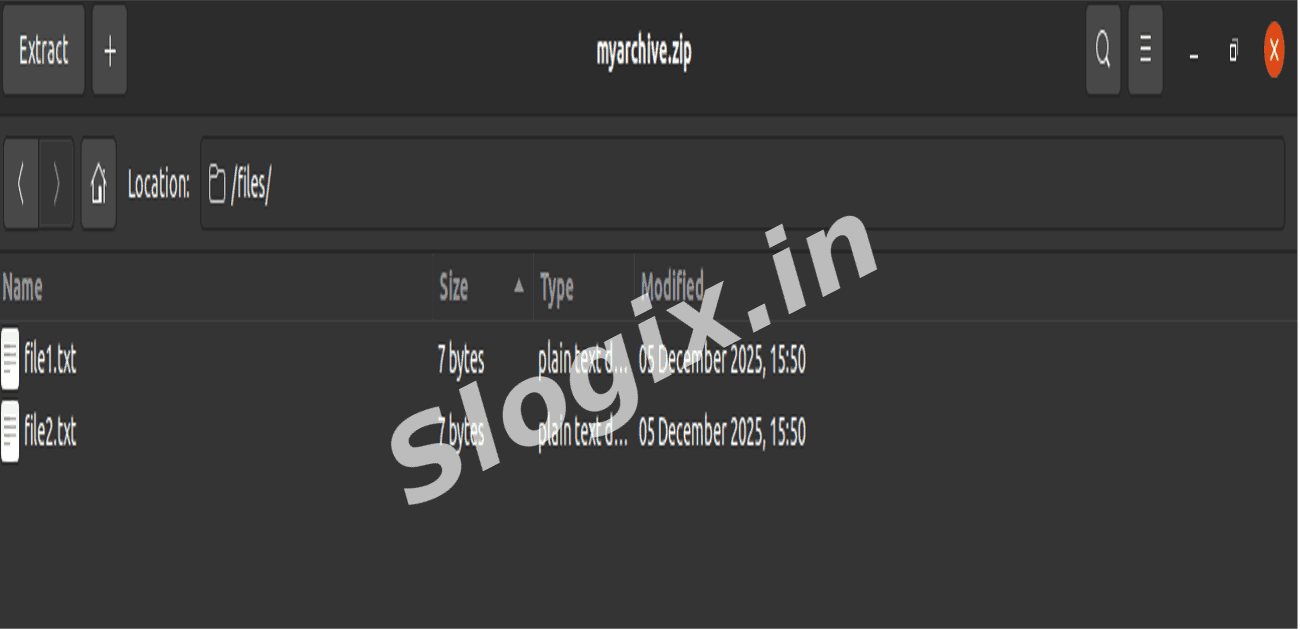
    echo "File 1" > files/file1.txt
    echo "File 2" > files/file2.txt
    
    zip -r myarchive.zip files
  •  Step 5 — Save the ZIP as an Artifact
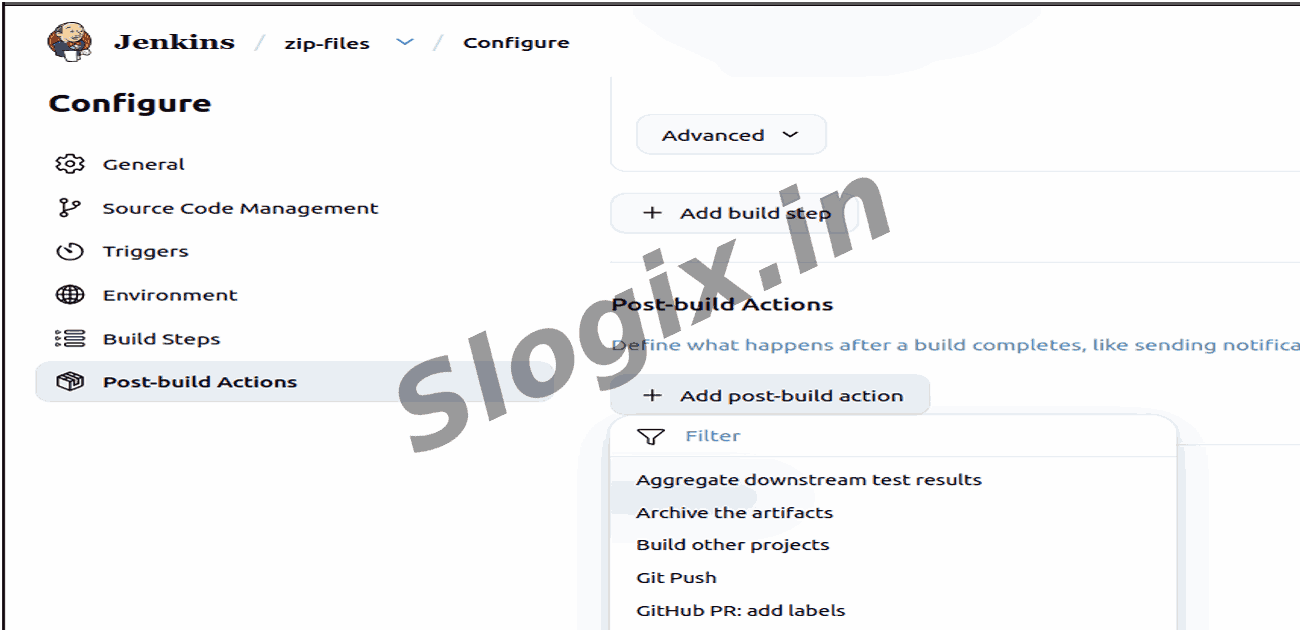
     Scroll to Post-build Actions
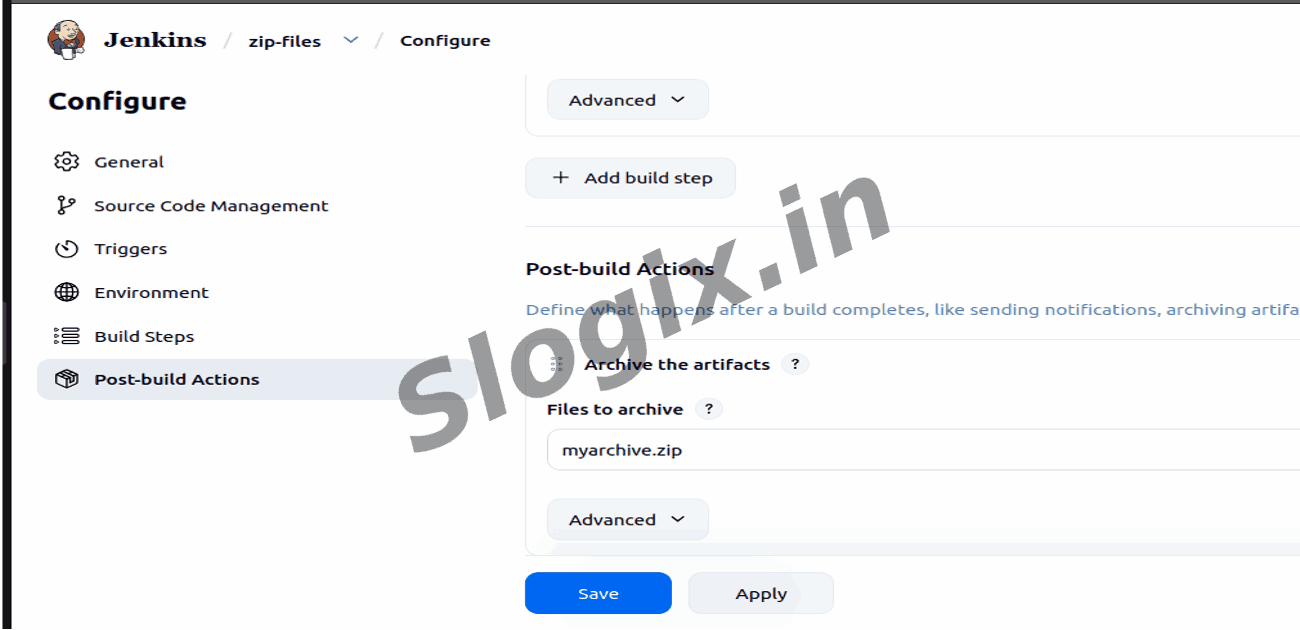
     Click Add post-build action → Archive the artifacts
     In Files to Archive, enter:
    myarchive.zip
  •  Step 6 — Save the Job
     Click Save
  •  Step 7 — Run the Job
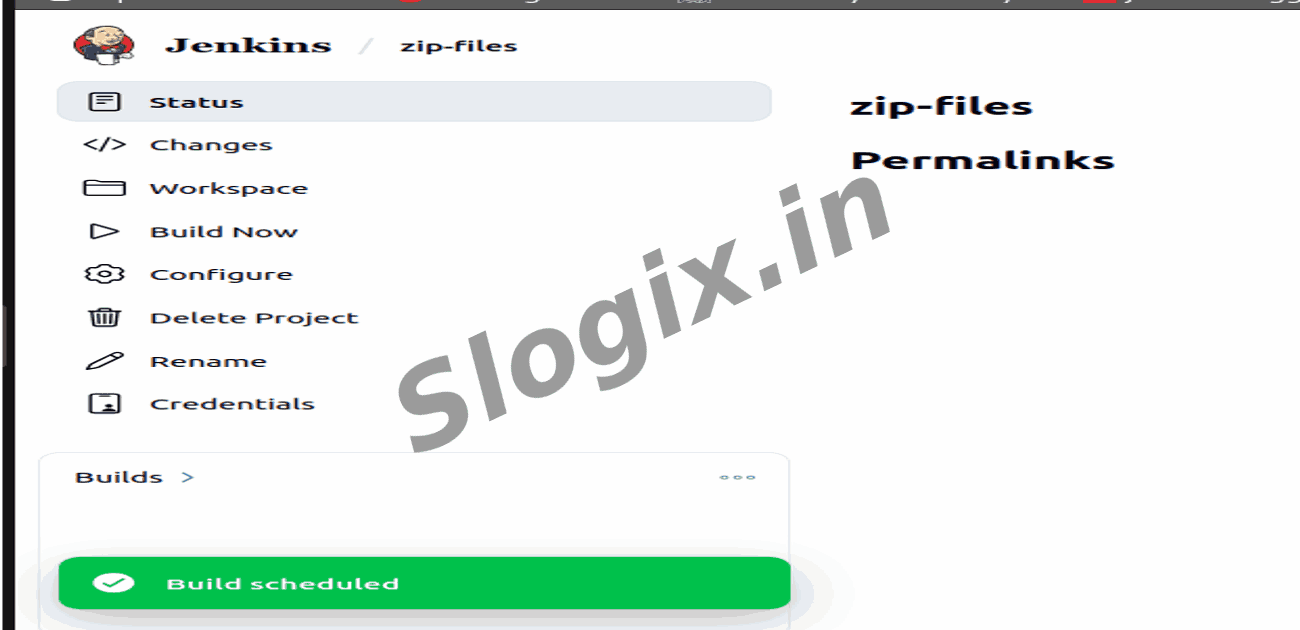
     Click Build Now
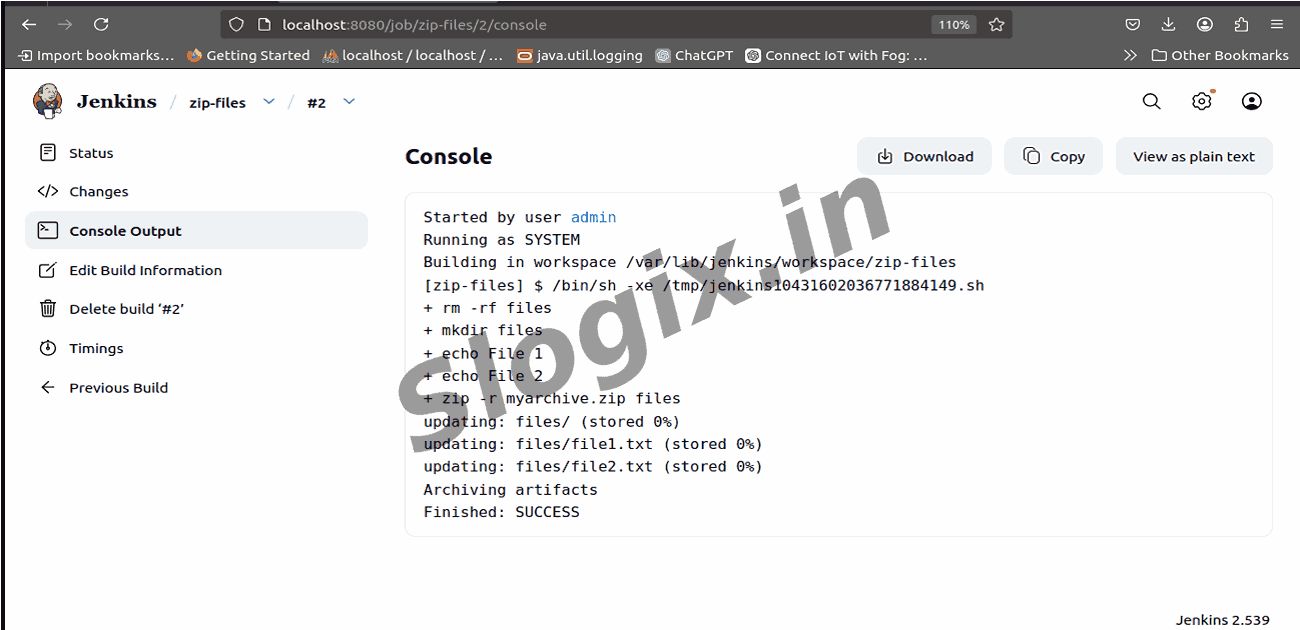
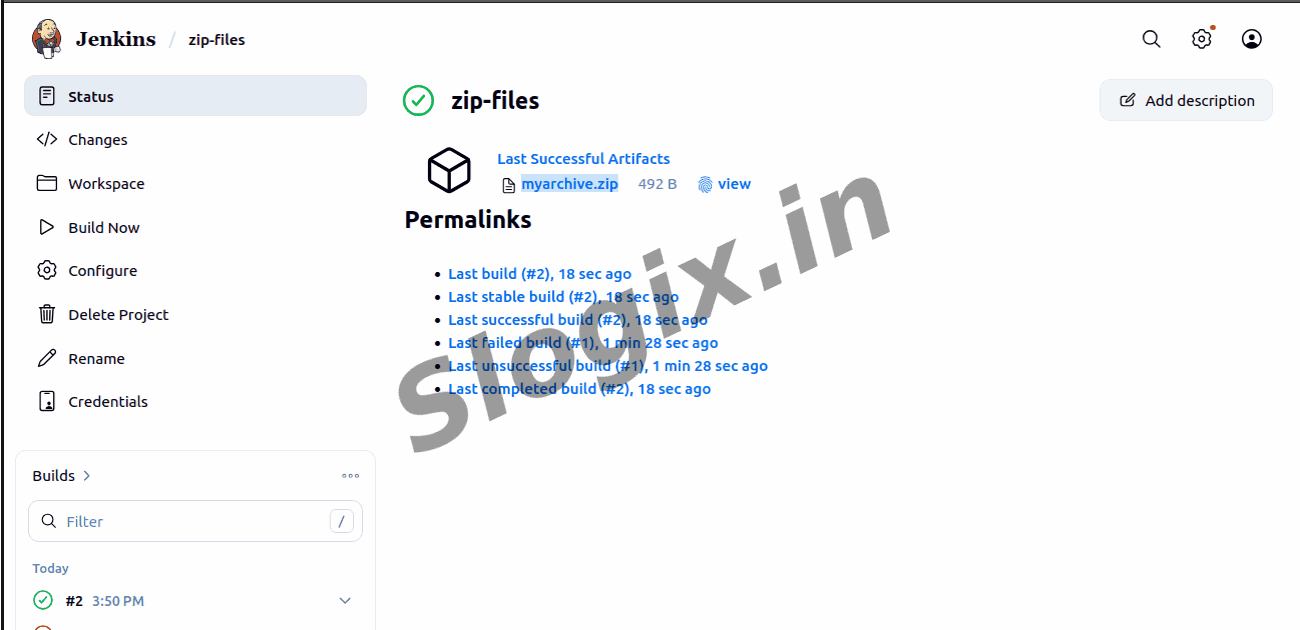
  •  Step 8 — Verify the Results
     Go to:
     ✔ zip-files → Build #1 → Console Output (for logs)
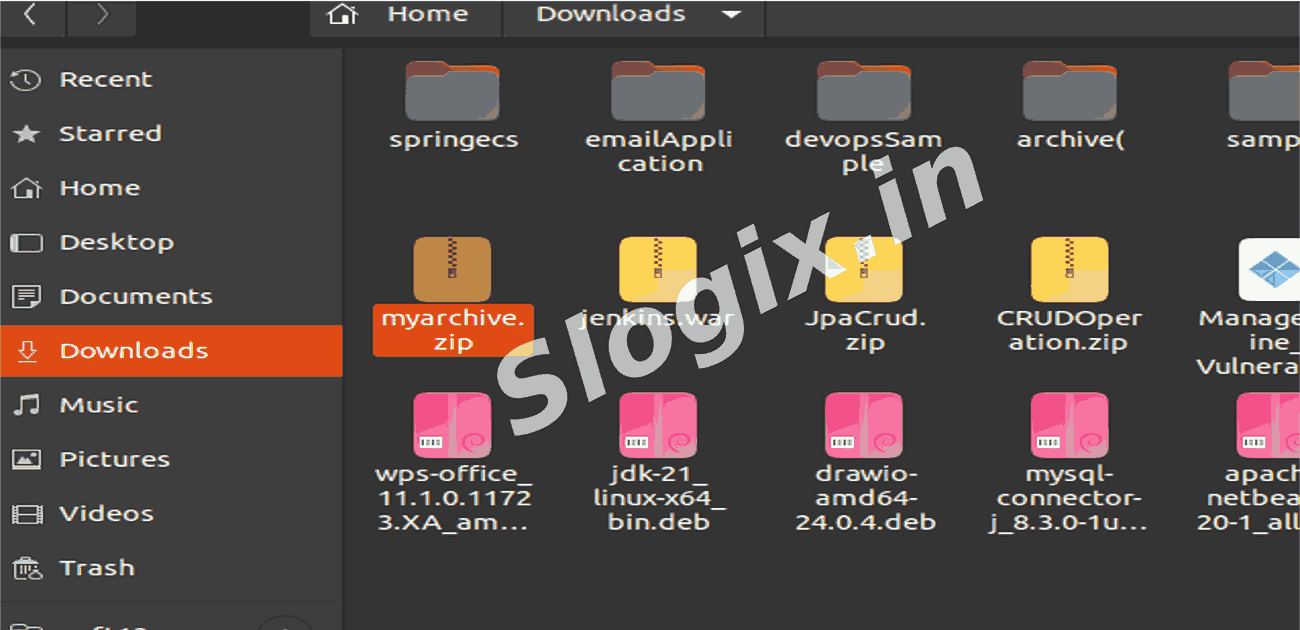
     ✔ Click Artifacts → Download myarchive.zip
Screenshots
  • 246
  • 247
  • 248
  • 249
  • 250
  • 251
  • 252
  • 253
  • 254
  • 255
  • 256
  • 257
  • 258