Research Breakthrough Possible @S-Logix

Office Address
- 2nd Floor, #7a, High School Road, Secretariat Colony Ambattur, Chennai-600053 (Landmark: SRM School) Tamil Nadu, India
- pro@slogix.in
- +91-81240 01111


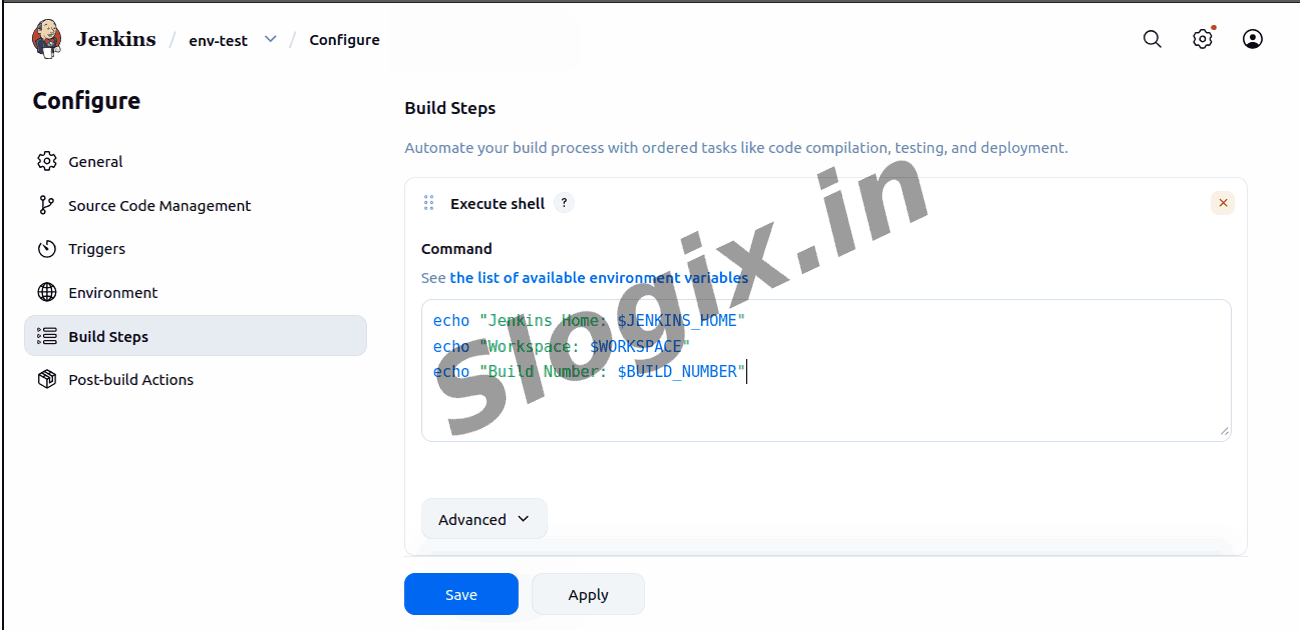
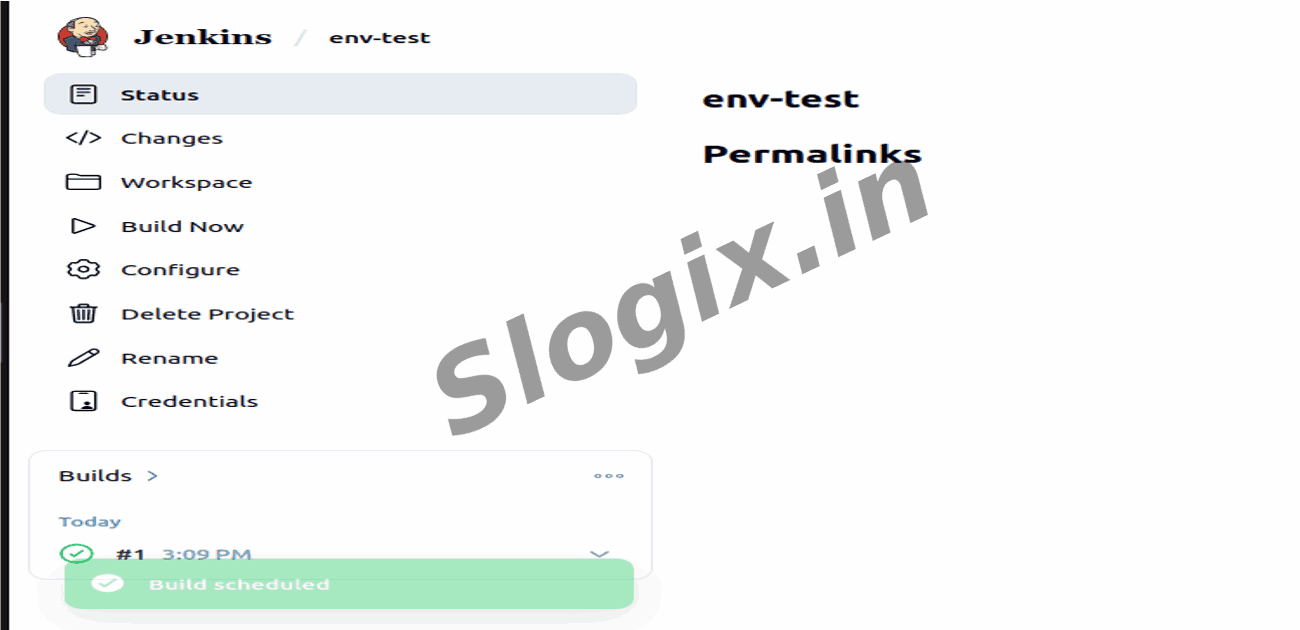
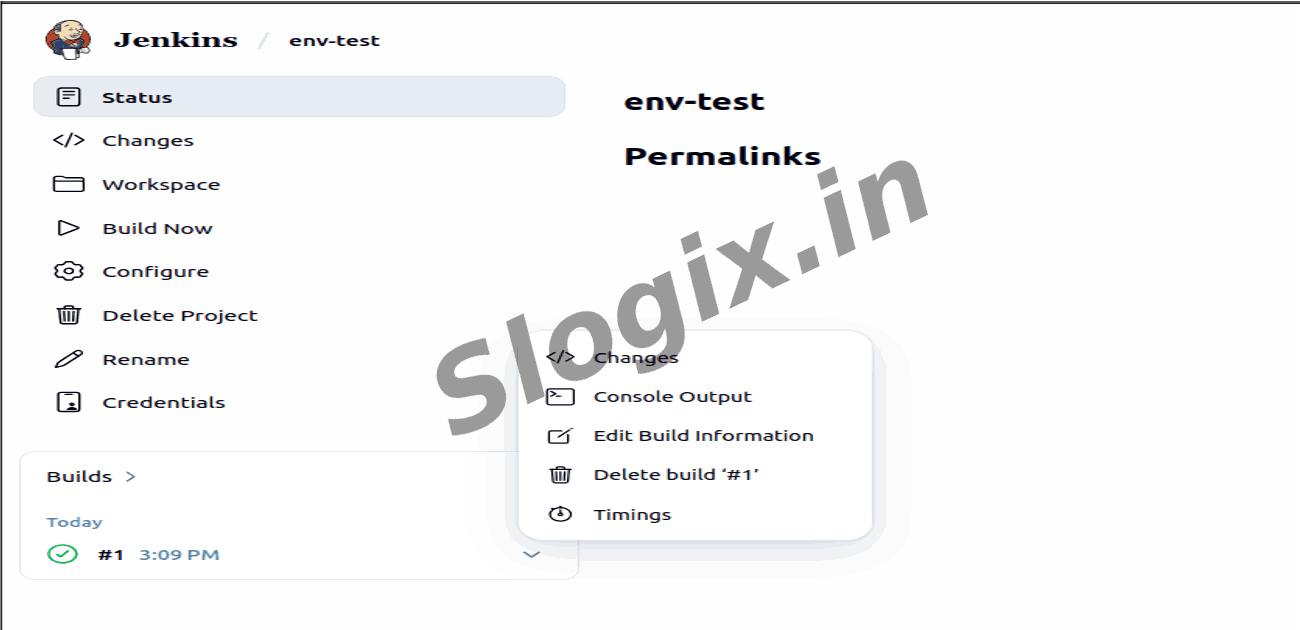
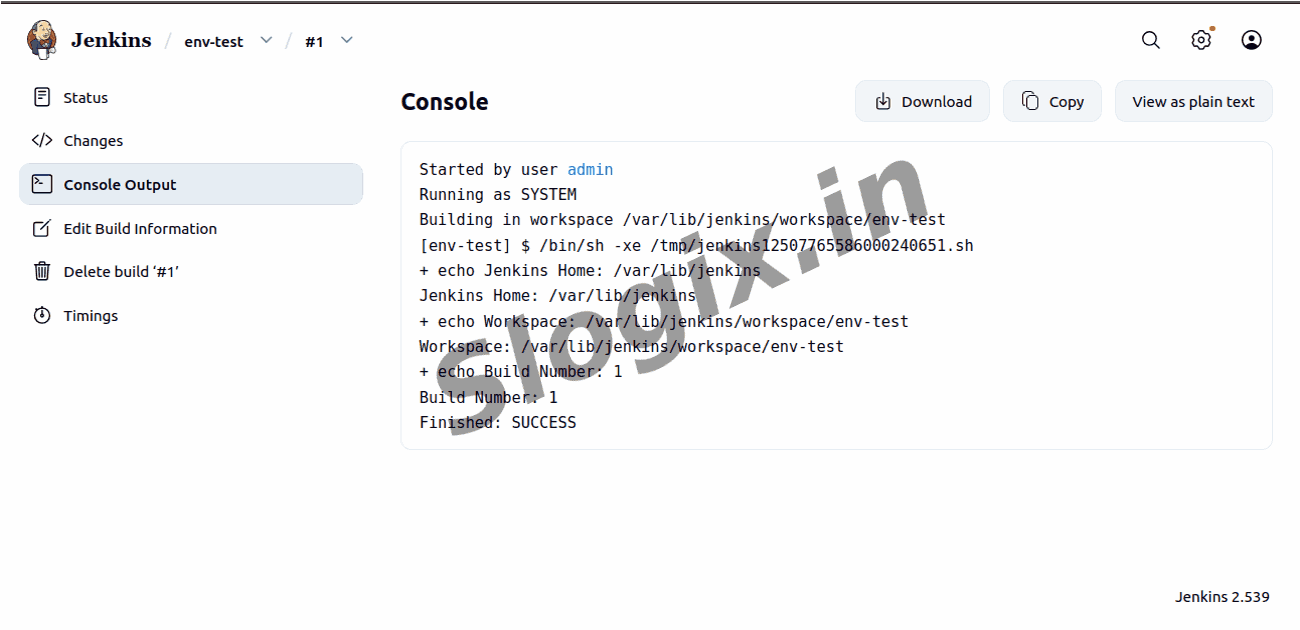
echo "Jenkins Home: $JENKINS_HOME"
echo "Workspace: $WORKSPACE"
echo "Build Number: $BUILD_NUMBER"
Jenkins Home: /var/lib/jenkins
Workspace: /var/lib/jenkins/workspace/env-test
Build Number: 1
Finished: SUCCESS