-
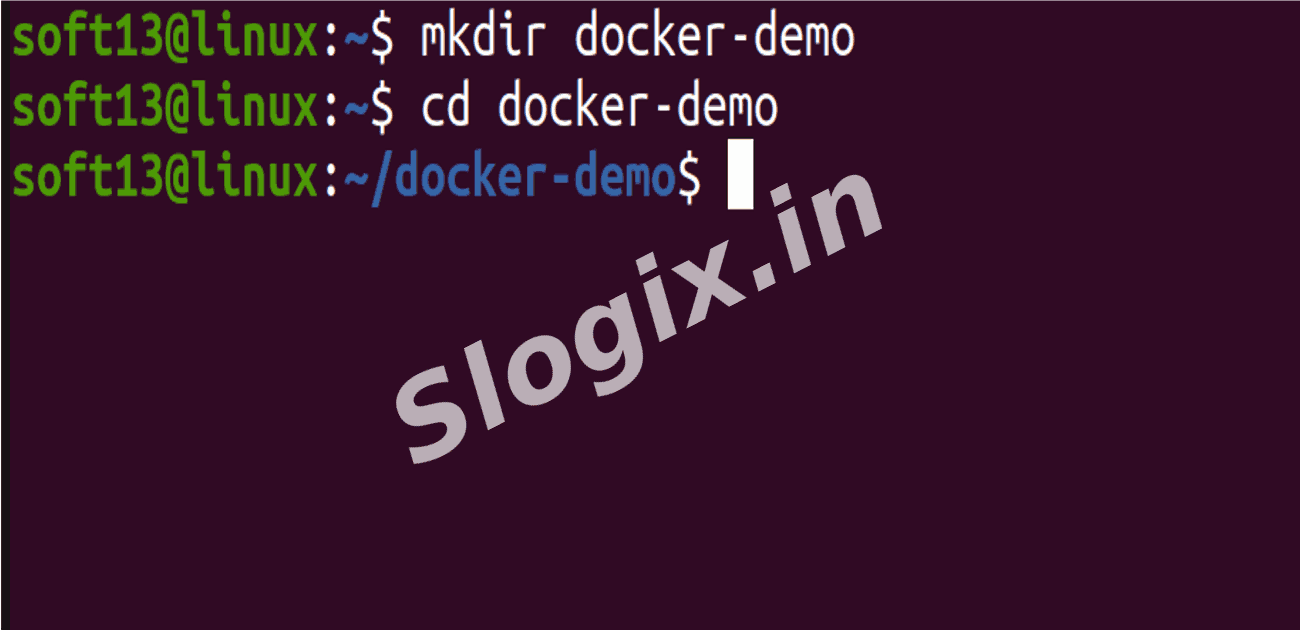
Step 1 — Create a Project Folder
Description: Make a folder to store your Dockerfile and related files.
Command:
mkdir docker-demo
cd docker-demo
-
Step 2 — Create Dockerfile
Description: Create a Dockerfile with instructions for the image.
Command:
nano Dockerfile
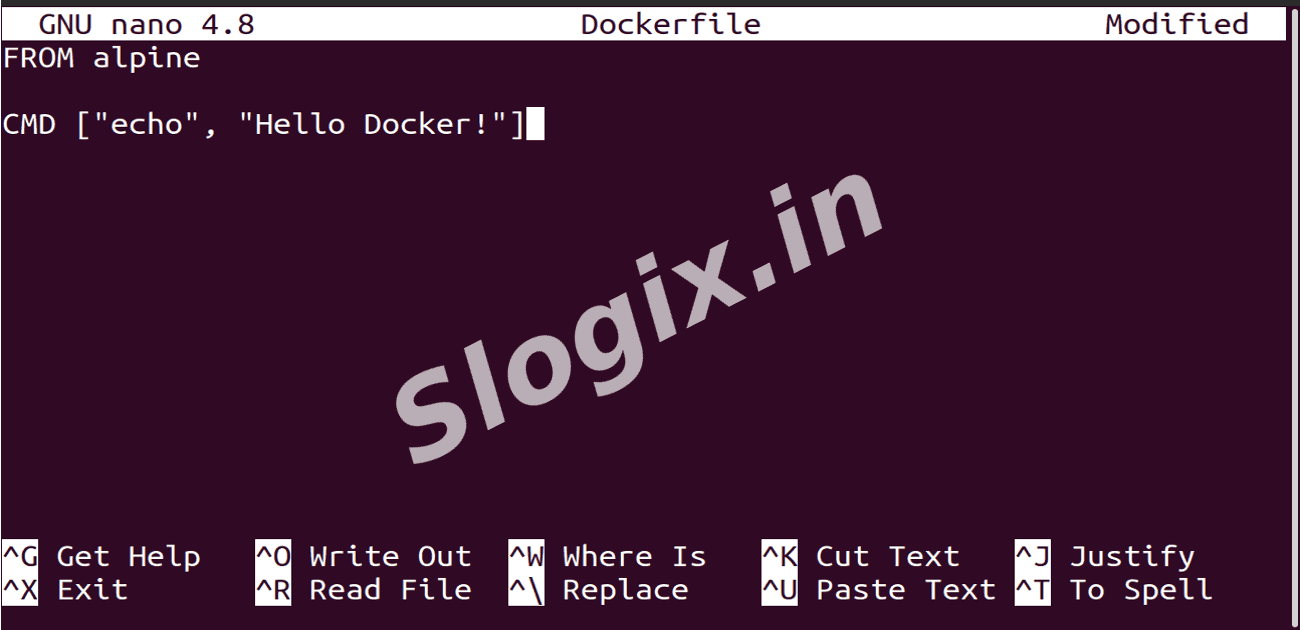
Dockerfile content to paste inside nano:
FROM alpine
CMD ["echo", "Hello Docker!"]
Save and exit: CTRL+O → Enter → CTRL+X
-
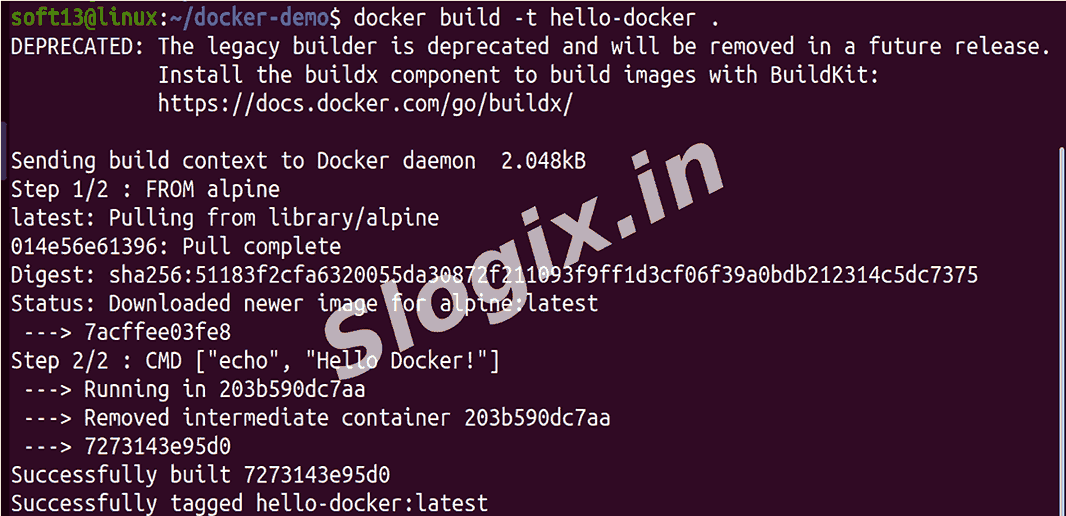
Step 3 — Build Docker Image
Description: Build the Docker image from the Dockerfile and give it a name.
Command:
docker build -t hello-docker .
-t hello-docker → assigns a name to the image
. → build from the current folder
-
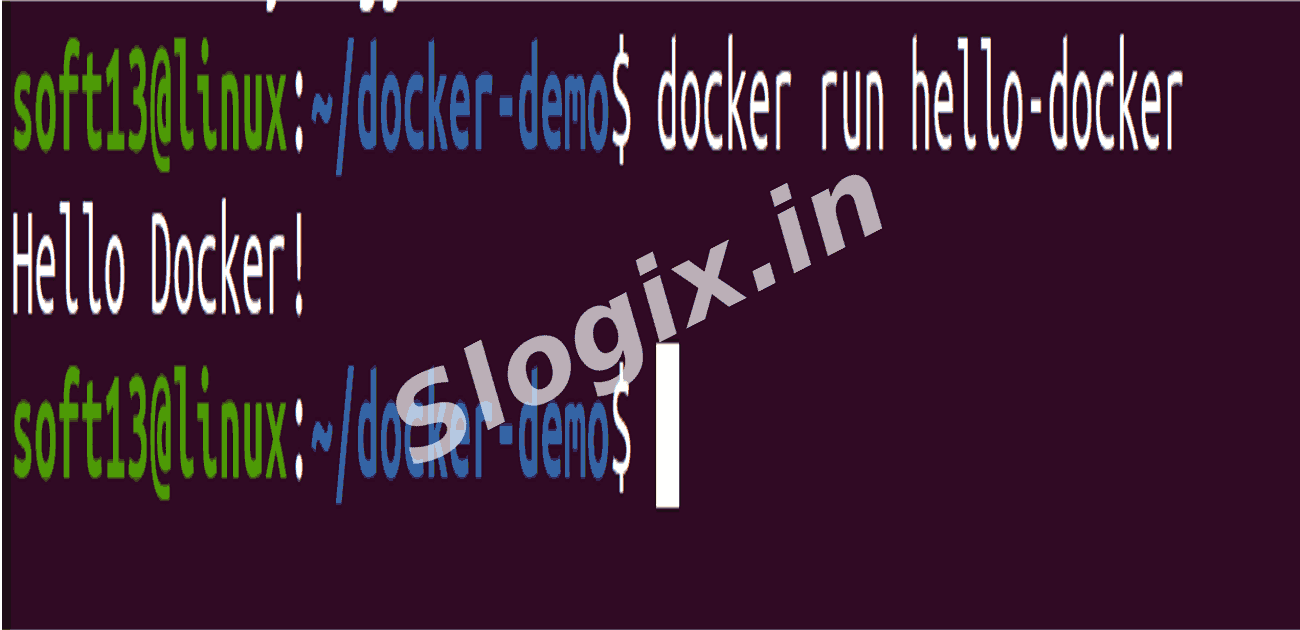
Step 4 — Run the Docker Image
Description: Start a container using the image to see the output.
Command:
docker run hello-docker
-
Step 5 — Verify Output
Description: Check that the container prints the expected message.
Expected Output:
Hello Docker!
 Research Breakthrough Possible @S-Logix