List of Topics:
Location Research Breakthrough Possible @S-Logix pro@slogix.in

Office Address

Social List

How to Deploy a Static HTML Website Using Docker?

Docker

Condition for Deploy a Static HTML Website Using Docker

  • Description:
    This task helps you to host a static HTML webpage using Docker. You will create a simple index.html file, write a Dockerfile that uses the Nginx web server, build a Docker image, and run it as a container. This demonstrates how Docker can be used to serve web content without needing to install a full web server on the host machine.

Steps

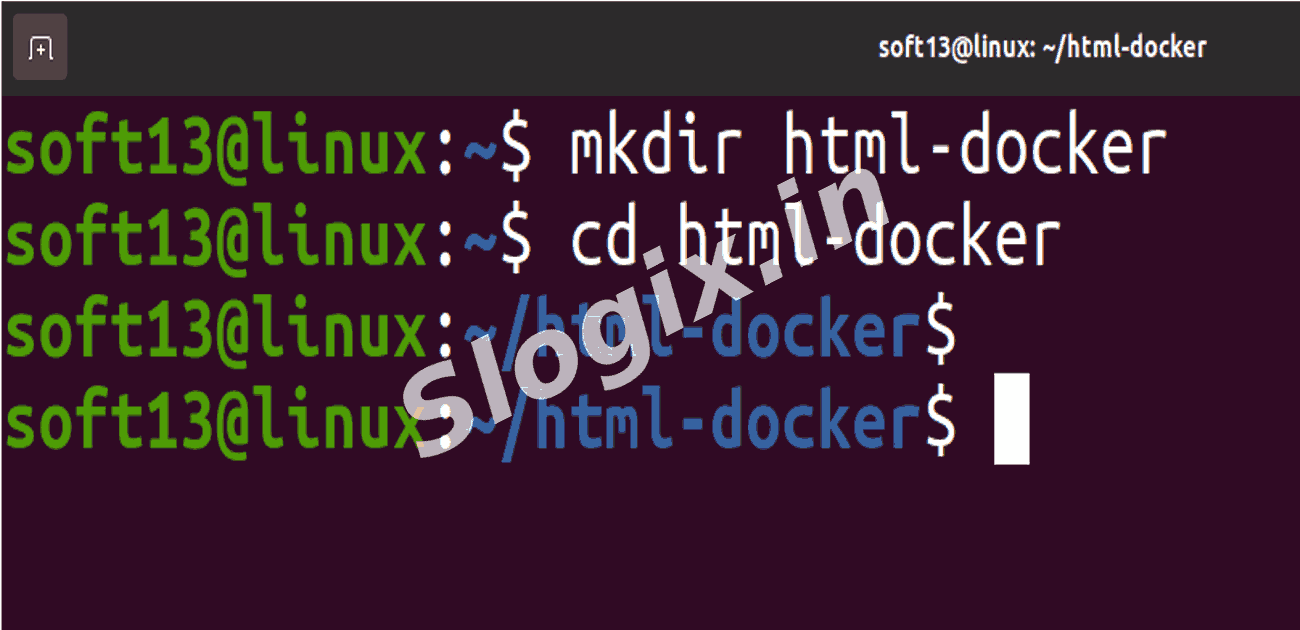
  •  STEP 1 — Create Project Folder
    mkdir html-docker
    cd html-docker
                
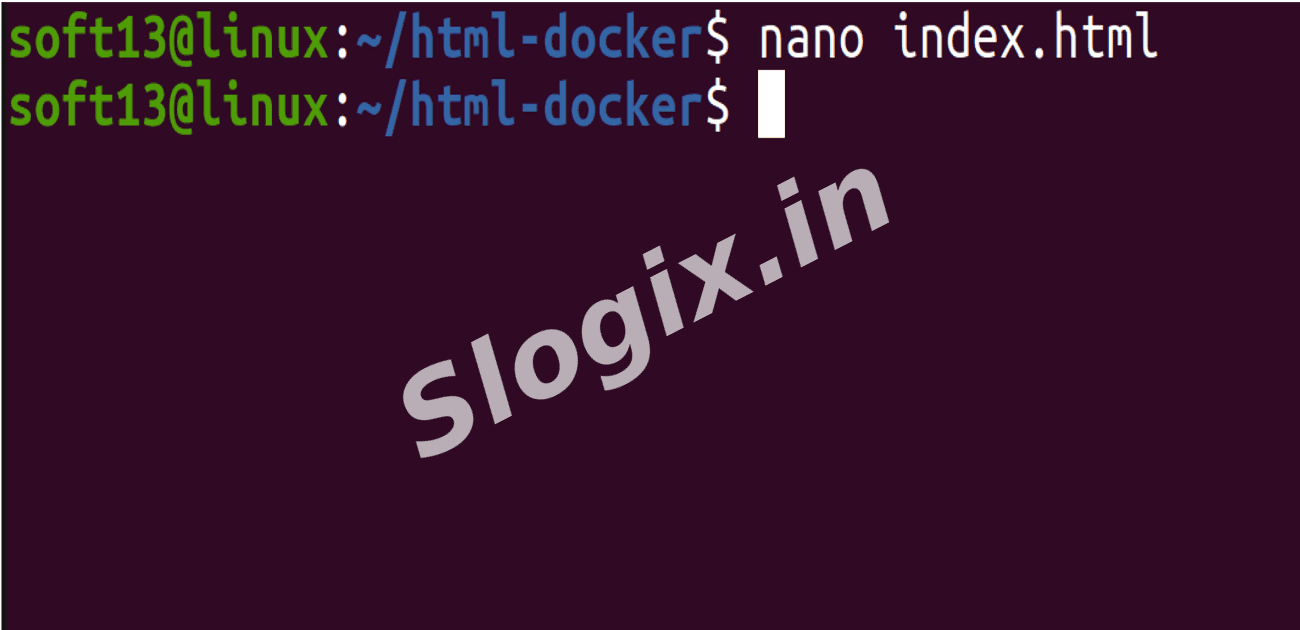
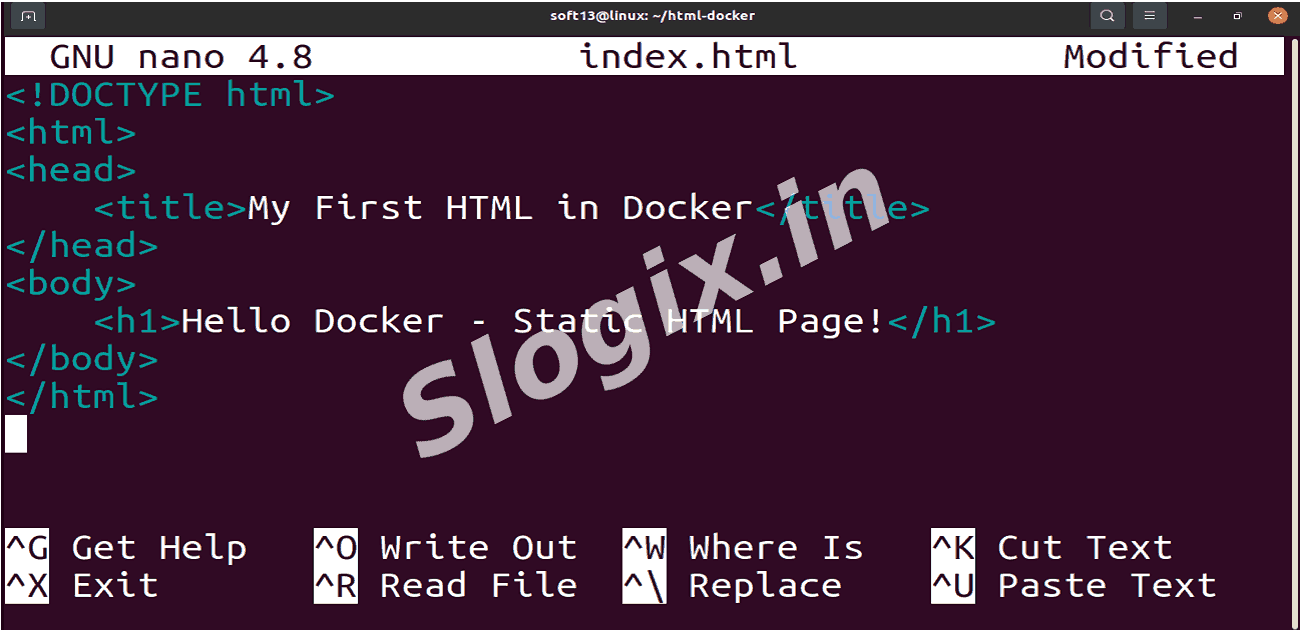
  •  STEP 2 — Create HTML Page
     Create file:

     Command:
    nano index.html
                
     Paste this:
    <!DOCTYPE html>
    <html>
    <head>
        <title>My First HTML in Docker</title>
    </head>
    <body>
        <h1>Hello Docker - Static HTML Page!</h1>
    </body>
    </html>
    
                
     Save → Exit
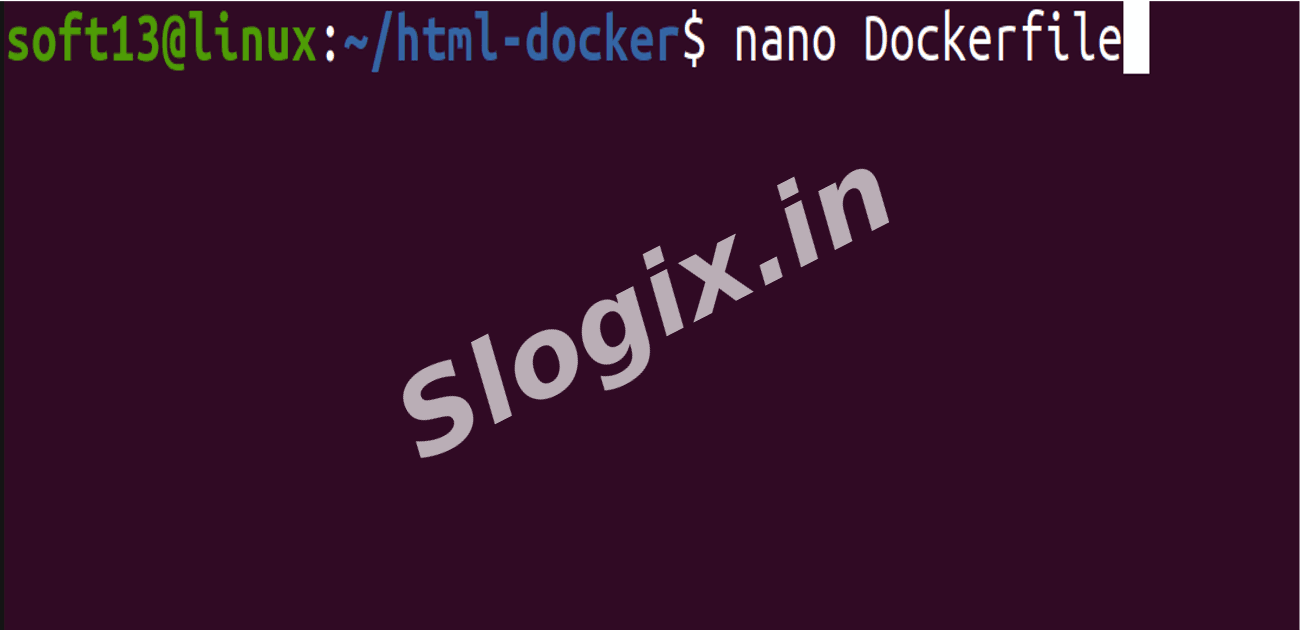
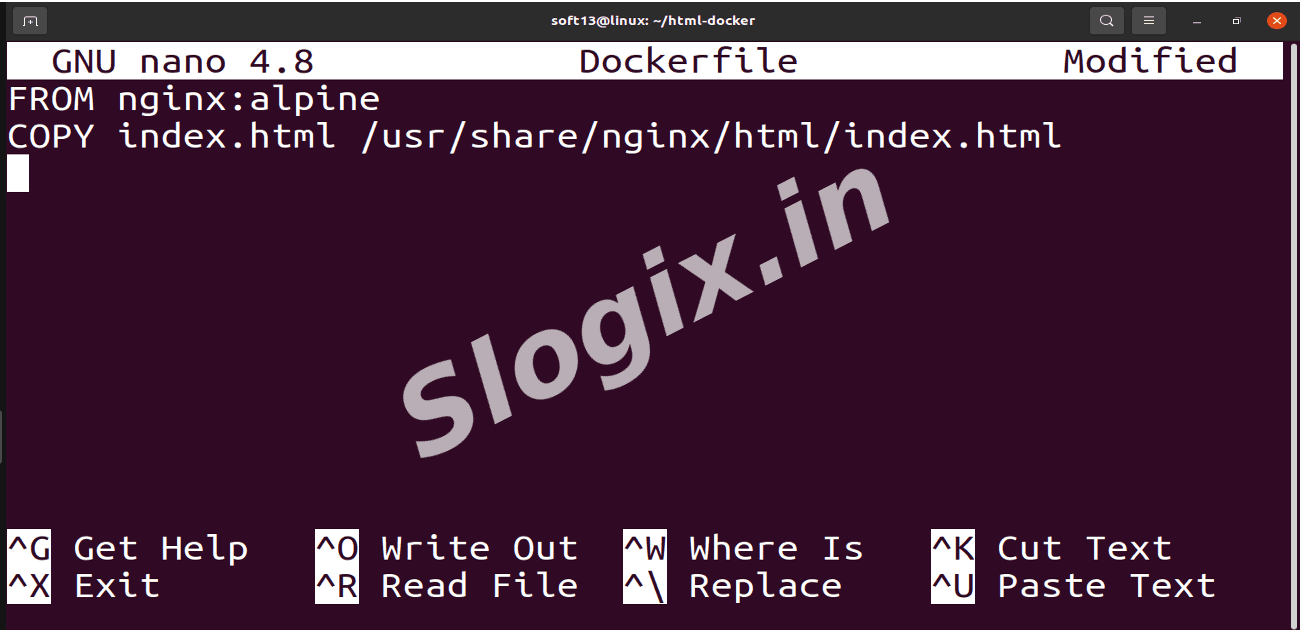
  •  STEP 3 — Create Dockerfile
     Create file:

     Command:
    nano Dockerfile
                
     Paste:
    FROM nginx:alpine
    COPY index.html /usr/share/nginx/html/index.html
                
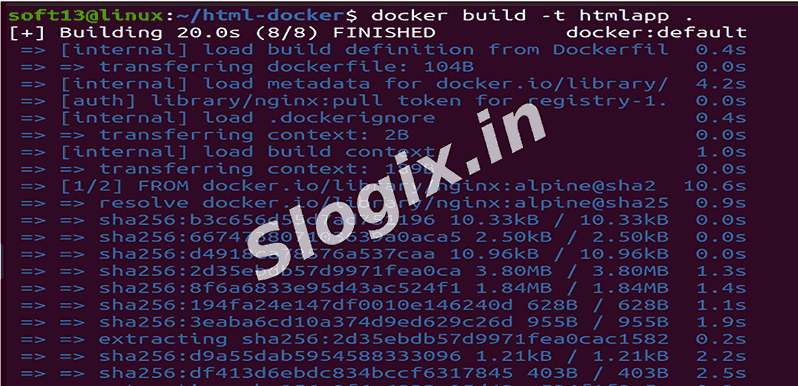
  •  STEP 4 — Build the Image
    docker build -t htmlapp .
                
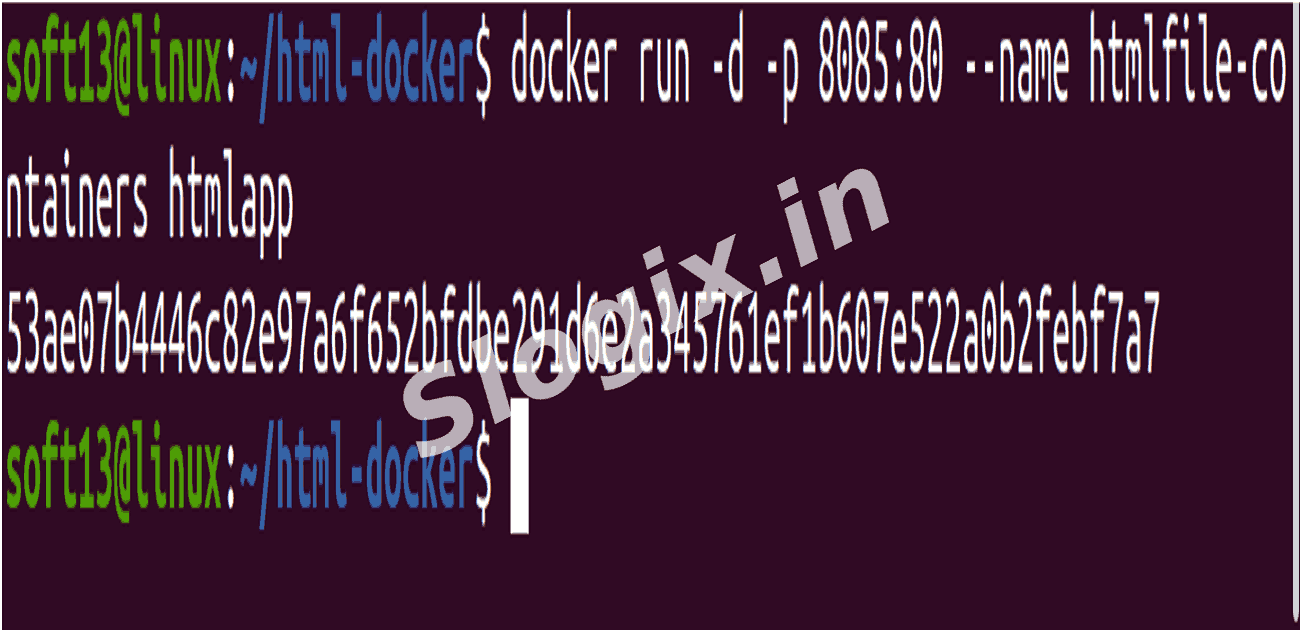
  •  STEP 5 — Run the Docker Container
    docker run -d -p 8085:80 --name htmlfile-containers htmlapp
                
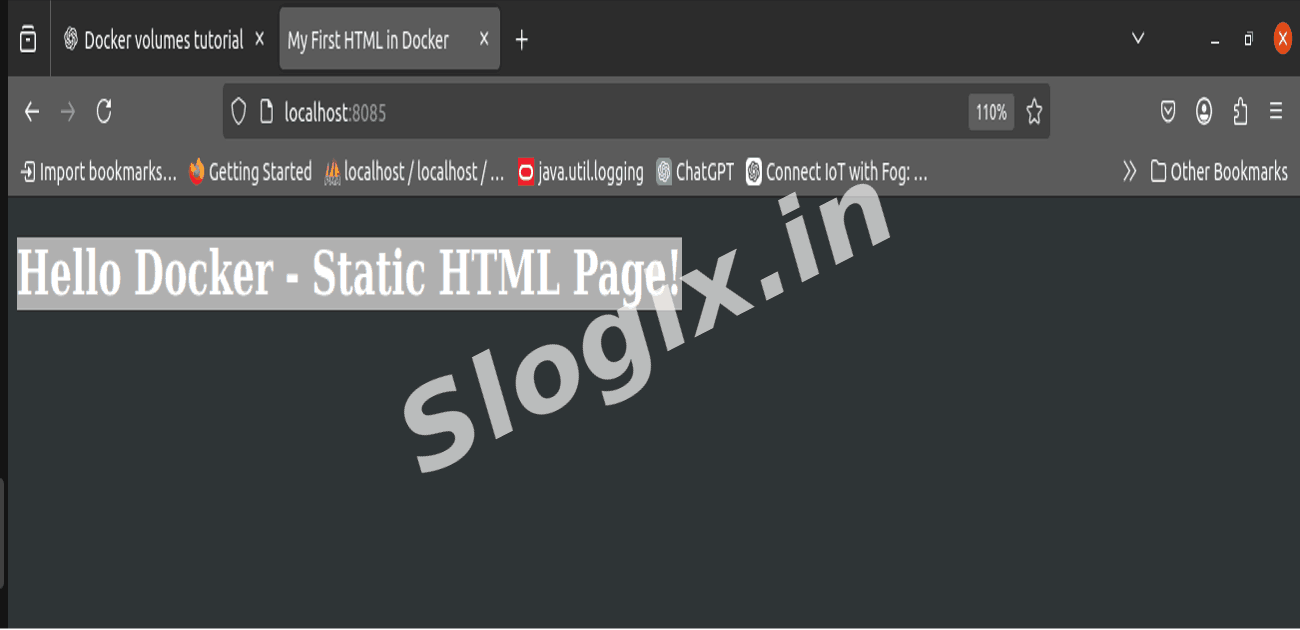
  •  STEP 6 — Open in Browser
     Visit:
    http://localhost:8085
                
     You will see:
    Hello Docker - Static HTML Page!
                
Screenshots
  • 434
  • 435
  • 436
  • 437
  • 438
  • 439
  • 440
  • 441