-
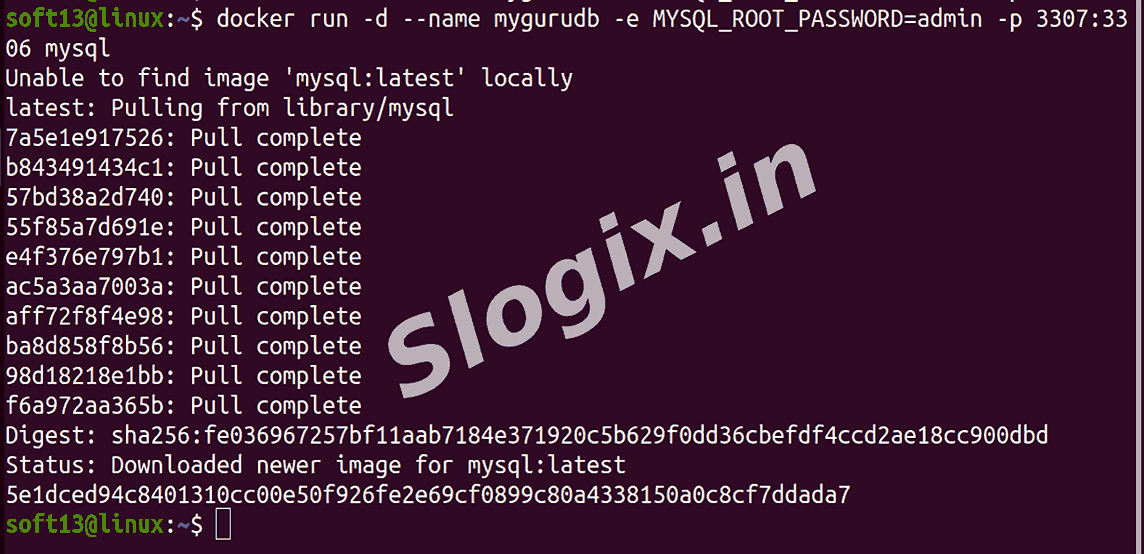
Step 1 — Run a MySQL Container
Description: Start a MySQL database server as a background container with root password and port mapping.
Command:
docker run -d --name mygurudb -e MYSQL_ROOT_PASSWORD=admin -p 3307:3306 mysql
--name mygurudb → container name
-e MYSQL_ROOT_PASSWORD=admin → set root password
-p 3307:3306 → access MySQL on port 3307
Result: MySQL server is running on http://localhost:3307
-
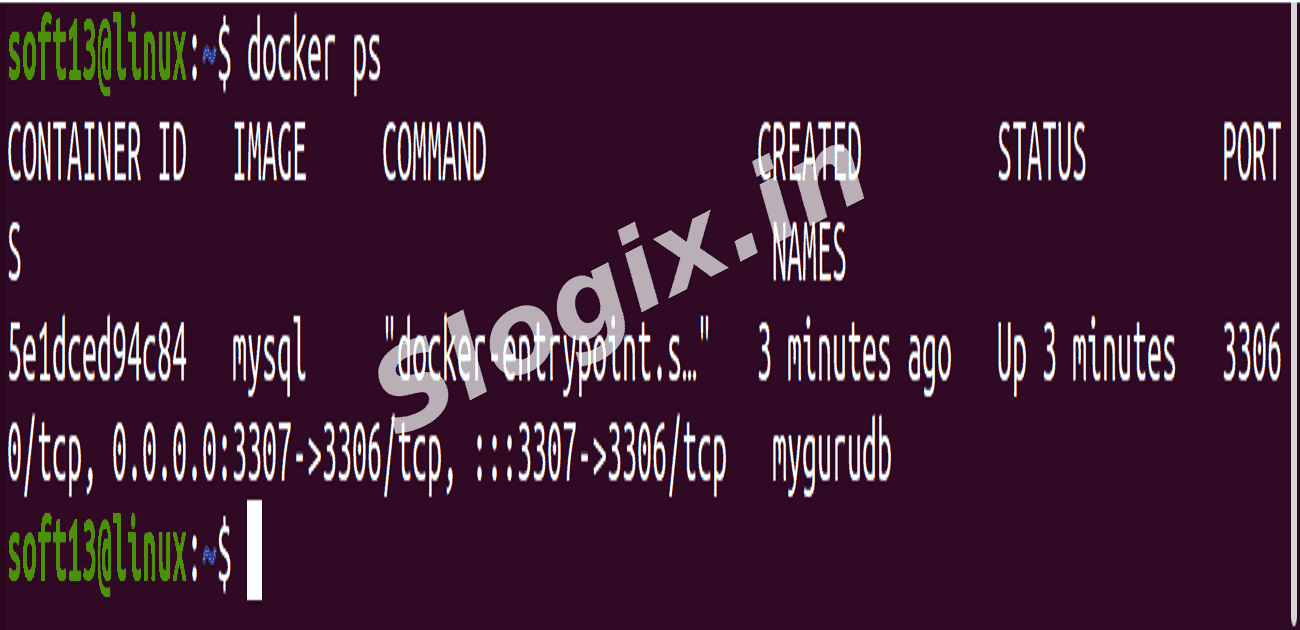
Step 2 — Verify Container Status
Description: Check whether the MySQL container started successfully.
Command:
docker ps
-
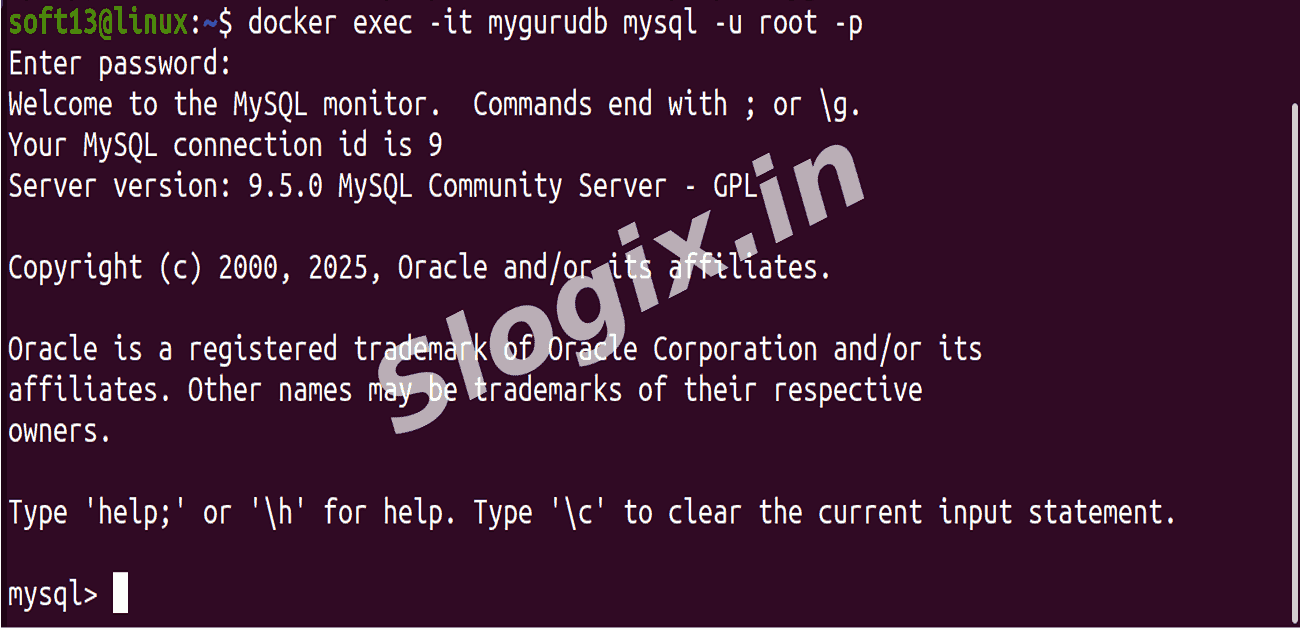
Step 3 — Access MySQL Terminal Inside Container
Description: Log into MySQL server inside the container.
Command:
docker exec -it mygurudb mysql -u root -p
Enter password when prompted → admin
Result: You are inside MySQL prompt.
-
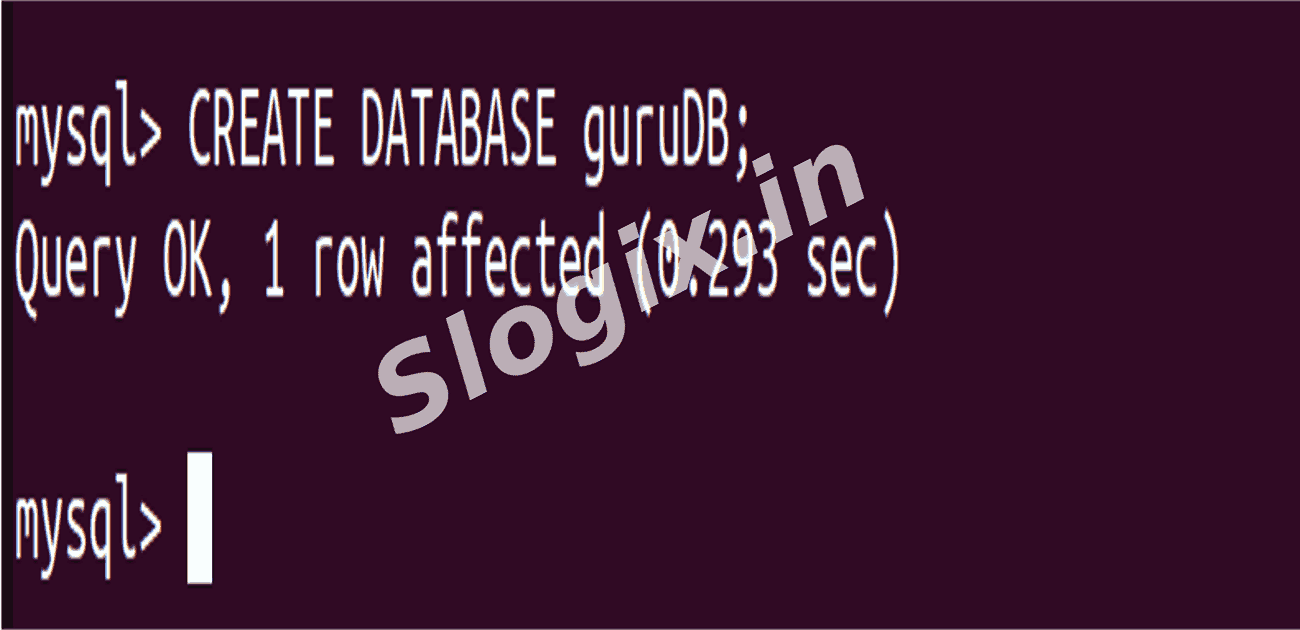
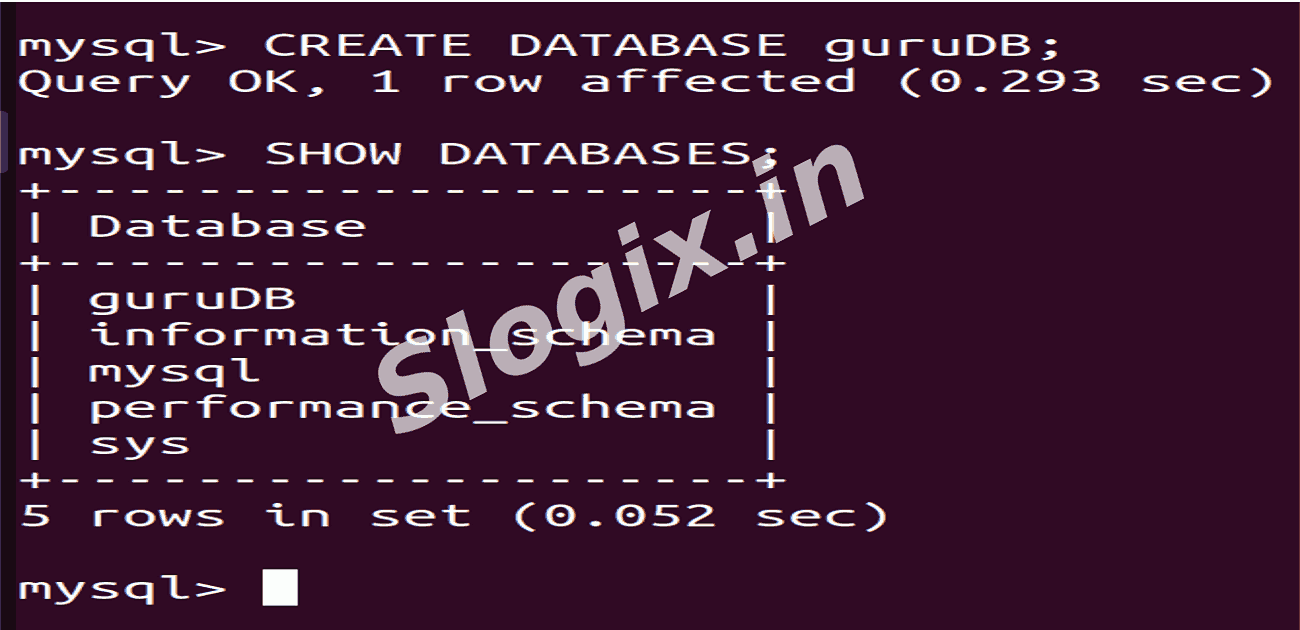
Step 4 — Create a Database
Description: Create a new database and verify it.
Commands inside MySQL:
CREATE DATABASE guruDB;
SHOW DATABASES;
-
Result:
guruDB appears in the list of databases.
 Research Breakthrough Possible @S-Logix