How to Run a Python Script Automatically Using GitLab CI/CD Pipeline?
Share
Condition for Run a Python Script Automatically Using GitLab CI/CD Pipeline
Description: GitLab CI/CD allows you to automatically run scripts and automation tasks whenever you push code to GitLab. By configuring a .gitlab-ci.yml file, GitLab can detect your repository and execute the Python script inside a pipeline environment. This helps automate testing, deployments, and Python-based workflows without manually running the script on your computer.
Steps
Step 1 — Create a New GitLab Project
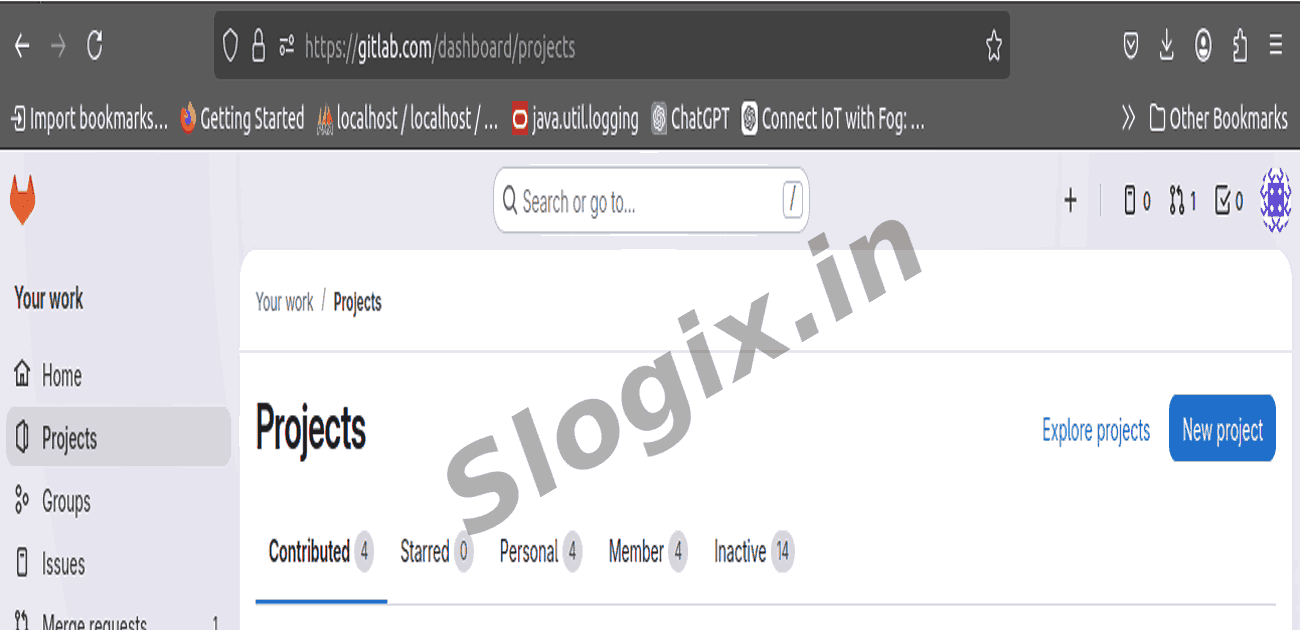
Log in to GitLab.
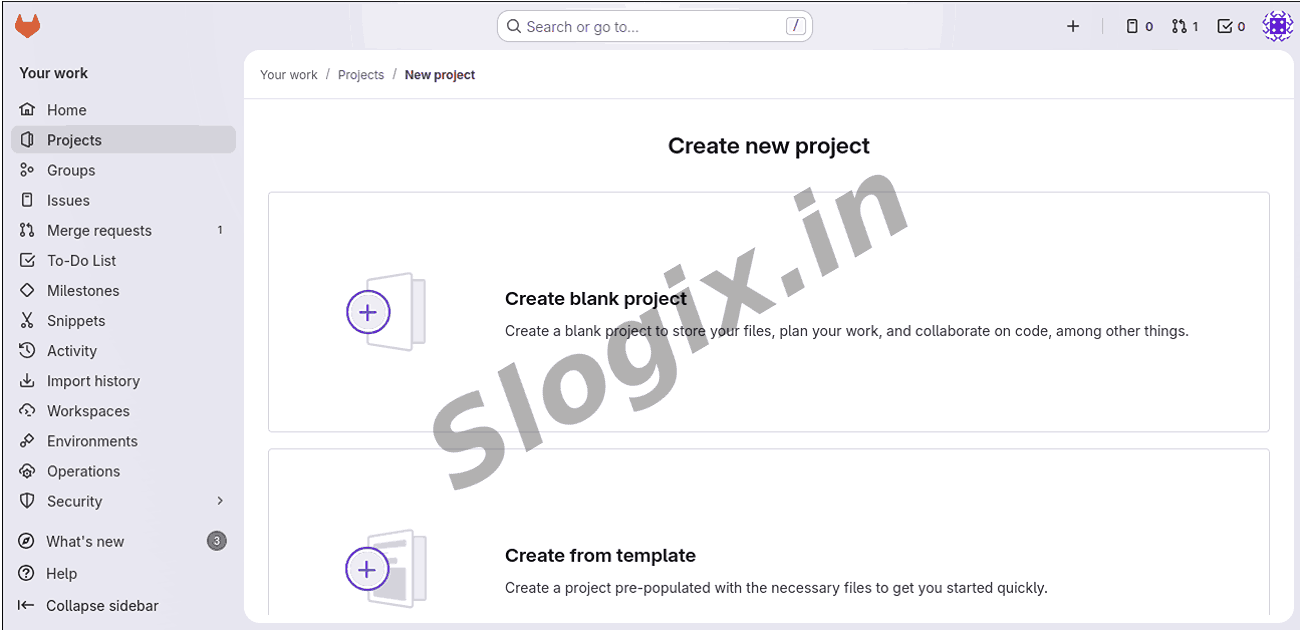
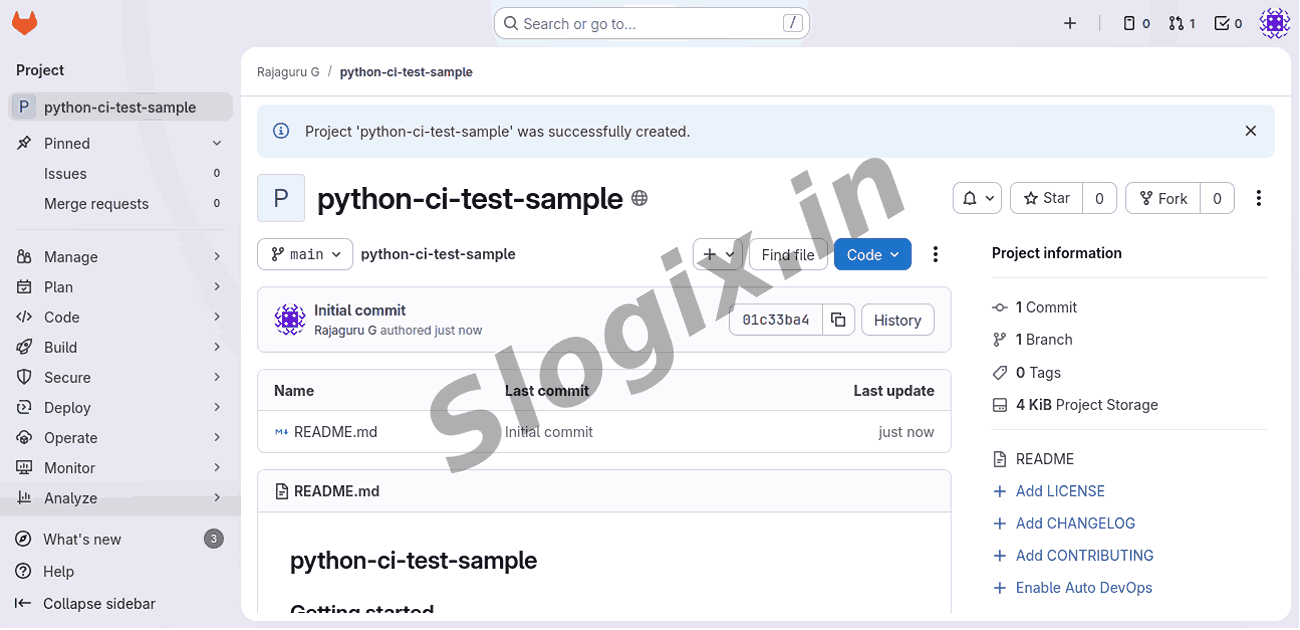
Click New Project → Create Blank Project
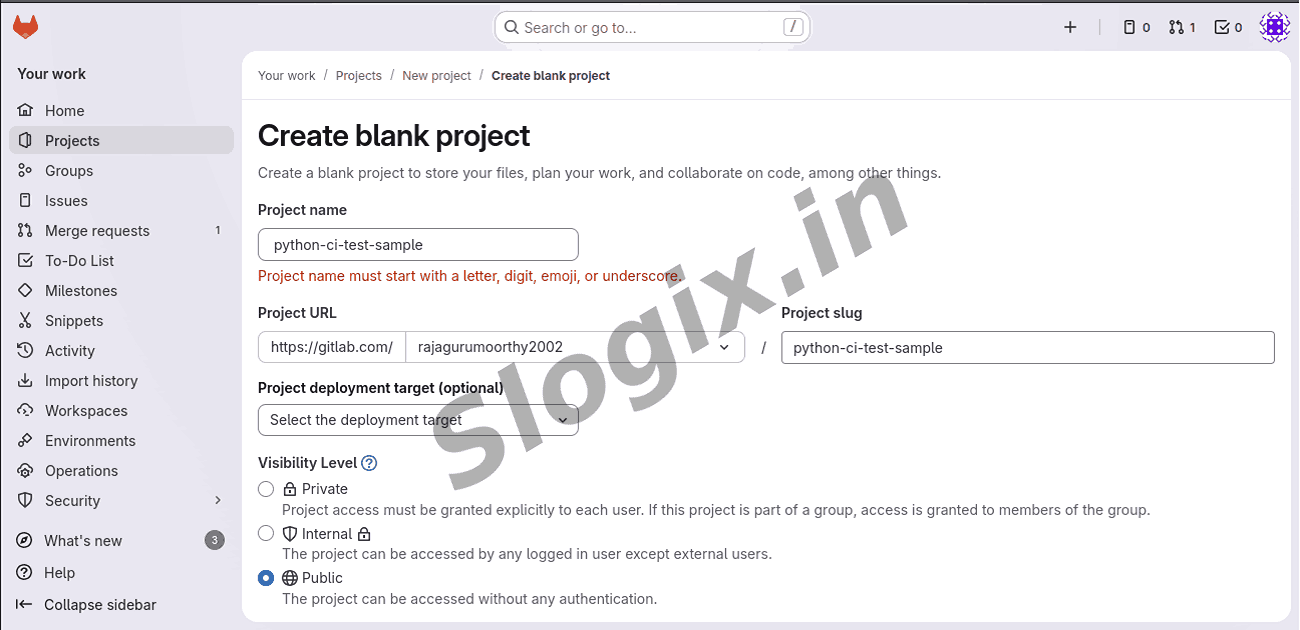
Enter project details:
Project Name: python-ci-test-sample
Visibility: Public
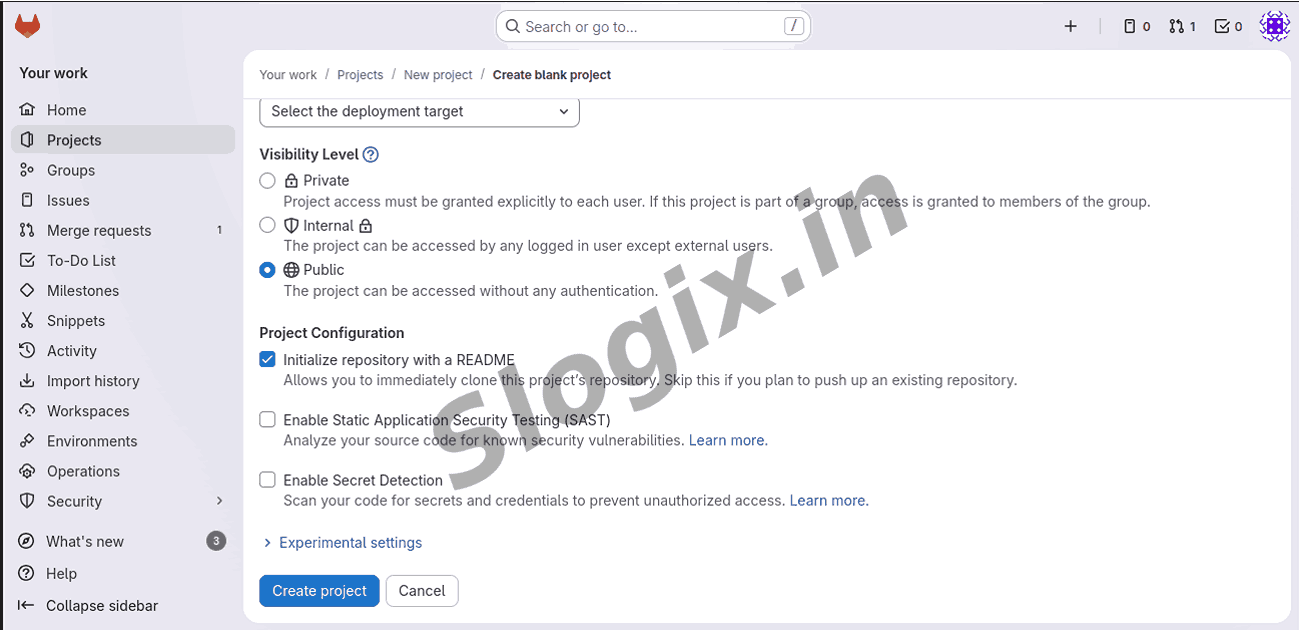
Click Create Project
This creates an empty repository on GitLab.
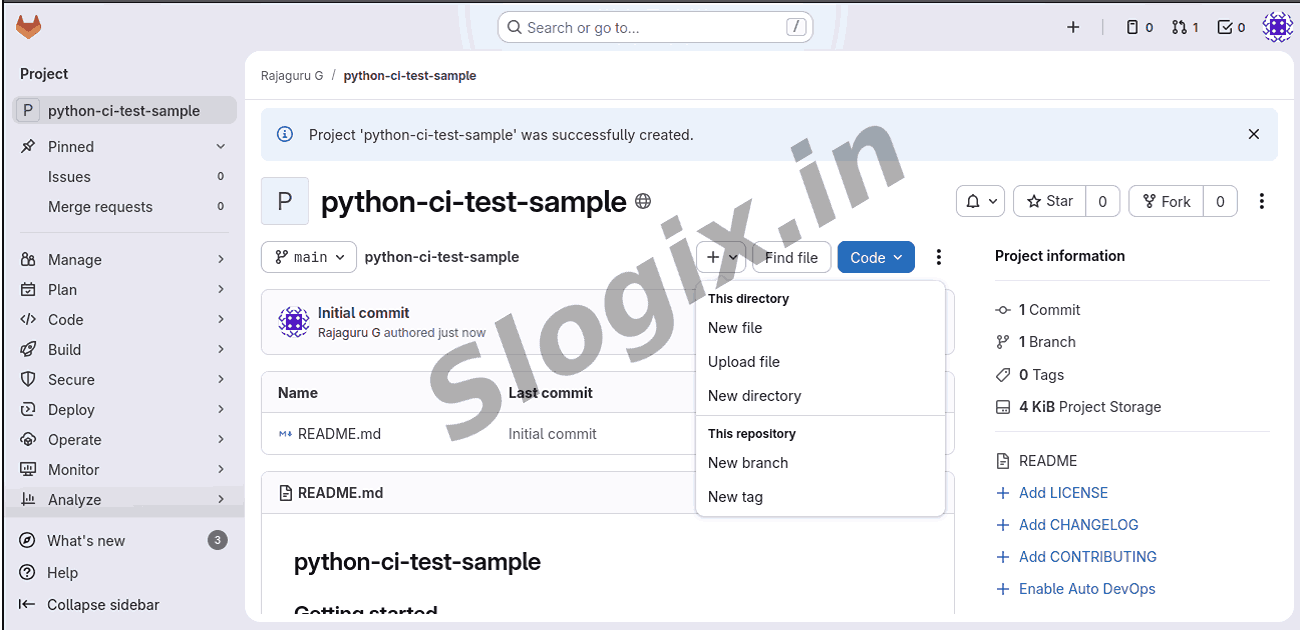
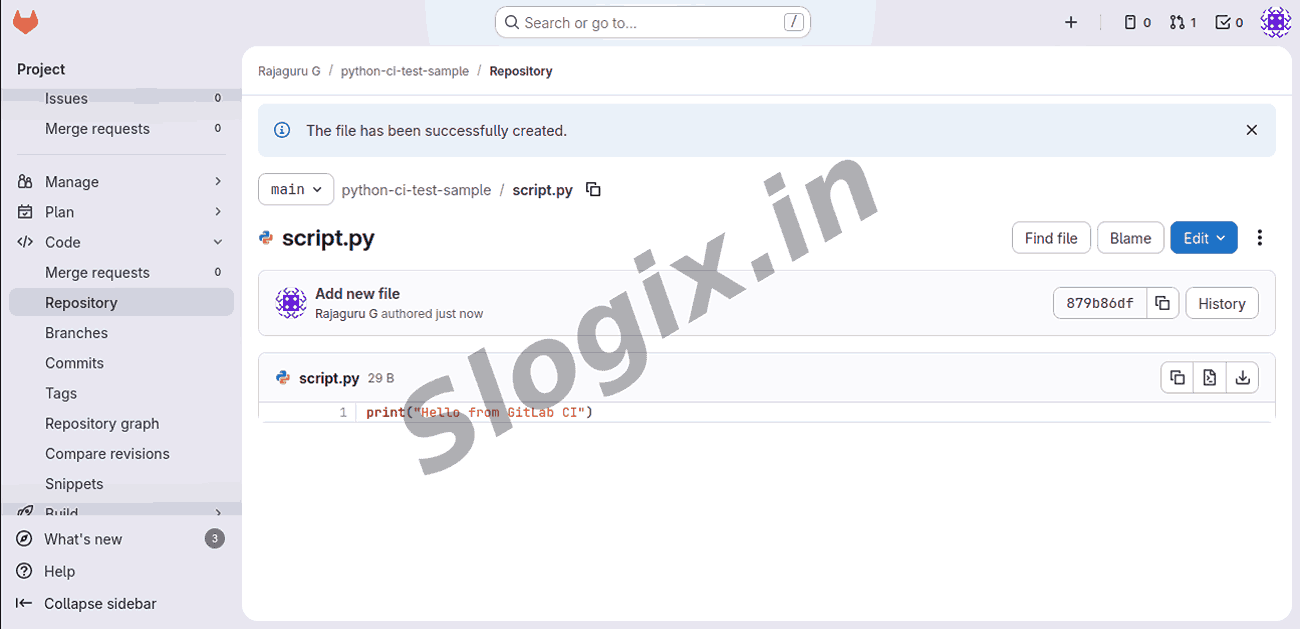
Step 2 — Add a Python Script
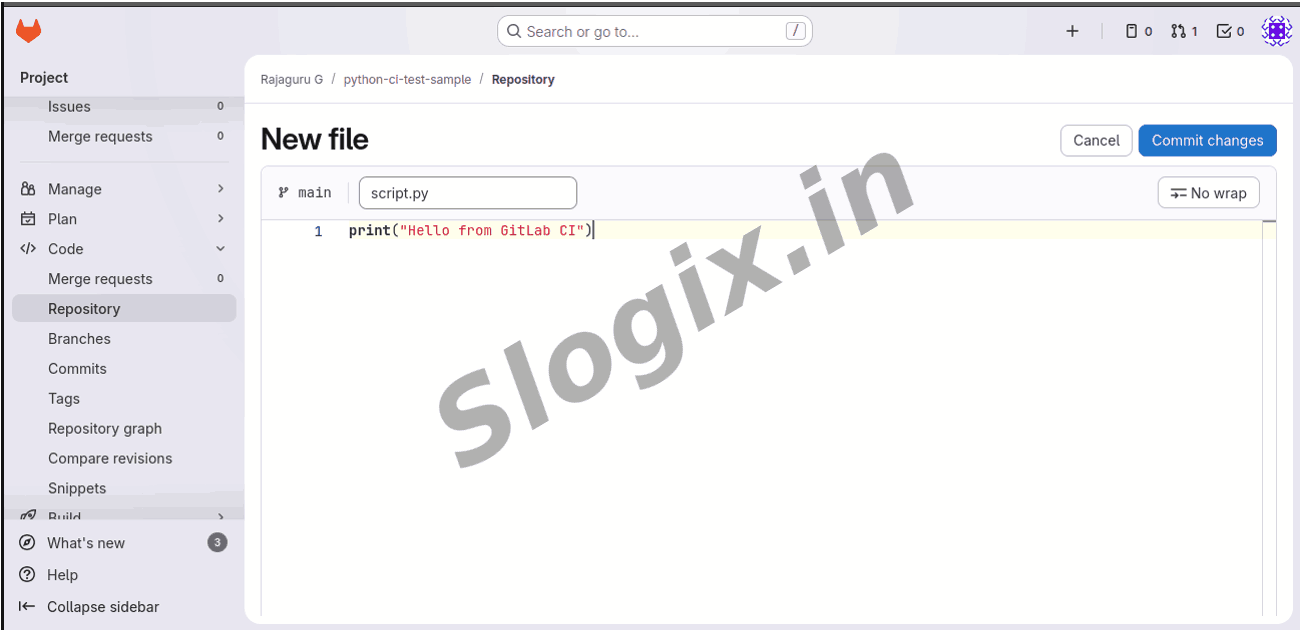
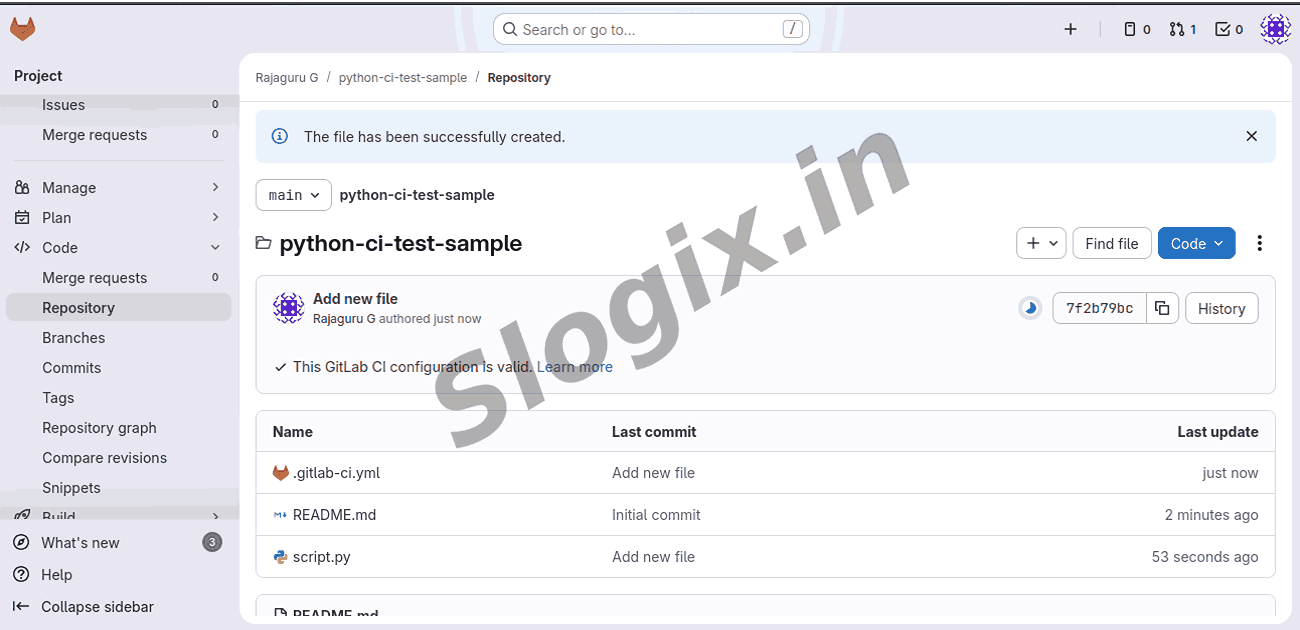
Create a file named script.py inside your project:
print("Hello from GitLab CI")
This is the script GitLab will execute automatically.
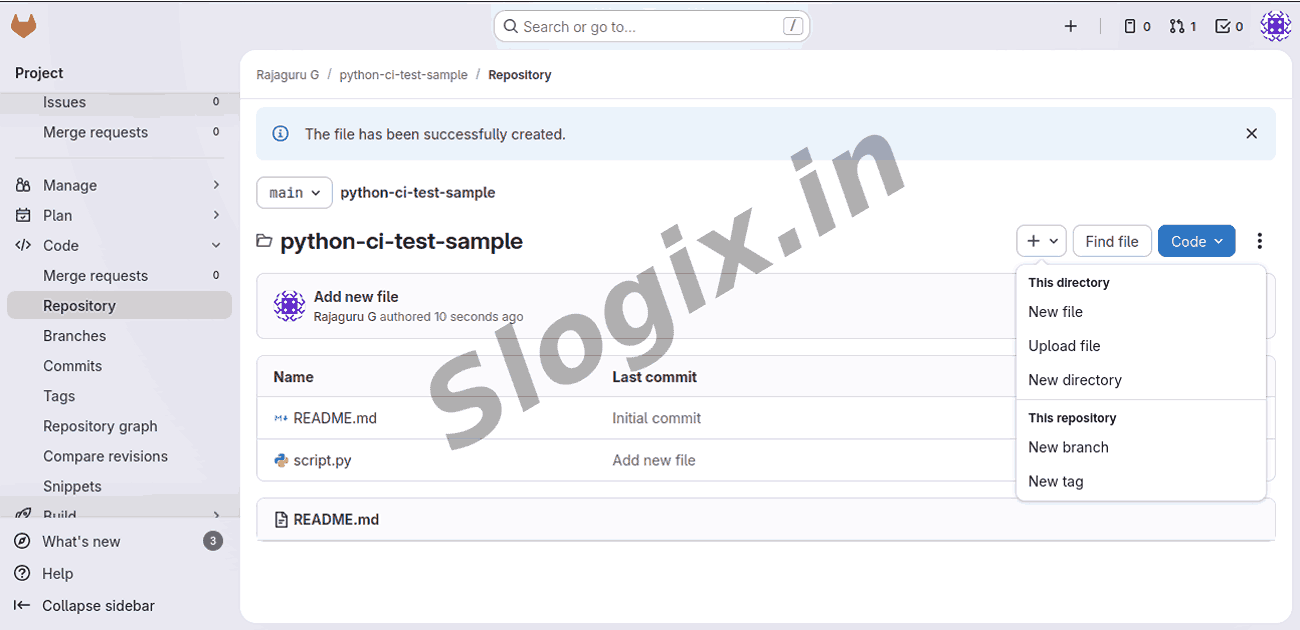
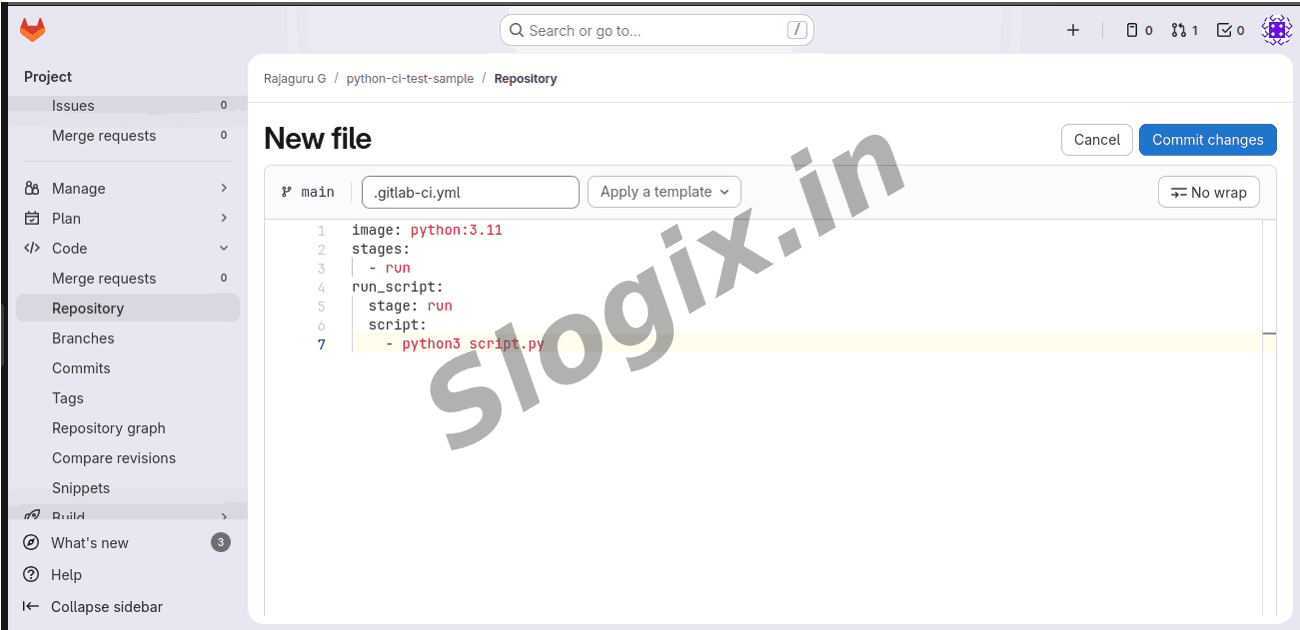
Step 3 — Create the .gitlab-ci.yml Pipeline File
Create a file named:
.gitlab-ci.yml
Add the following CI pipeline configuration:
image: python:3.11
stages:
- run
run_script:
stage: run
script:
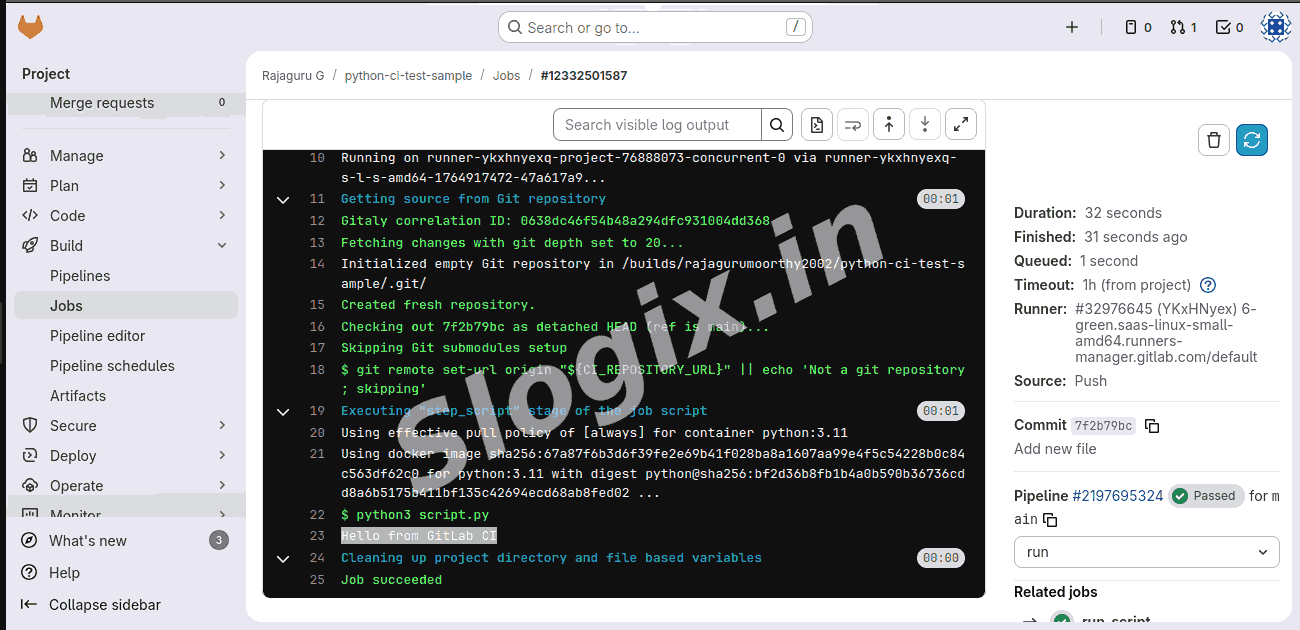
- python3 script.py
This tells GitLab:
Use a Python 3.11 environment
Create stage run
Execute the command python3 script.py
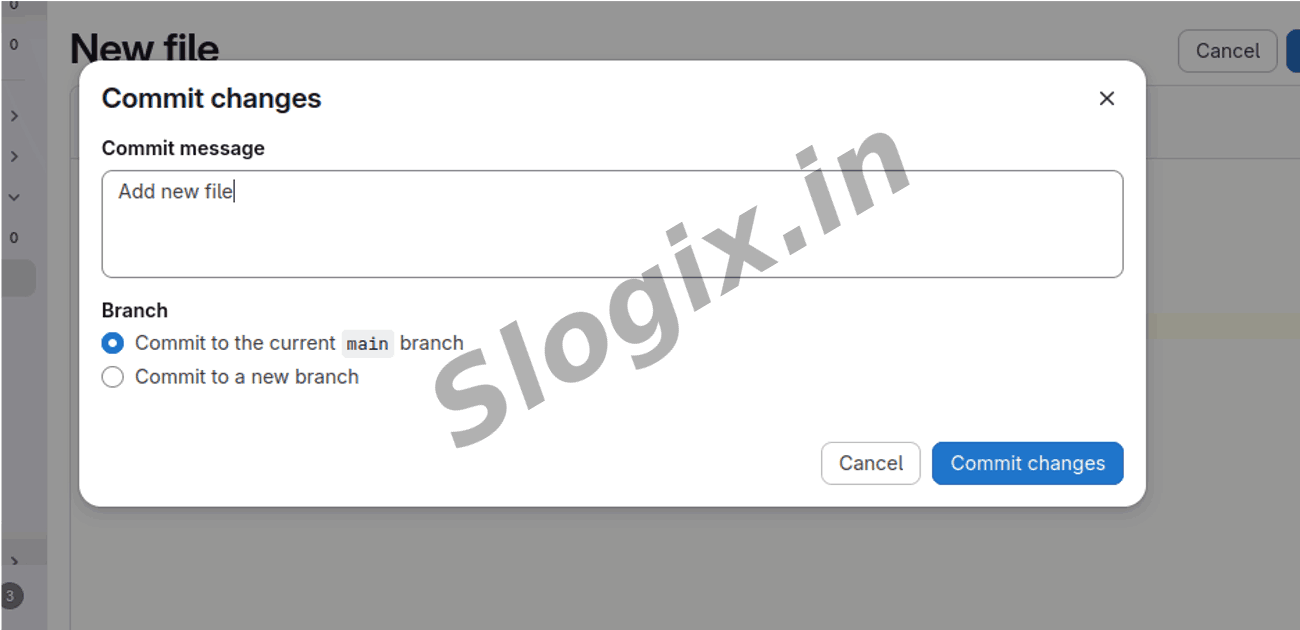
Step 4 — Push Your Files and Test the Pipeline
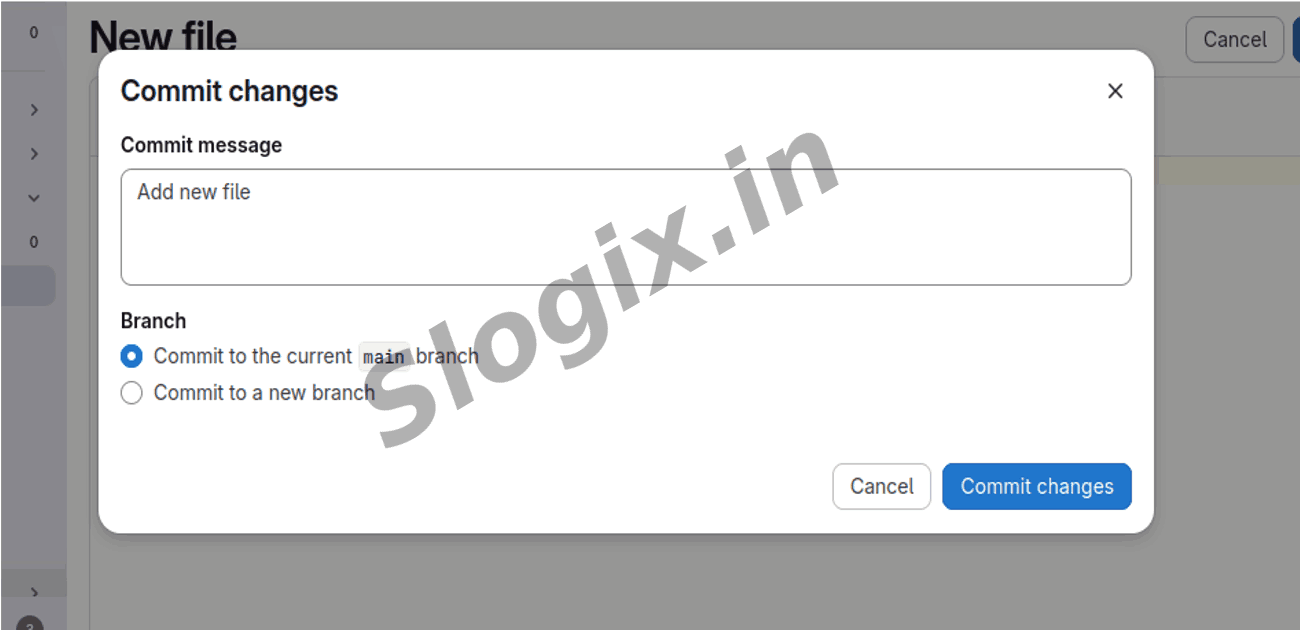
Once you commit and push the code:
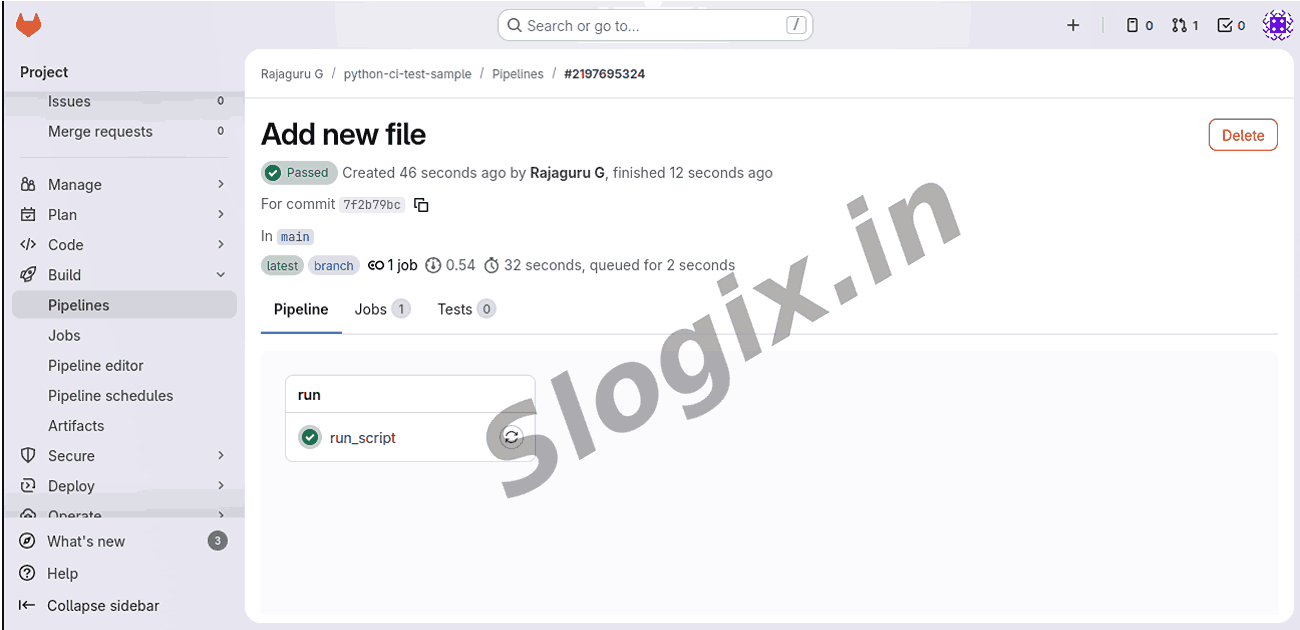
Go to GitLab → Build → Pipelines
Click the latest pipeline execution number (Ex: #2186182769)
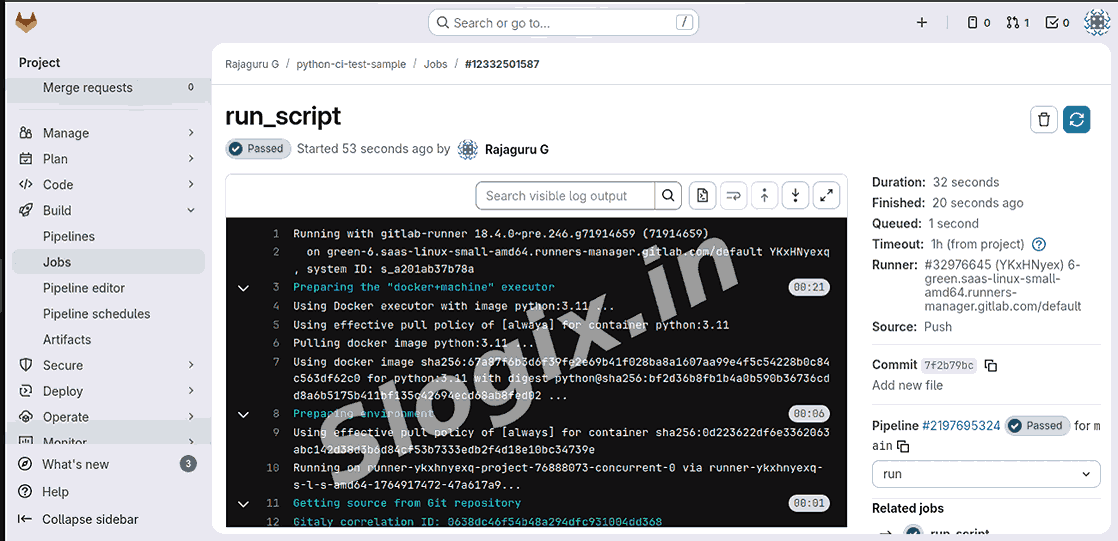
Select run_script
You will see:
Hello from GitLab CI
This confirms your Python script successfully ran through GitLab CI/CD.
 Research Breakthrough Possible @S-Logix