How to Save the Jenkins Build Output as an Artifact and Download it After the Job Completes?
Share
Condition for Save the Jenkins Build Output as an Artifact and Download it After the Job Completes
Description: Jenkins allows you to store files generated during a build (e.g., reports, logs, output files) as artifacts. These artifacts can be downloaded later from Jenkins.This task helps you to create a text file during the build and then configure Jenkins to store that file as an artifact.
Steps
Step 1 — Open Jenkins Dashboard
Open your browser and go to: http://localhost:8080.
Step 2 — Create a New Job
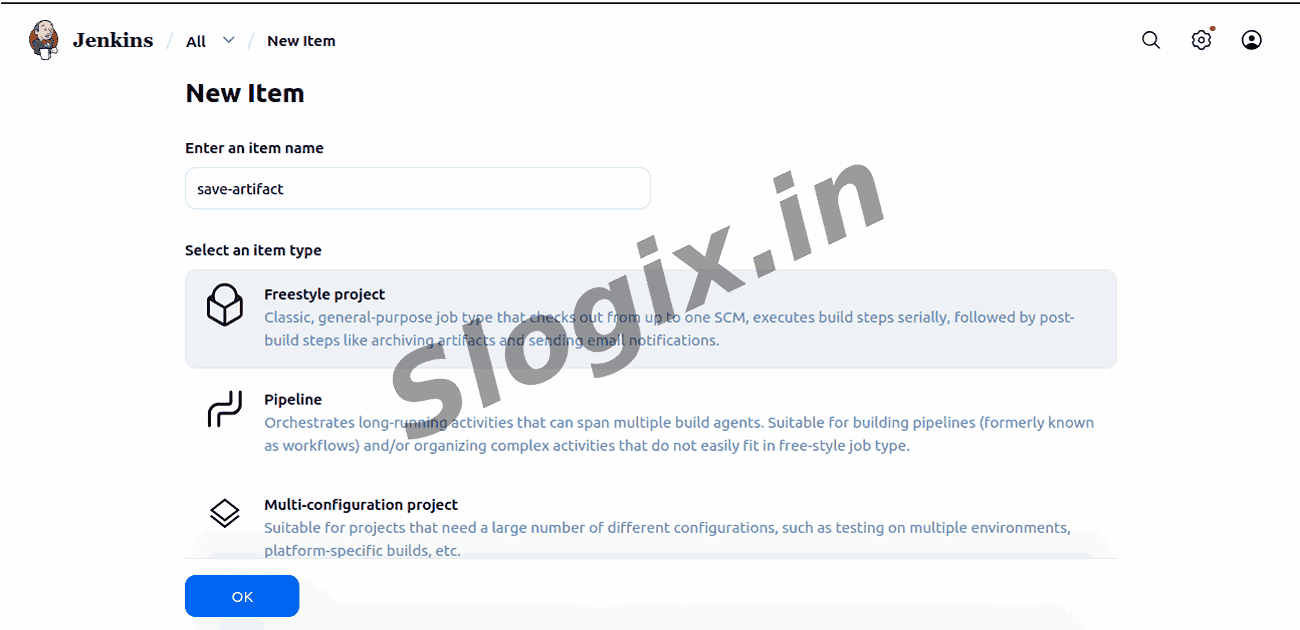
Click New Item from the left menu to create a job.
Step 3 — Enter Job Name
Type the job name:
save-artifact
Step 4 — Select Freestyle Project
Choose Freestyle Project and click OK.
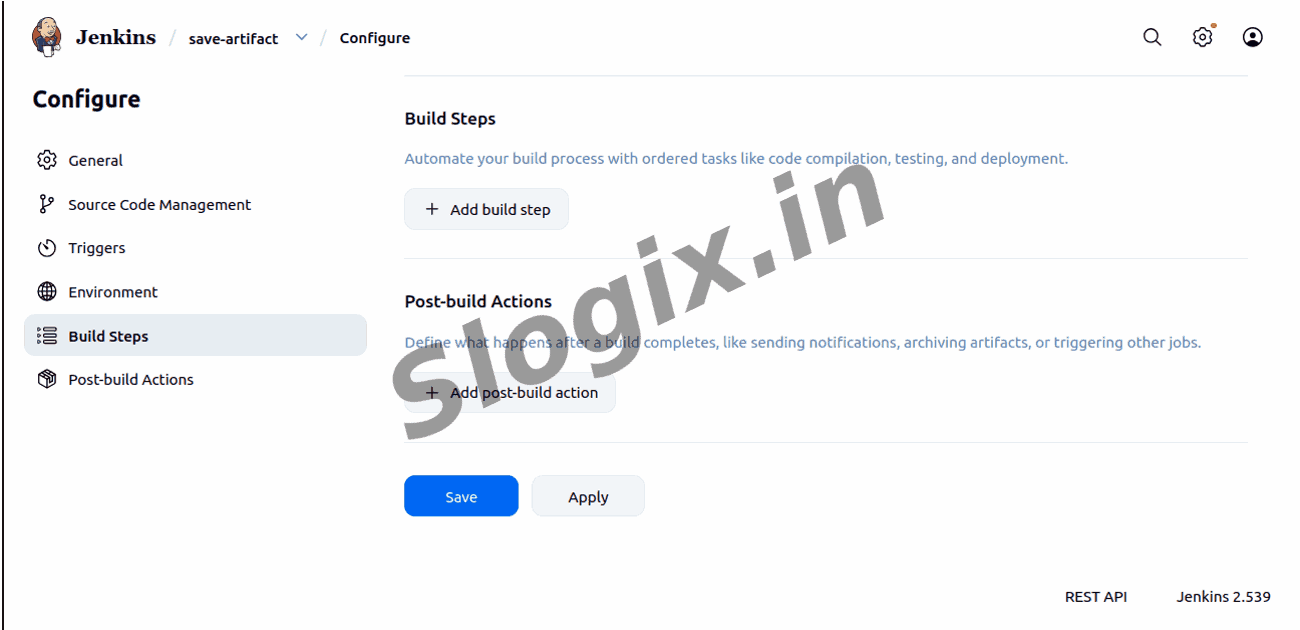
Step 5 — Add a Shell Build Step
Scroll to the Build section → Click Add build step → Select Execute shell.
Step 6 — Enter the Shell Commands
In the command box type:
mkdir output
echo "This is my artifact" > output/info.txt
This command creates a folder and stores a text file inside it.
Step 7 — Add Artifact Archiving
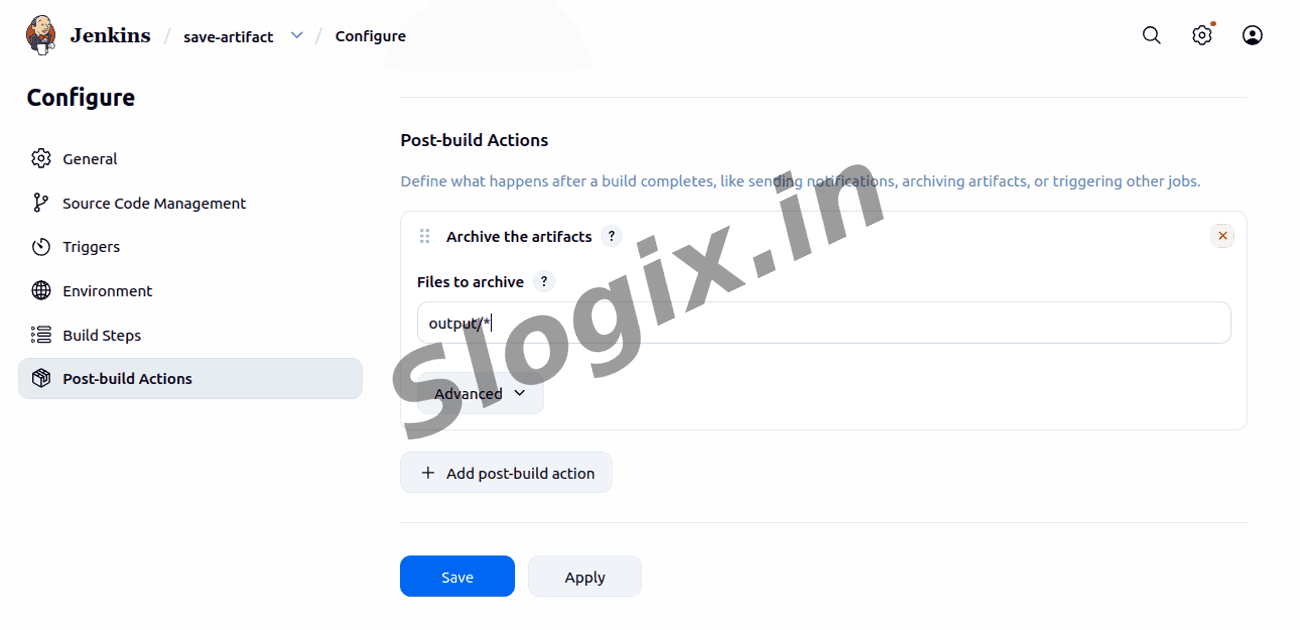
Scroll down to Post-build Actions → Click Add post-build action → Select Archive artifacts.
Step 8 — Specify the Path to Archive
In the Files to archive box type:
output/*
This tells Jenkins to save all files inside output.
Step 9 — Save the Job
Click Save to store all configurations.
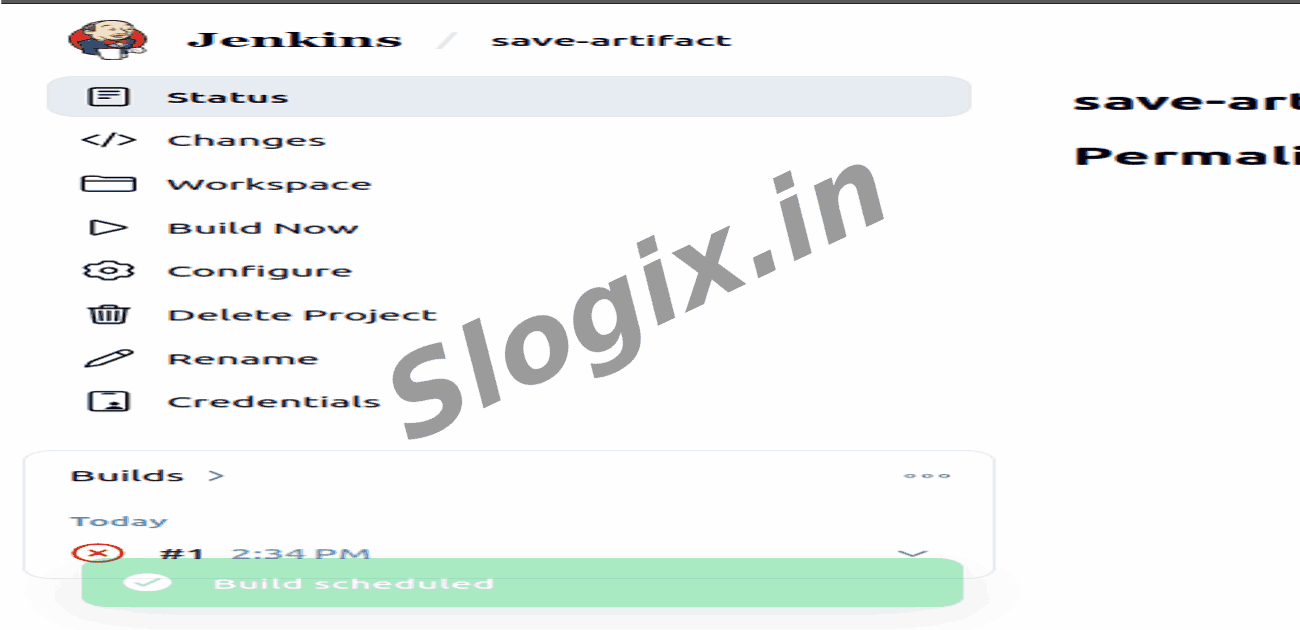
Step 10 — Run the Job
Click Build Now to execute the job.
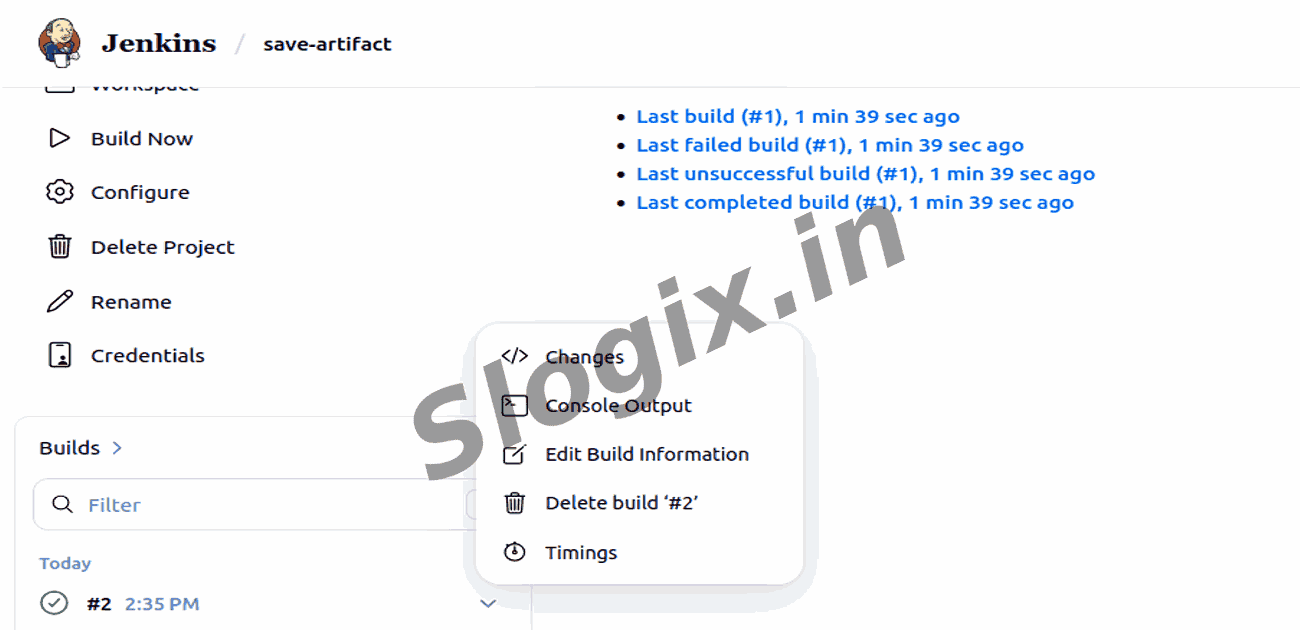
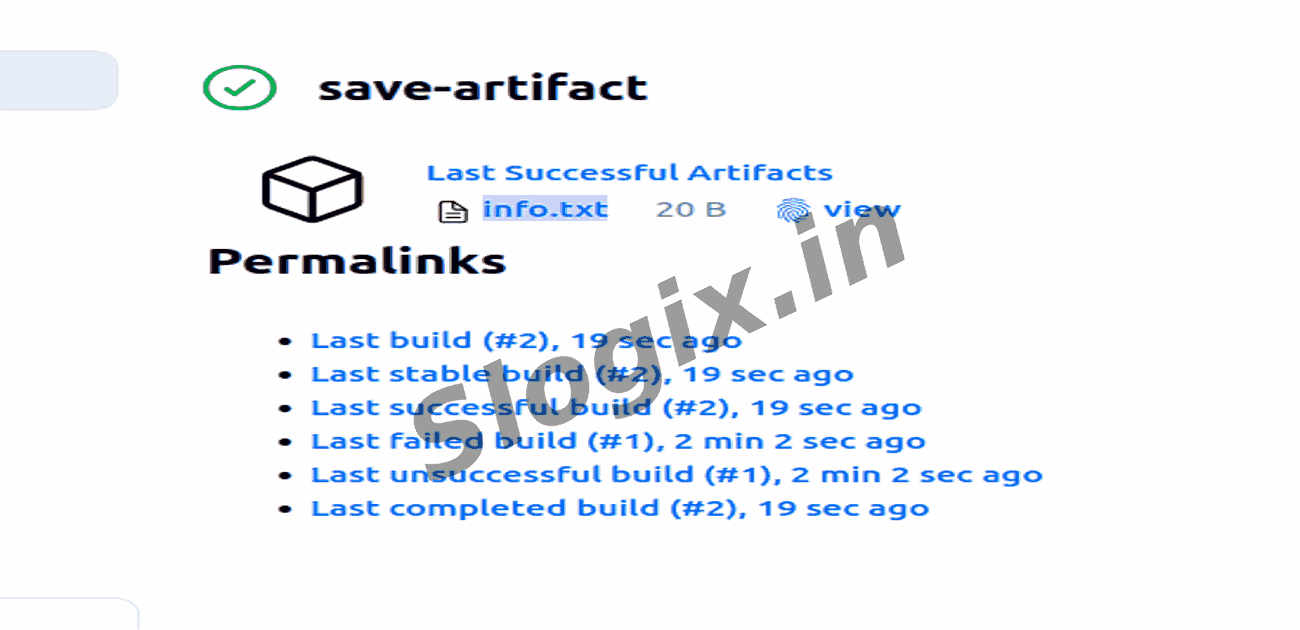
Step 11 — View the Saved Artifact
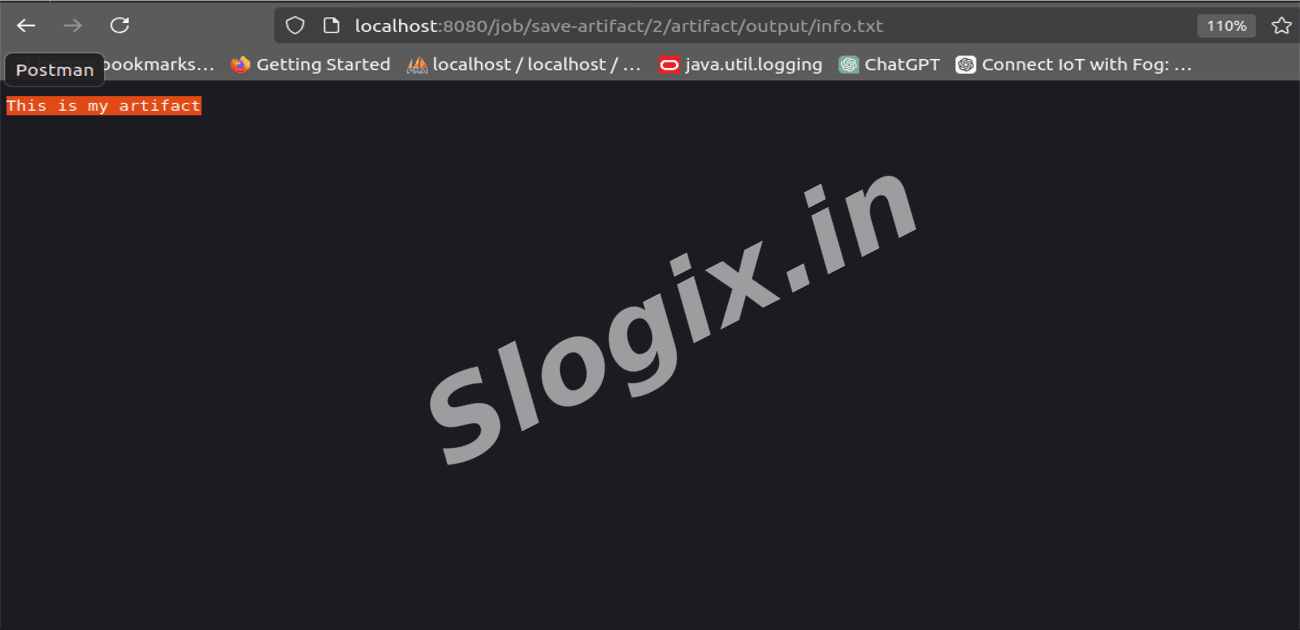
Go to the job page → click the latest build number → Find Artifacts section → Download info.txt.