Research Breakthrough Possible @S-Logix

Office Address
- 2nd Floor, #7a, High School Road, Secretariat Colony Ambattur, Chennai-600053 (Landmark: SRM School) Tamil Nadu, India
- pro@slogix.in
- +91-81240 01111
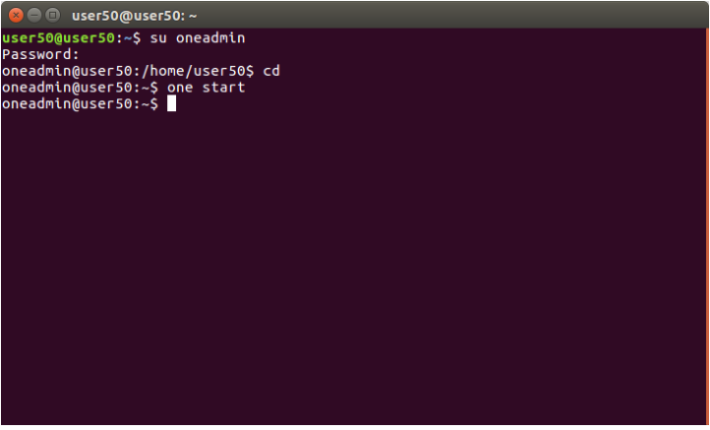
i) Login as the oneadmin user in Terminal.
Type the following command.
<one start>
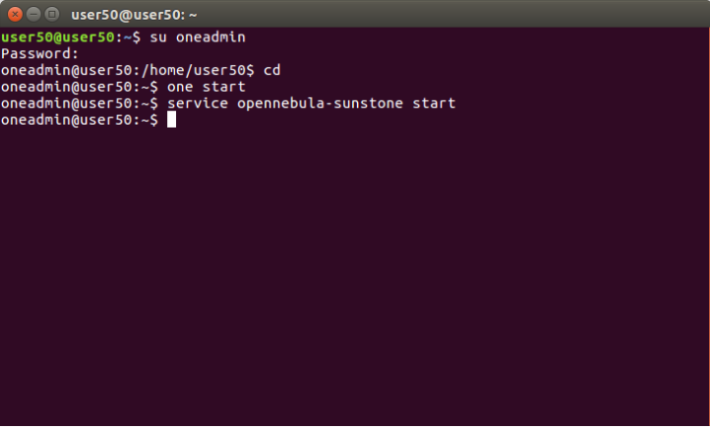
(ii) Start the OpenNebula SunStone.
Type the following command.
<service opennebula-sunstone start>
Go to https://localhost:9869 .
Login into OpenNebula Sunstone.
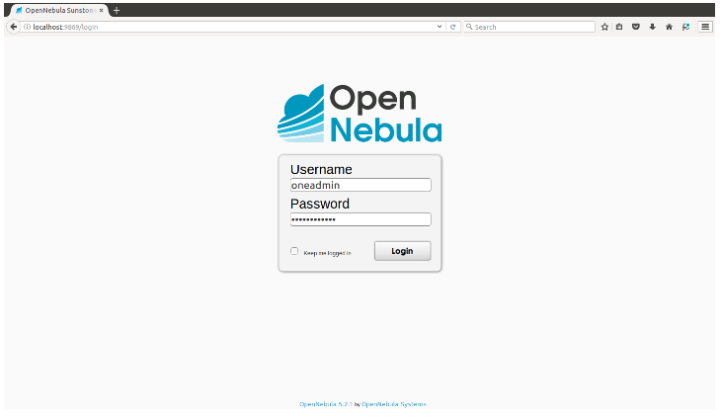
Username-oneadmin.
Password-xxxxxxxxx and click on “Login” button.
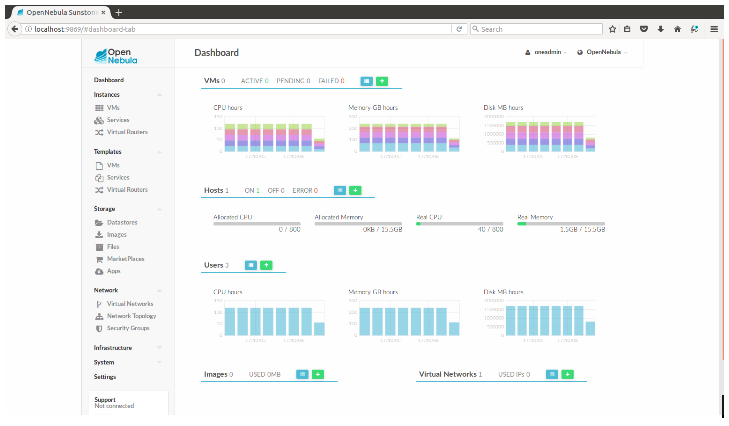
OpenNebula Dashboard screen will be displayed.
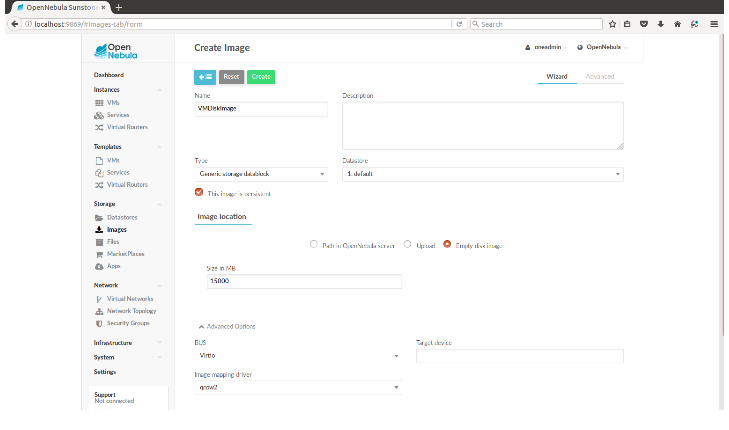
Name = "image name"
Type = Generic storage datablockTick
"This image is persistent"
Set Image Location to “Empty disk image”
Size = "your required space in MB"
Advanced Options
BUS = Virtio
Image Mapping driver=qcow2